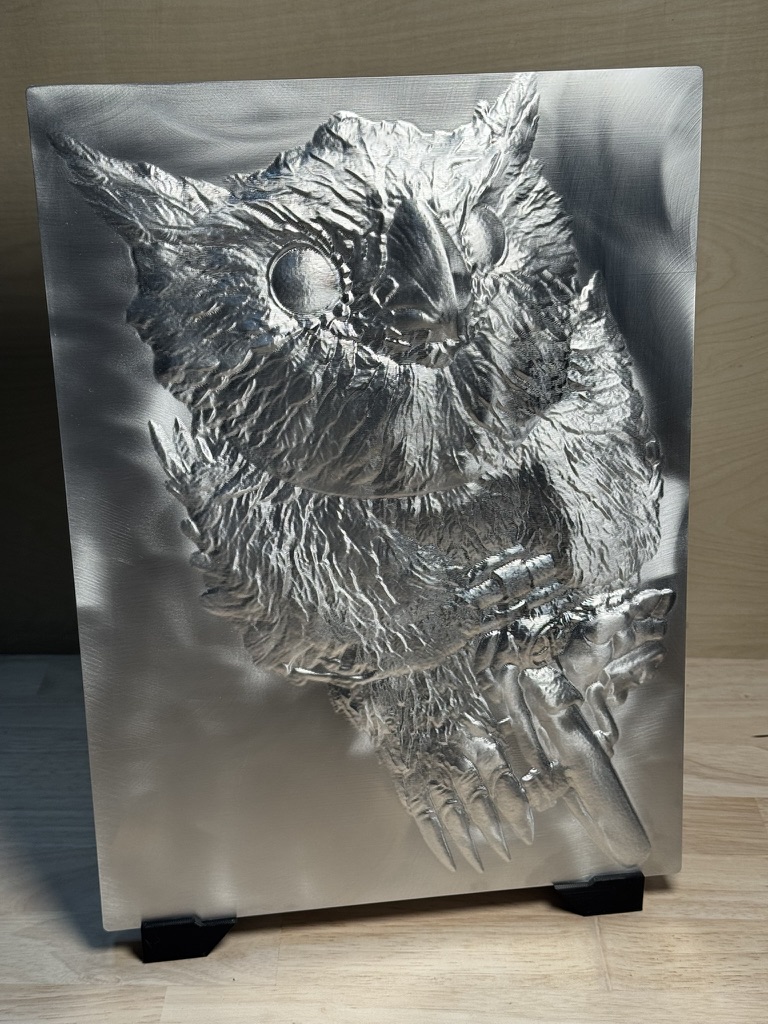
where did you get this CAD? I need something cool like this for a video.
I license 3D models and then pose them (which involves composition, perspective distortion, etc.) and run them through a custom bas-relief pipeline.
I think this was the original source model: https://platform.stlflix.com/product/tyran-t-rex
1 Like
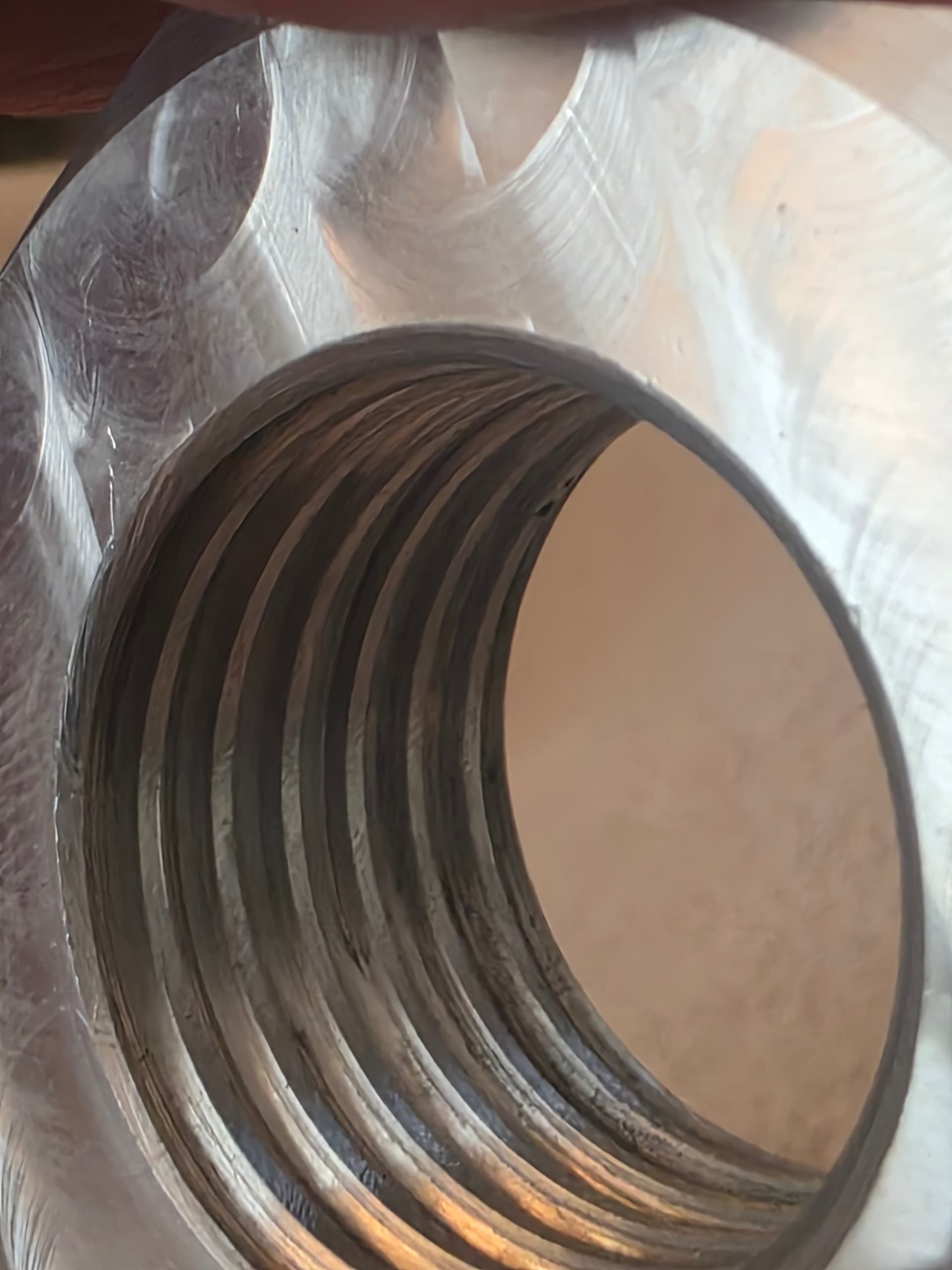
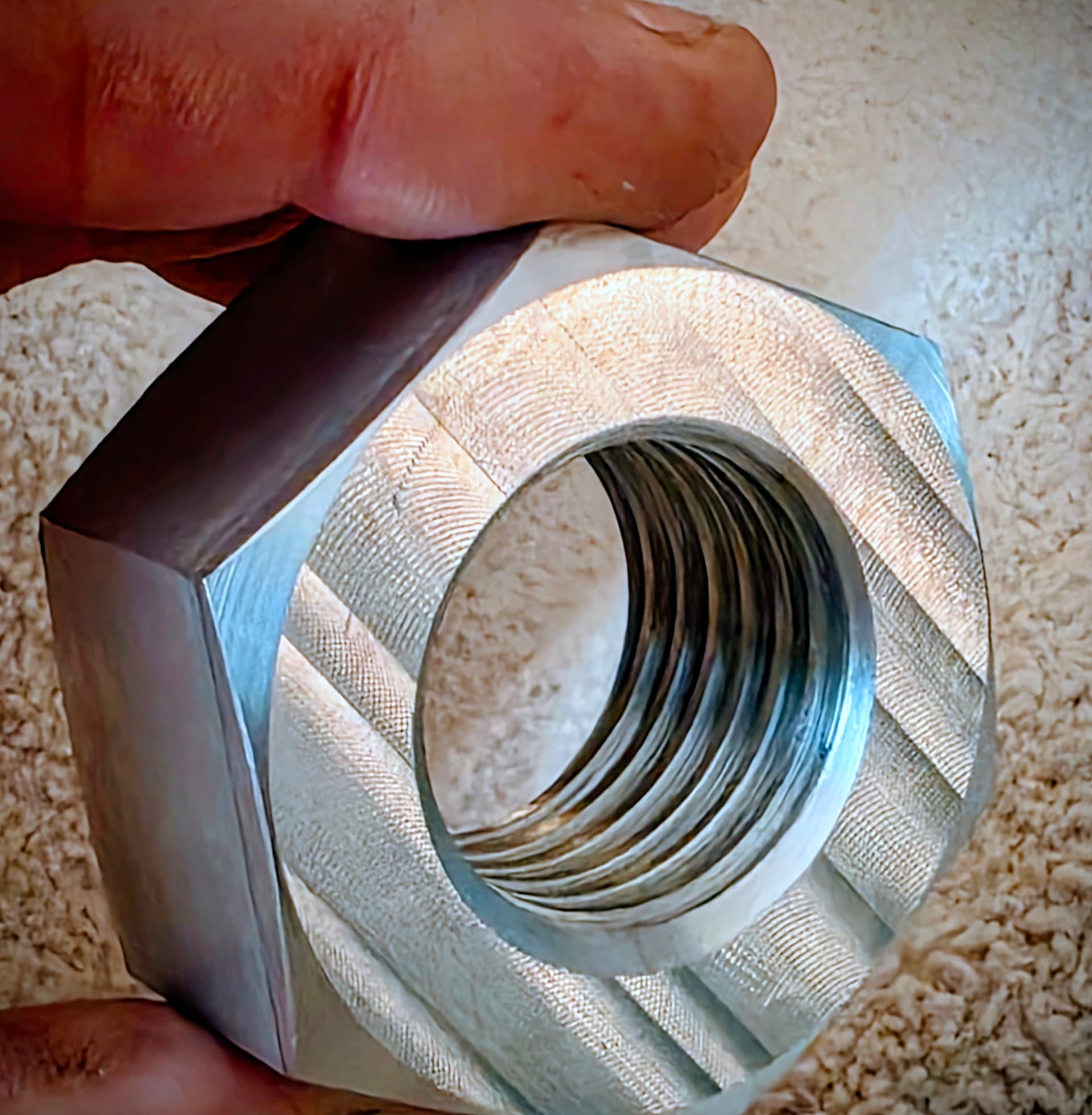
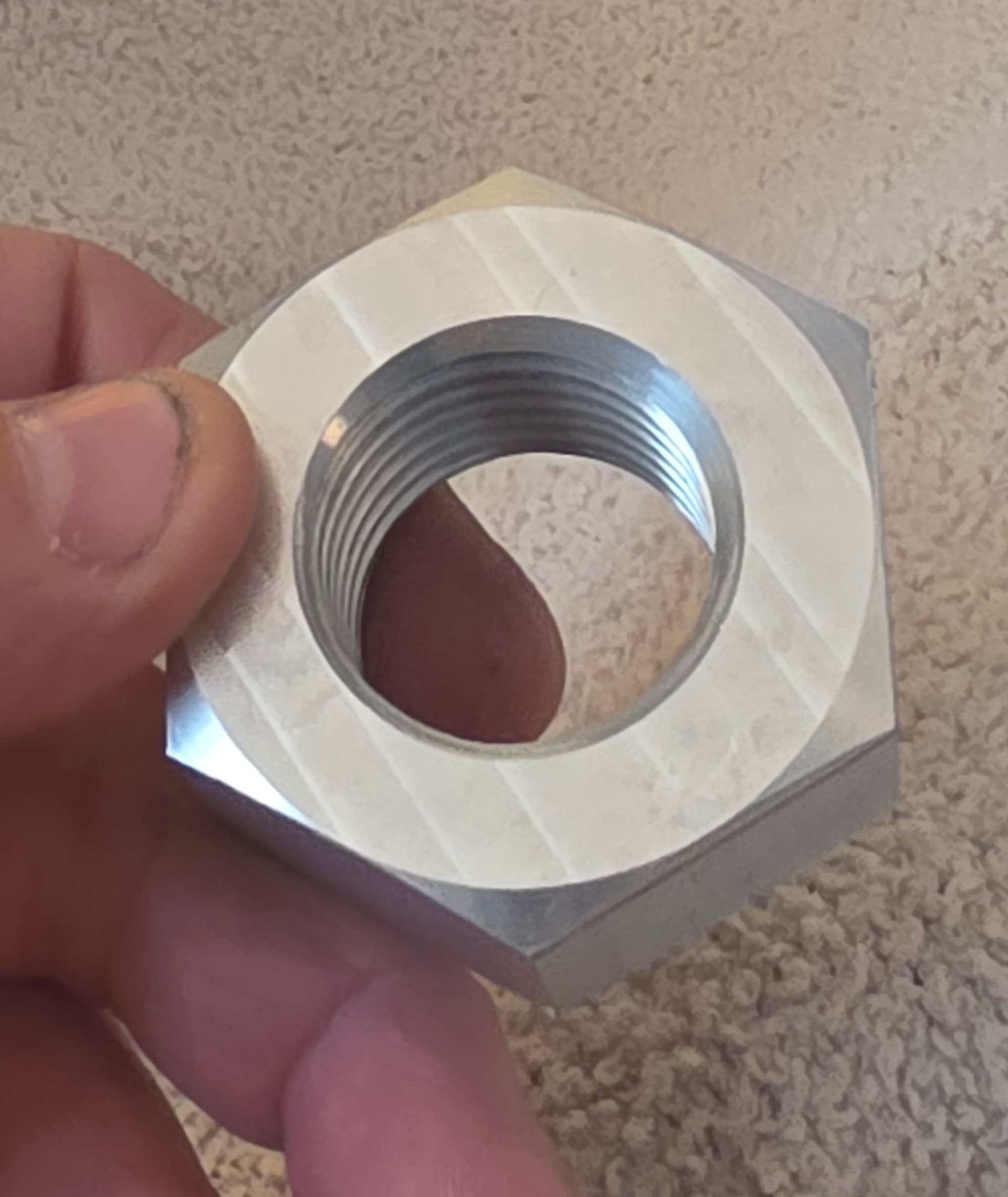
That sculpture is tough to beat. I made a prototype prop shaft nut this morning. I did it out of aluminum before I wasted the block of Silicon bronze. It came out way better than I anticipated. It is 1-1/8 -8 thread.
15 Likes
Nice looking piece of work!
1 Like
I made one several years ago and needed another one for tomorrow. The Fusion files were still on my computer. I just wanted to see if it still worked. My butt puckers up anytime I run the thead mill program.
6 Likes
Here is some parts that I made on my MR-1 for an aircraft project that I am working on. Material is 7075-T7 aluminum. The tricky part is having to flip the part over to mill the backside. To finish these I will bead blast and then anodize.
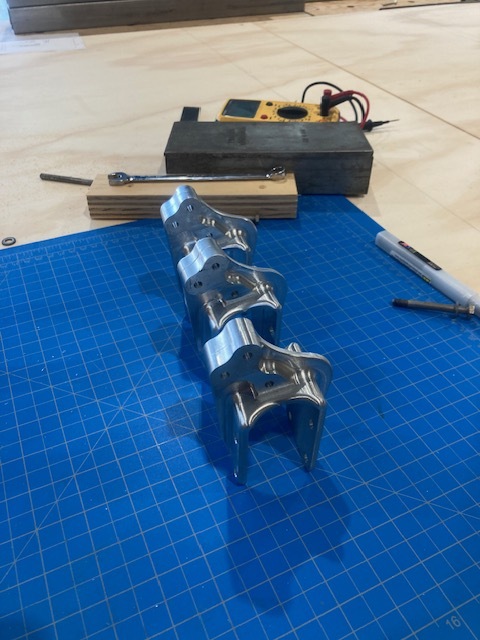
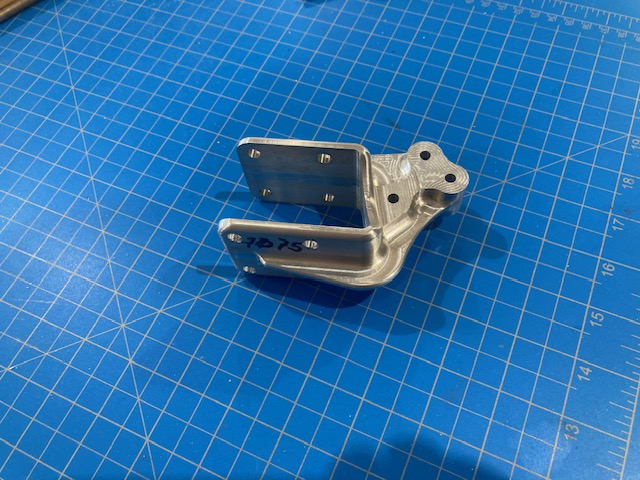
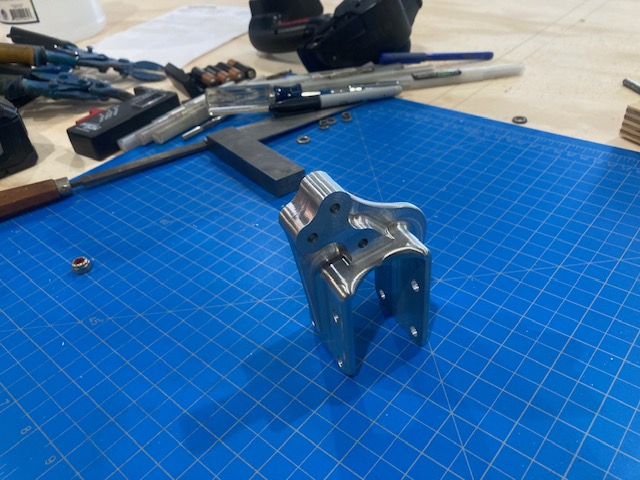
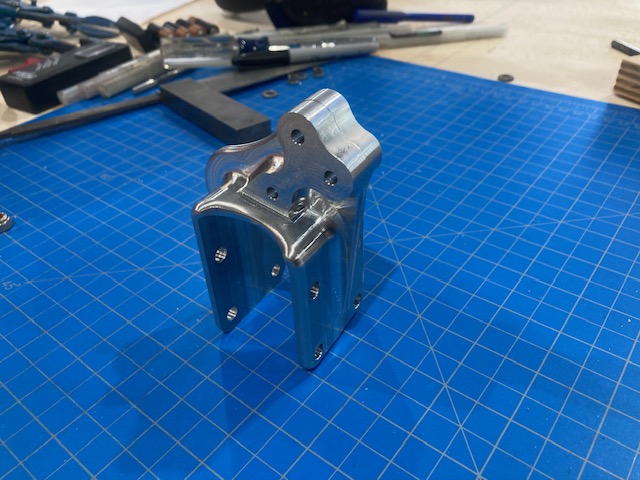
8 Likes
well those dang thread mills are expensive. Nothing suck like snaping one off. 
2 Likes
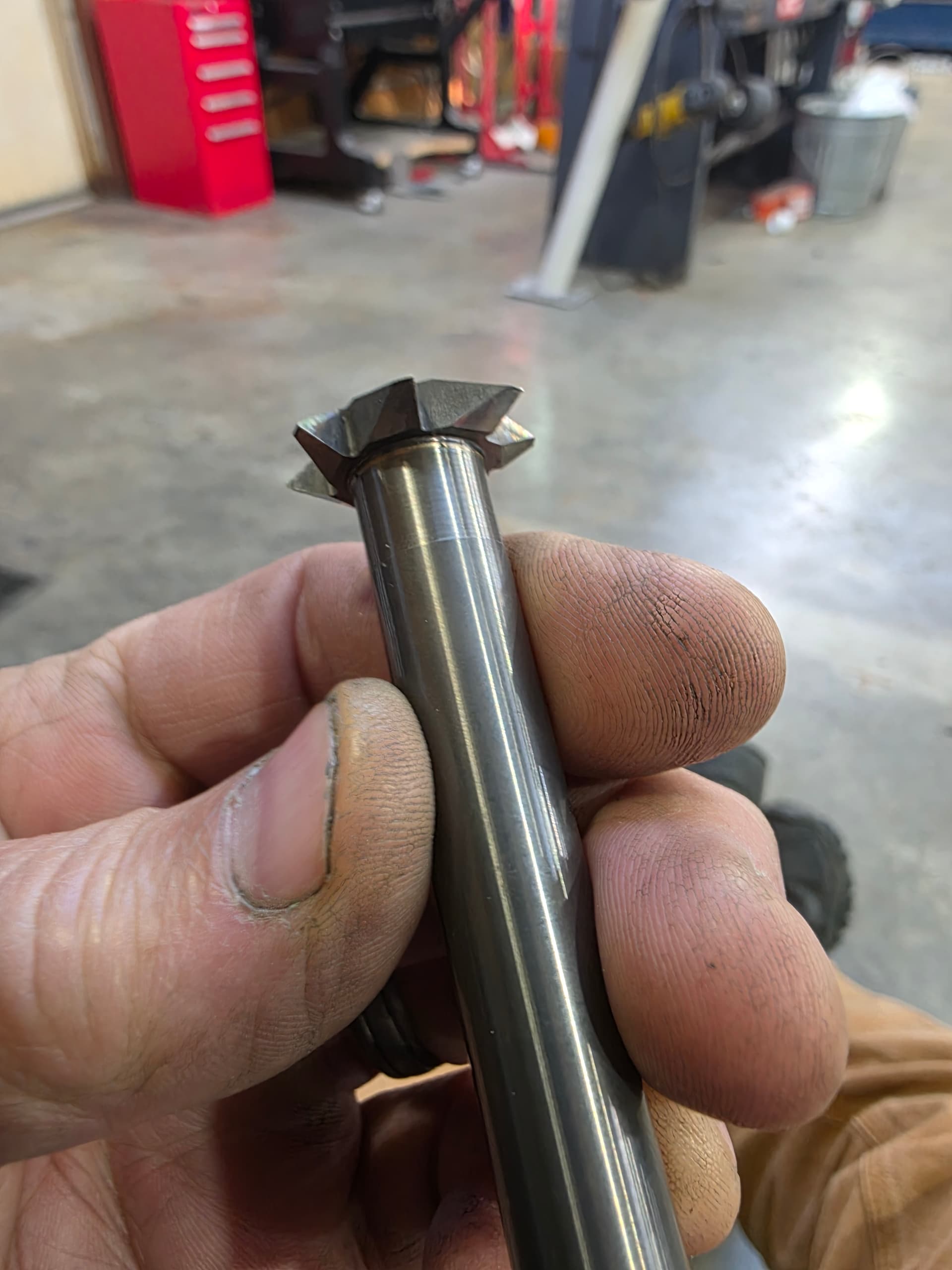
This one is for 8 threads per inch. If I break this one, the door will fly open, or worse. That’s why butt-squeezing making the cut.

3 Likes
O Dang! That’s a big thread mill. Yeah she’s gonna stall before she breaks that beefy sob. Or like you said the part will be coming out of the vise. Jobs like this make me happy that the MR-1 has doors. haha
3 Likes
I have yet to try thread milling, how tricky is it to set up in fusion and can you time the threads reliably?
1 Like
Yes its easy. And better than a tap if you set it up correctly in my opinion. Watch a couple of YouTube videos from NYCNC or of your choosing. Get a hunk of aluminum and go at it.
1 Like
Thank you!
I made a single sheet with all of the threads that I care about (nothing as big as that example) here which others may find useful:
I buy my thread mill tools from Online Carbide, so the Tool Library has data for their tools. You could easily copy the spreadsheet to adjust for other tools. No warranty, but it has worked for me. I find it easier to have it all in one place, vs adjusting every time I make a new thread.
The forum says “this sheet is private”, but I double checked and it opens for me if I’m not logged in with a google account. Hopefully it works for you.
3 Likes
Alex, I’m also yet to play with thread milling, is this sheet / tool something that gets saved into F360 library once you have created a certain size thread once ?
1 Like
When you thread in Fusion you have to provide the thread pitch and the pitch diameter offset (basically the radius that the cutter follows around the spiral). The spreadsheet computes both of these for a given thread and cutter.
The math comes from the NYCCNC spreadsheet, and I highly recommend watching his videos on doing this.
In Fusion you can make template operations, so I’ve made templates for bore+thread ops for my most common thread sizes.
Alex, that is a great spread sheet. Can I save that to my Google drive? Just wanted to make sure.
Of course, feel free to make a copy and edit for your own tools. It’s good to double check a few values against a spreadsheet that you trust to make sure that you like the results.
1 Like
In this video I’m facing an Aluminum plate to use as a fixture. Settings are .010" DOC, 8000 rpm, 10mm 3flut uncoated carbide endmill, 200ipm, 5mm step-over. If you have any other questions let me know.
2 Likes
Did you phosphate those or send them out?