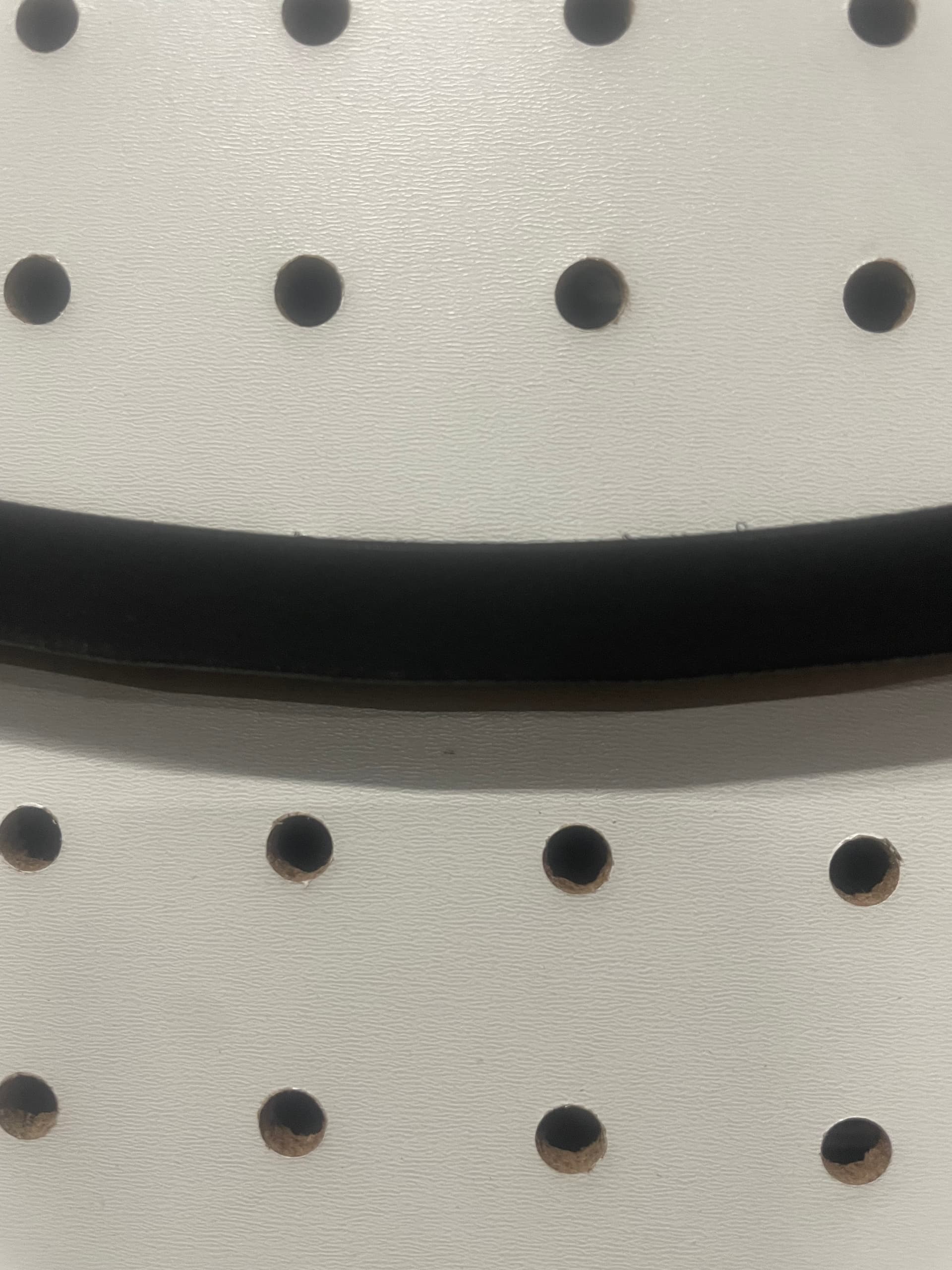
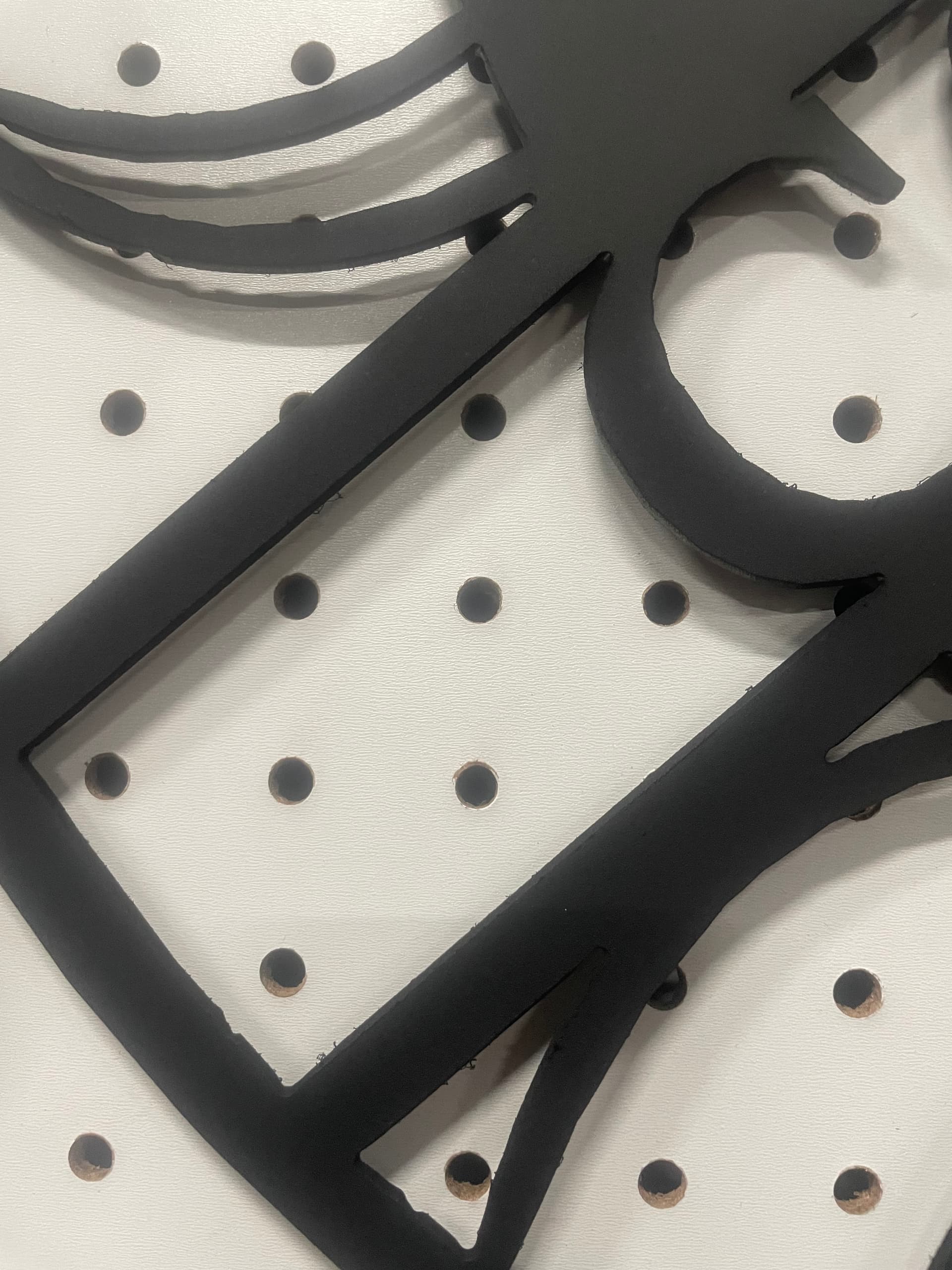
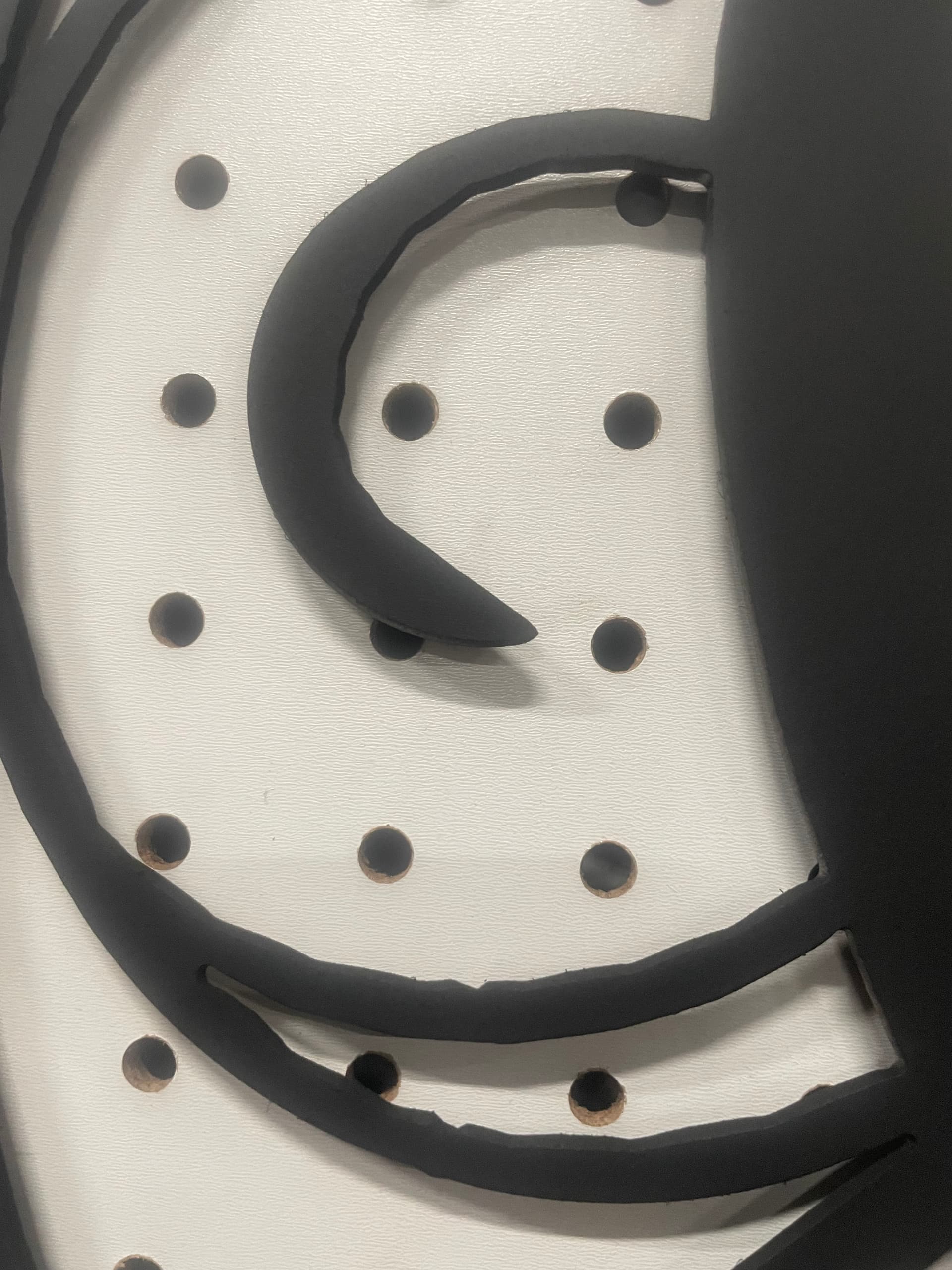
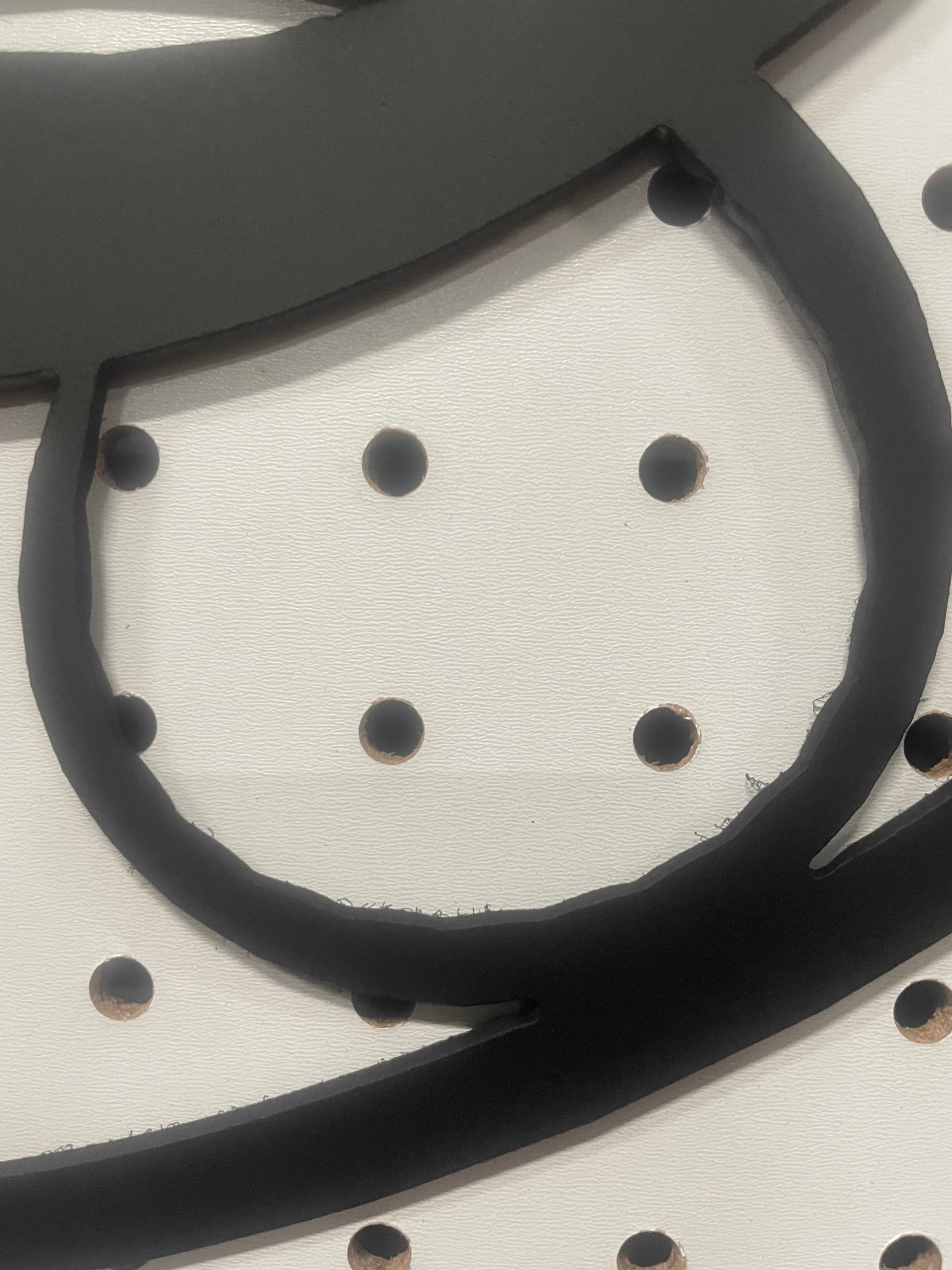
I am new here so I apologize in advance if this has been discussed. I did try and search first.
I am getting rough or “jagged” cuts on some arcs/curves but not all of them.
I have a crossfire pro table with THC
Hypertherm powermax 65 sync using 45 amp “smart” consumables
Air is pretty dry filter, dissicant filter, then motor guard. Air is set at 90 at regulator (hypertherm manual says the machine fine tunes it internally)
Torch height was recently re adjusted with feeler gauge and accurate
Air psi increase isn’t for Jagged cuts, it will give you better cut quality as for less dross, less edge bevel on parts cut and plasma pierces all the way through material.
As Richard said, check the couplers. I had inconsistent holes and could not figure it out.
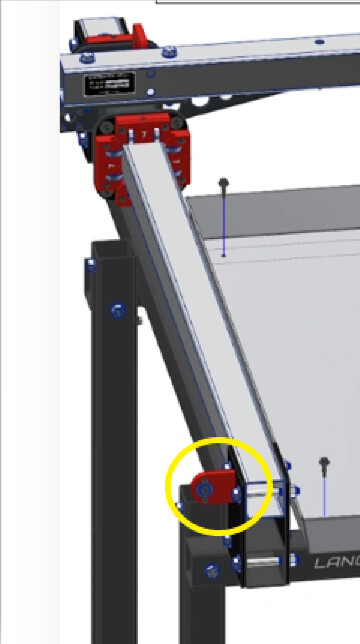
As it turned out, there was some wobbling happening at the end bearing blocks but I did not figure it out until the entire bearing block dropped off the rail with the lead screw. Tightening those screws thru the rails is somewhat difficult but I didn’t want to do it a third time so I used the blue loctite on them. No problems for 3 years now and the holes and curves are great.
I meant the original design you used to post process (svg, Inkscape, dxf) But the cut file or g code will work too whatever is easier for you. I’ll be able to tell from either.
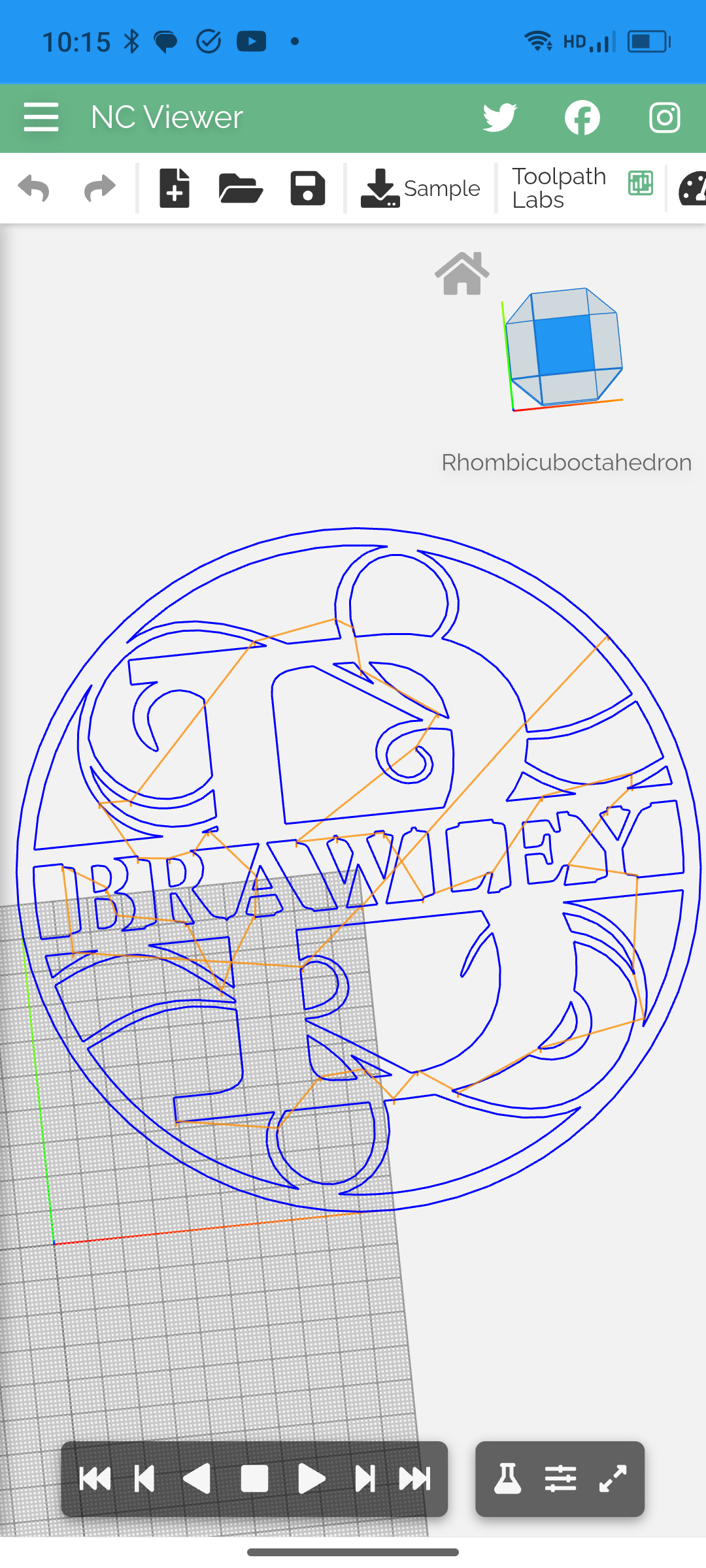
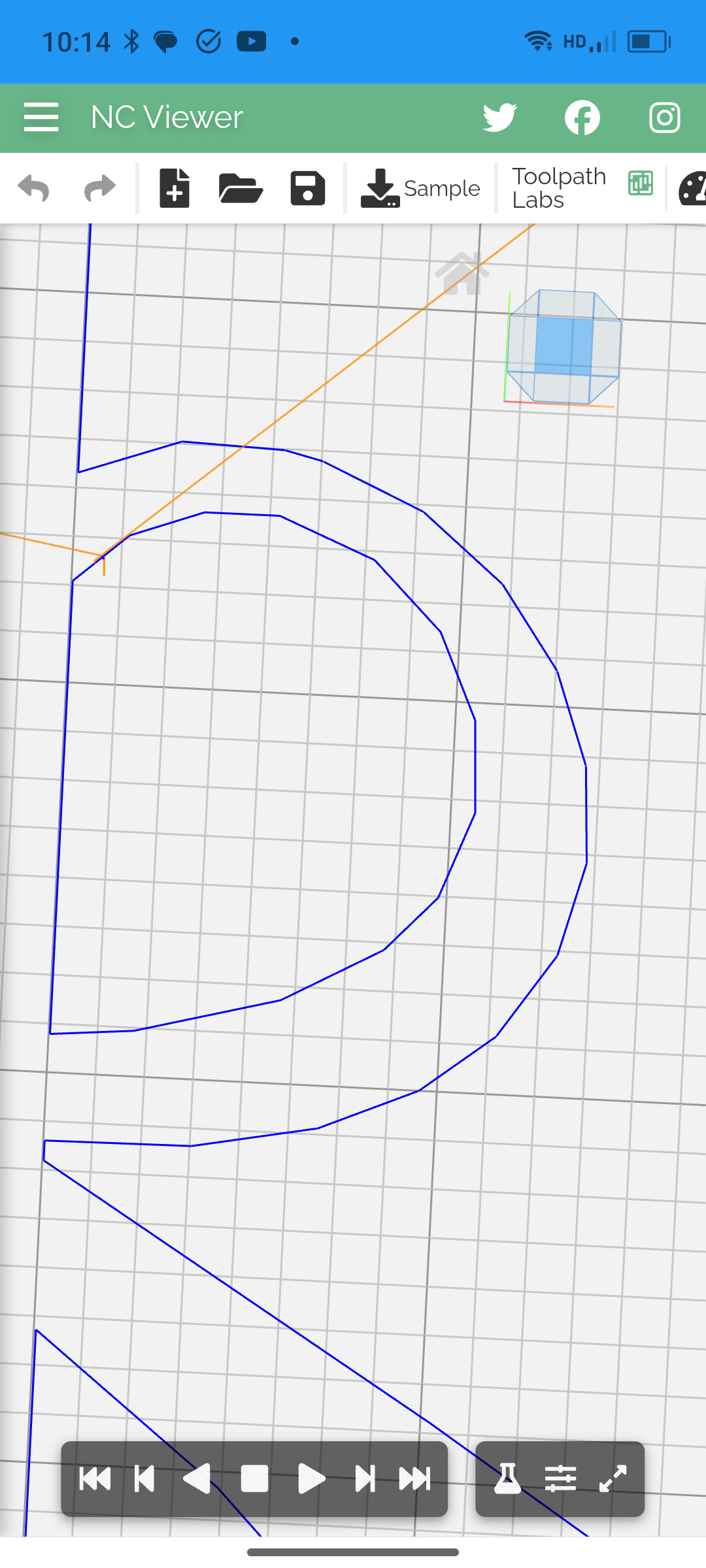
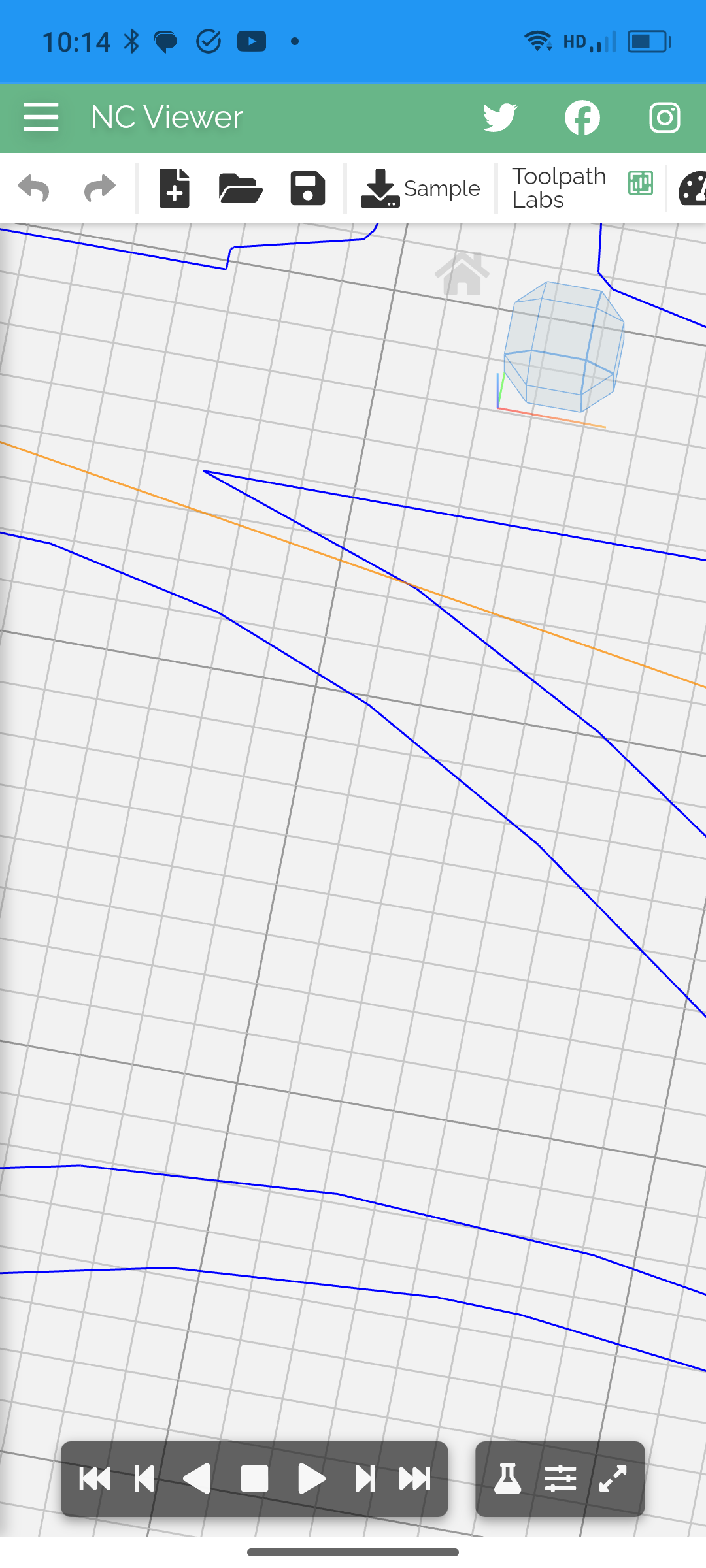
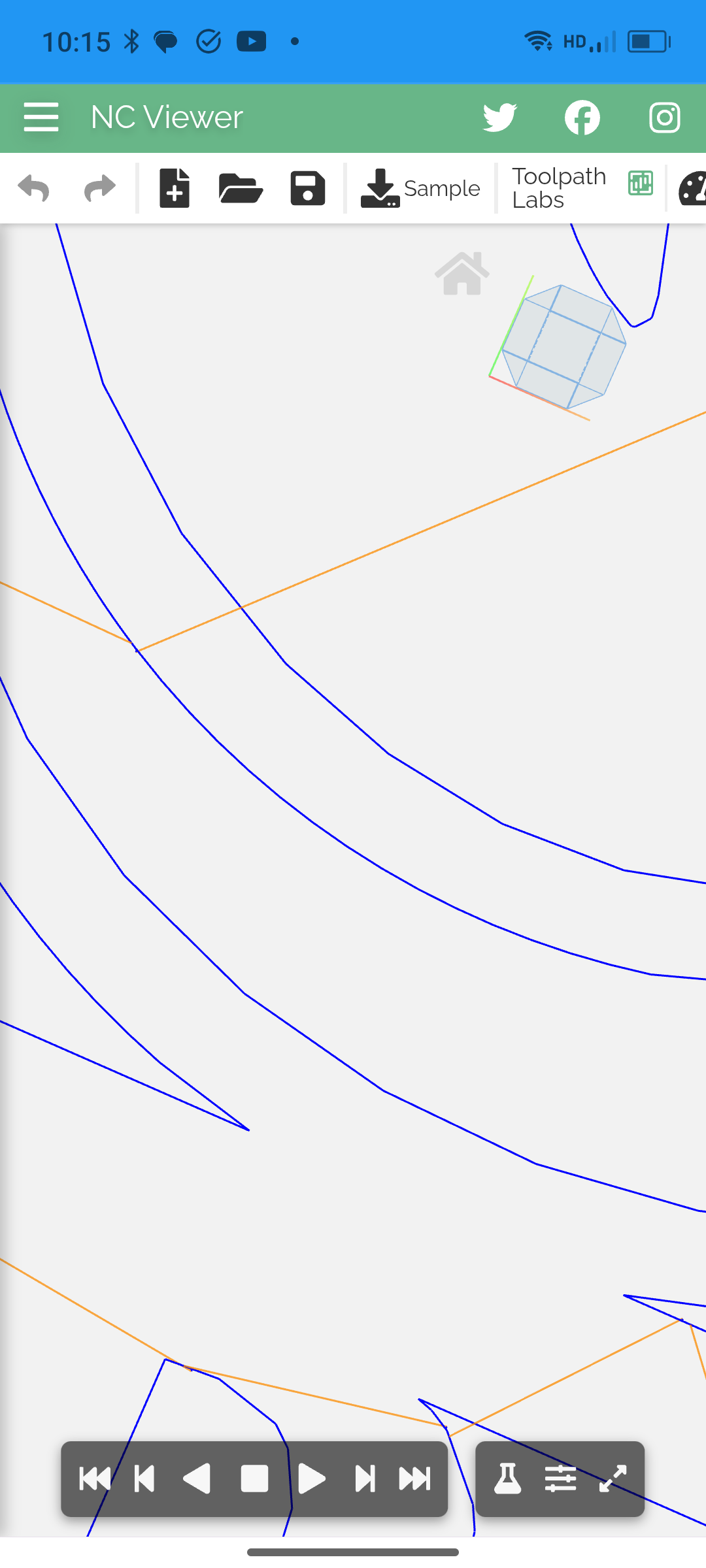
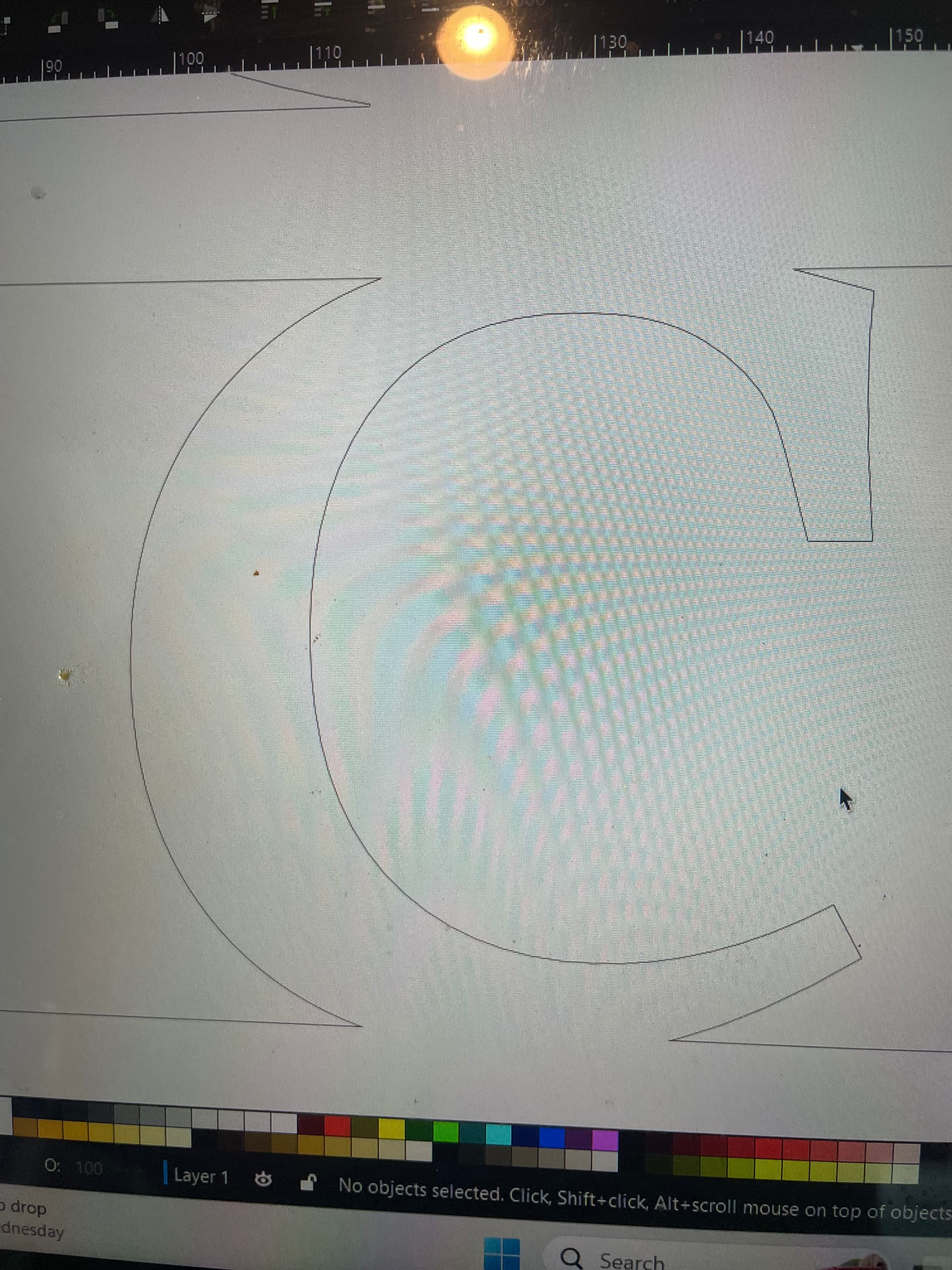
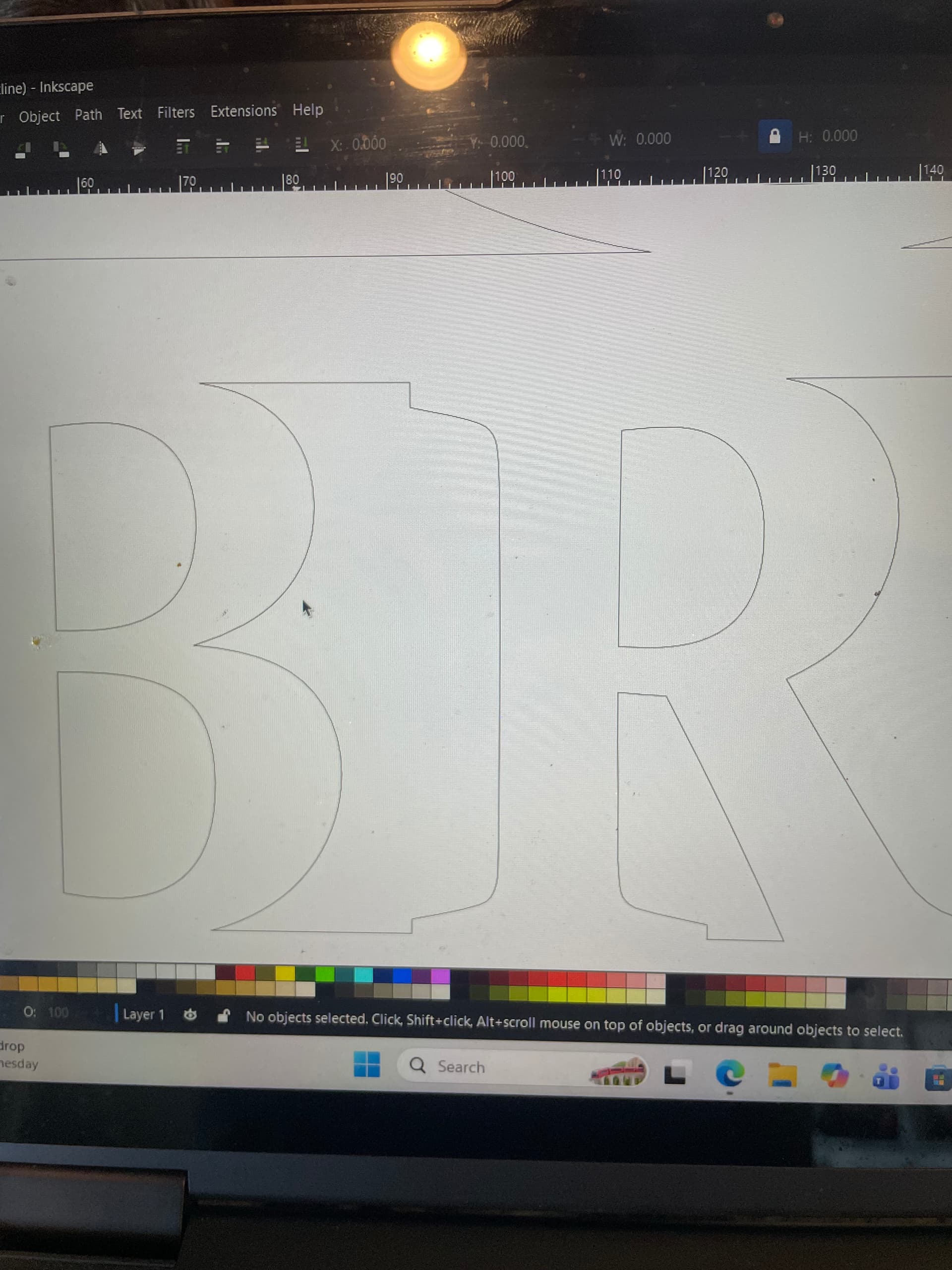
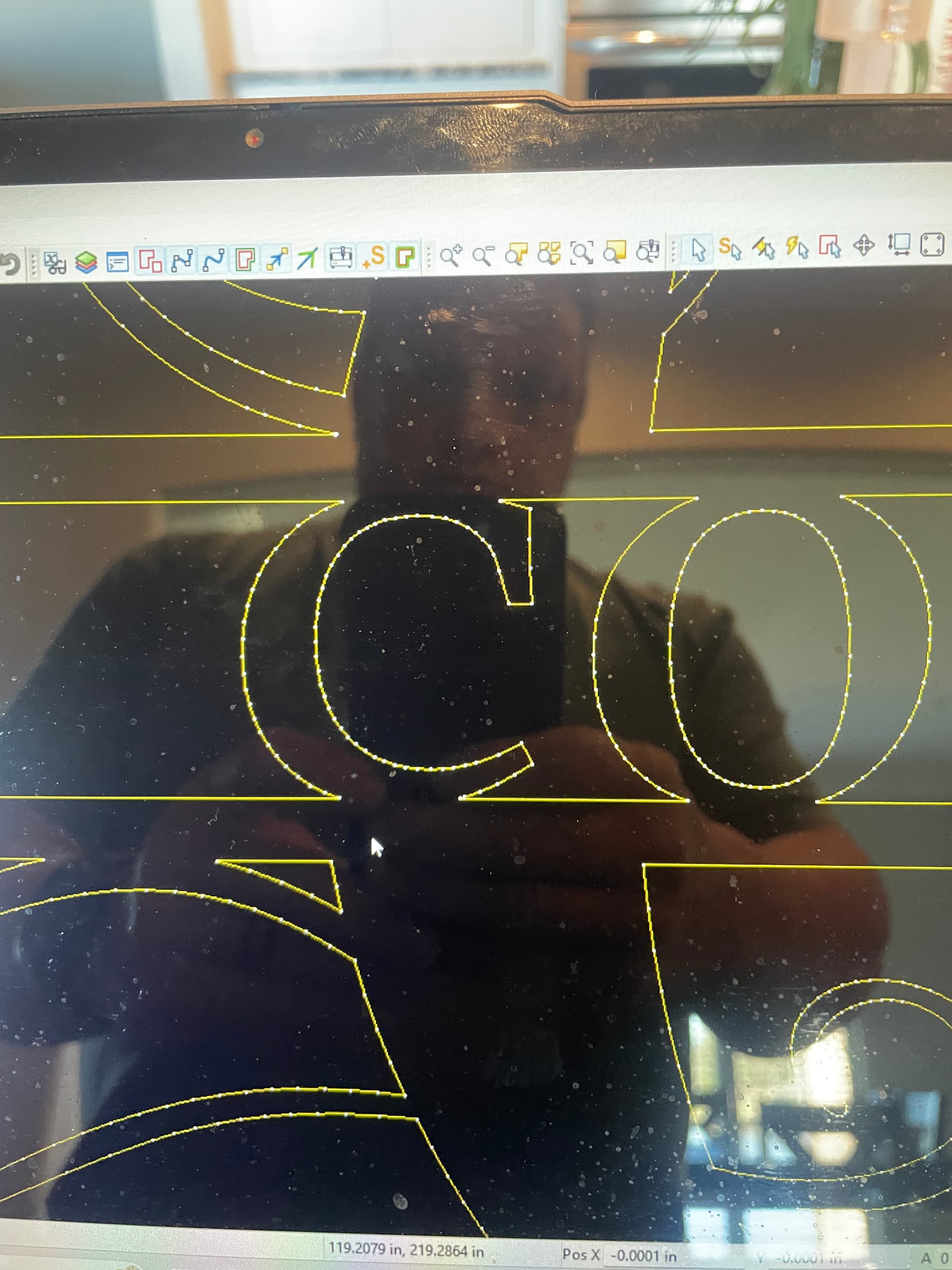
The photos you posted with the cut issues have a C visible. The file you posted doesn’t have a C so it makes me think it’s a different file. The file you posted shows smooth curves as an SVG should be. The photos you posted of the cuts have uniform segments like you’d see in a file that doesn’t have smooth curves. Which you encounter on certain fonts and one some conversions. If you want to post the exact file you used for the cut in the photos that will help.
The suggestions about couplers being loose could be valid; but to me if it’s only happening on some curves, with that level of uniformity; it looks exactly like arc segments. Without seeing that actual design or the cut file, the design can’t be ruled out as the issue.
@Kidkarr can you post the cad file not the tap? That looks more like a design issue. I have never seen sheetcam have setting issues that would cause that.
It’s likely happened in post processing. That’s why you don’t see it on your SVG or dxf.
Maybe some kind of setting in sheet cam that’s adding those facets?
I think there’s a way of posting a entire project file from SheetCAM so someone may find the flaw. I’ve only done a few projects and SheetCAM I mostly stick to Fusion.
Post the dxf for SVG that you loaded into SheetCAM
You can also use “NC viewer” to look at the tap files from SheetCAM. It’s a good app for your phone and you can use it browser based on the computer.