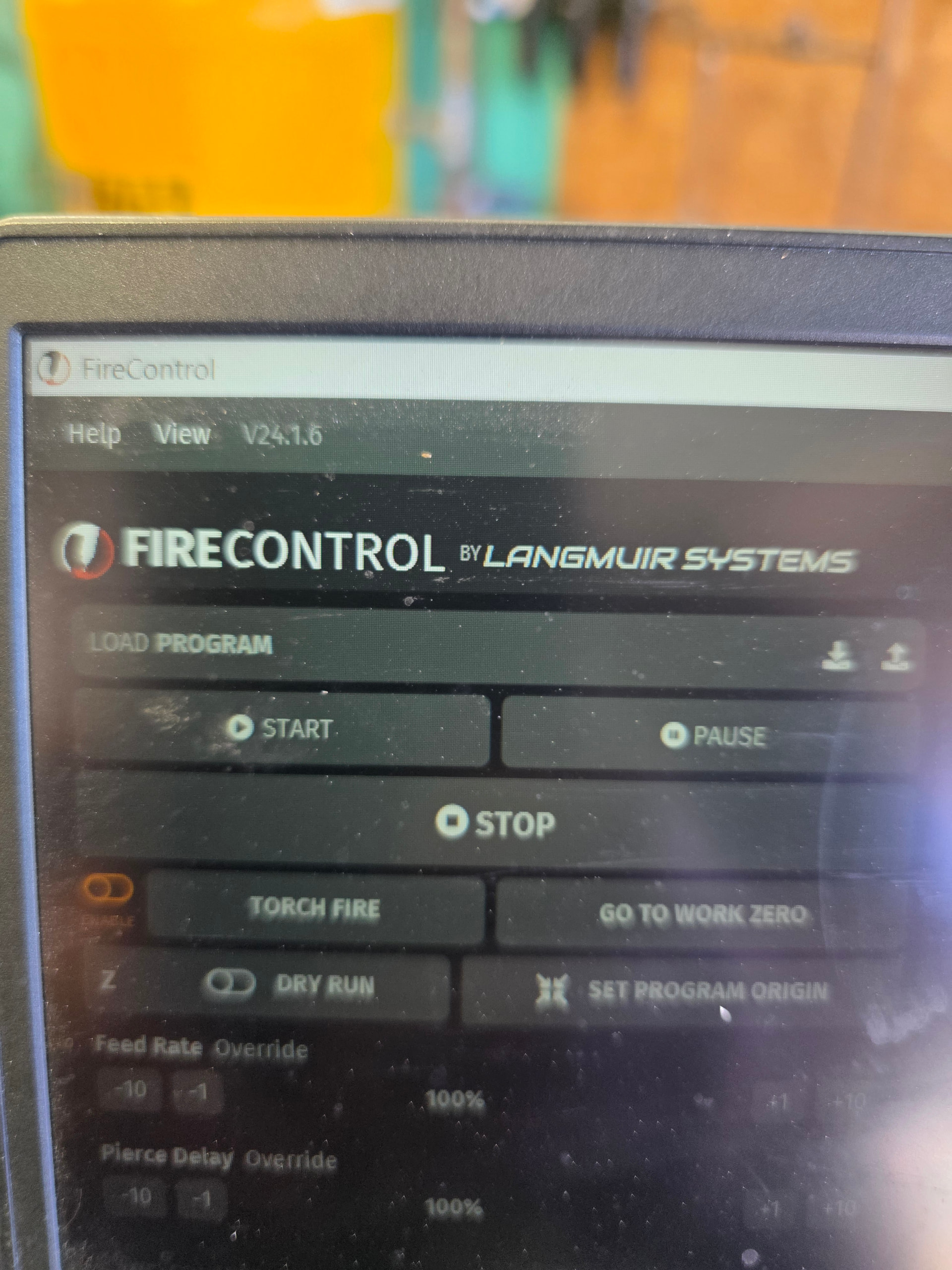
This issue just started a few days ago. I’ve had my PRO of 3 years but I use it very little maybe once a month on average. Never had any issues until now.
Langmuir powers on fine. Fire control opens fine on the laptop, plug in the USB and get the chime you’d expect when you plug a device in. The green light comes on from inside the Langmuir box. You can hear the gentle hum from the steppers. In fire control the icon where you connect to the table allows you to click the drop down and it lays the crossfire there, but when you click it nothing happens. The screen never “gets color”. I unplugged everything and allowed it to sit overnight with no voltage going to it. I completely uninstalled and redownloaded fire control. I changed the usb - A to usb -B cable to a known good one.
Stumped on this. Any input is appreciated!
I’m sorry to hear about this, it can be frustrating. What I would try is checking different ports on your laptop or maybe even using a different laptop. If you are still having the problem, the next thing I would do is disconnect and take out the motion control board (MCB) and plug it into your computer alone to see if it connects. If it does connect, then reconnect each clip one at a time until you find which clip is keeping the MCB from connecting properly. If, when you isolate the MCB and plug it into the laptop alone, it still doesn’t connect, then you most likely need an MCB replacement. Contact us via email and we can get one sent out to you. Hope this helped!
2 Likes
What Jeff said.
Basically the controller stands alone and is powered directly via USB which provides both power and a means of communication.
Removing the controller, you’re ensuring the controller by itself still works as it should.
Trying other ports (and another computer) ensures it isn’t an issue like an idle or bad USB port, bad cable, settings on your computer (lower power mode), or bad driver(s) for said USB ports.
1 Like
Thank you guys for the responses. I’ll pull the board tomorrow and give it a shot and let you know how it goes. Fingers crossed it’s just a silly issue!
1 Like
I’ve seen something as silly as a cold/broken solder joint at the USB port of the controller.
A reflow will help (if that is indeed the issue) since the working pins were supplying power but not communication.
I am having a similar issue with my 4 year old went to cut everything was normal. Plasma cutter moved to its mark and I got the message your machine disconnected. I have the new message your crossfire device is recognized but fire control can not connect. Did some trouble shooting flashed the software. I installed fire control on another laptop same error message. Googled the problem which brought me here, changed the USB to printer cord and still have the same issue. Is there a video of removing and isolating the MCB to test out to see if it’s bad or not. If so I’d like to see about getting a MCB also. Thanks
I’m working on it now buddy. If I come up with the solution I will record it and post it to my YouTube for others to see
2 Likes
Ok I recorded it but need to edit a video together. Unfortunately for me, pulling the board out and connecting it did not remedy the situation. I tried my wife’s laptop and also a new printer cable that’s known good. My board was still lighting the led and showed on fire control that the connection drop down went from “no connection” to connected and allowed the drop down to show “crossfire”. But when you click on that nothing more happens. The screen doesn’t stop being greyed out as normal. Also I looked over the board as good as I could and can’t find any obvious damage or burnt components/broken solder joints etc
2 Likes
Get them to send you a new control board.
You checked the USB-Cord, and it was good.
You tried different USB ports and a new computer.
It’s the control board. They go bad. Personally, I’m on my second one myself.
The USB on the computer powers up the board with a 5-volt signal.
2 Likes
How much was if you remember?
1 Like
It is like $100. They may help you out. We will see.
This is my MCB is lite up with no external power the USB turns green and and there is blinking lights on the thc.
No external power? Plugged into the wall or USB only? Turn the flash off your phone. Hard to make sense of the picture.
There is no flash the sun was reflecting it’s only plugged into the laptop.
What is the issue? The board is powered by the laptop’s USB port. The motors are driven by the power supply inside the control box that plugs into the wall
The thc is showing in the Com section and the table can not be connected it’s saying that it recognizes but can connect.
Have you tried a different USB port? So the control board is recognized, but won’t let you control anything?
You won’t be able to jog or move the torch until it’s plugged in the wall.. I’m sorry, I don’t understand.
Will is having a different problem from mine it seems. Just clarifying so as to not confuse the guys who are trying help us with advice
1 Like
Well ordered a new board tonight. Let’s hope it fixes it and I didn’t just dump $110
2 Likes
You followed all our suggestions to diagnose what you could so you should be good to go with the new board.
Just keep in mind you may have to pull the relay from your old board - I’ve been told by some members I’ve helped that they their new boards didn’t come with a relay. The worst part is when the relay on the old board is glued on as some are glued and others aren’t.
1 Like