I tried x axis on the same port and it works so its not a driver/ port issue.
Pulled motor off z axis and its hard to turn, I took the motor apart (I saw after the fact this is not advisable something about magnets aligning) bearings are ok its just binding inside.
Im based in Western Australia so ordering parts from usa is not great as I use the CNC for work so time is an issue.
The serial number on the motor is Stepper motor sm57ht56 - 2804 - 67A - dsub
That looks pretty close. Langmuir states specs of 180 oz/in and this is 178.4 oz/in.
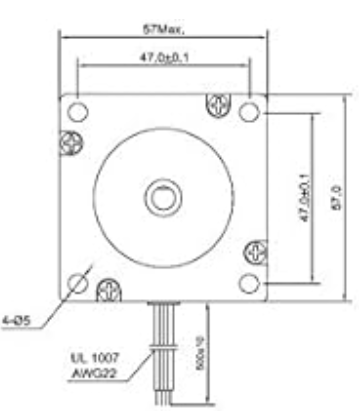
The hole pattern seems to be correct. I measured mine and was guess-timating the centers of the mounting holes to be 47.8 mm and the diagram is showing of your product is 47.0 mm.
So I think that would be a pretty good replacement. You could contact Langmuir and they would sell you their actual one. (I see that you are in Australia…so understand that ordering from Amazon would be easier.)
Hit up @langmuir-jake via the customer Support | Langmuir Systems Langmuir will also sell you a replacement at a stupid low price. I can’t promise it will be less than Amazon but it’s worth asking.
The main advantage of using a replacement from Langmuir, as @Richarddbeck83 suggests, is that it will come complete with the right length cable and connector. If’ you’re ok splicing to the existing cable then the NEMA 23 motor you’ve found will be fine.
It looks like the amazon motor might have worked but I have been in contact with LS and have decided to take the opportunity to overhaul the machine and order replacement lead nuts as well. Also worth the extra cost of freight to use a motor I trust.
I think what happened was the z axis bearing seized and cooked the motor…
Langmuir customer service has been excellent responsive and fair with pricing and replacements. I have asked many questions and needed a replacment THC cable (Free) and asked to purchase some parts and the price was good.
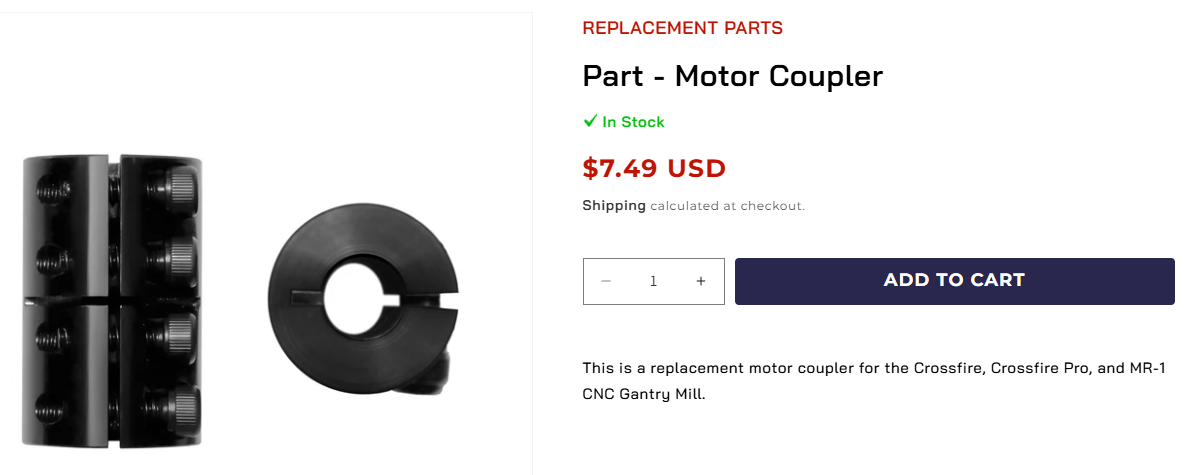
BigDaddy’s point is that it should be steel and not aluminum. I have asked Langmuir to clarify if this listing is “Steel” and if so, please amend the listing on their ‘store’ but there has been no movement. If they are steel, these couplers are a great value on the Langmuir site:
Coming here for some advise. My Z axis motor just stopped working over the weekend. I ordered the stepper motor listed above for a quick replacement until I could get a new one from Langmuir, I have wired it up according the the diagrams I have found for Langmuir stepper motors, and it is still not working, any advise other then get the Langmuir replacement. Thanks in advance
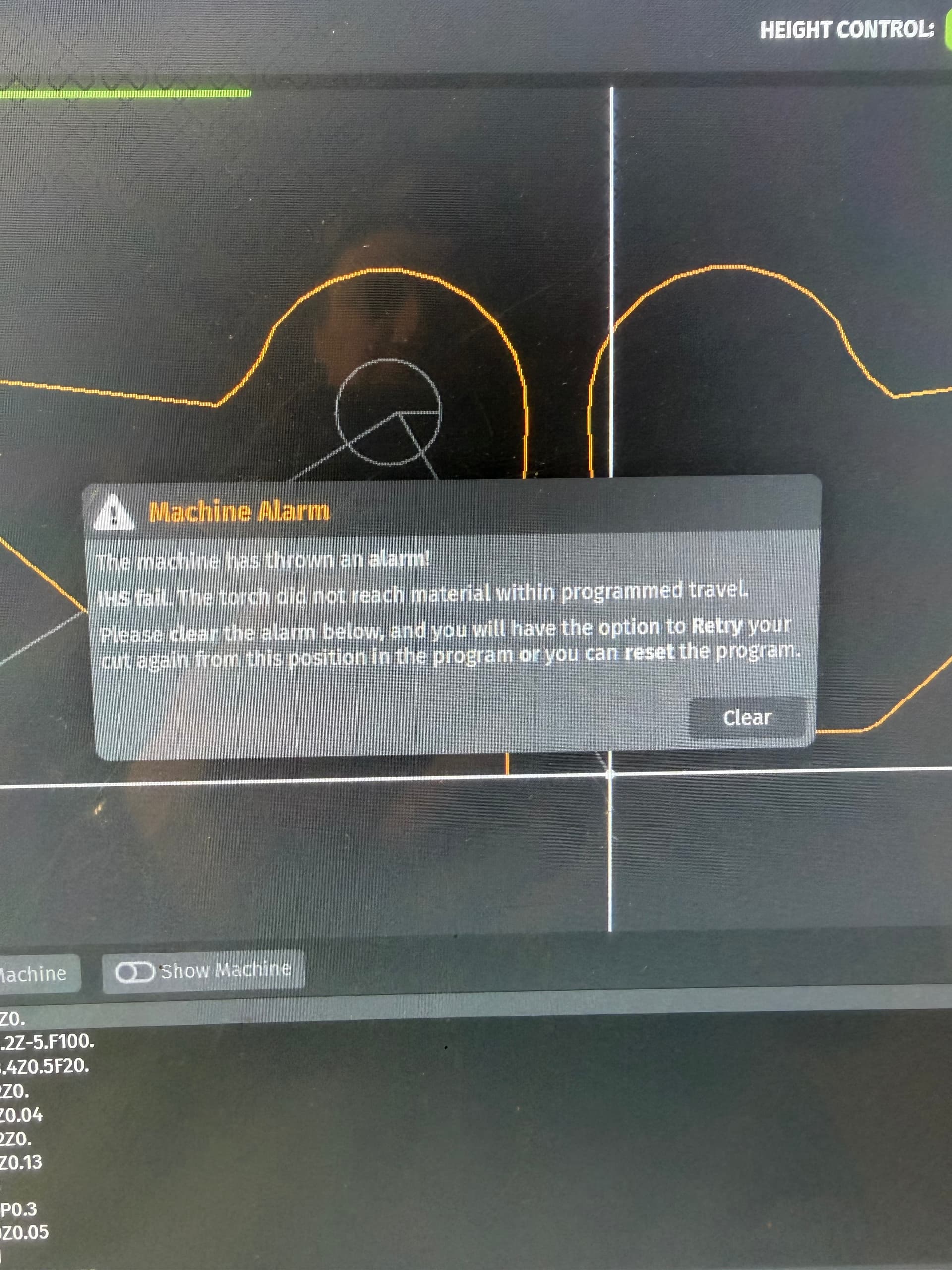
Okay got the new driver in that solved my problem there, now I am having a new issue. The torch cuts the first hole. Moves to the second one touches material and then throws this code.
Did you flip the dip switches on your driver to match the driver you took out if not it might be running at a different rate of speed / distance.
Or the z axis coupler might be slipping or the initial height sense contacts aren’t connecting (but you would notice that 'cause it would be driving it into the sheet too hard installing of the motor)
Both drivers looked exactly the same when I checked them out before the swap. I had this same issue when I first got my table but then it stopped doing it. I’ll double check the coupler when I get back home today.
If you’ve been messing with the Gantry wiring you may have knocked off/loose the IHS switch connection. I’d check that. There is a ‘light’ on the Firecontrol Screen that indicates when the IHS switch is operating.
Well the driver fixed my z axis issue, and then the coupler was loose from the steeper motor to the rod on the z axis tightened that up and workin great now.