Hi all, I’m having an issue with my X-Axis sort of twerking, or wobbling if you will. This occurs on both sides of the x-axis gantry tubing, but not in the middle. It has always happened since I bought it, but usually slightly adjusting the bearings helps make it better for a while. This wobble creates a sawblade effect when cutting, so I feel i can’t use these areas of the table. It always happens in the exact same spots, so it seems like maybe it’s running over some speed bumps or something in the tubing itself.. I have looked over and over and can’t visually see any deformities in the tubing and I just don’t understand why it happens… has anyone else had this issue? It also frequently gets stuck in this area and I have to help it get going again by giving it a nudge… or I can loosen the bearings some and it won’t get stuck but the wobble is huge. Any advice is much appreciated! Here is a quick video of the issue -
I always used Scotchbrite pads to clean the nasty grime that literally sticks itself to the faces of the tubs since I would see a similar effect when panning in certain directions. The bearings need a smooth surface to glide on and that “wobble” is probably because they’re literally riding over that grime buildup.
Also, your Z axis assembly isn’t loose on the gantry itself right? Assuming you trammed it?
With the leadscrew removed, the Z axis assembly should be able to traverse left or right easily on the gantry without any wobbling.
Is it hitting the Y axis bearing carrier weldment on the underside of the tube? It runs very close to the weldment and can hit it, if you don’t have the X axis tube pulled forward before tightening the bolts that hold the tube to the weldment.
Loosen the bolts that hold the X axis tube to the weldment and pull it forward before tightening them again. You will also need to tram and adjust the X carriage bearings, because they appear to be very loose. If they weren’t loose, it would jam when it hit the weldment.
Thank you guys for your reply. The wobble issue is resolved and I think ds690 is right about it bumping something underneath. Now I’m having the sticking issue again since I’ve trammed the carriage. Please see part 2 video below. I may have found the issue but don’t know how to fix it. Part 3 coming with what I believe is the issue (but I could still be wrong). Thanks again for the help! I have some projects due soon so hopefully can get it working
Part 2 -
Carriage Wobble Pt. 2 (Now it’s sticking during cuts)
Hey, I feel I should add an update to this incase anyone has the problem in the future and comes across this thread. There were actually two problems that I had, and here is how both were corrected
Problem: Wobble in Carriage
Fix: properly tram carriage so it doesn’t bump the nut underneath the 2x2 tubing (thanks ds690)
Problem: Constant sticking of carriage randomly throughout X-Axis.
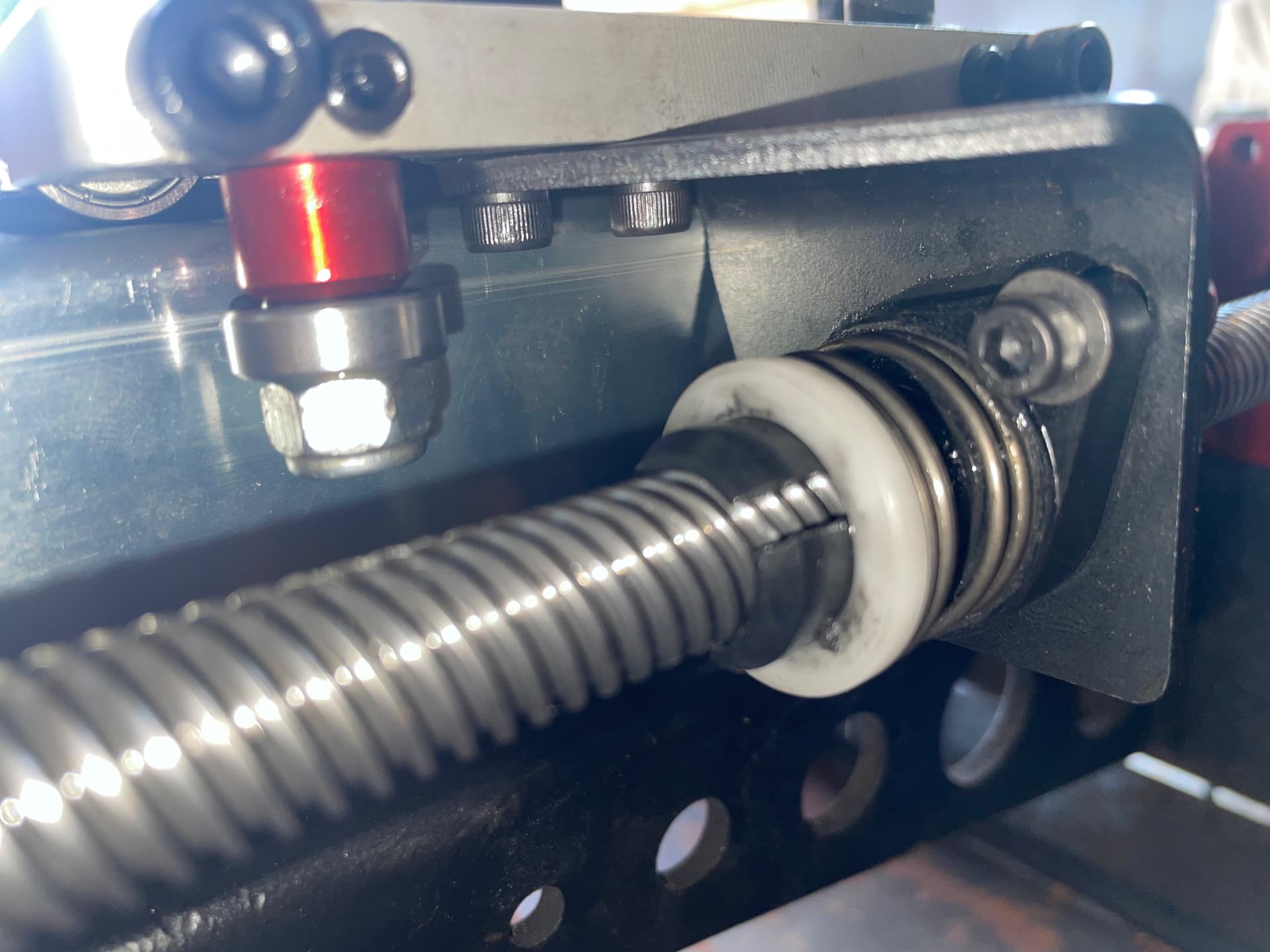
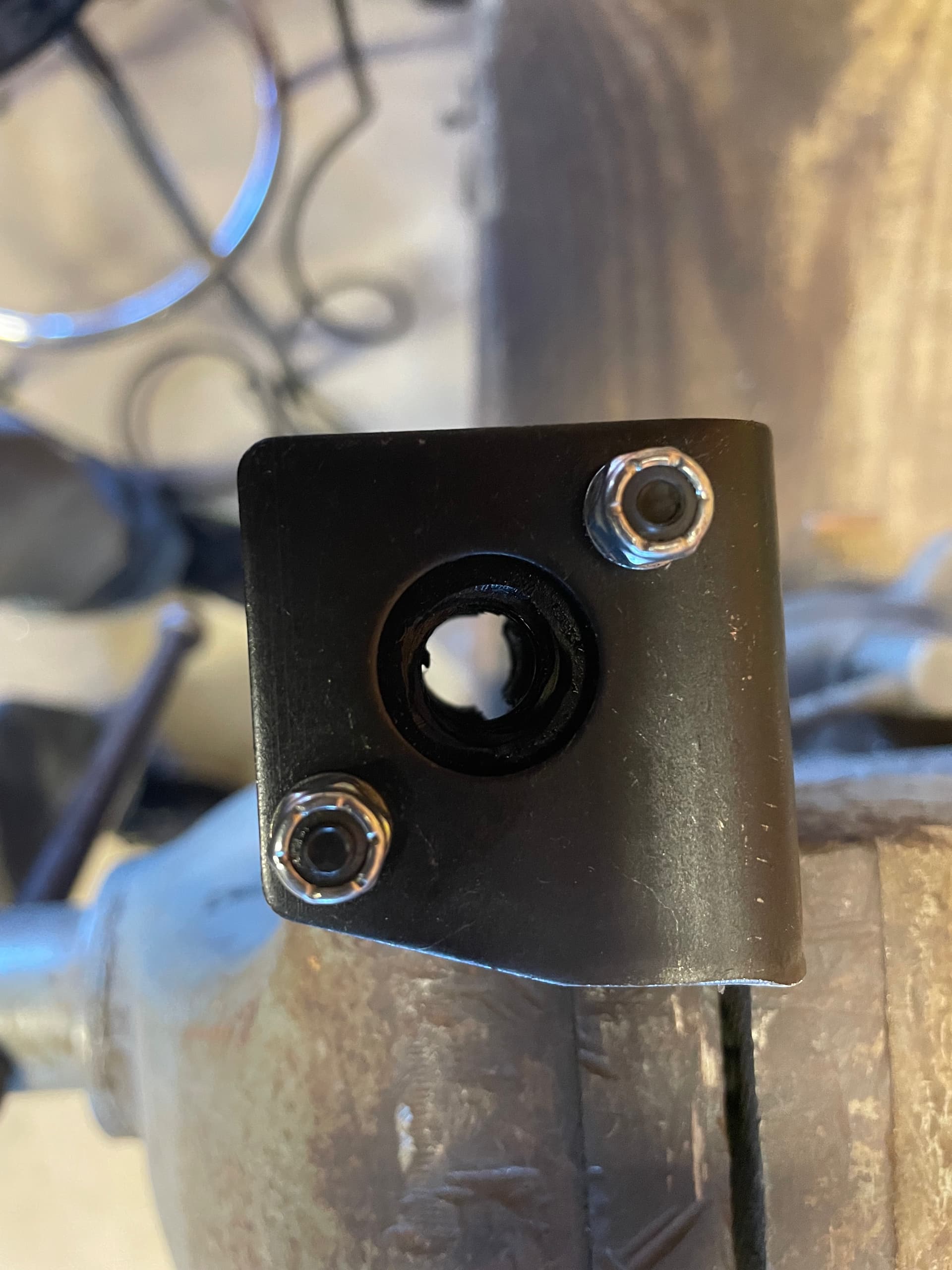
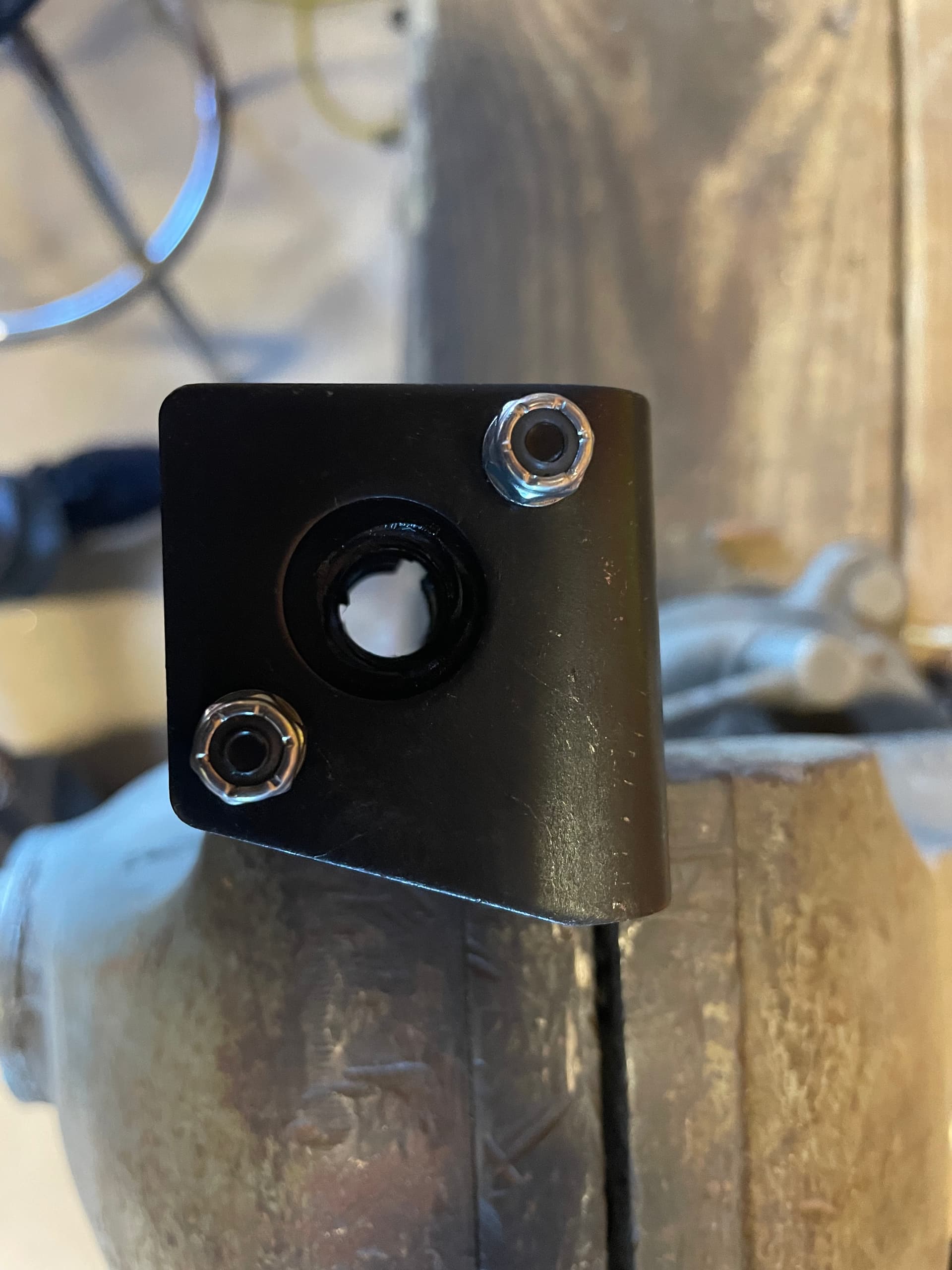
Fix: Remove lead nut bracket and grind away where the metal was making direct contact with 2x2 tubing (not an issue when carriage is loose, but does touch and drag down the motor when carriage is trammed). After grinding down the piece, I painted it with some black and Rustoleum paint).
thanks to all who helped solve the issue! It’s cutting better than ever now
pics show 1) Bracket making contact on tubing 2) Bracket removed 3) bracket after grinding it down using a flap disc. No more issues and carriage moves easily