Just set up my XR. Hypertherm45 with usb connection. Successfully ran the break in program. Moving on to cut some parts. Open my program in fire control. Set origin. Hit Start. Torch moves to the location of the first pierce. Torch drops to locate material and pierces and then just sits there indefinitely just firing on the pierce location. I canceled the program. Hit reset and hit ‘dry run’ and it successfully traced the tool path. Any idea what is going on?
I was running a Pro before on a Mac. so I just plugged this into my Mac and it recognizes the XR and successfully ran the break in program as I mentioned. One other modification I made was that I had to modify the usb cable to fit into the XR electronics box with the wires supplied by Langmuir. Waiting for the official cable to arrive.
Found this but not sure how you’d figure that out. Faulty THC circuit board
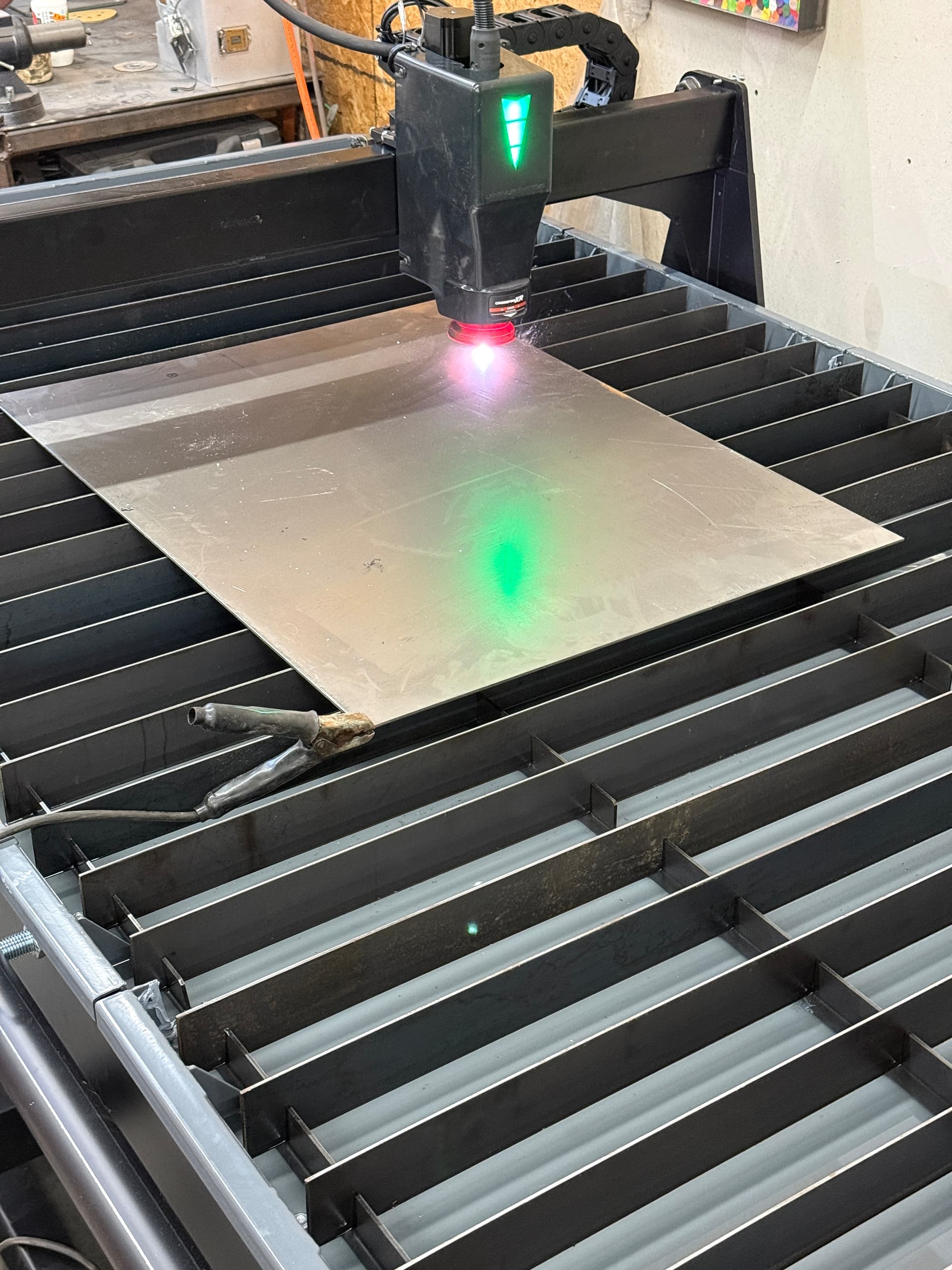
Sounds like emi. Do you have your mack plugged in charging? Assuming it is a laptop that has a ground plug on the charger.
It’s not plugged in, it is a laptop. Never had this issue with the crossfire pro. same computer. Should I plug it in?
Restarted everything and reinstalling the THC driver. Same result.
No don’t…. Sounds like emi freezing fire control. Check your cables make sure the USB is away from the torch cable.
Just turned off THC and it’s running. Well cut the first 4 holes fine then it pierced and cut for a second and the torch cut out but it continued on the path. Same thing on the next 3 holes so I paused it. USB is not running near the torch cable.
**** DAMN probably because I turned my compressor off… has to be.
It run with to thc off you definitely have electrical interference ( emi).
runs fine without thc turned on. Changed the usb cable to a shorter one. No luck.
I am not to familiar with emi and the xr. Most common is when people run laptops charging and thc. The ground loop comes through the electrical panel.
I would start by making sure the USB shell isn’t touching the control box panel. Then make sure no continuity between the control box and frame of the table.
In short sounds like you have a ground loop making it to your laptop.
Thanks for all the info. appreciate it. I’ll get back once i’ve found a solution or some kind of progress.
I should probably try to run it off of the supplied XR computer but I’ve just had a hog of a time working with that thing.
It is worth a shot to see if it makes a difference. I do believe others use computers other than the supplied one.
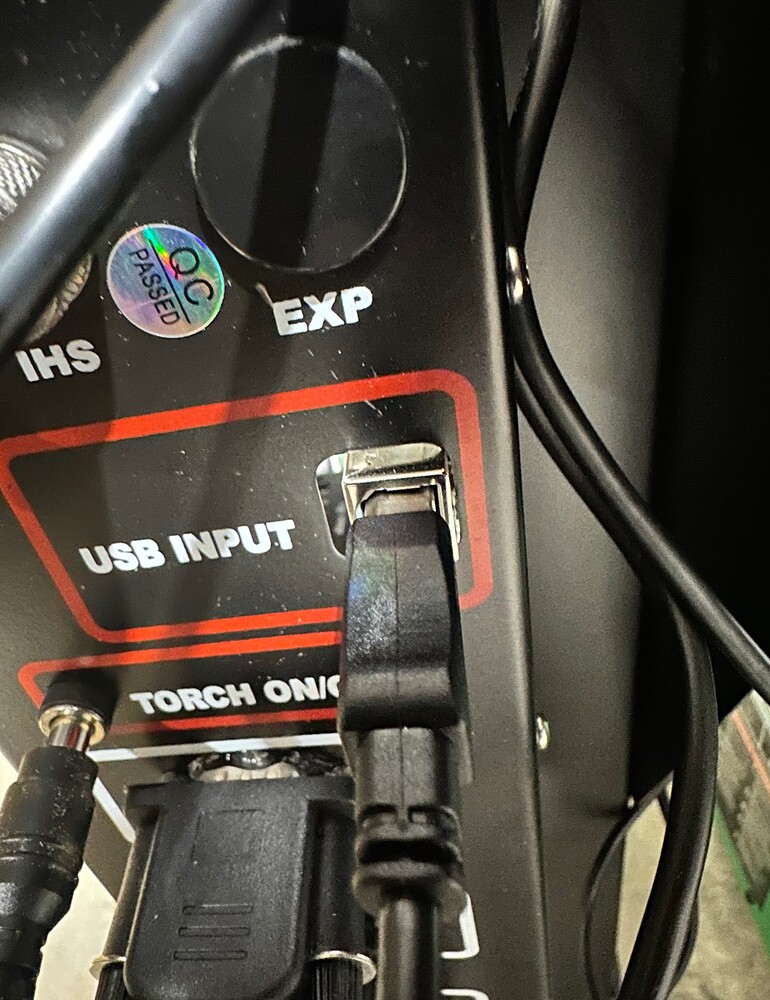
Fill water table, you will blow holes through bottom of pan without water once you get torch cutting….
all clear.
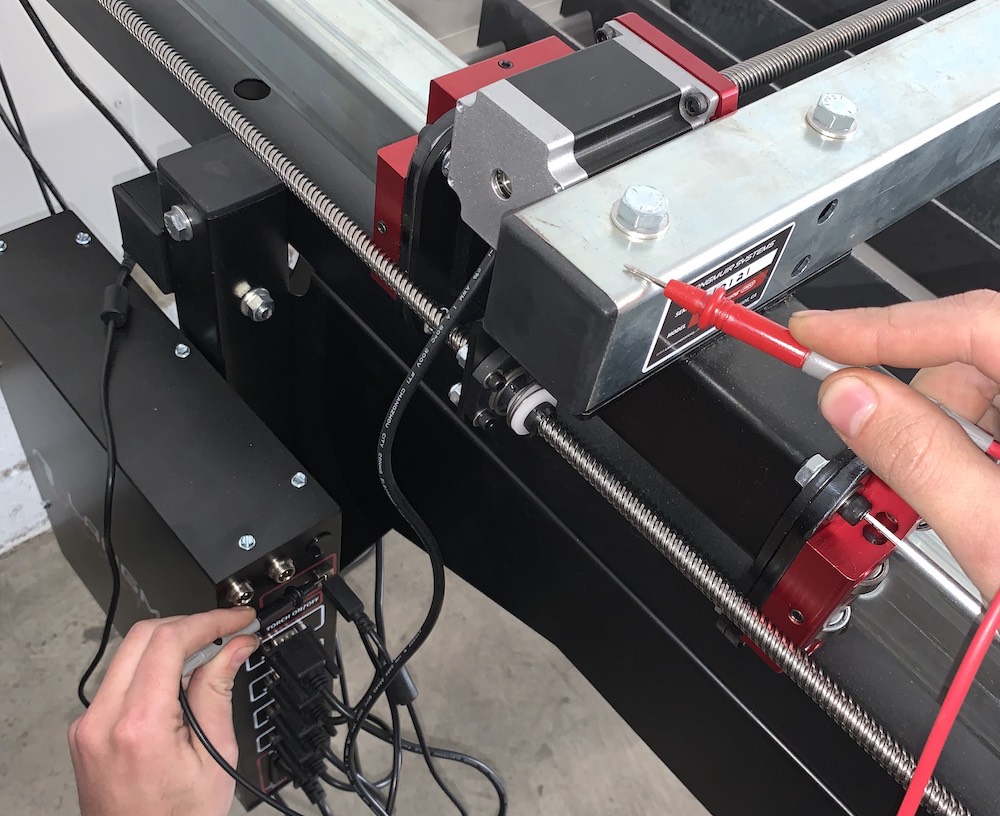
yeah I went through the whole process numerous times and there is no continuity.
Email Langmuir Jake tomorrow morning. @langmuir-jake He will send you out a new board or maybe troubleshoot it. I doubt if it’s EMI
I am assuming that the USB mod is not grounding out to the chassis. I am also assuming the THC chip is plugged in the board correctly. Something they pop out or are installed 1 pin off.
there’s water in there. just hard to see. not full but about halfway.
I’ve got a ticket going with them. We’ll see what happens. Had electronics enclosure open on all 3 Langmuir machines (XR, Vulcan, Titan) trying to fix issues last week.