Hi guys,
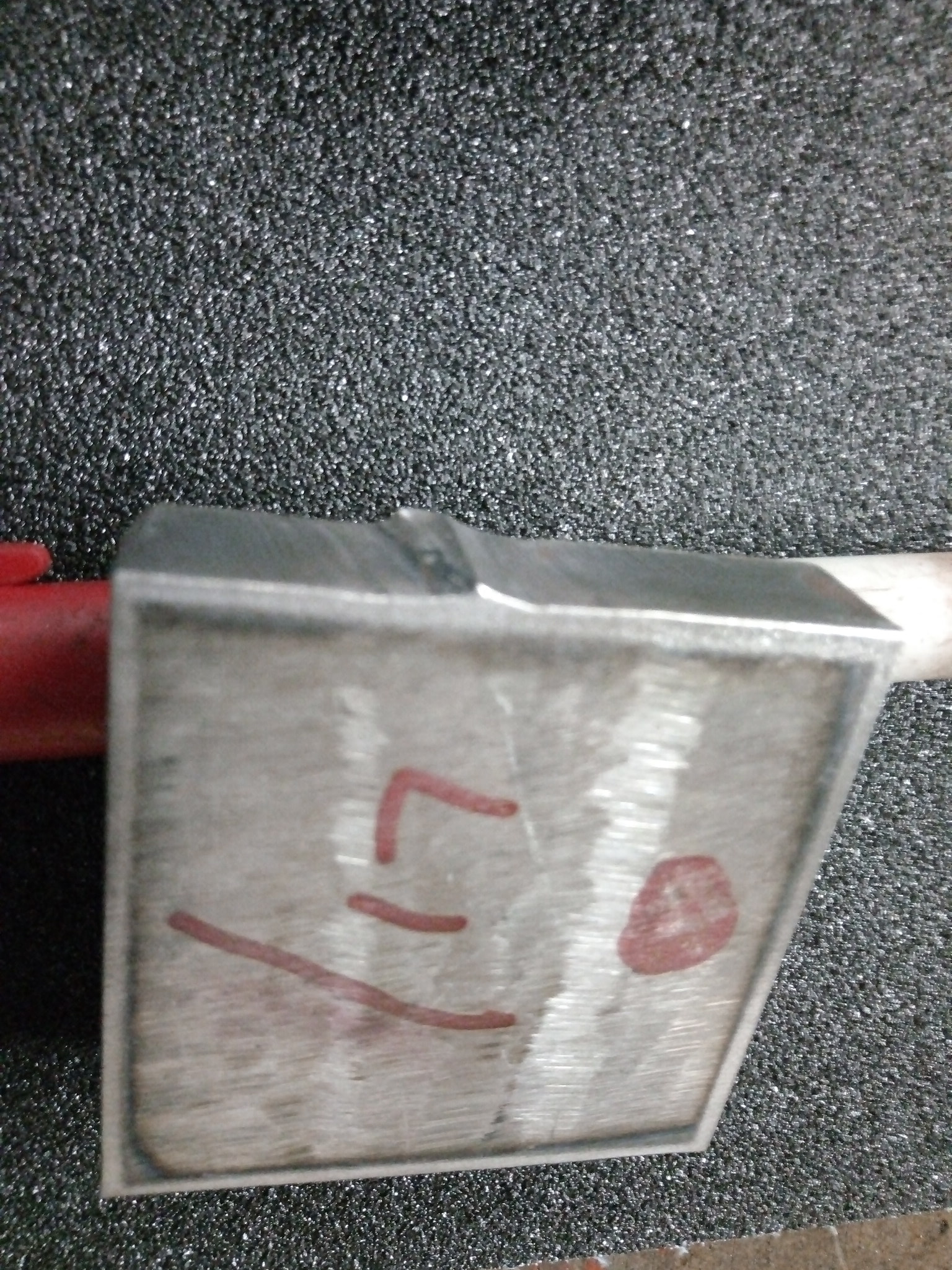
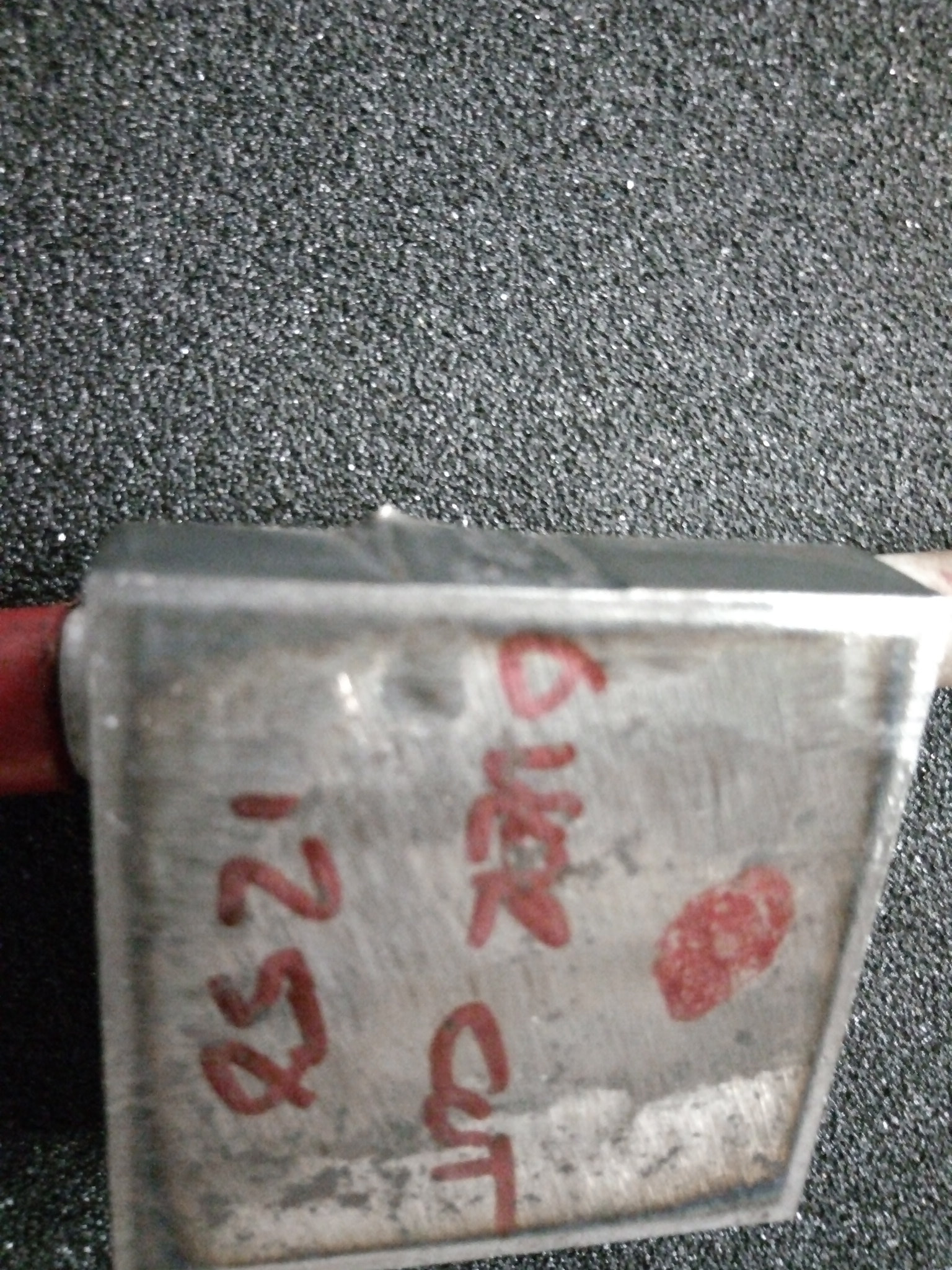
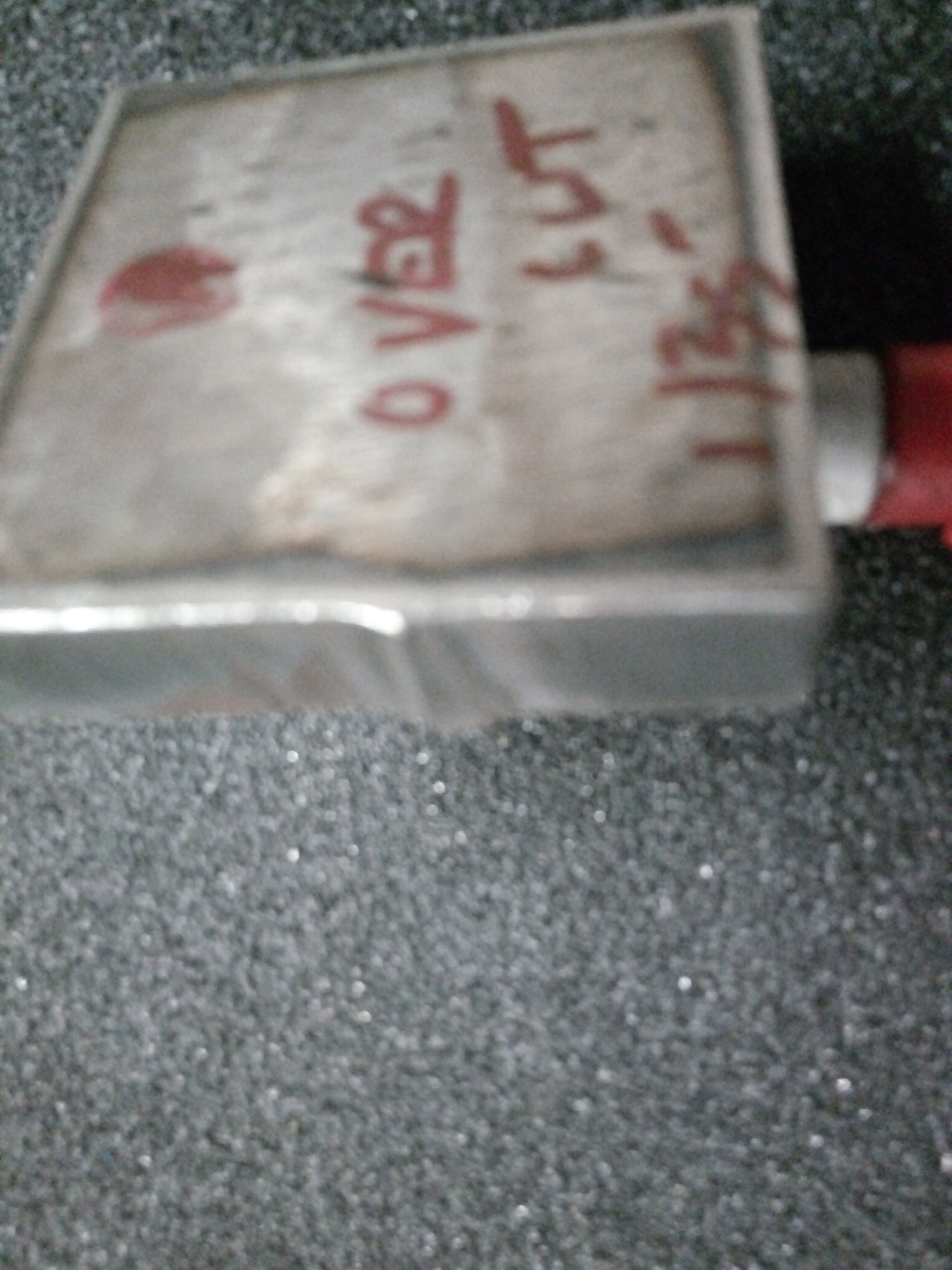
I am cutting with a 45 sync using standard cartridges. Right at the start of the cut line I get a peak shaped bulge on the bottom side of the plate. It is quite pronounced on 1/2" and not so much on thinner stuff, but is still there. It tapers up toward the top of the plate.
I have tried longer leadins, reducing leadin speed, leadouts, overcuts, and holding my tongue differently. I can reduce it somewhat, but can’t seem to eliminate it.
It is the same with a different cartridge.
Any body have any ideas, I would love to hear them.
Thanks.
In your thread about aluminum, or the other one about bevels and such, pictures would go far!
Again, in this thread pictures will also help a lot.
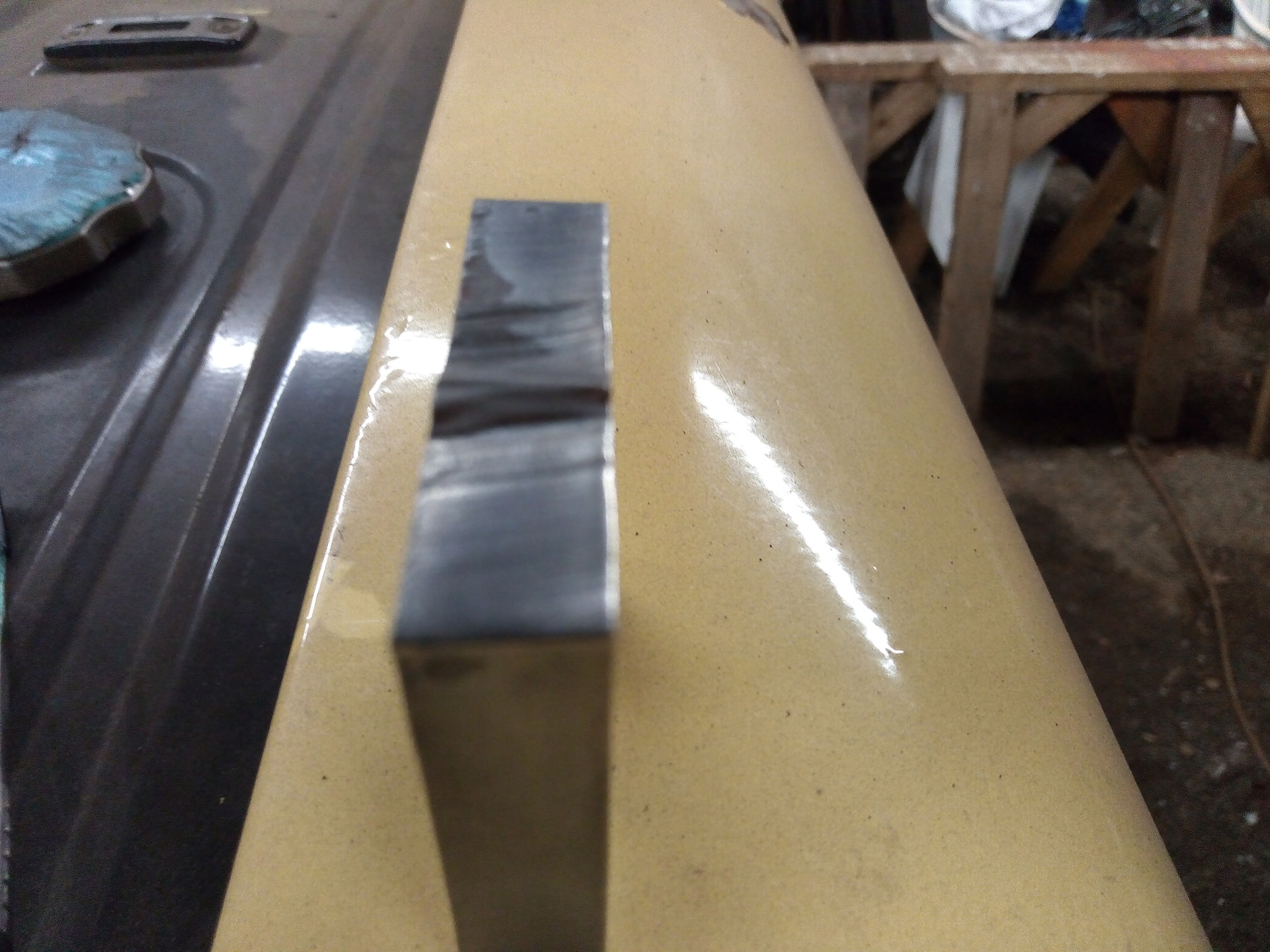
Sorry 'bout that; here are a few pics. In all of them the right hand side is the top of the plate. They are 2x2 squares cut with different combinations of the above mentioned variables.
1 Like
Can you post the code you used?
1 Like
It was just a 2x2 square from the Sheetcam shape library. The basic one is 1/2" MS @ 18 IPM, 45 Amps. I was changing the leadin, Leadin speed and duration, overcut lengths all over the place, so there isn’t one code to send.
Not sure if that is very helpful though.
You can upload the .tap file directly, which I believe Sheetcam creates?
When I saw the picture, I would think this can be remedied a bit through CAM settings which is why a picture definitely helped. The initial description had me thinking the metal was partially gouged before it was fully pierced and cutting or something.
What you show could be helped with a lead in close to or at the corner, even a loop at the corner where cut paths would intersect to create a perfect corner.
Here is one of the many codes generated by sheetcam. I honestly don’t remember which one of the test coupons it belongs to though. I was experimenting with the loop corners option in sheetcam so I purposely did not put the start point in or near a corner. When the “peaks” showed up, i transitioned to figuring this out.
2x2 square w loops & 50% leadin speed.tap (517 Bytes)
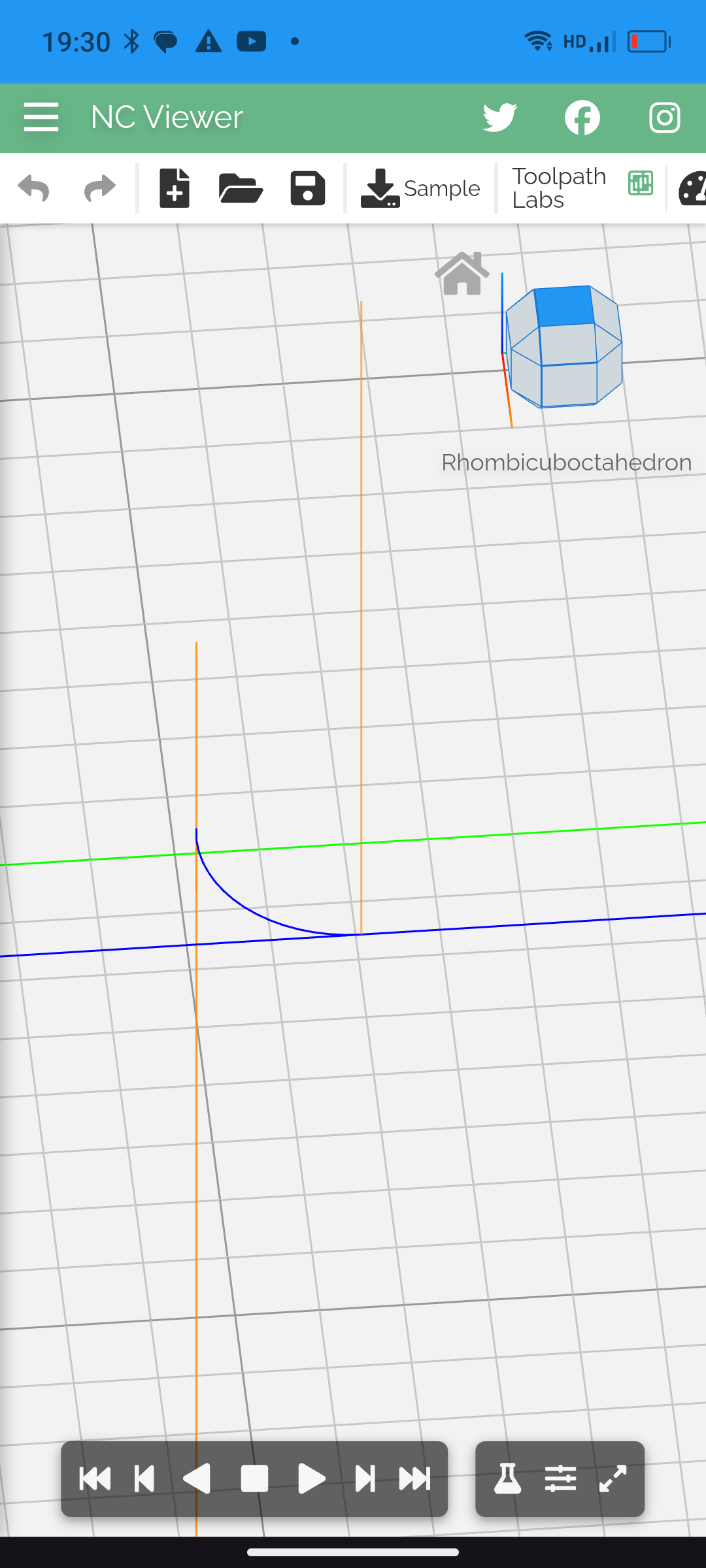
There is no finishing overlap or overcut applied to this file.
Try a 90° non-radius lead in with the finishing overlap (over cut)
Is this piece being supported after it’s cut out or does it fall out ?
1 Like
I haven’t been using leadouts or overcuts in the past. Ialways had a dimple show up at these same places in the thinner stuff i cut (10 -14ga) but learned that if i put the start point immediately after a slow down, it became almost invisible.
It is now ,with the thicker material with corner loops, I’m very limited to where i can put the starts.
Itried playing with overcuts now, but so far am not happy.
The coupons sometimes drop out but mostly have to be tapped with a hammer. I am playing with speeds too, but when i speed it up, the slag gets worse!
Here is another g code file that does include an overcut, but i can’t say which coupon it applies to, but they are all pretty much the same.
Do you recommend a straight leadin rather than an arc, I just thought an arc would have a smoother transition.
2x2.tap (556 Bytes)
this can easily be avoided (on sheetcam) by using 90 degree lead in and out (might be straight - i forget what it’s called) and setting the start point to the corner. It will run straight into the cut path and straight out. I’ve done it before and it works as I’ve described
that being said, I have farmed out projects to big shops with really nice lasers, and I can find the lead in/out hump when looking very carefully. I mean it’s almost unavoidable. There’s a lot of variables. Tension of the workpiece, the cut piece falling out, position over slats. But running it straight in and out like that will work, but obviously only on outside contours.

Yep. Sheetcam will do it for you automatically. Just look at the lead in and out types and move the start point to a corner.
OK, good idea, I’ll give it a go. On inside contours i’ve learned how to hide it, mostly, at any rate. would 90 degree leads with overcuts on inside runs work better?
I don’t think it would. I use an arc in and out with no overcut on almost everything.
Yea, I have been using arcs for everything with no overcuts or lead outs. Maybe I’ll try leadouts now too.
One thing more, do you slow down the leadin speed at all, or just let’er rip?
I don’t slow it down.
OK, thankyou for all your help, I’ll give it all a try.
Cheers.
Your pictures appear to me like maybe your coupon is moving falling down as the cut nears the end. Think of cutting a long piece of wood or metal by hand the pieces can start to sag down. Next time you cut watch the coupon and see if it starts shifting or sagging before the cut is complete.
I think you can certainly fine tune it to do better. Settings or support for the material. I have worked with flame and plasma cut parts for many years. It is always apparent where the cuts start. This is always more prominent on thick material. Like said before I think you can tweak your cuts to do better. Keep in mind though buying commercially cut parts you always have to keep a grinder handy it is plasma cut parts they don’t always come out flawless.
1 Like