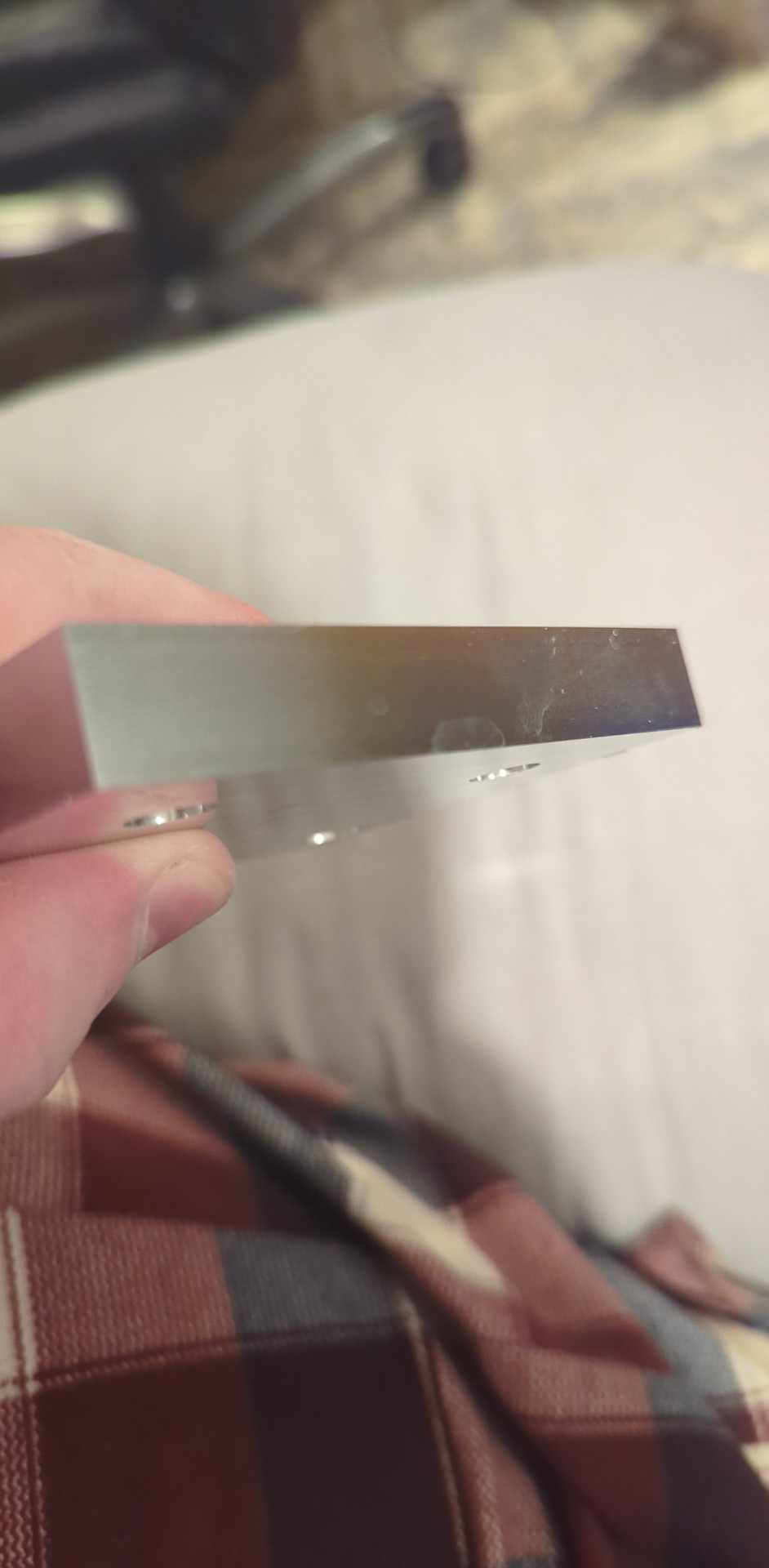
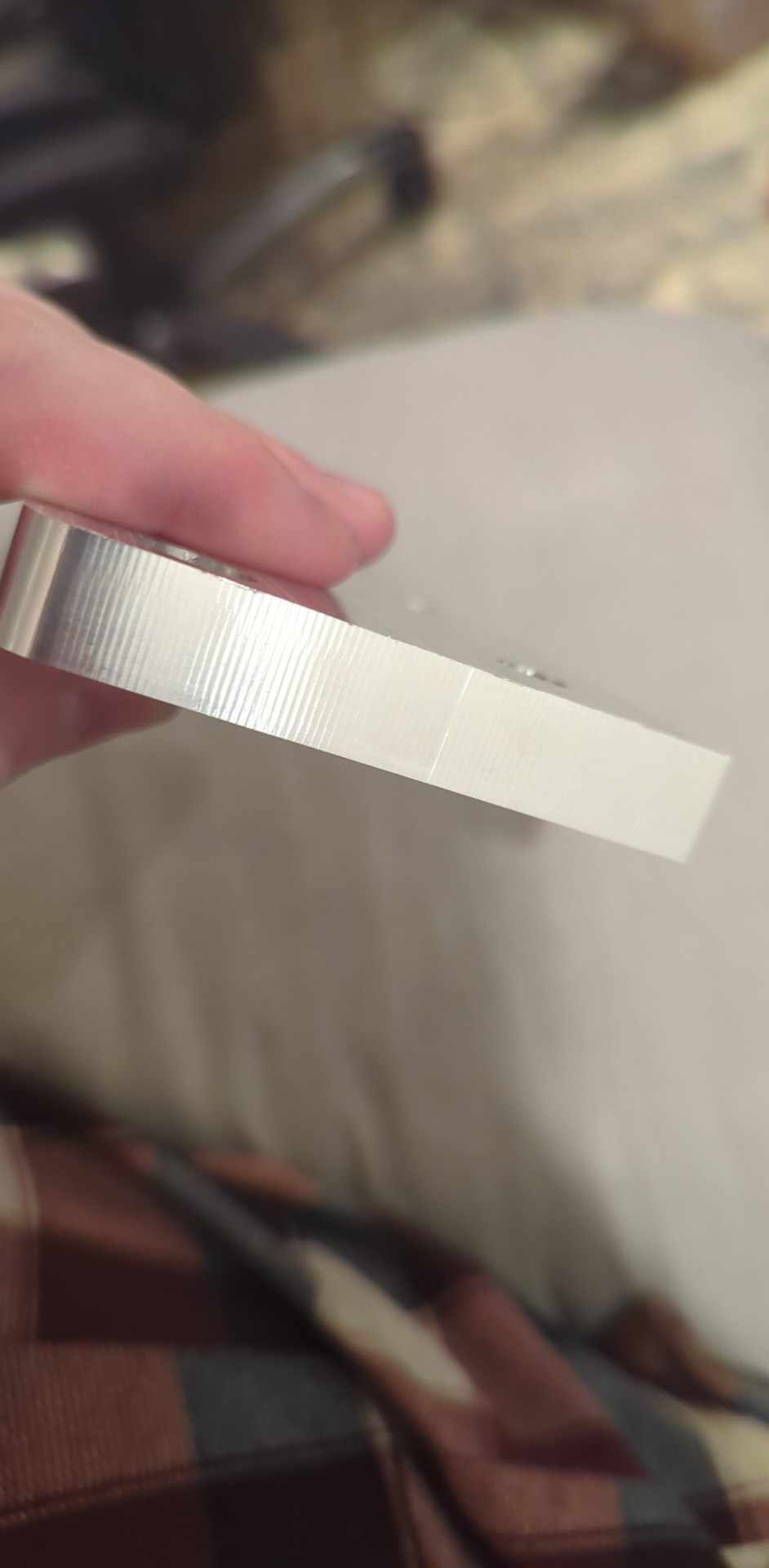
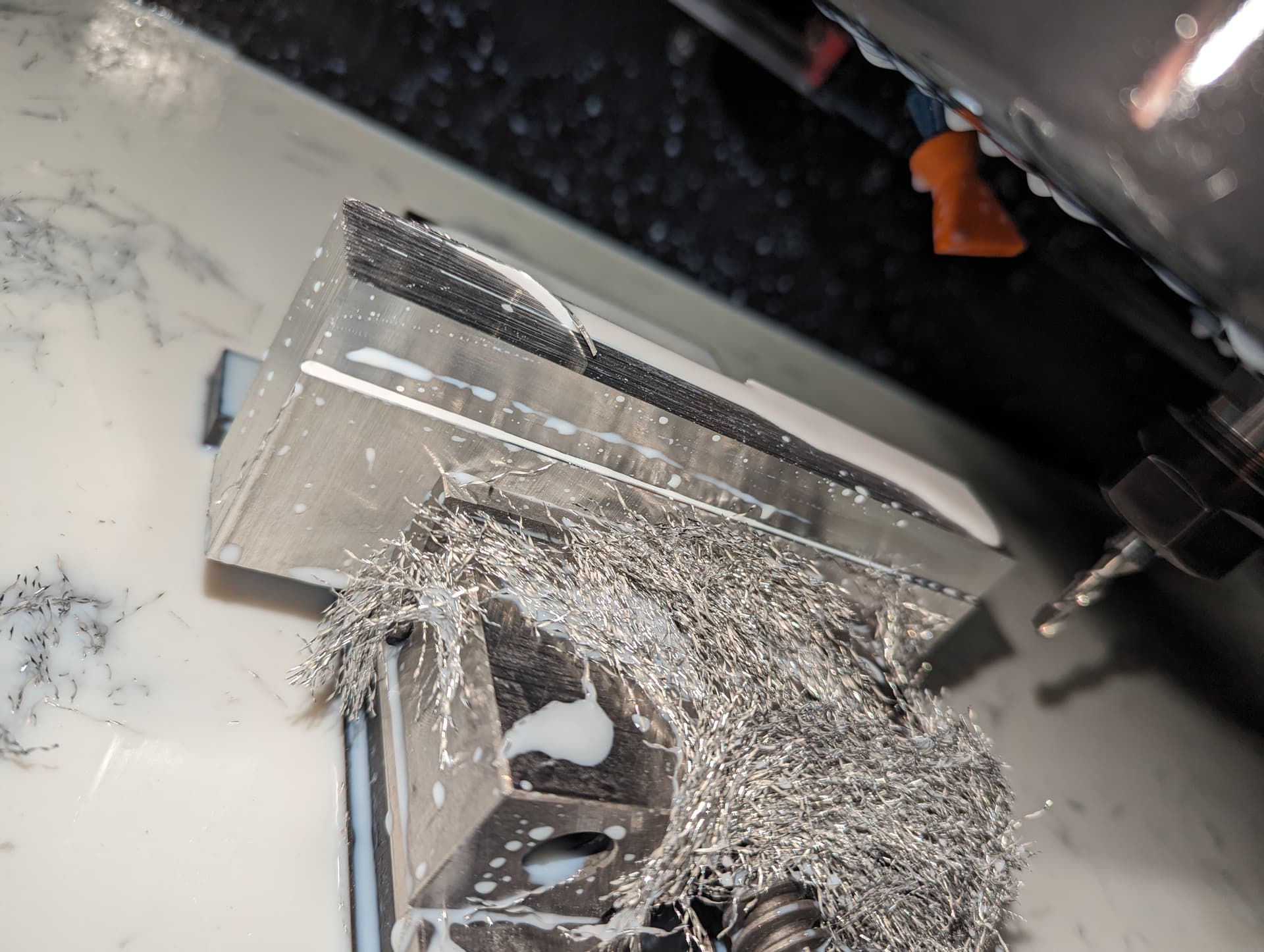
This formula for surface finishes is what has been working well for me - but now my Y axis movements are hot dog water. I’ve trammed the machine via edge engineering tool. Not sure why all the sudden such poor y axis finish.
Thanks for the response Daniel, that was certainly something in the back of mind, but I’m glad you think that may be a culprit as well.
Going to check the tram again (blue loctite set screw mod and fasteners), I’ll check the backlash on the Y and X axis screw bearing mounts (thanks again for the recommendation), check gantry squareness, and triple check y axis limit switches.
I’m wondering if maybe after a while now maybe things have settled with the concrete and potentially shifted just enough to see some warp in the gantry.
If there’s any other suggestions towards what checks would make sense, going to be full diagnostic mode today.
Concrete tends to move a little bit for the first month post cure, but i would be extremely surprised to find that the chatter marks were caused by anything related to the base relaxing. Similarly, i don’t think this has anything to do with tram error either.
Those marks to me are a result of the natural frequency of the machine being excited during that cut. The X direction has different damping characteristics and stiffness compared to the Y, which explains why for this particular cut you’re seeing it on one edge and not the other.
I’d check your lashes and then experiment a bit with spindle speed to see if it goes away with a changeup in parameters. Have also seen this with tools that are either too sharp or to dull.
I would also make sure that your X-axis is square, and that they bolts that hold it to the Y carriages aren’t pre-stressing the X beam. For instance if you trued up the machine after tightening up the X then there could be stress across the Y axis leadscrews trying to force the X into square.
We’re certainly getting closer to the diagnosis here I think with your advice. Currently indicating the machine in every way I can think of. The machine has been assembled for quite a while now so if the idea that maybe something has shifted is out the window - that puts my mind at ease.
It certainly might be the tool dulling as it’s been used for a while now, though still sharp to the touch maybe not sharp enough. Also not sure how that would explain the finish in one direction vs the other, but I’m going to swap to a new tool just to eliminate this potential.
Thank you for your insight! I’ll keep updated on discovery for anyone in the future having a similar situation.
So I did quite a bit to the machine over the course of the day - mostly just sanity checks.
Checked backlash on Y axis and X axis rails, no adjustments needed
Checked X gantry square to Y Axis (Found almost 0.001" out, made small adjustments to bring it tighter)
Adjusted limit switch engagement distance to ensure Y axis homing is synced
Trammed head as close as possible (Within 0.0002" in both directions across 6 sweep")
Took a test cut to replicate scenario - and exact same result. Machine adjustments yielded no improvement.
Increase feed from 15 IPM to 50 IPM at same DOC, and not a desirable finish but much better than what I was getting with the 15 IPM.
About 40 test cuts at different feedrates and WOC adjustments - ended up at 36 IPM @ 0.007" WOC.
So a learning lesson for sure! Thanks to @langmuir-daniel for his suggestion and I think he was spot on. Some sort of vibration or imbalance introduced at this lower feedrate that’s only present in the Y direction but not the X. This was with the end mill I’ve been using for quite some time, swapped to a brand new one and achieved a near mirror finish.
High five Dan. Hopefully if anyone has a similar issue with Y axis surface finishes they can save themselves the sanity checks.