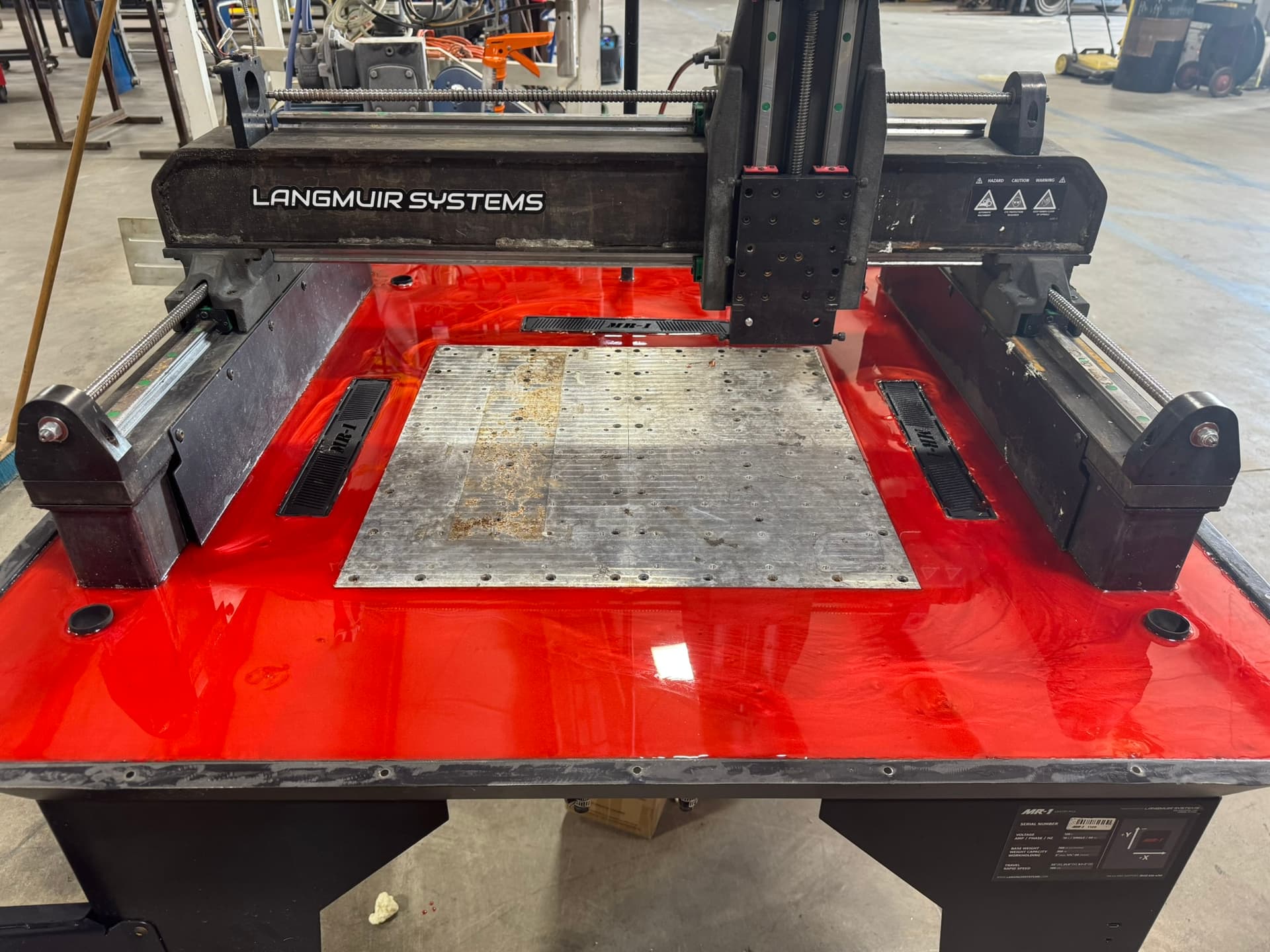
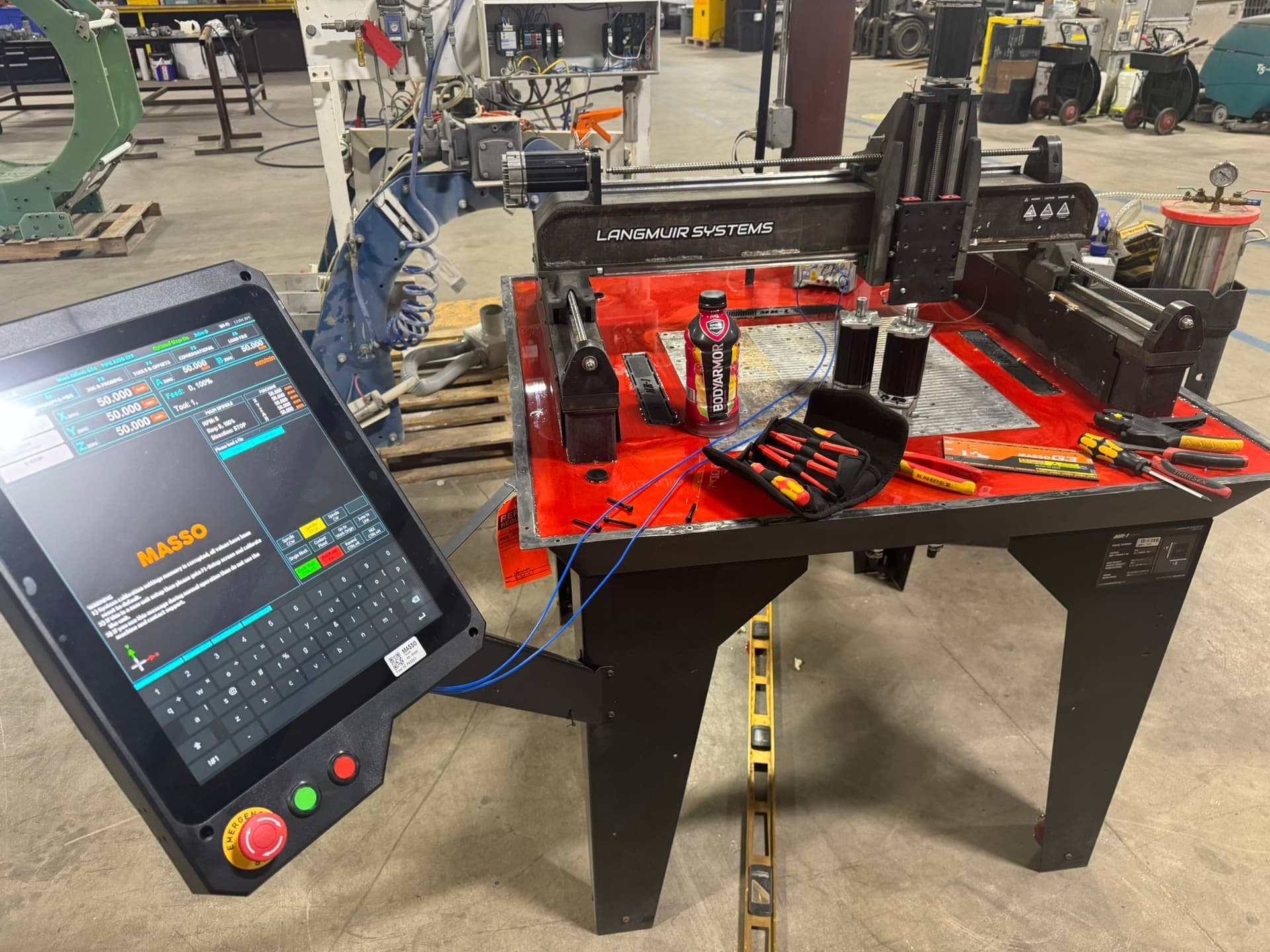
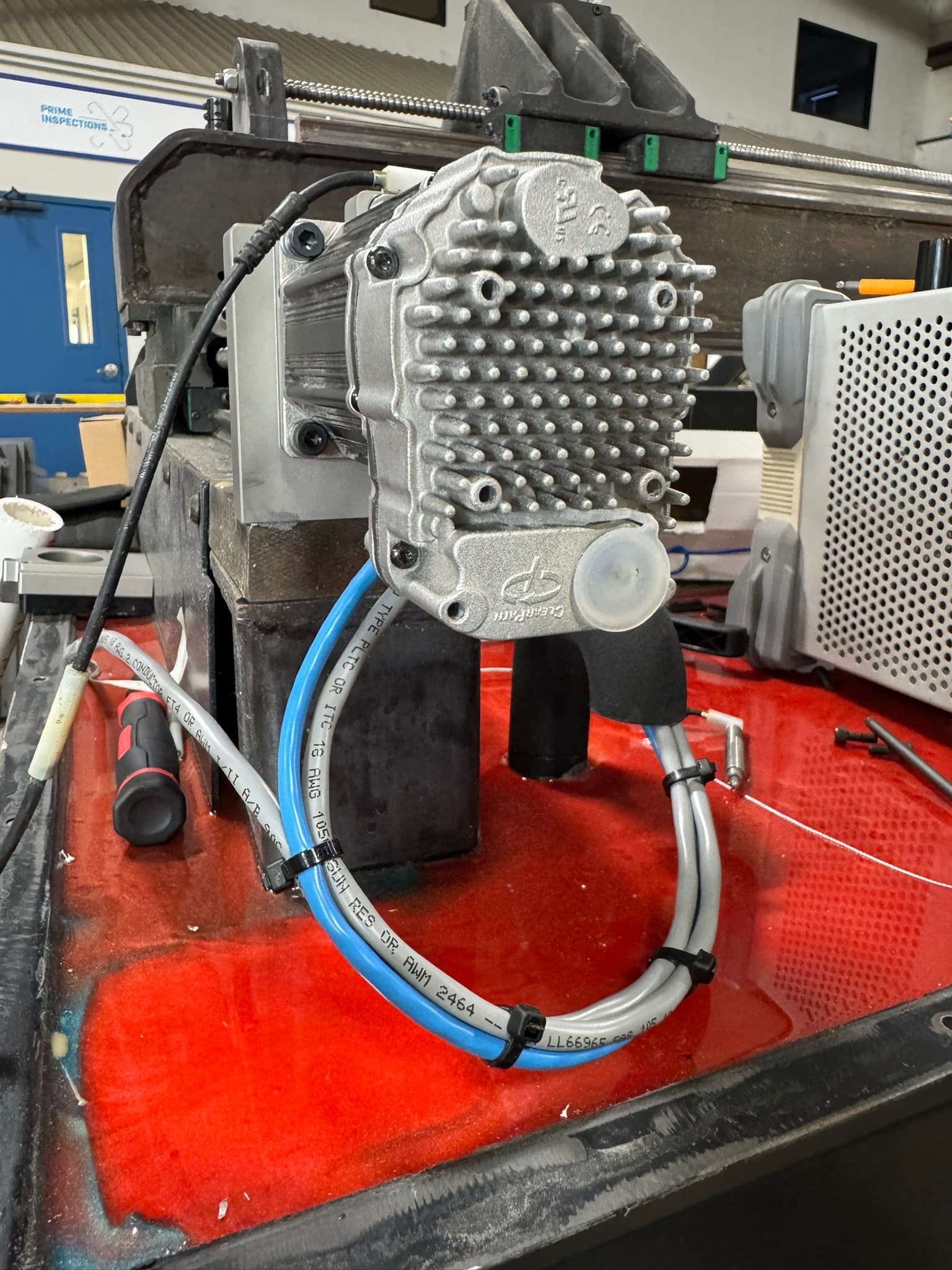
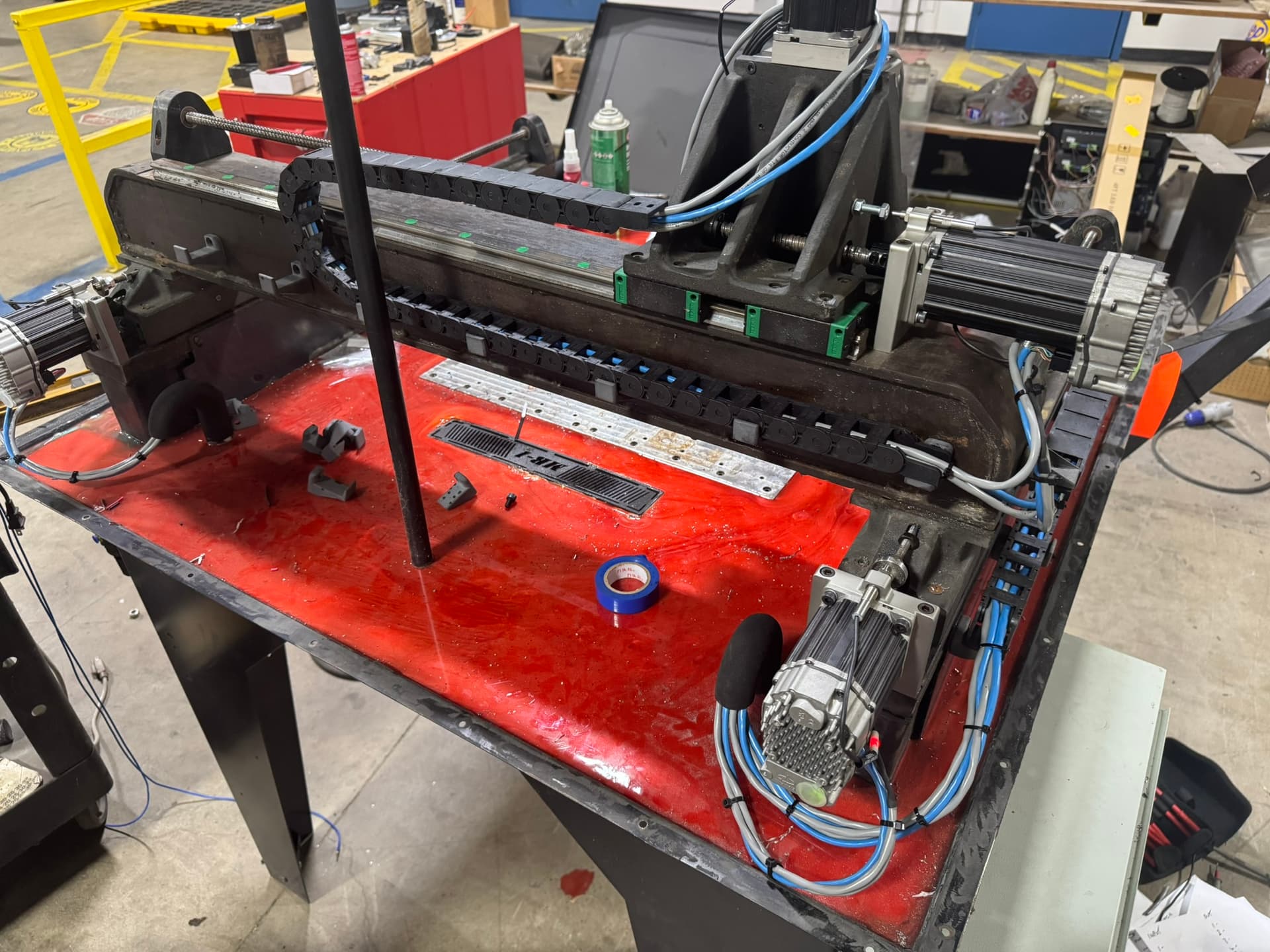
I’ve been working on this one for a while, thought it was time to post incase people wanted to treat them self for a upgrade for Christmas.
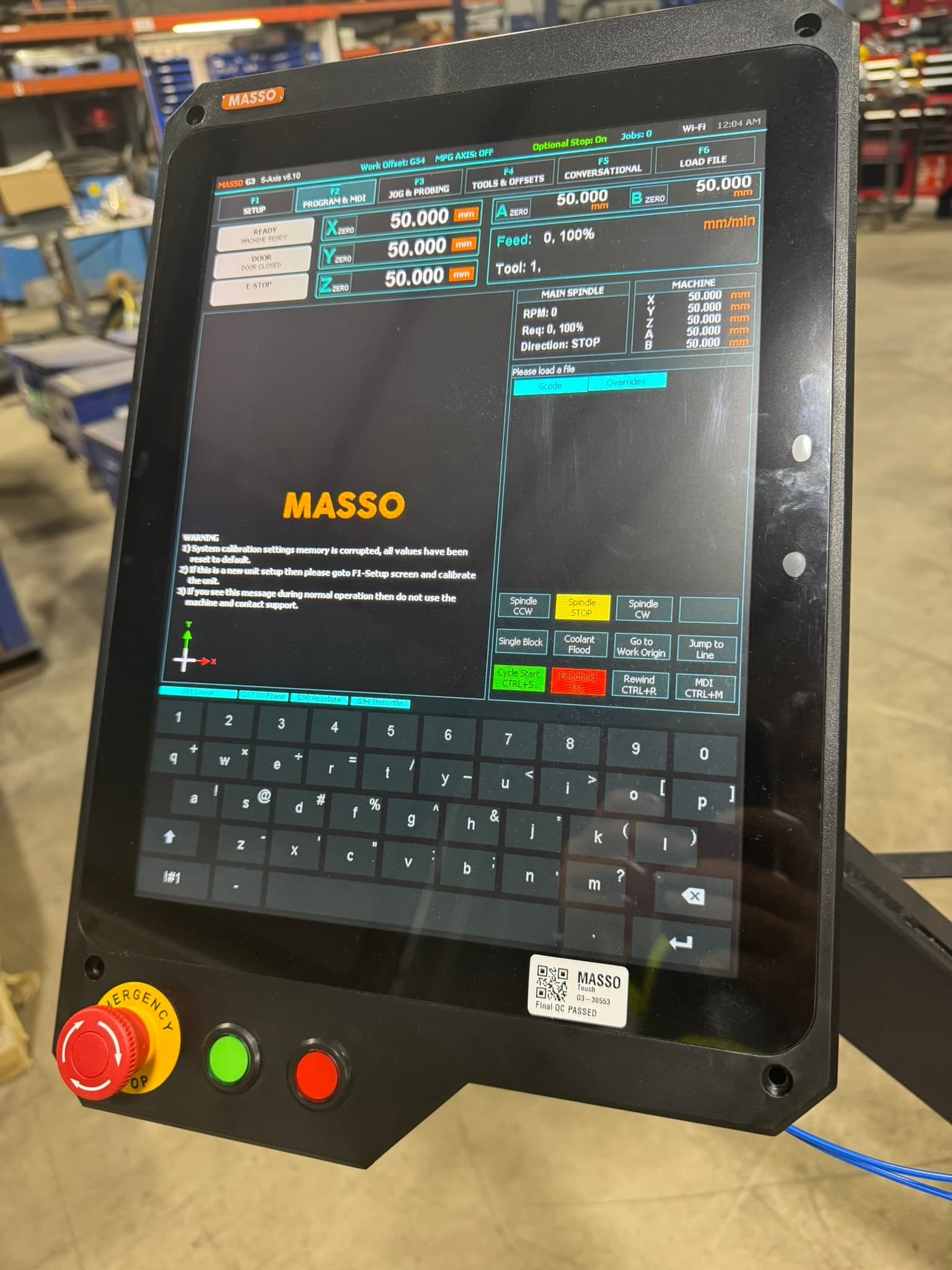
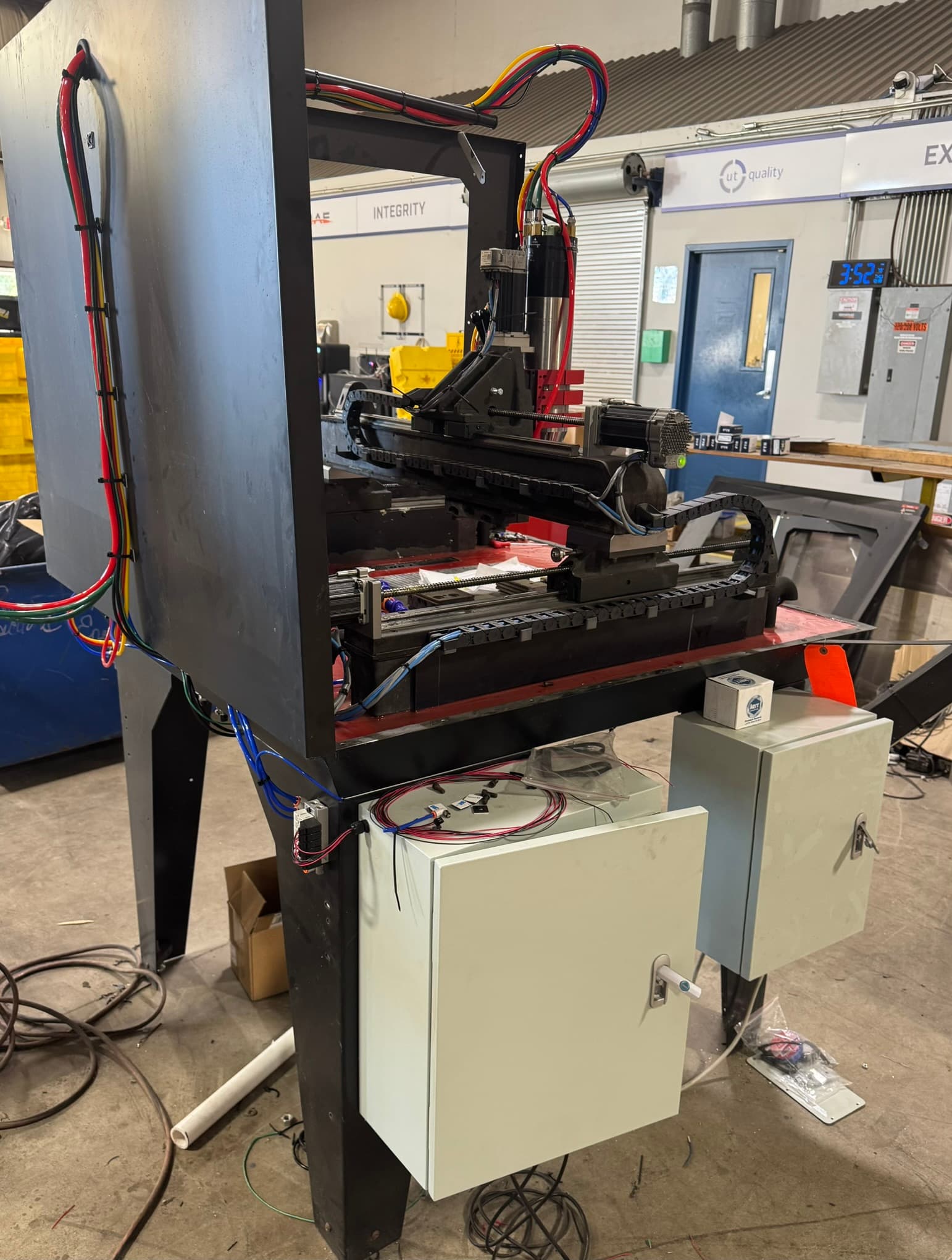
I started this as I wanted a ATC spindle. I found myself with the standard spindle designing parts around as least tool changes as possible, which meant a lower quality part. I also wanted to introduce a 4th axis to reduce part rotations and probing. Whilst I haven’t got around to that yet, the masso gives me the available axis, where as the OE controller does not.
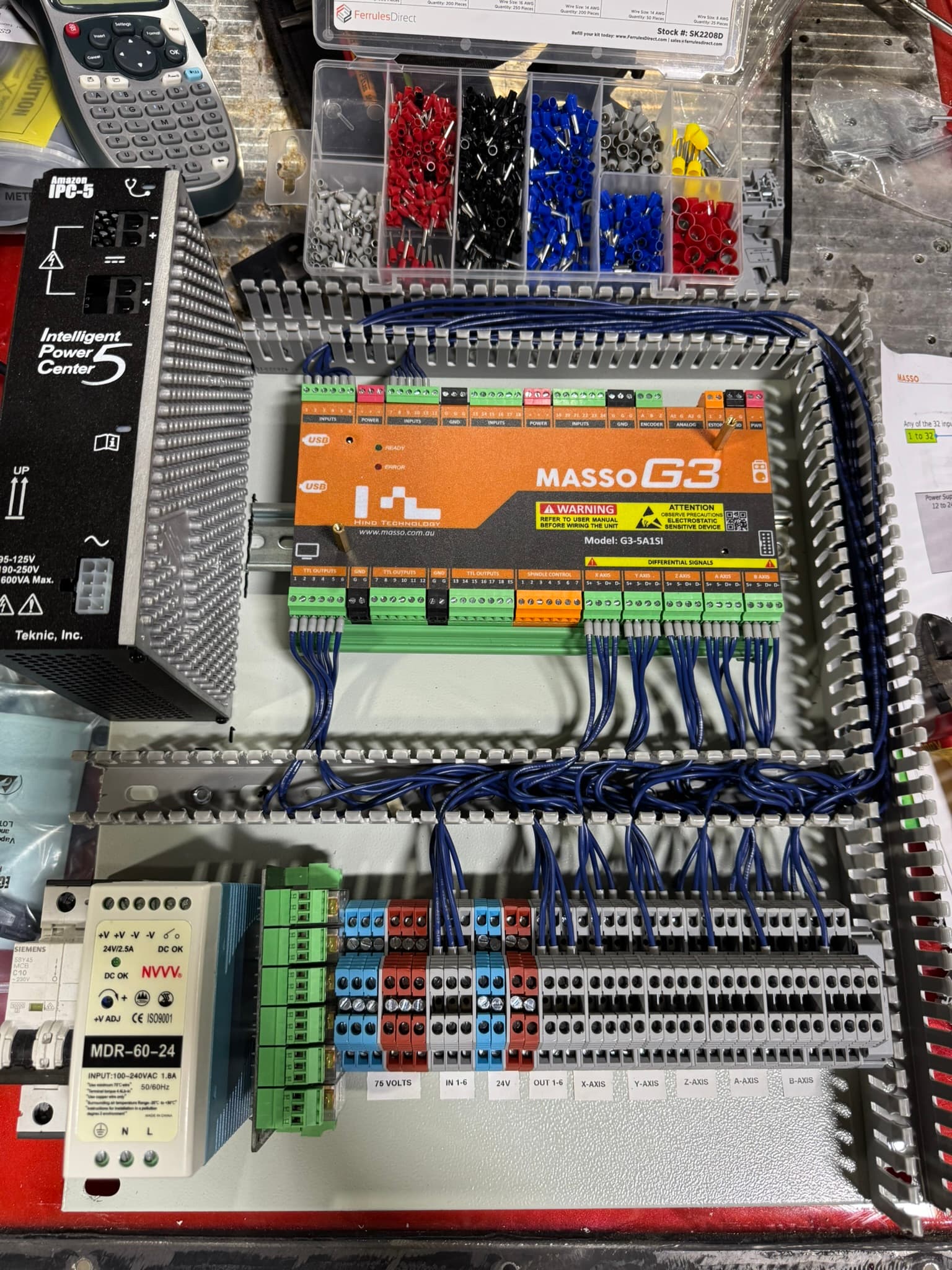
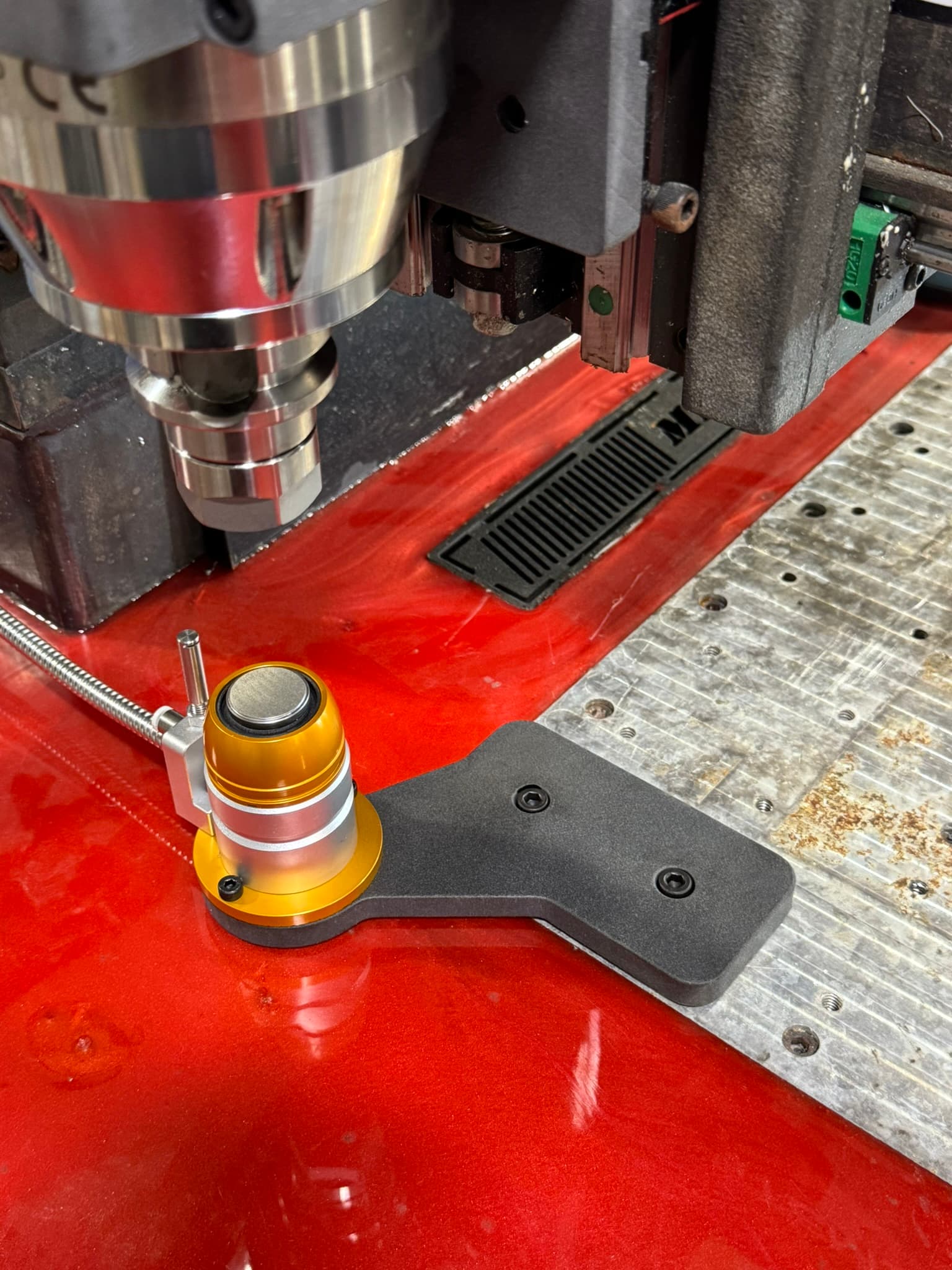
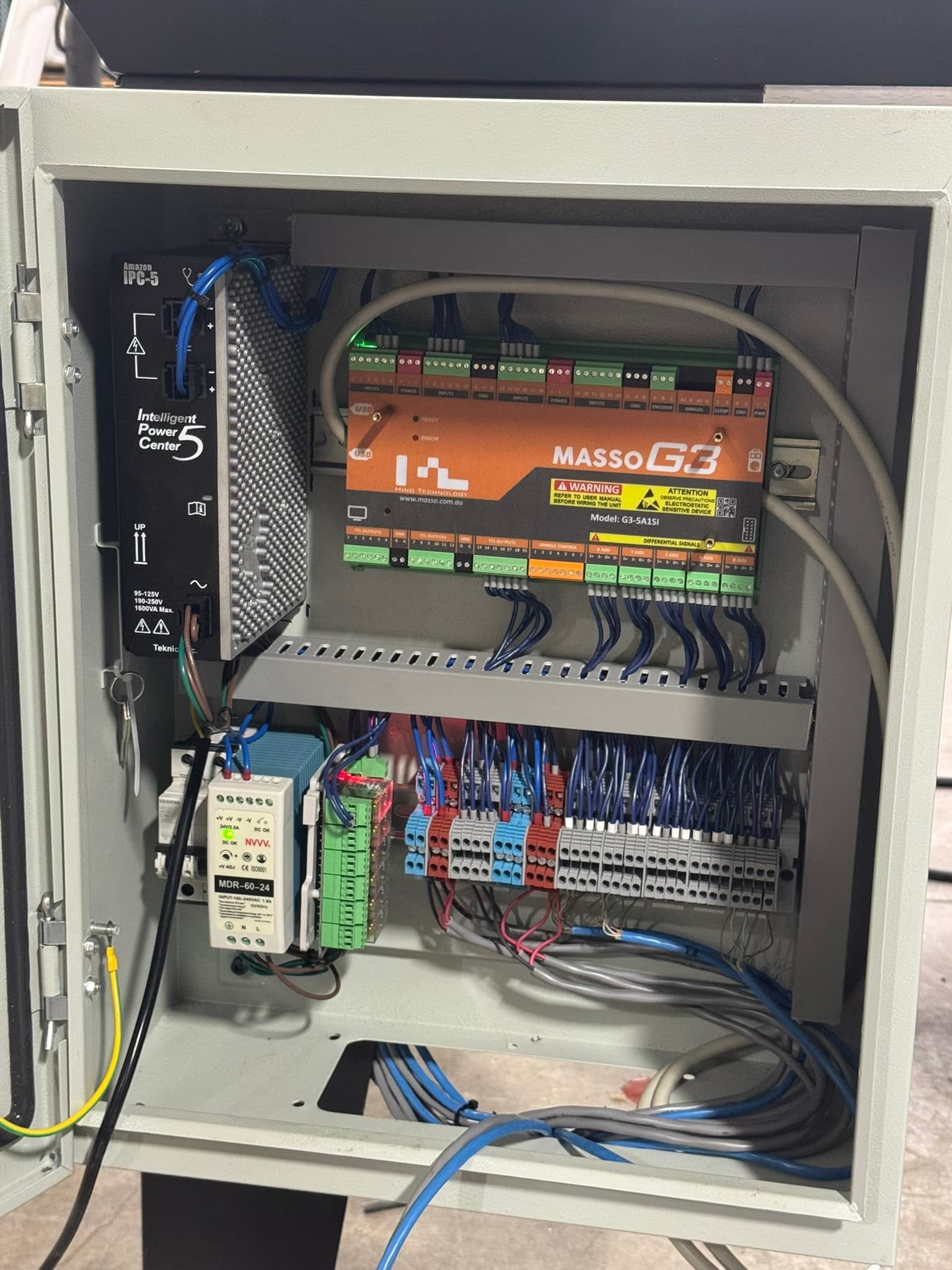
I went with clearlink servos as they have built in drivers, that saves space on the control panel but this is not necessary. I think the Masso will fit in the OE control panel, use the same servo drivers and the same spindle driver. You will need to swap out the probes, I went with a wireless version. The masso touch screen installs onto the OE screen arm.
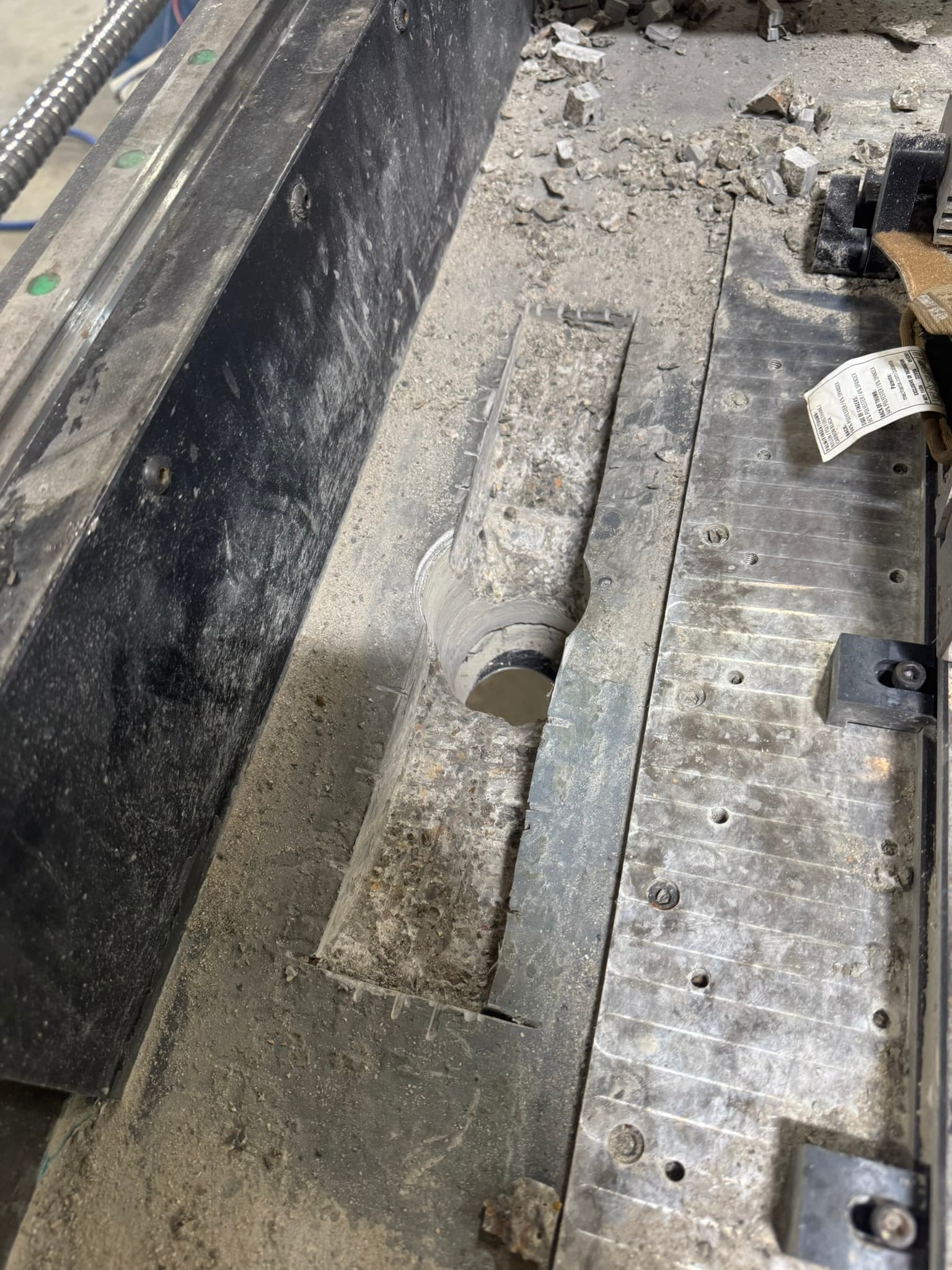
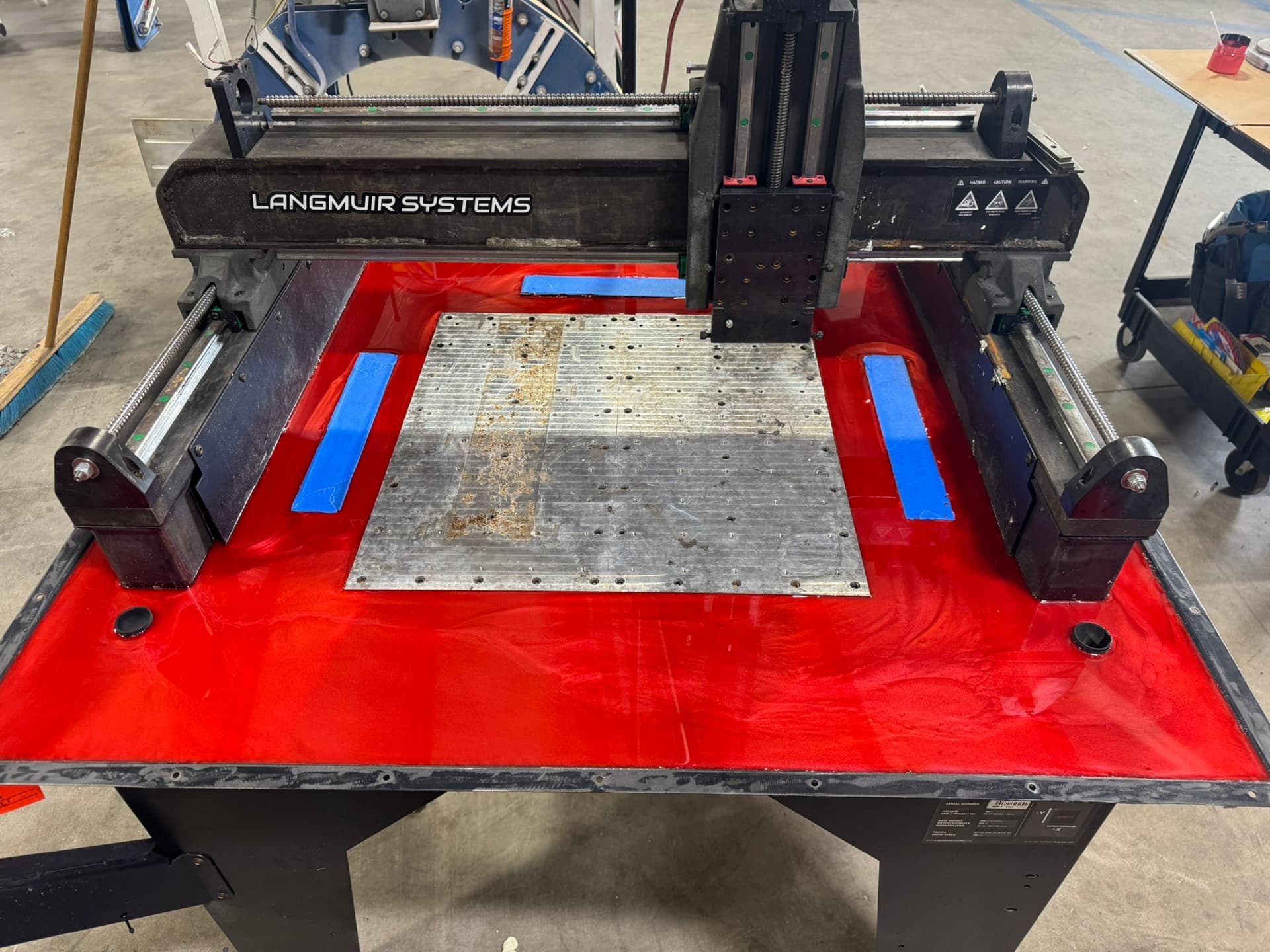
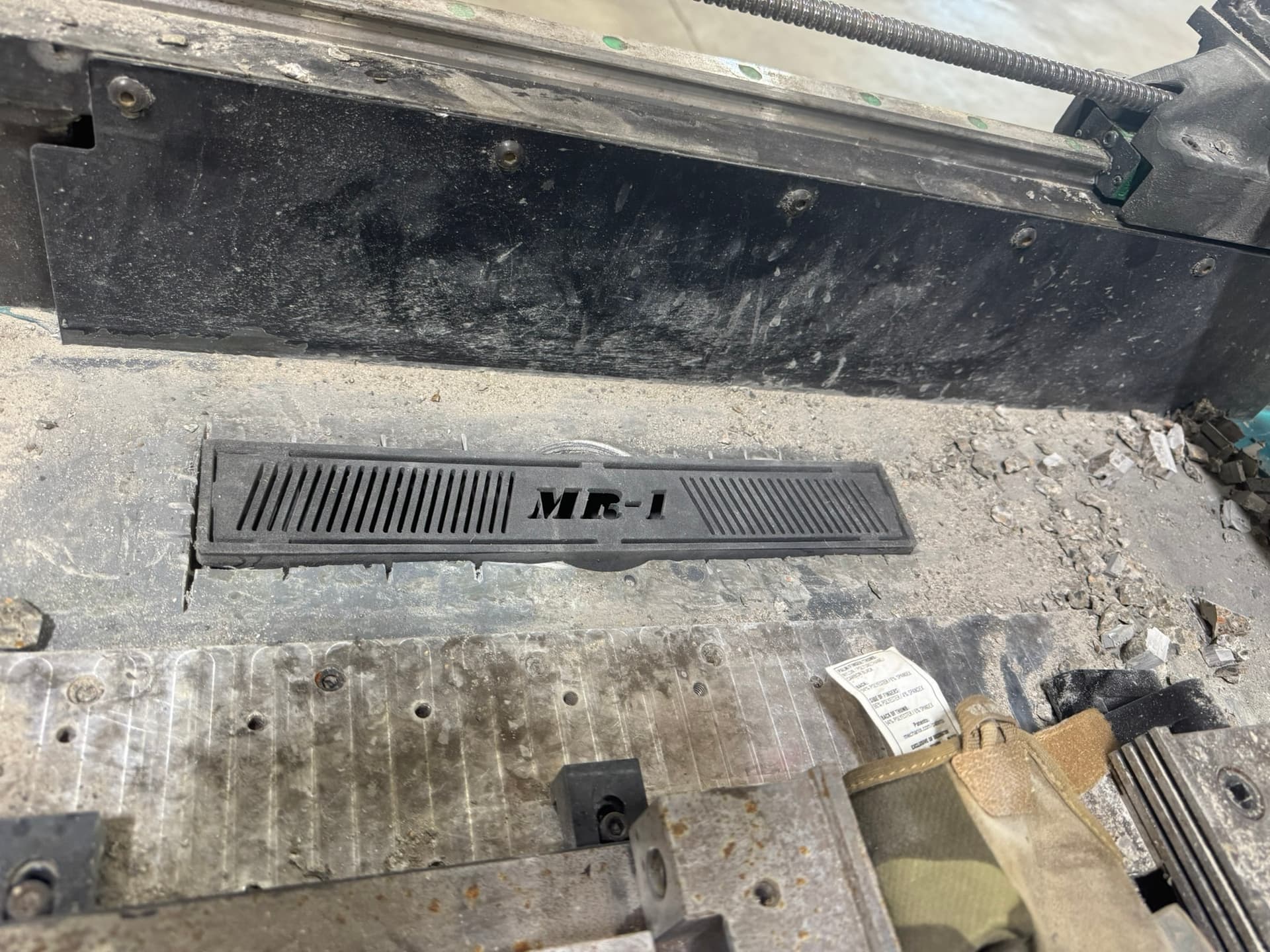
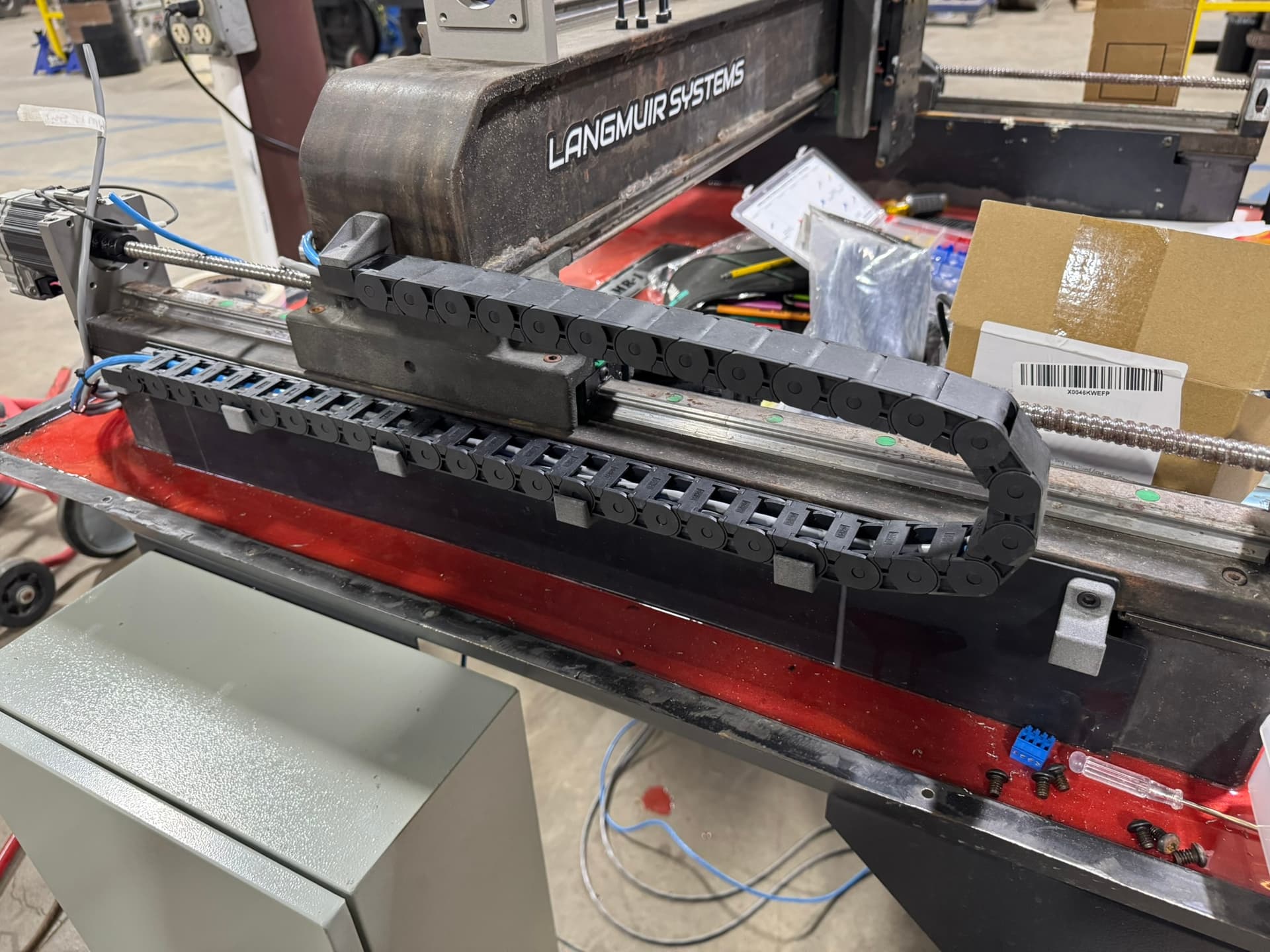
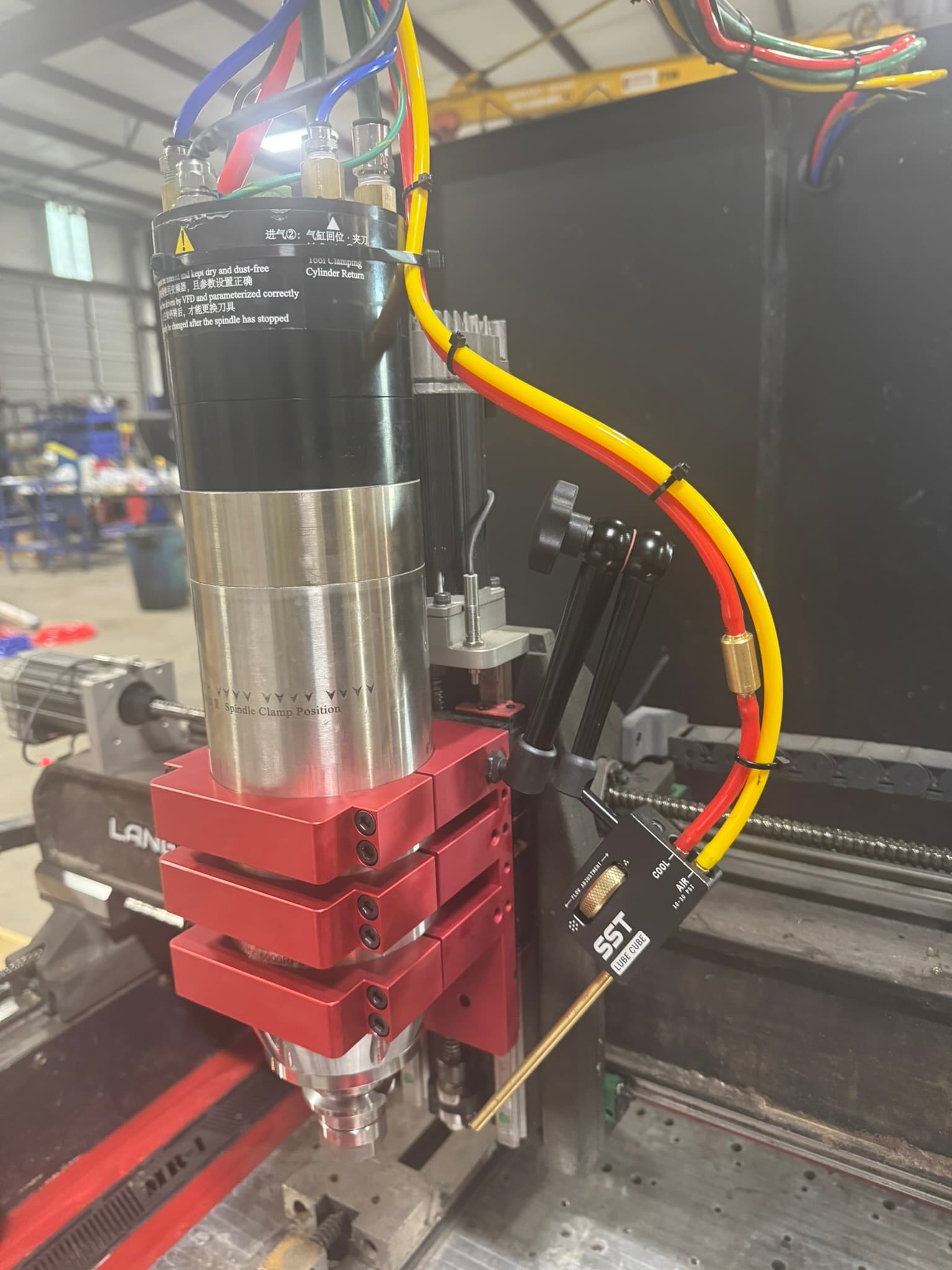
At the same time, I also dug out the concrete and installed some 3d printed larger drains. I raised the gantry 1”. My spindle choice is a 18k rpm 3.5kw water cooled spindle. Water cooled as I already had chillers available. This is a machine we use at work. I’m the VP of R&D and wanted a machine for small prototypes, production runs we out source. We design and build our own equipment in house. I already had knowledge and access to clearlink, hence choosing them. The control panels, all the wiring etc I already had on hand, The chiller as mentioned above I already had, plus access to SLS 3d printers for testing parts, lathes and manual mills etc.. Happy to share drawings and help make parts for anyone that wants to go down this road.
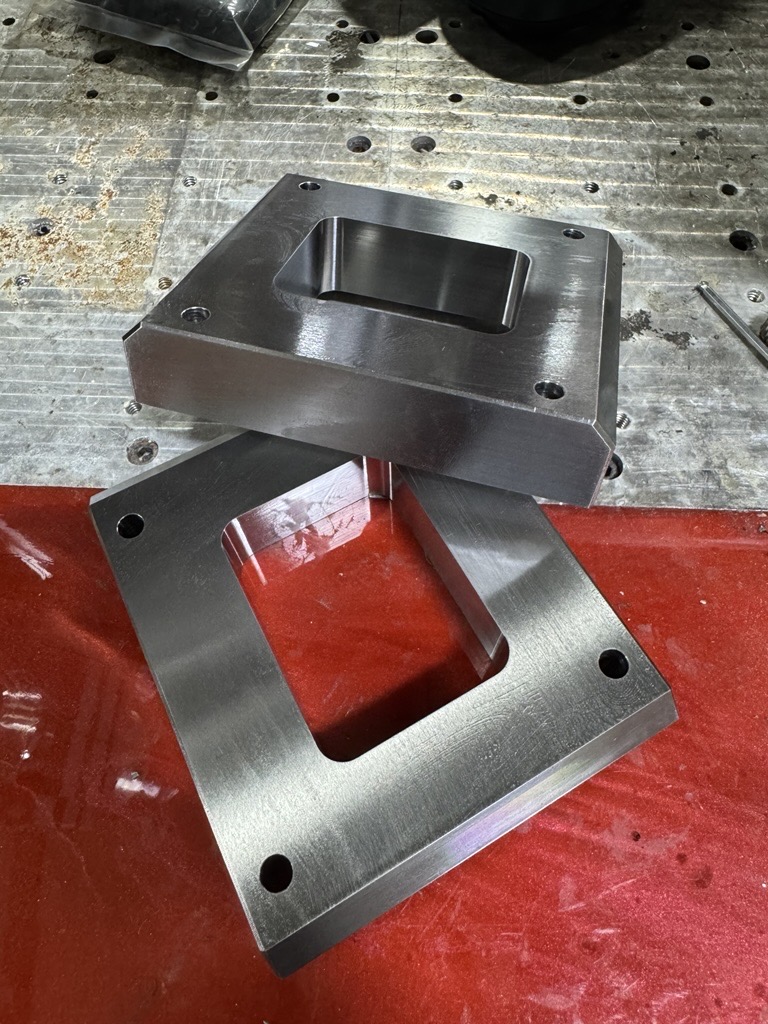
My first test part with had a tolerance of 0.003”. That was without tuning anything. That was just using entered vales vs running the wizards to fine tune travel. The masso also has cutter compensation which could help fine tine things more but for us that kind of tolerance is ok for testing parts. We let the machine shops with quarter million dollar 5 axis machines do their thing.
Whilst this route is not cheapest of options vs the likes of Linux CNC, its the easiest and fastest way. Unless you have knowledge of Linux CNC etc, which is the route AlexW took. Functionality there is no difference between the two options.
I’ll post a bunch of pics rather than ramble on and answer any questions.
I’ll put a list of parts together, I used parts that I already had and maybe caused more issues for myself in some areas, but for someone just to swap out the controller and keep all the original motors and controllers etc it should be relatively easy.
Touch probe to replace the OE one, this one is wireless.
For air you will need something like this… Air is needed for misting system, blow down for the tool setter and the ATC if you run one.
That takes care of the basics, and all that should fit in the OE control panel and keep the original drives (I would recommended at least upgraded controllers)
If you want to go the ATC option. My recommended would be the CNC Depot FM30F which is air cooled. If you want to play with some cheaper Chinese stuff which is what I did, this would be the way to go. I went 3kw (the motor says 3.5kw), 8 pole, 220v with VFD. research before taking this route as it will cause issues at lower speeds, drilling holes for etc.
I don’t think this VFD will fit in the OE control panel though, so an additional panel will be needed.
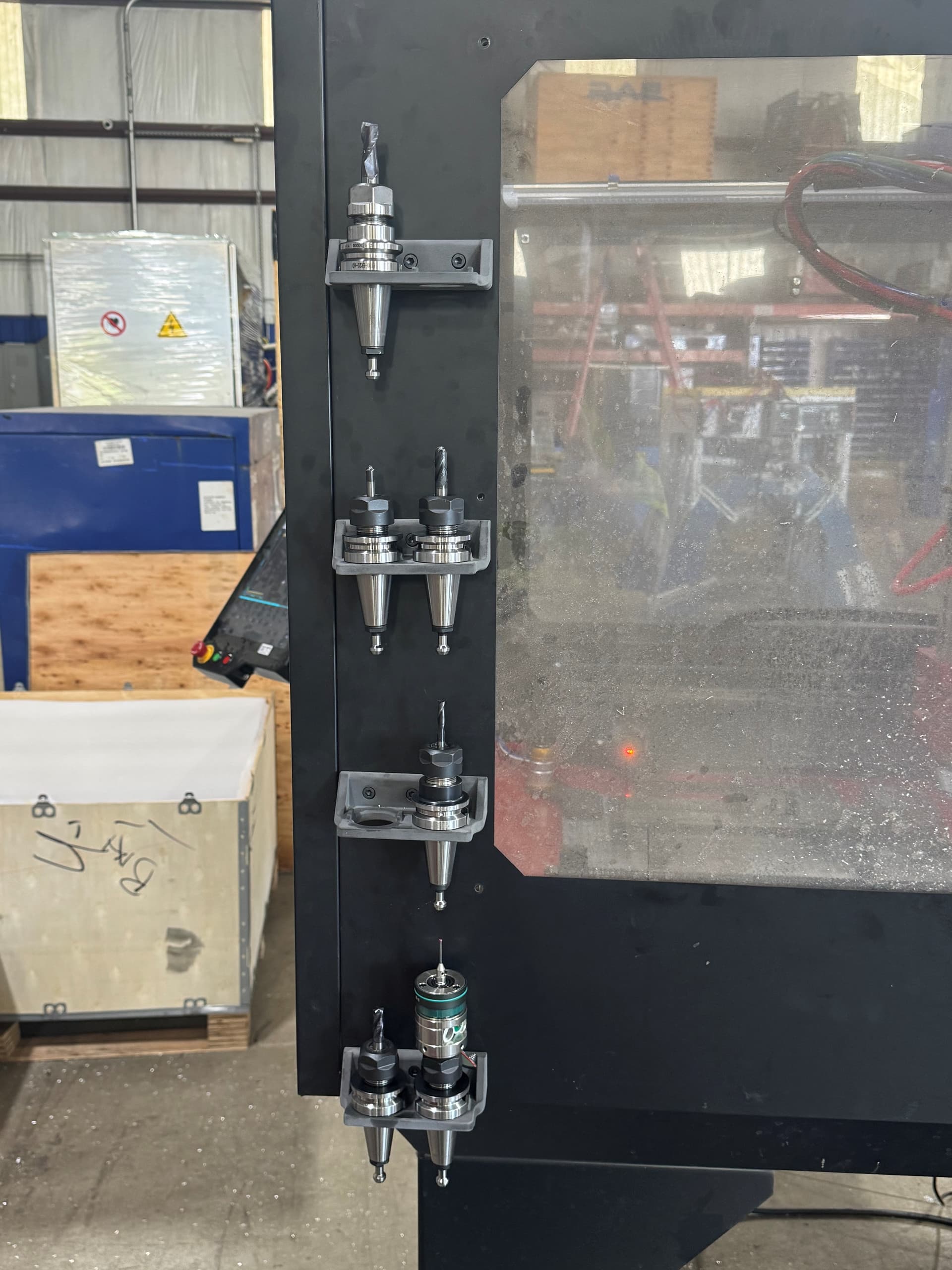
I cant recall if the OE panel has a 24v transformer, if not you will need ones of those too. Then of course tool holders will be needed. To change the spindle, you will also need a new mounting plate.
I forgot the misting system. I may add another mister to mine so would reccomend going with the dual head system. I think dual would be handy for doing pockets as depending on what side of the stock you are on, your mist could be blocked.
I also installed a regulator and filter on the machine to protect the ATC.
I don’t have an Automatic tool change as such. The spindle is capable and so is the MASSO. Currently I change tools by hand.
You create a list of tool in MASSO, each one numbered. You have a corresponding list of tools in fusion (or another CAM program) if you start a program and the wrong tool is loaded the machine moves to the front and tells you to change tools. If you are mid program and a tool change is needed, again the machine moves to the front and requests the next tool. Changing the tool is as easy as pushing a button. You can either have the program measure the tool with the tool setter or you can have all the lengths pre saved so you don’t have to measure every time.
You can see me doing a tool change this way at roughly 30 seconds (and again at 1:37) in this video:
Please don’t touch a spinning tool as I did there (it hadn’t fully stopped and you can see me pull away).
These tool changes take ~5 seconds and you don’t change programs. I measure every time (because it’s more flexible), but it would save time to use stored tool lengths.
With the masso, you have the option to do a tool measure every tool change or only on request. All my tools are pre-measured, I do that when I enter the info into my tool list. But lets say you have a chuck tool holder for all your drills. Every one is going to be a different length.
When the machine stops to request a new tool. You can put the tool in, but rather then pressing continue, go to the tools page, select that tool and request a measurement. Once done, go back to the program page and press continue. Not as fast as just having the machine auto measure, but for all the other tools it does not need to measure.
The other nice thing is there is a windows and iphone app, which connects to the machine via wifi. From this app you can see the machine status, you can upload files and also view the tool list. Which is handy when doing the CAM if your adding new tools to your library.
The downside is, it is less flexible then Linux CNC. One example is my spindle came with a switch to detect if the draw bar is open or not. There is no option in the masso to select a input to be a draw bar switch. I sure they could add it, if requested as it only inhibits the spindle from starting of the draw bar isn’t fully seated. Another one is I have a wireless probe, there is a input to the probe receiver to put the probe to sleep, to save battery. Masso does not have a output selectable for that, so I just pull the probe batteries when not in use. But I think in terms of actually cutting metal one is no better then the other, they both read the code and perform the task. I like how the masso does not need a PC, it boots up in just a few seconds.
The masso has 5 axis outputs. 4 of which are used as the Y uses 2 for auto gantry squaring. leaving one for a indexer like Alex posted in his video. I think with linux CNC the number of axis is expandable?
Yes, with LinuxCNC and Mesa boards you can add as many spindles and axis as you can dream up. There might be a limit, but it’s very high (like 10+).
I haven’t tried this yet, but it looks like I can reconfigure LinuxCNC to treat my 4th axis as a second spindle, making the system more like a lathe with live tooling. I made some wooden toys for my kids (at their request) this weekend and was looking at options to treat the 4th axis as a spindle instead of as an indexer to get smoother finishes on turned shapes. Something to play with in the future.
I like that option to have a fixed tool table for most tools, but to re-measure on request. I should see if I can configure that in LinuxCNC. I don’t own as many tool holders as I should, so I always measure to give me the flexibility to swap tools in a holder mid-job.