I continue assembly of my Crossfire Pro, which included limit switches. Yes, I have read many posts, and understand these are not really essential, but I did install. I’ve moved on, but would like to try and make them work.
First, I didn’t understand why there is only one X-axis limit switch?
I installed the electronics and plasma cutter separate on right side upper wall. So with one X-axis limit switch installed on right side I quickly realized not to hit the Home button in Firecontrol since it would travel to back left.
-Is there a way in Firecontrol to switch Home to +X, +Y, vice -X,+Y?
-Is there only one limit switch for X-axis?
By having the hard stop on one side, the machine realizes that is X=0. When you go into the settings you can turn on the soft limits. You move the torch holder in the x-direction to the right as far as you plan to every go. Look at the readout in FireControl for what the x position reads. That will be the soft limit number you will enter for the soft limit for x. Now you have both positions for x.
Same with Y. Repeat the process.
I have heard some like Tom and Terrance talking about going into the coding but it is not a simple thing to do.
Yes. The other position is resolved with “soft limit” input by you.
Be prepared for FireControl giving lots of alerts/alarms when you turn on soft limits. Just clear the warning, home the machine and proceed with whatever you were doing at the time and it usually takes care of it.
I will say the only thing that burns my cookies is the home position is top left, and the default program start position is bottom left. For the love of god Langmuir. Let us change one of those two.
@B_Lindsey, This is just a longstanding joke. Anyone mentions problems with limit switches and BigDaddy chronicles the value of limit switches: They are good shooting practice for him!
I still don’t really get the point of the limit switches on this table. I guess just protecting you from yourself.
It certainly isn’t going to prevent a crash in the event of a software glitch. The software is what controls the limit switches. It’s not like it kills the power to the controller when it hits the limit switch.


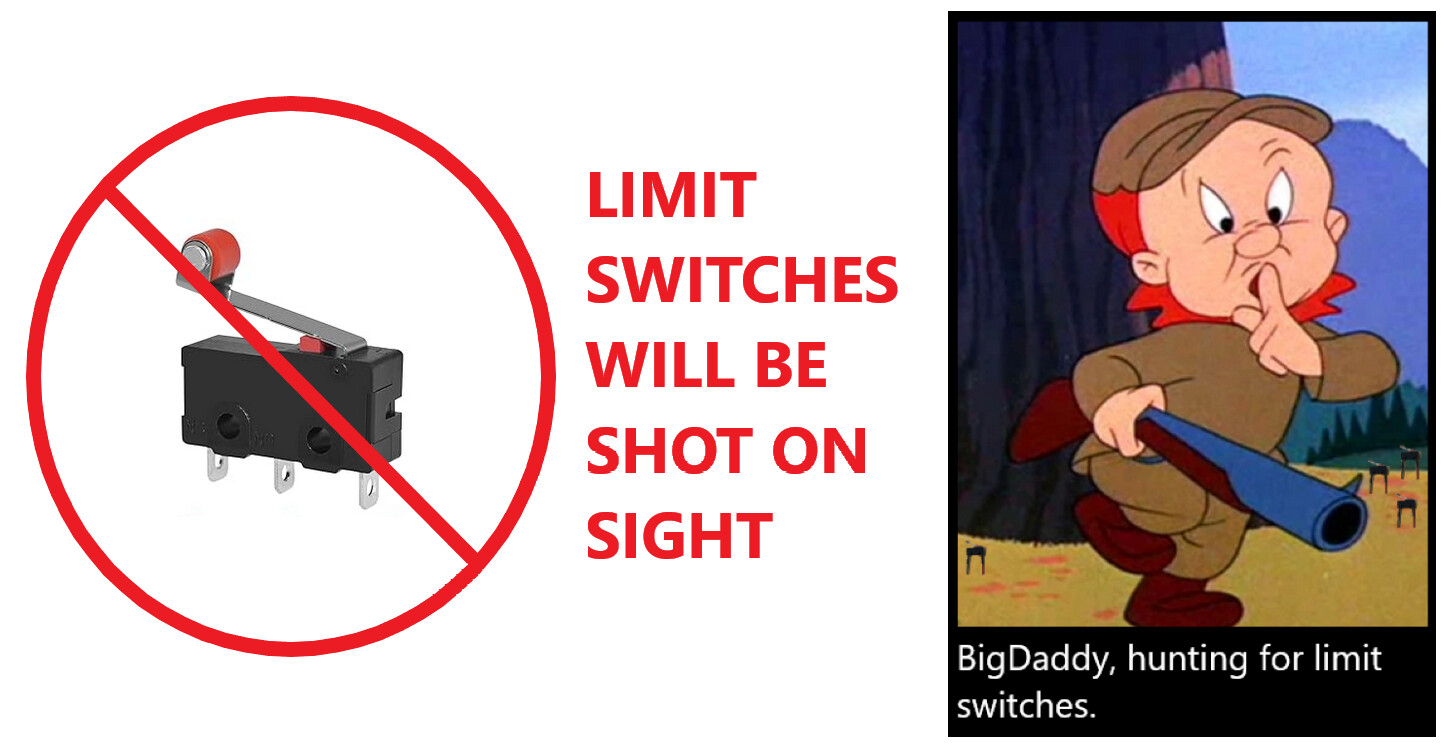
 in the hunt.
 Mine is to provoke you.
