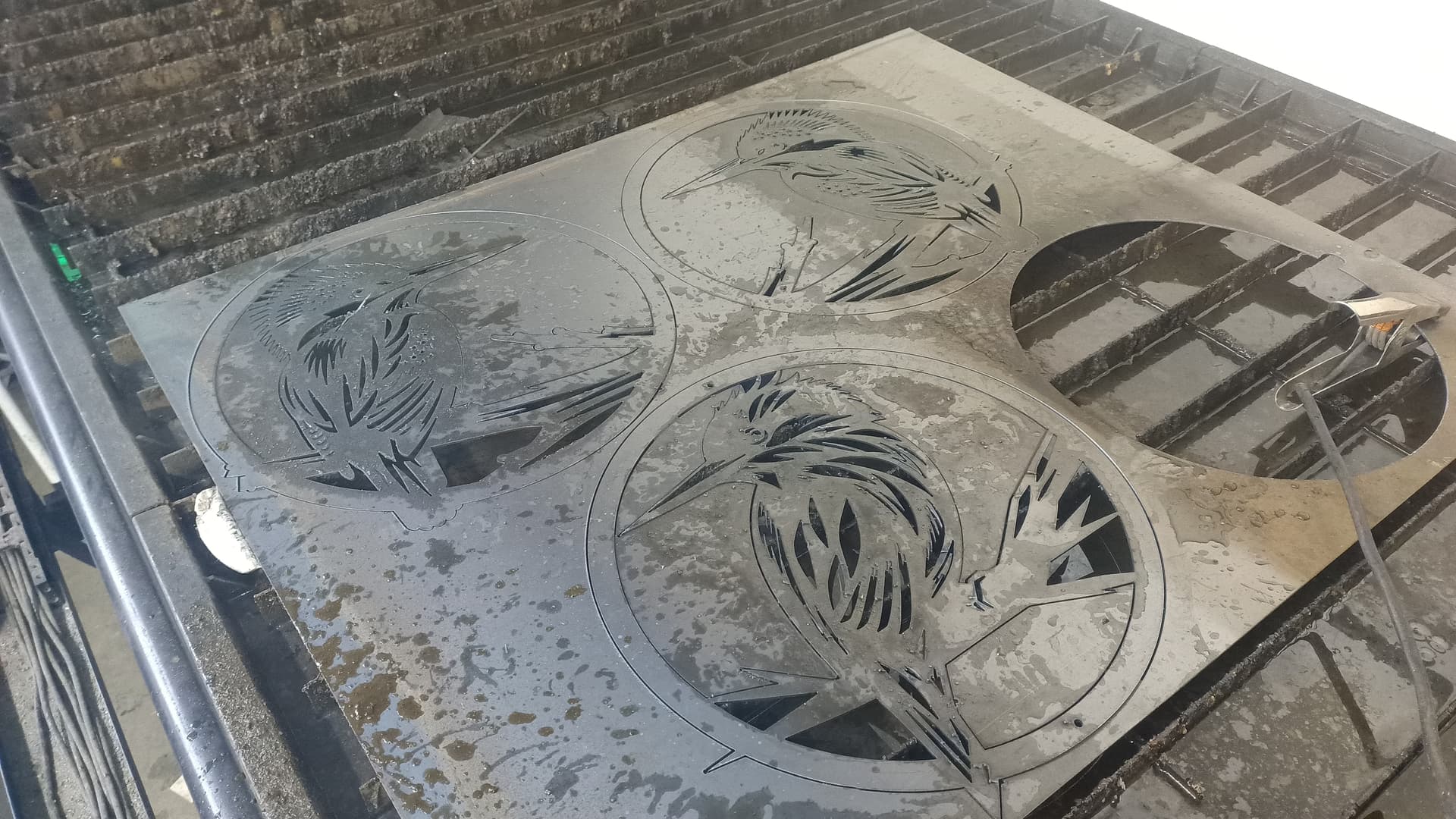
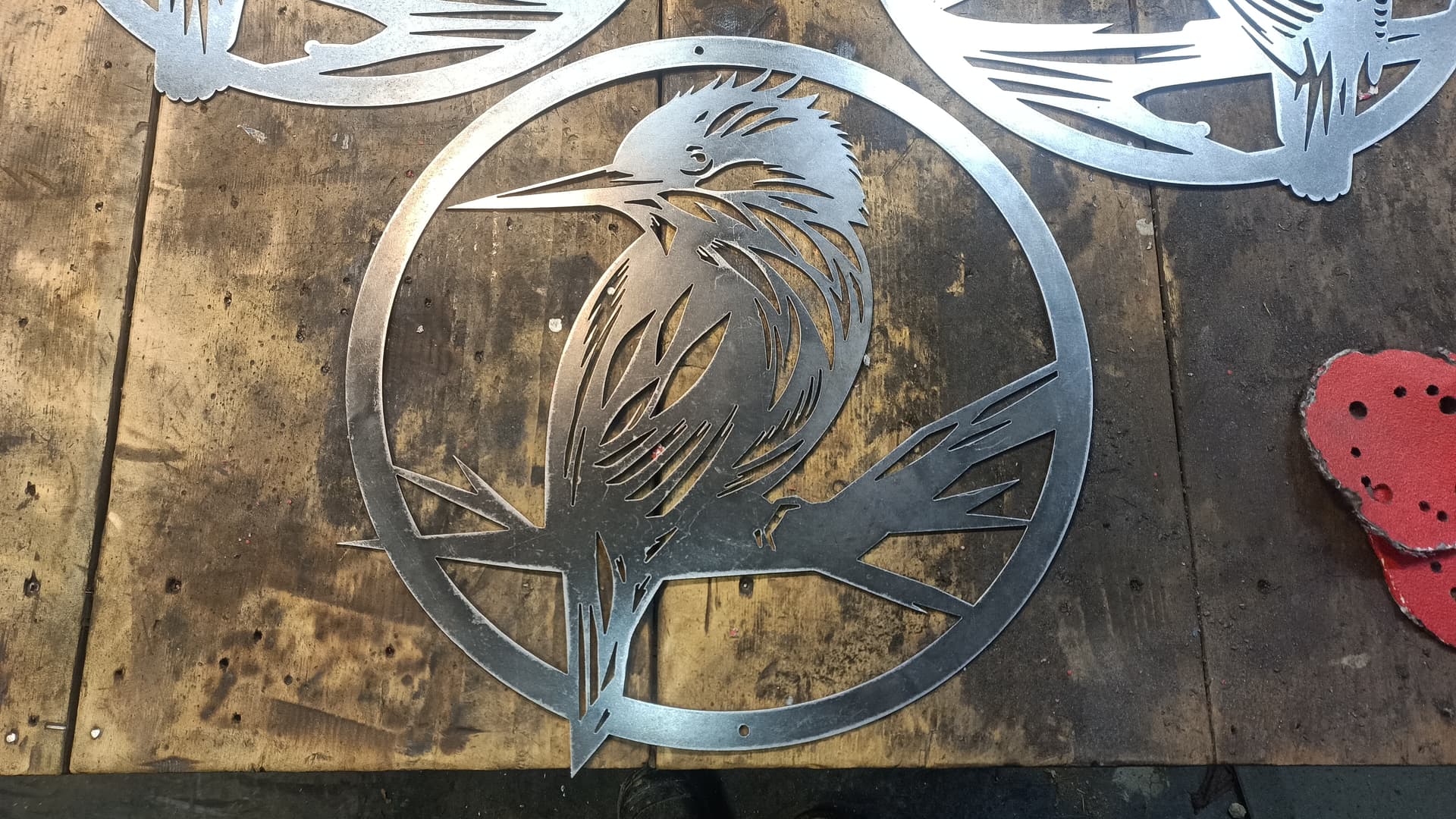
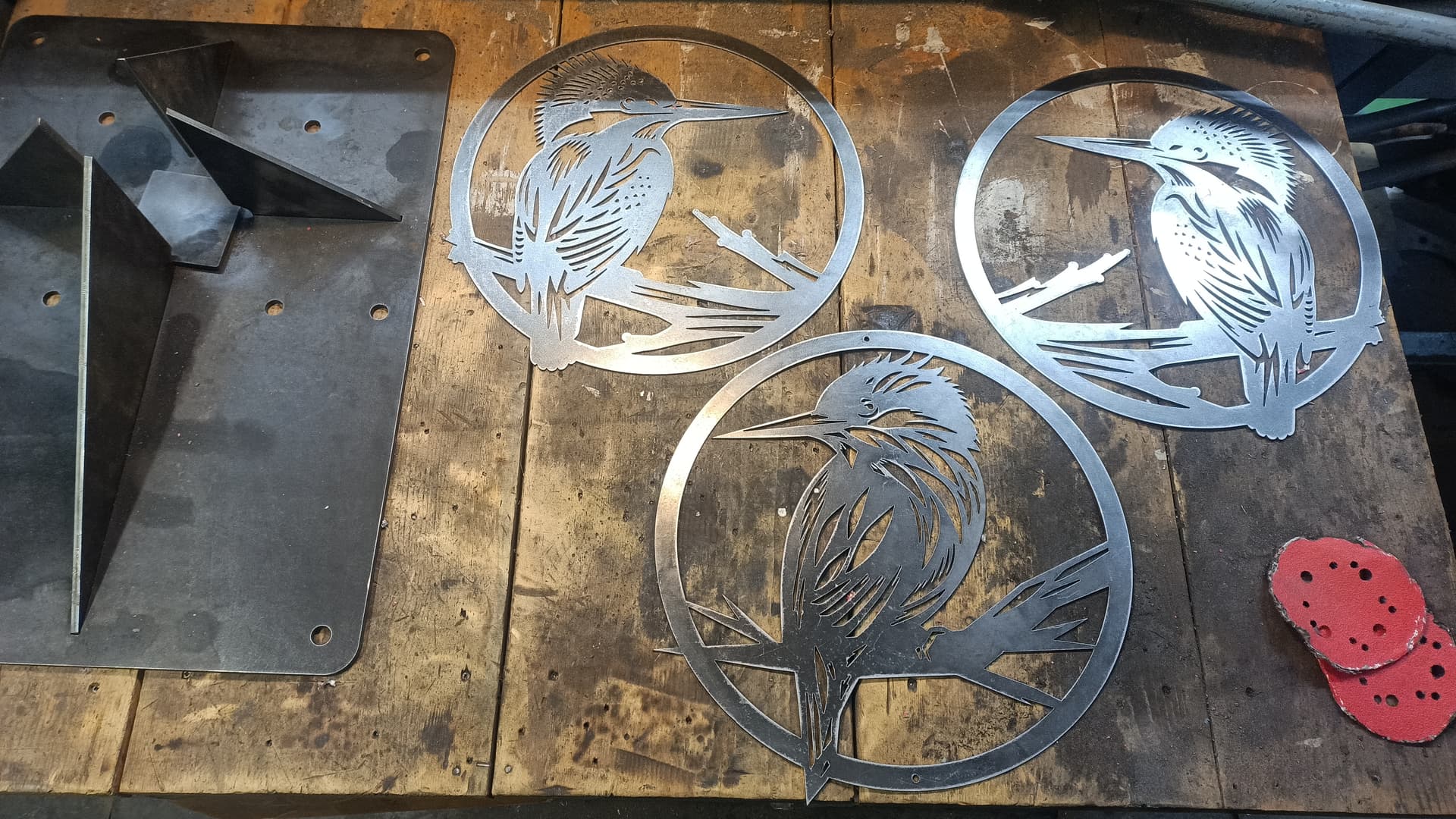
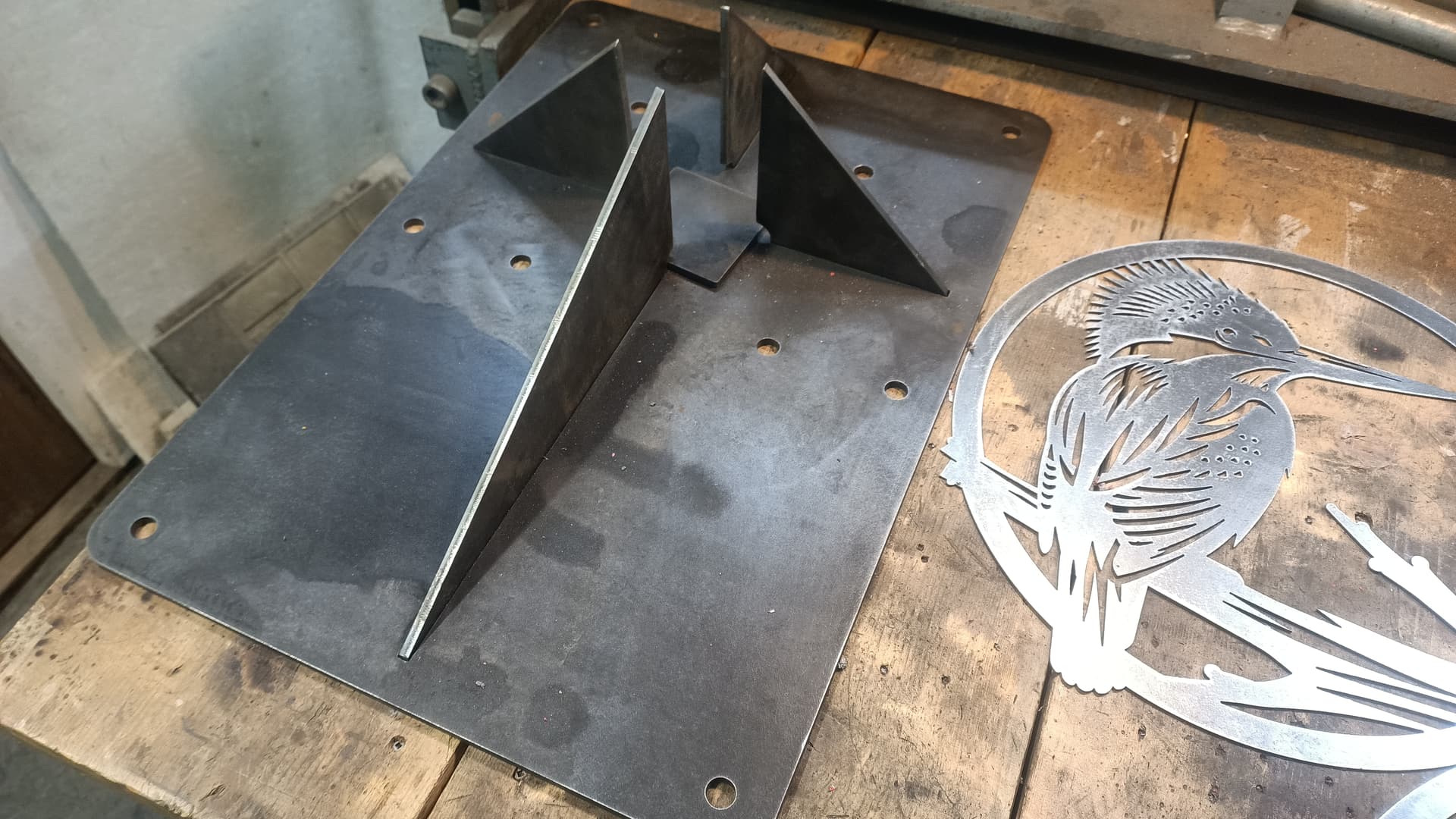
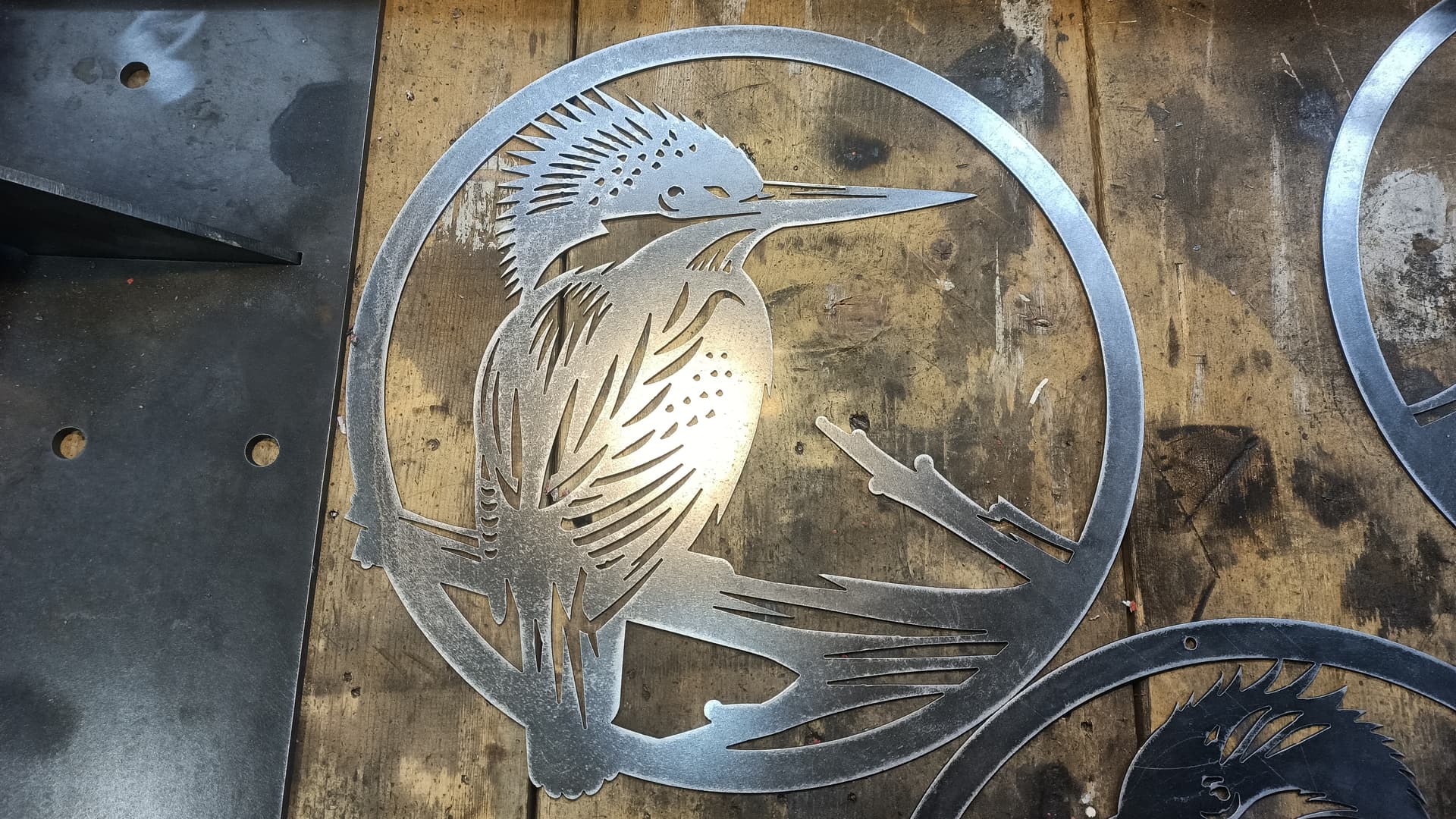
Sheetcam will automatically do dog bones on things like that. The feature is called “over cut internal corners”. You can adjust the settings and see the result in the tool path.
When you enable that feature, it will apply to all internal corners on your drawing, unless you set up a separate operation for just the parts where you want the over cut. It’s fairly simple to just move those cuts to another layer and create an operation with the dog bone cuts.
They kept all the same features available on their new version right?
A post will come up from time to time complaining about the new cost, without knowing what all it adds/offers. Nesting was added I do know that so many will love that feature.
I’m not anti-Sheetcam either, as I often recommend it myself to those that like cutting intricate signage and the sort.
I just always found Fusion easy to use and never switched.
But it is nice that many companies have a post processor for Sheetcam as well in case someone owns it already. My buddy for example used Sheetcam on his CFPro, only to be able to use it on his STV CNC since they also allow for Sheetcam. He only finally ditched it when he switched to fiber laser.
I have both sheetcam and fusion. I’ve seen people talking about the plug ins of add ons that help with the tab and slot and dogbone/ over cut features, i just wanted to read up on it some more. I have played with it a bit before, but usually end up doing some post cut file work because the kerf ends up making the slots too tight.
I did a little reading and found this post that allows Fusion to automatically add in an allowance with your cuts. I have not tried it.
Edit: The more I think about this, the more I can’t see how this would work since it would change the dimensions of your entire piece rendering the “creating allowances” moot. Perhaps I am looking at it wrong.
I 100% agree with this viewpoint. I have some great CAD tools and SheetCam is a great cam tool that is easy to use. I’m not going to ever use it as a ‘design’ tool.
The only tool that I consistently use out of it’s intended domain is LightBurn. That has the best 2D Vector editing and Image tracing tools I have used, where ‘best’ is easy to use and doesn’t require me to use it every day to ‘remember’ how to use it effectively. It just works.
They are offering a ‘Mill….’ kind of tool but I haven’t bothered (and probably won’t) to look at it.
I downloaded and used the “millmage” beta program. It wasn’t bad, but you can tell it was made to be easy for lightburn users to adapt to it.
I ended up going with Carveco Maker for my CNC router. I’ll still use FreeCAD for my aluminum milling, because most of these CNC router CAM programs don’t have adaptive clearing or rest machining.
I use VCarve Pro as I only do non-metal routing (Plastics, Corian, Wood) and it meets my needs. I really don’t have any CNC Milling capability, but I don’t really need this for any of my projects.
A lot of the CNC routers are using GRBL language so you might only need to set machine extents to get a working setup in Fusion.
However, I use VCarve in ways I couldn’t imagine using Fusion, specifically 2 sided carving where VCarve has nice features for copying vectors to the opposite side, etc.
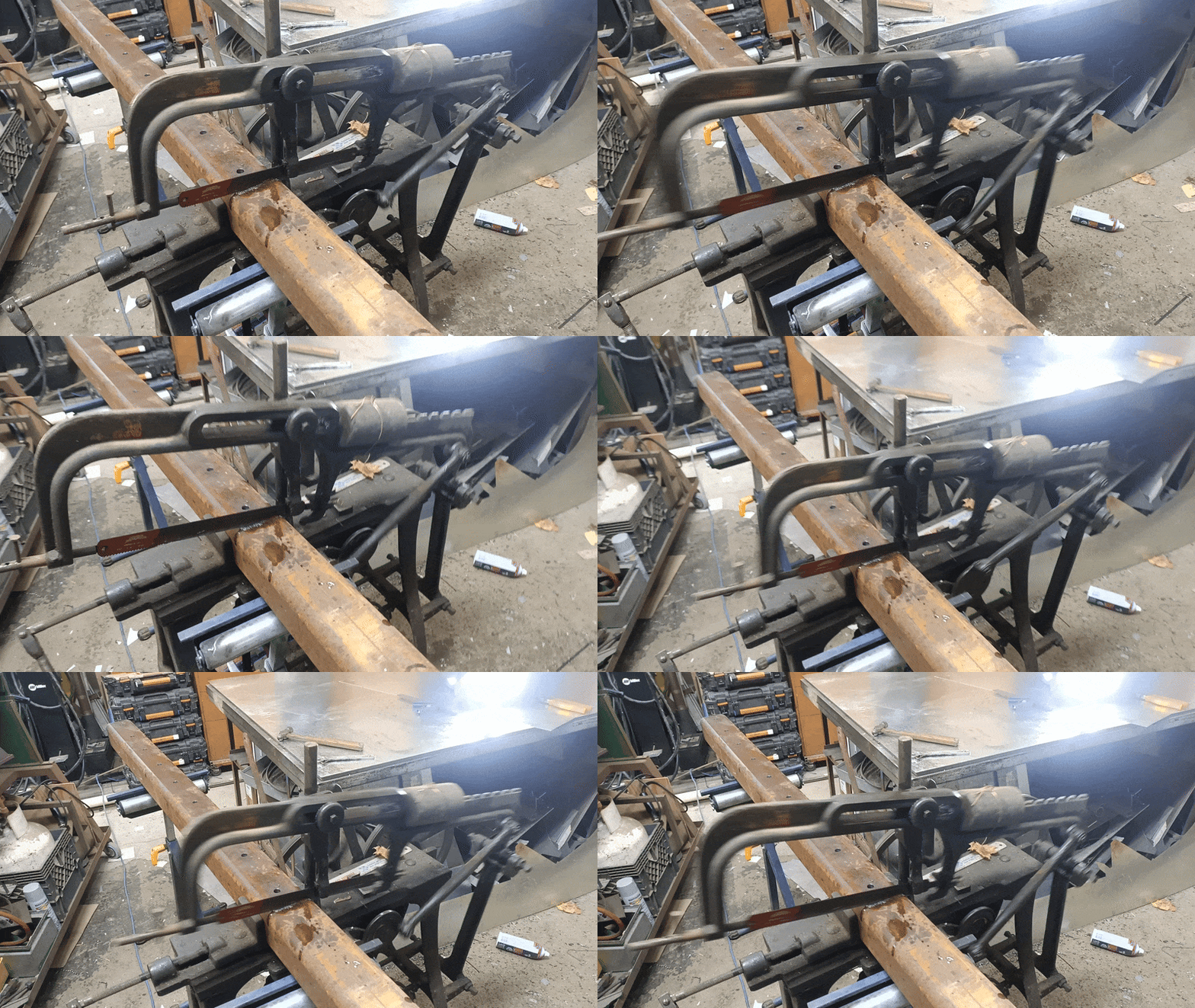
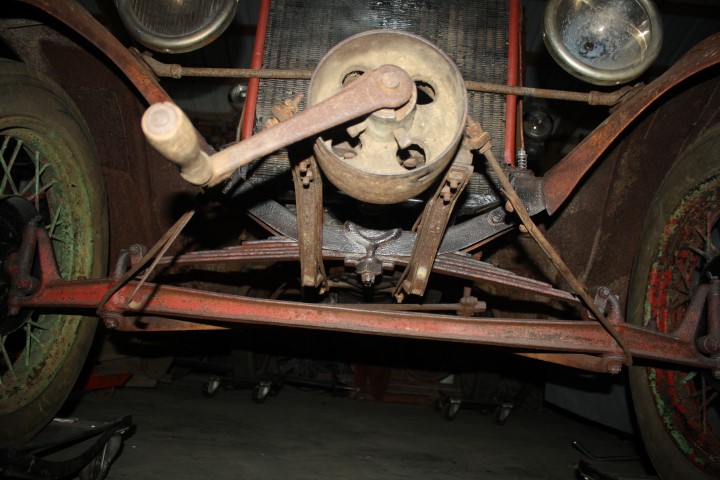
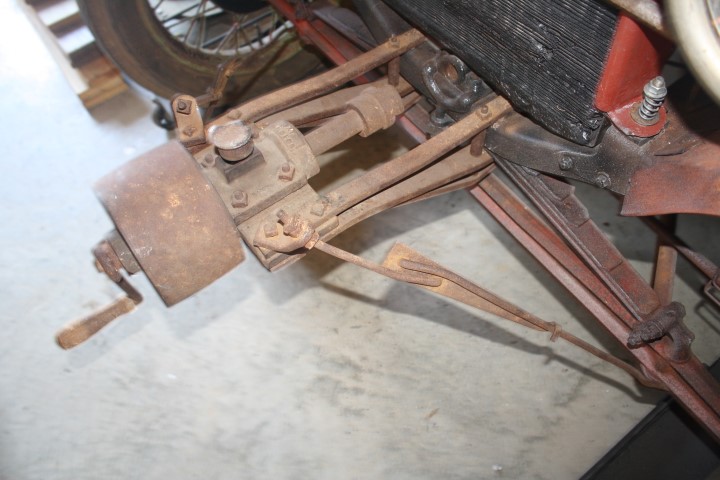
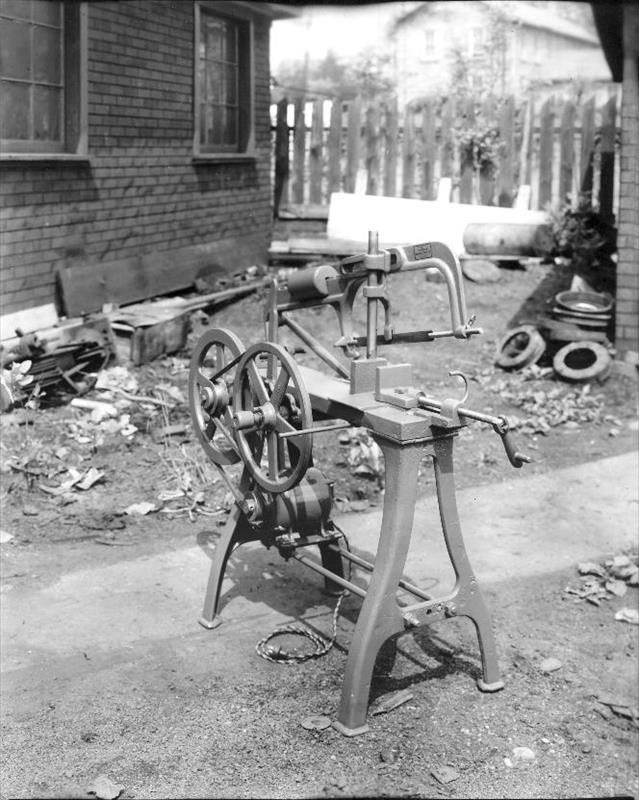
And I also had a cut down this 4x4x3/8 square tube. I don’t have a band saw at this shop so I pulled out the old power hacksaw. 70 revolutions a minute. I think this one was made in 1917.
Believe it or not, my grandfather had something similar to run a sawmill on his property. I was only 4 or 5, but I remember them telling me not to touch the leather belt. Boy, I’m an old fart TinMan.