For a project I’ve been working on the size of the words need to be 30” x 16”, the style of font I’m using is brush script MT on Fusion 360. By default, a capital W that sits at 30” tall is 37.74” wide.
In the same menu where you select the font style a little further down the list it will have an option to modify the height.
I understand the height, but the length of each letter seems to change depending on the font as you increase the height, just wondering if there was a way to change the length as well as the height.
Check out this old topic I ended up making this video to explain doing something similar to what you’re asking
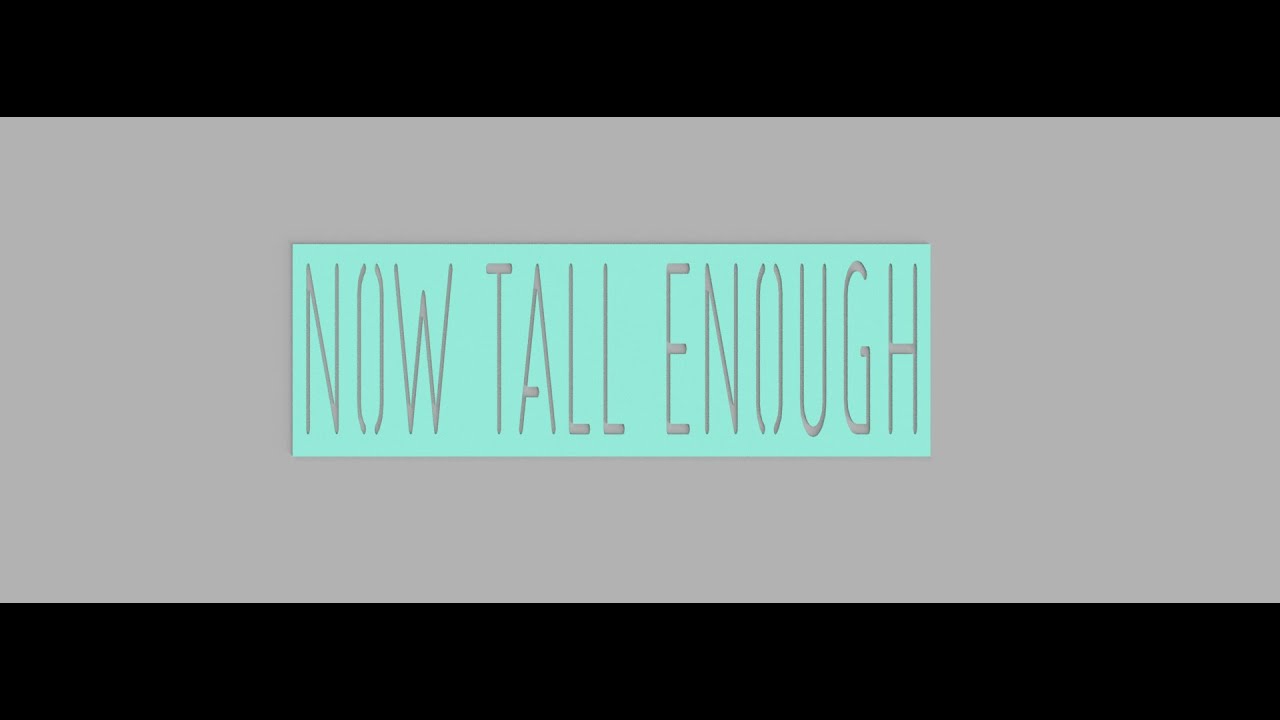
you could use the same methodology to change the width
2 Likes