Made model/ post process in direction not aligned to machine. My stock is left to right (in x travel) but program is aligned front to back (y travel) I need to rotate the alignment so the program will match the x in machine x as well. Every time I align the stock it keeps thinking its running front to back but its left to right. Trying to avoid fixing in 360 and posting everything again.
You can do this in a couple of clicks in Fusion 360 without changing your drawing. Look at the orientation portion of the Setup dialog box. Here is an example where I flipped X and Y. I’ve done this many times when I drew what made sense in my head vs what worked well for fixturing.
You’ll also use this when doing a second op (like machining the back of a part).
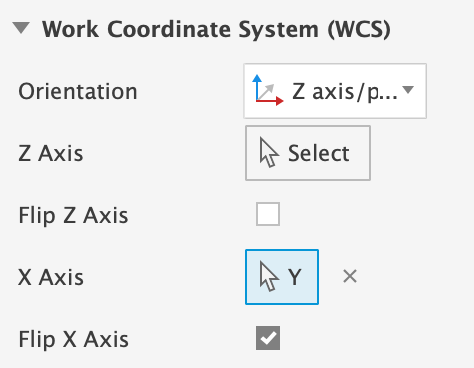
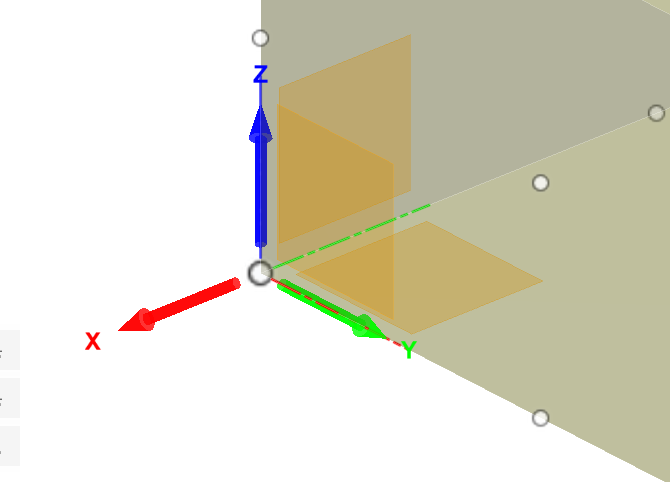
3 Likes
Thank you so much!