I use lithium spray grease on all the screws and silicone spray on all the rails
2 Likes
I soaked the felt washers in engine oil while assembling table,removed the fill plug on all ball nuts and filled with Lucas engine oil treatment (It is like a honey constancy) … Cut fill end right at tip, It will fit in ball nut fill hole and squeeze bottle until oil comes out at both ends of ball nut . I refill all ball nuts twice a month.
5 Likes
My packaging does not have the MC4000 PC controller called for in the assembly instructions, are they out of date and the new touchscreen has it built in?
With XR you should have a direct phone number for service. I’d call them and ask that very question.
I would have enjoyed that benefit with my CF purchase… 
1 Like
This is where I left off today, got the lead screws all installed and adjusted, the cable trays installed, electronics box installed and started on the PC mount. Was short a nut in one of the bags, I suspect it will be short 3 but at that specific step it was just missing one for the X-axis cable tray mount.
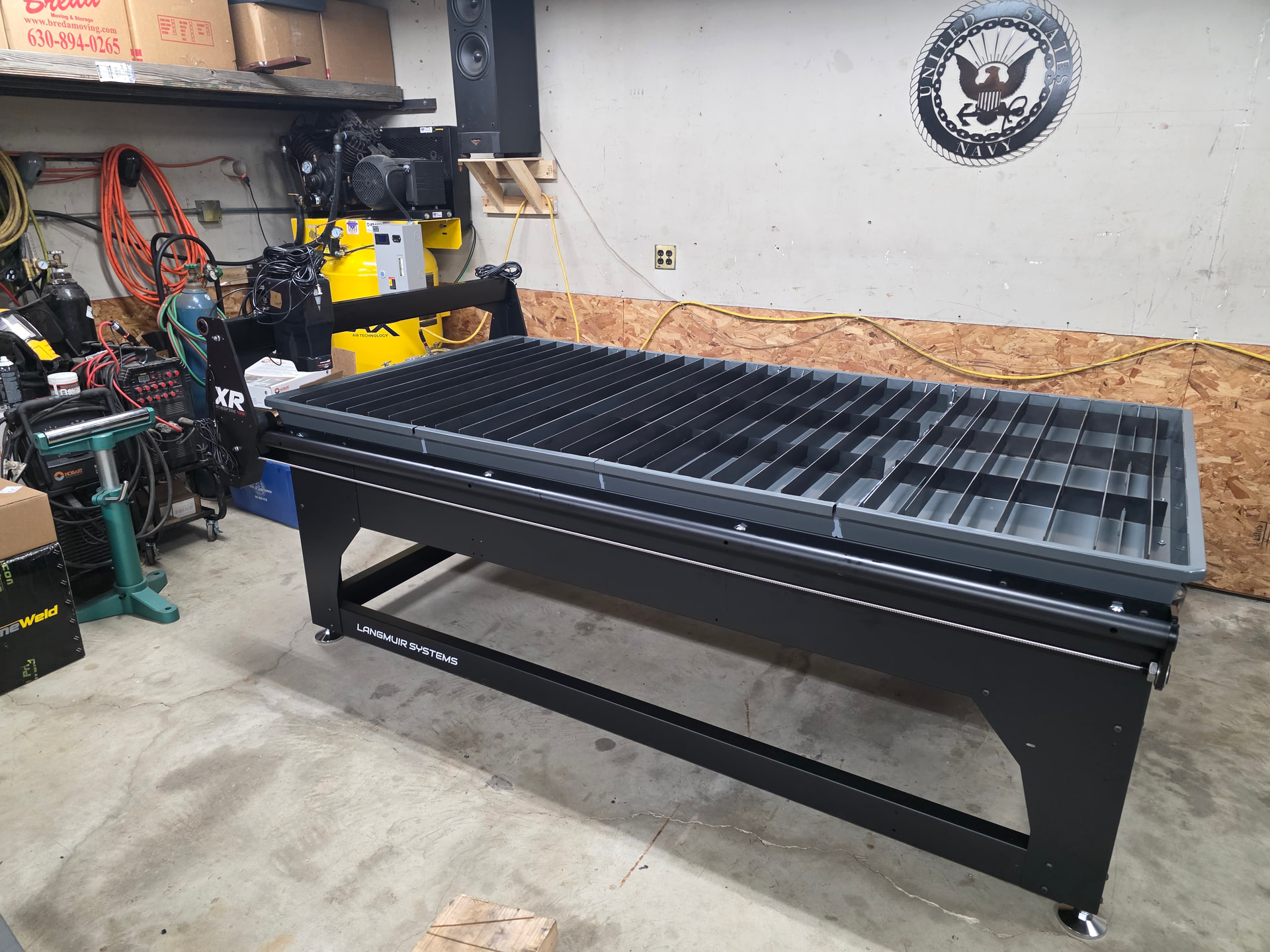
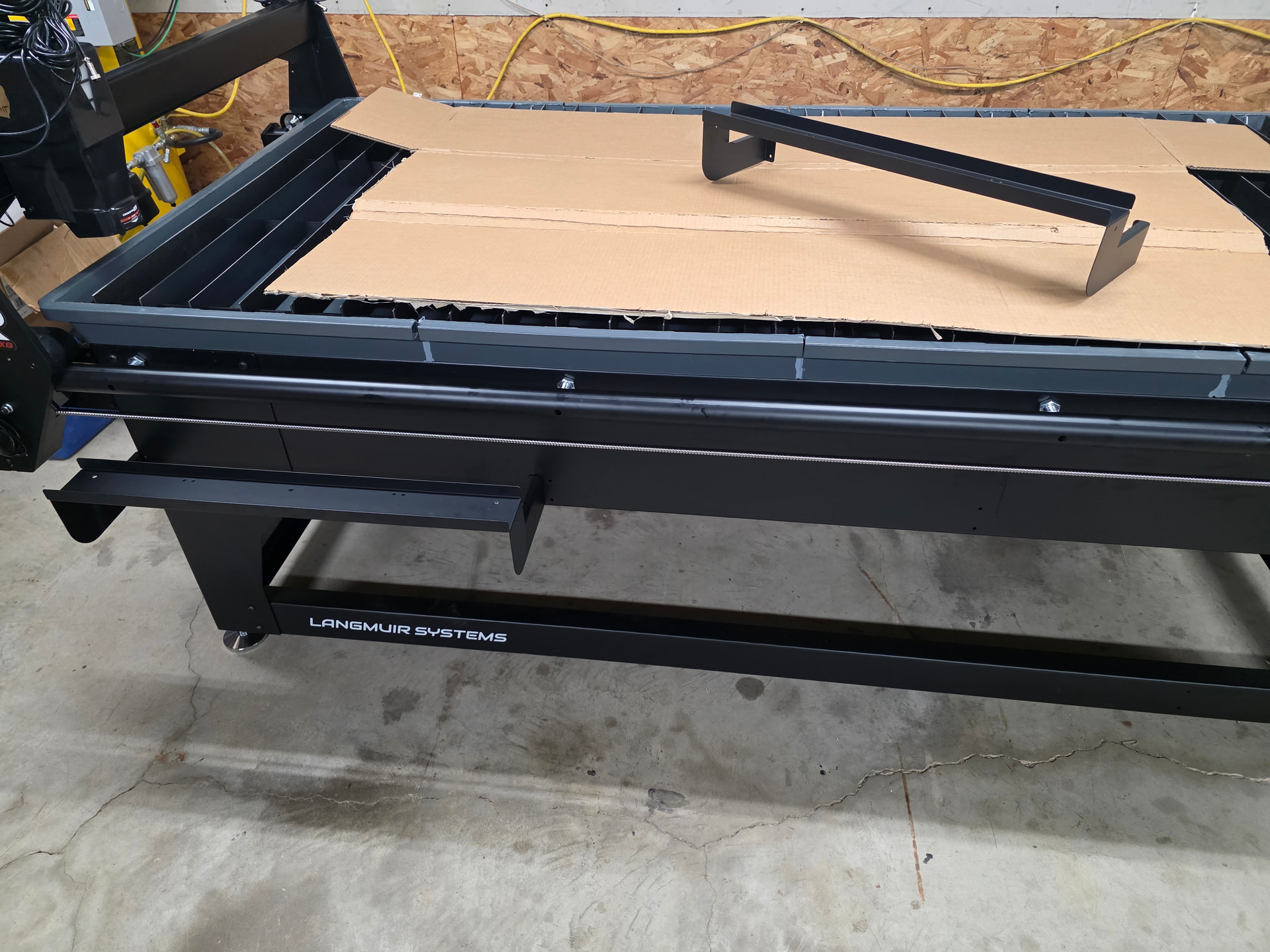
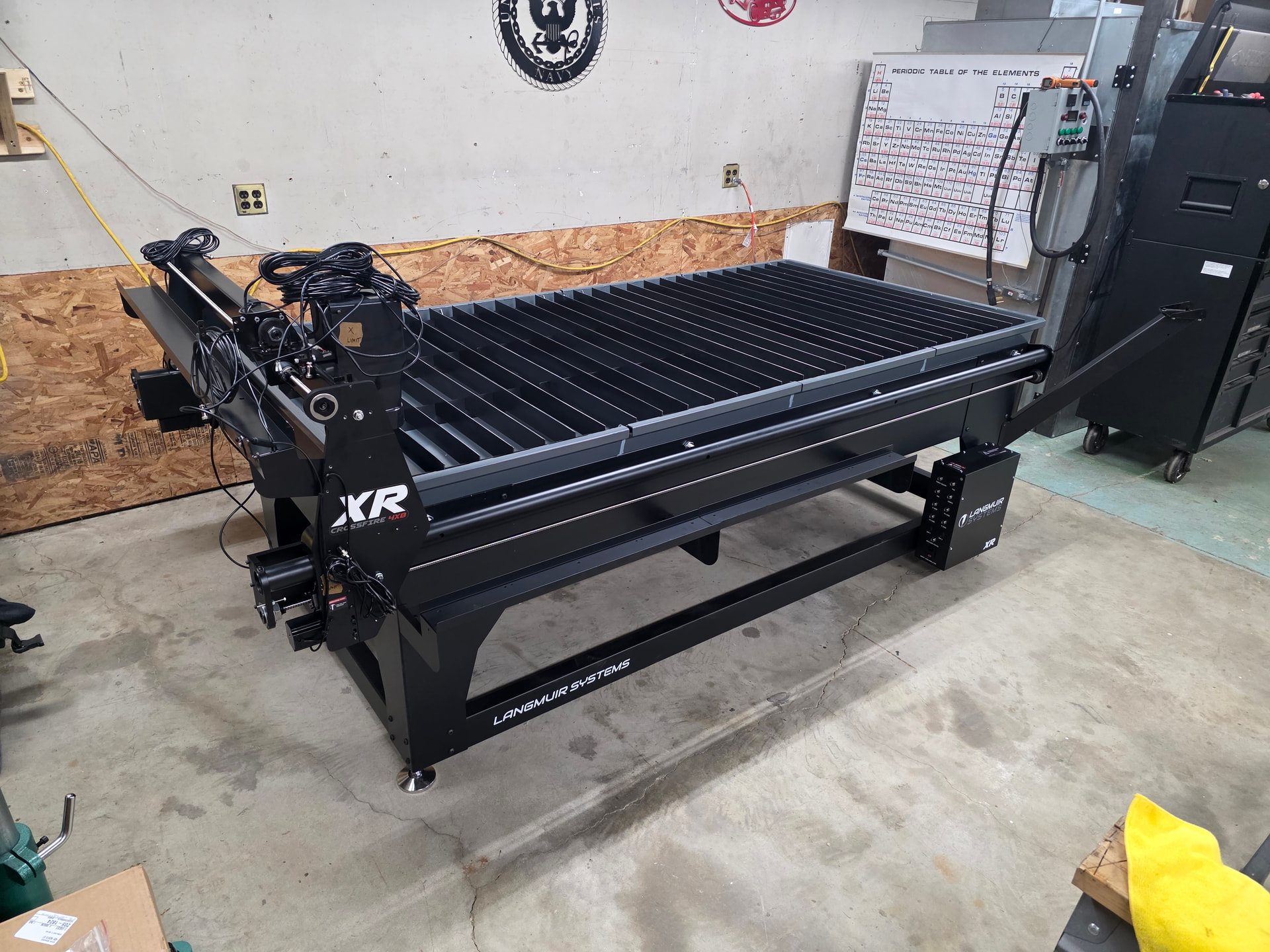
Just saw that the remote pendant looks like it comes in the same box as the MC4000, I’m going to take another look around to see if I can find that box now that I know what it looks like.
1 Like
The computer is small.Dont know how tall you are, but you will want to have six more inches of table height if you are taller than five foot eleven. Table at stock height is too low.
2 Likes
This just in, I found it…Turns out it’s in the sub box called “ATHC and Computer Controller”
You know, right where you would expect to find it if you were packing at least 6 brain cells. The Pendant is in it’s own box but both are in that sub box.
2 Likes
Got a bit further after work today, mounted the computer,
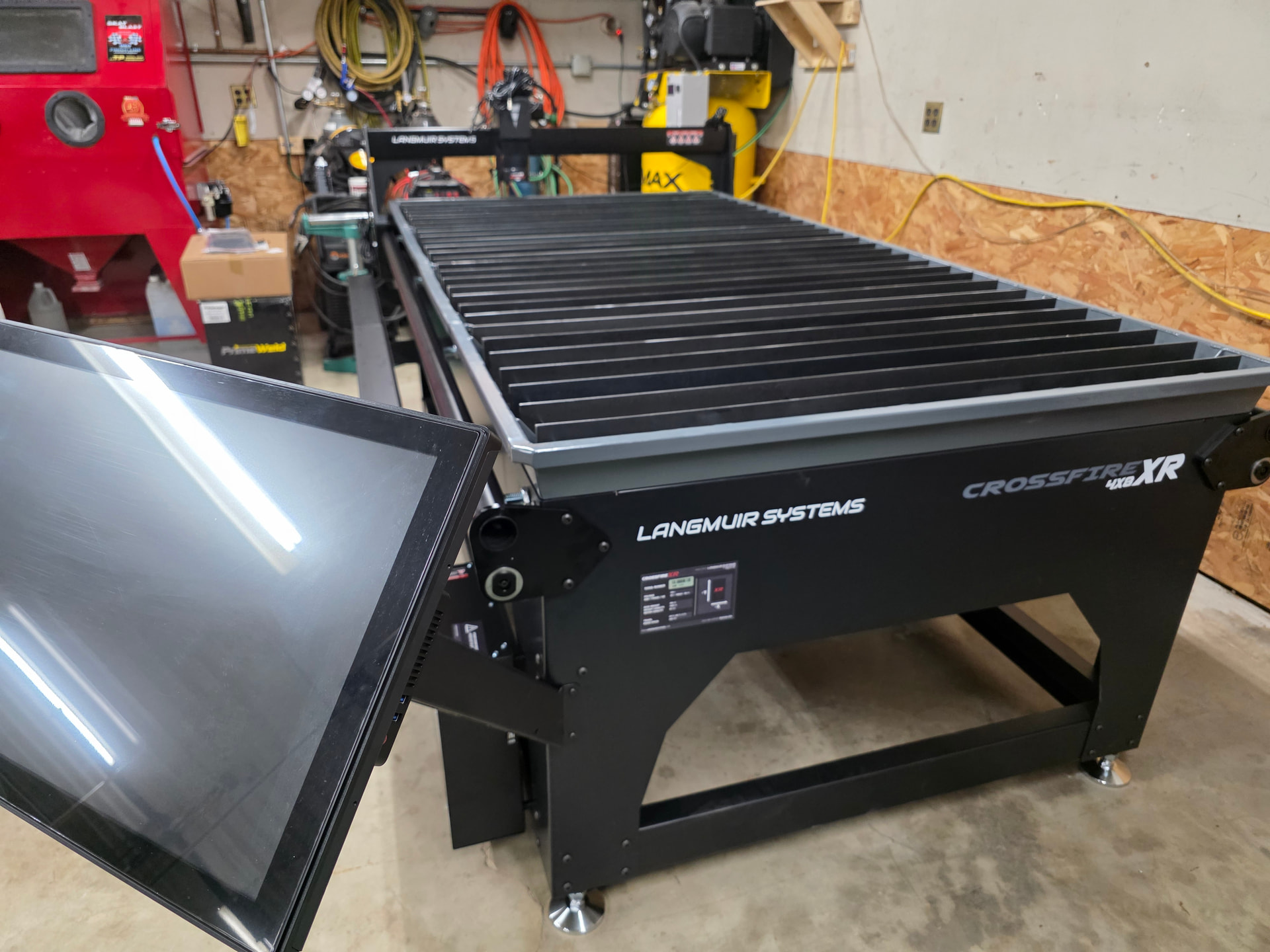
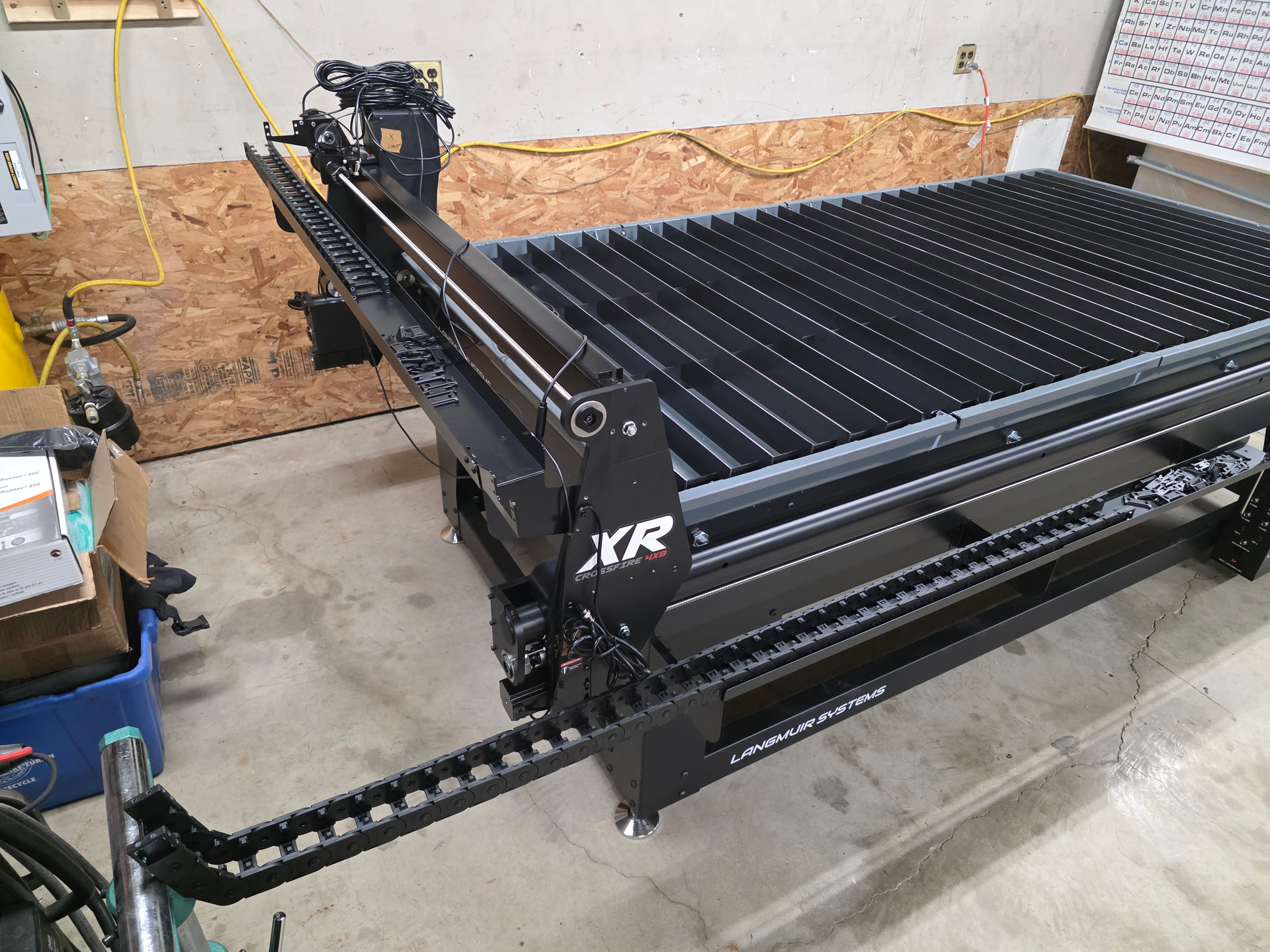
installed the torch adjusted the limit switches and stops, installed the first half of the drag chains and got the cables labeled.
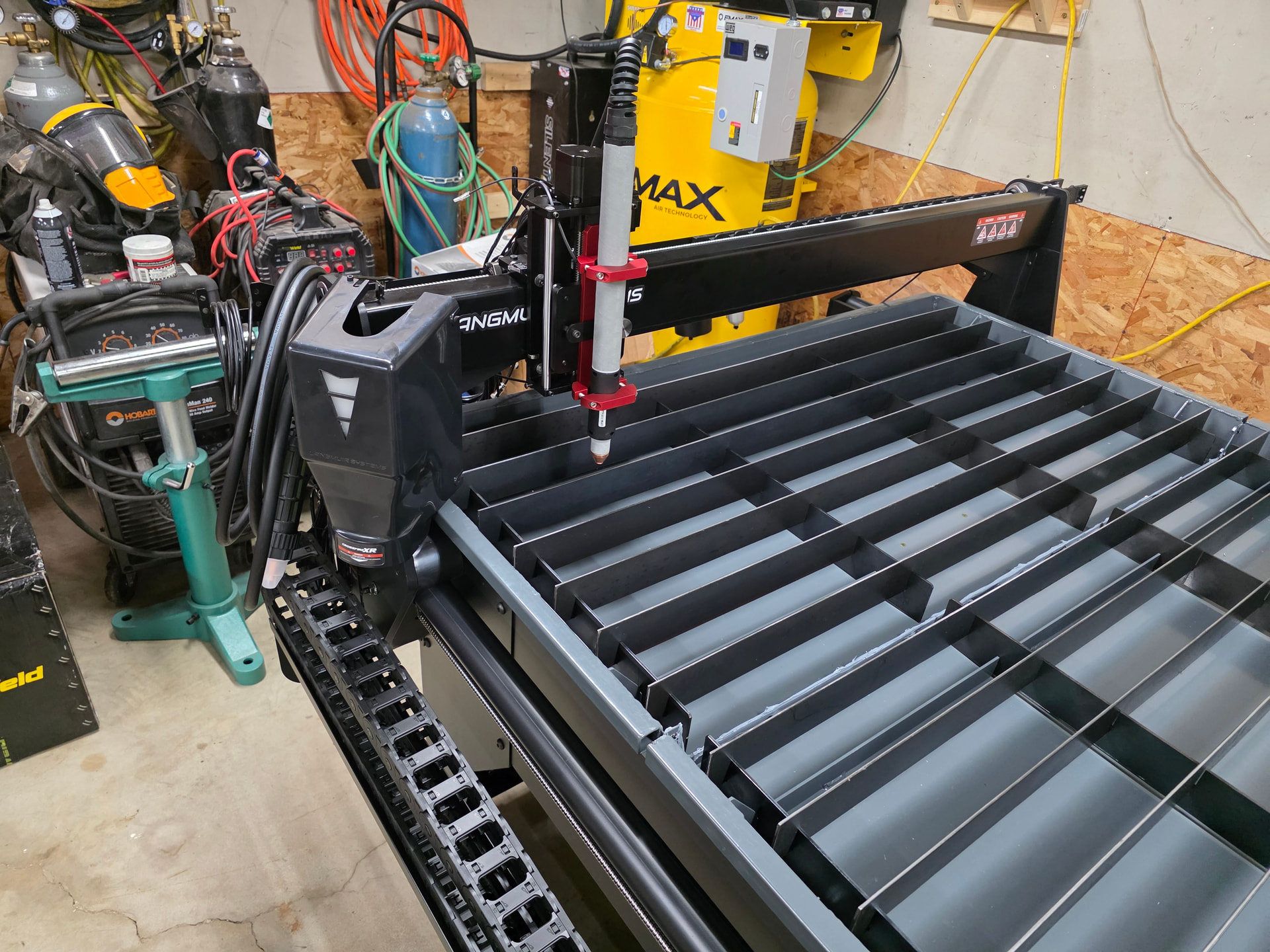
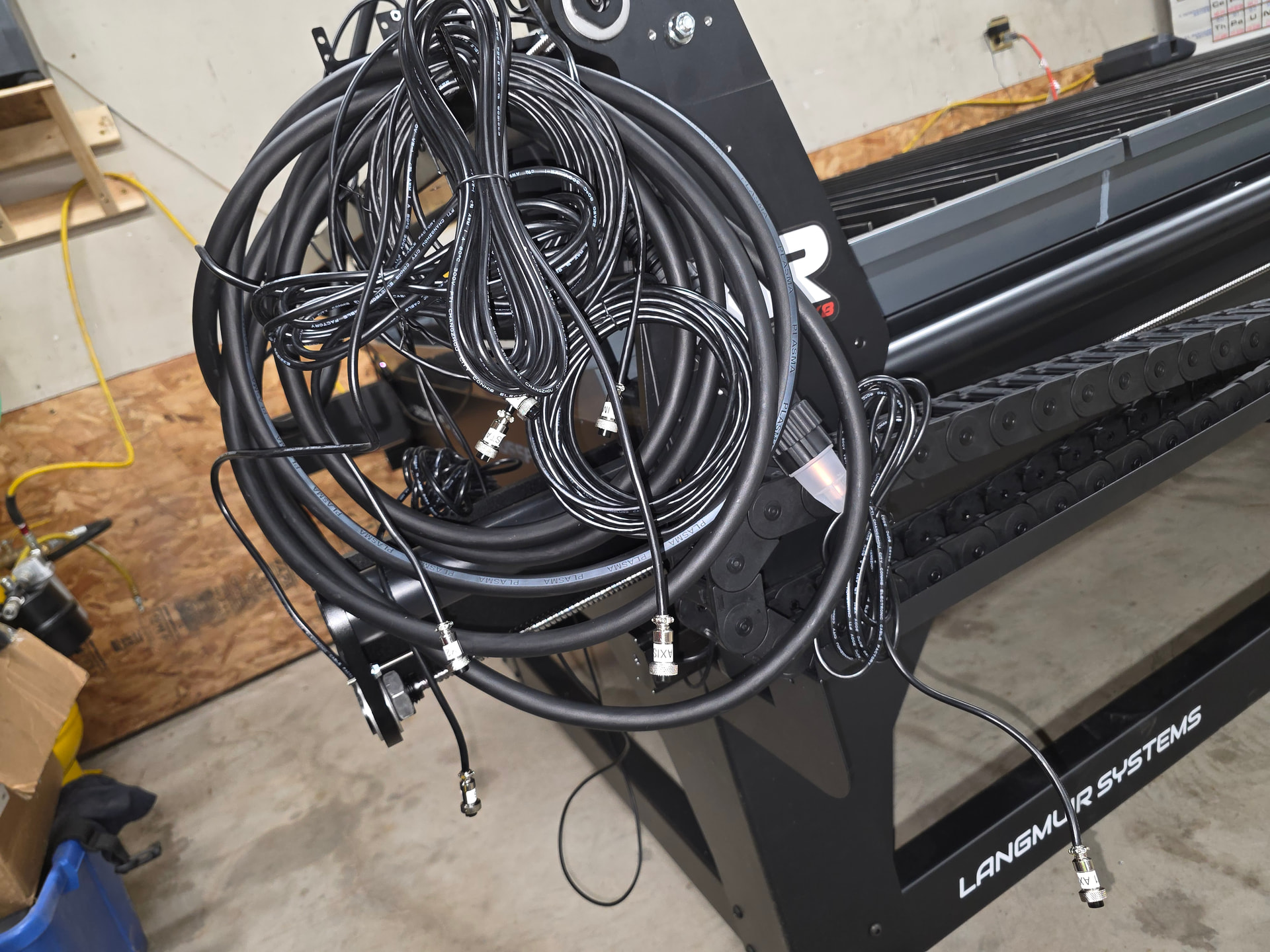
3 Likes
Ok so good news and bad news. Good news is I finished the table today. Bad news is there are some issues I need to figure out. There were some issues with the final assembly but I got them sorted out. Also very happy to see the water table doesn’t leak. Anyhow, table has no binding whatsoever and trams great however the X axis limit switch stop is wrong. When I homed the table it crashed into the hard stop because the X axis limit switch stop did not fully engage the limit switch in time. I don’t see anyway to adjust this so I added some tape and plastic to it which is working for now.
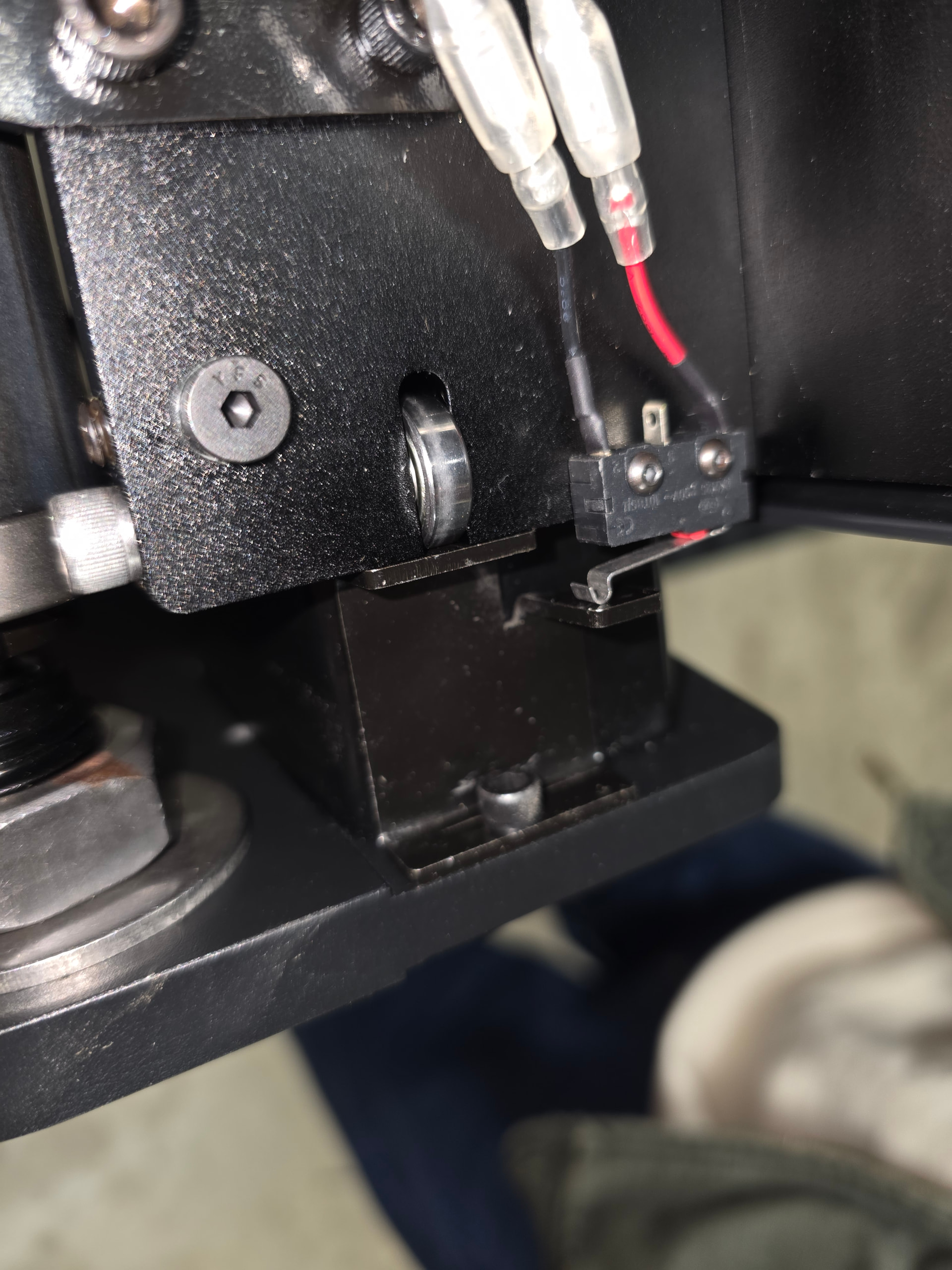
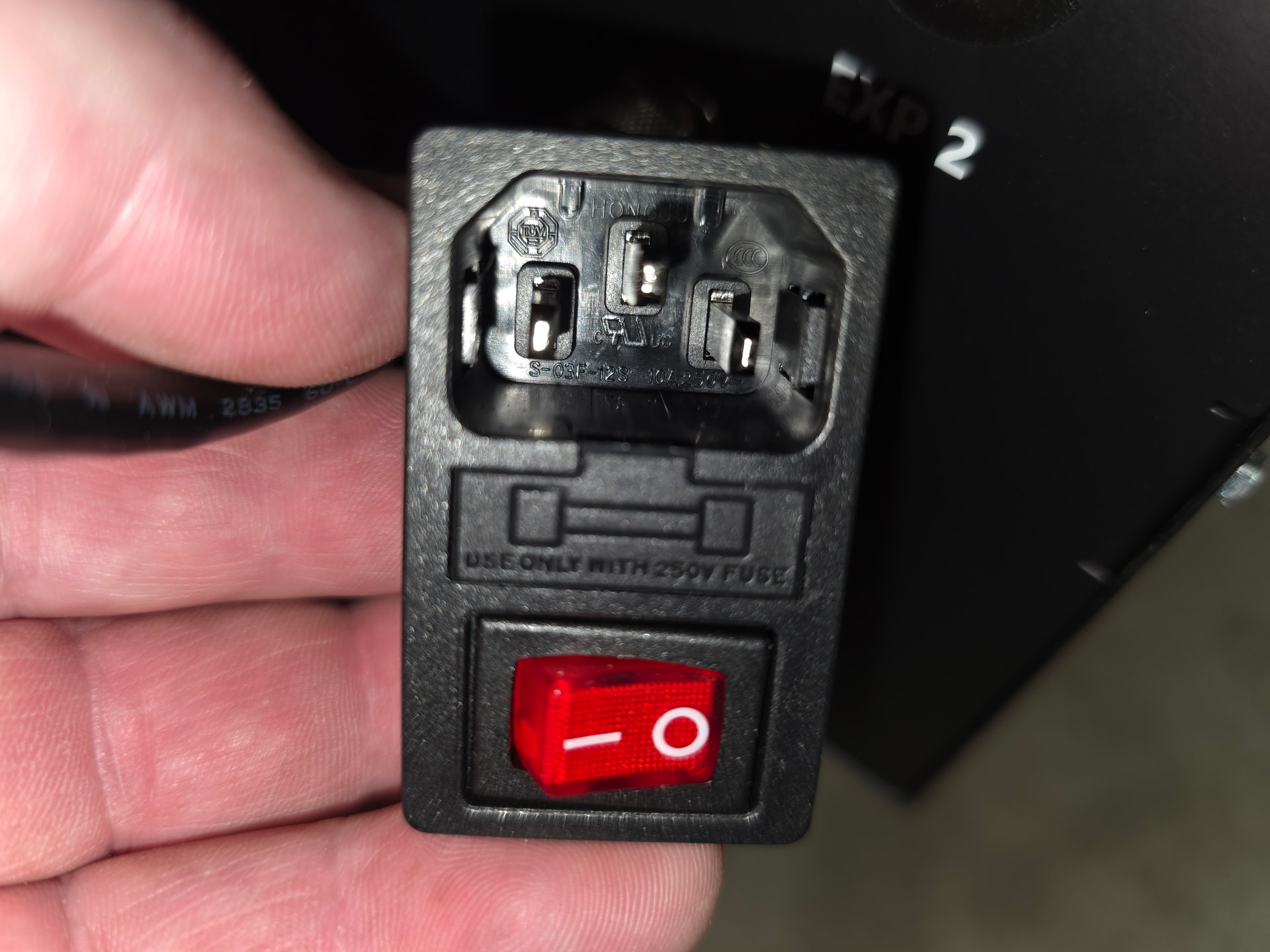
Second issue that I got sorted out eventually was the MC4000 computer mount, it had to be rotated 180 degrees to get the USB ports facing the right directions and after rotating the inboard ports are super tight to the PC mounting brackets so it was a bit of a process to get all the USB ports plugged in but we got there eventually. Third issue was the power port on the Electronics Enclosure, it wasn’t seated with the locking tabs engaged so you couldn’t plug in the power cable. This one took me a bit to figure out but after about 20 minutes of taking pictures and looking around I did finally get it figured out and seated. In the picture you can see the tabs to the left and right of the pins sit inside the receptacle until you can get a screwdriver or something else to seat them inside the enclosure. Once they are seated you can plug the power cable in and you’re all good.
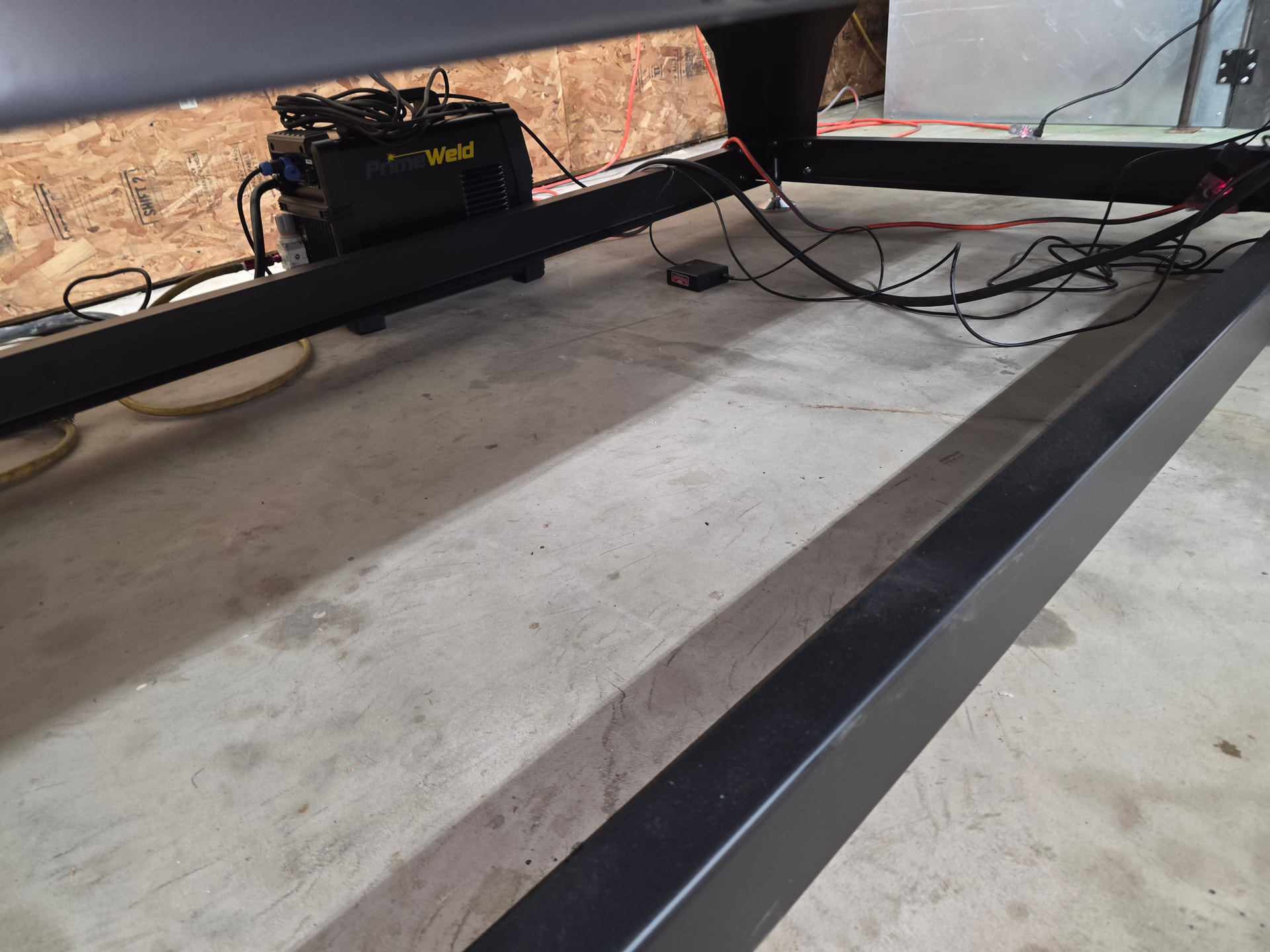
45 gallons in the table and not a drop of water on the ground, this was the days most pleasant surprise. I know it holds 65 but I ran out of plasma green so I want to leave some room to add it when it arrives.
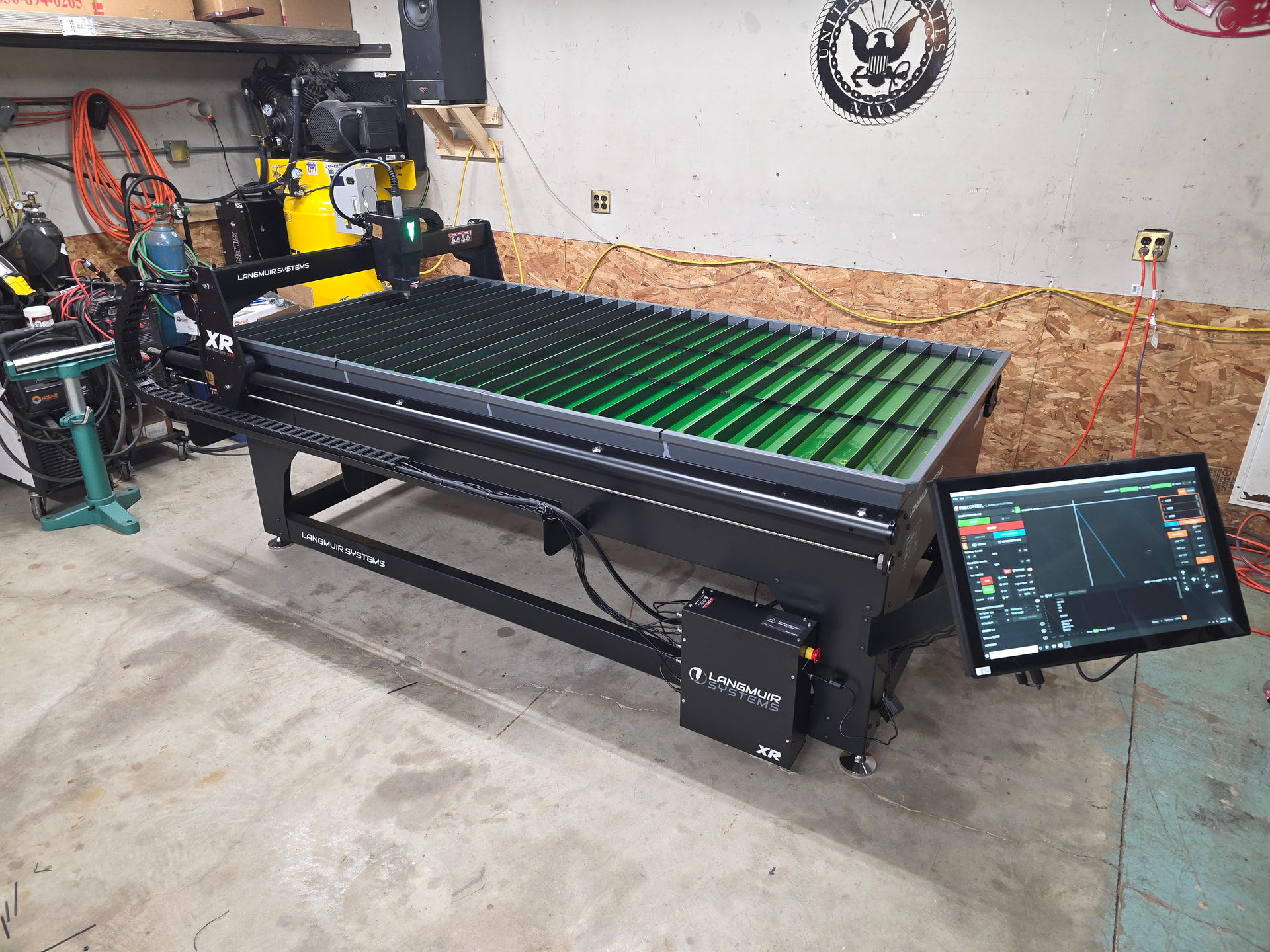
Now for the test run issues, and really the main issues I absolutely have to get sorted out before I can use the table. First issue is a me problem, I’m so used to the orientation on the Crossfire Pro that I’m very disoriented by the layout of the XR. It’s 90 degrees rotated compared to the Pro because the Y axis is now the long axis. I have to get this right in my head because it’s really confusing looking at FireControl and seeing my project laid out but thinking of it on the table in the wrong orientation. Also along the same lines I now have to figure out the best way to run a work clamp because I’m used to just running it over the long side of the table. The last and by far the biggest issue is the torch firing. So I installed the THC hardware and loaded up an old file to test run. When I hit start and the torch moved to the initial pierce position, when it fired the torch I got these weird sparks that sounded like a stove igniter maybe 3 per second for 2-3 seconds and the torch started moving while it was throwing these sparks. The first time it never developed a plasma stream and FireControl shut it down. I figured maybe my air pressure was off so I cranked up the air and started it again. Same thing at first but after two seconds it did actually fire off a plasma arc and it continued the cut. Of course I forgot to set the amperage so it wasn’t high enough to penetrate and just gouged the outline of my cut. Third time I cranked it up to where the amperage is supposed to be and once again it did the sparking igniter business for a couple of seconds and then struck a plasma stream and finished the cut. I did see on the live voltage feed for THC that it spiked up to 245v which I know for certain is solidly double what it should be. Anyhow, I’m using a brand new out of the box PrimeWeld Cut60 which I only bought because it comes with the CNC cable already made up and it can use Hypertherm consumables which I do have installed on the machine torch. Couple of things that I need to sort out to properly troubleshoot this is that the new model of Cut60 does not appear to have an air pressure gauge built in so I still don’t know if my air pressure is too low or too high and I need to take a look at the wiring to see if my divided voltage wiring is right, should not be reading 245v. I think I need to hook up the hand torch and see if it works right first just to rule out a bad plasma cutter. Anyhow, here is a pic of the table essentially finished.
5 Likes
3 gallons of plasma green will treat 75 gallons of water. I still have 2 gallons of plasma green left in 5 gallon jug from 4 years ago,just top off the water tank due to evaporation.Water has no odor and material that I cut and left on table never rust.
2 Likes
This is a new table, it has no residual plasma green in it to top off. Topping off is what I did with the old table because like you said it was only ever the water that evaporated. I did put new stuff in on the annual clean out. What is in there now is the one gallon I still had left in the plasma green jug from a few years ago.
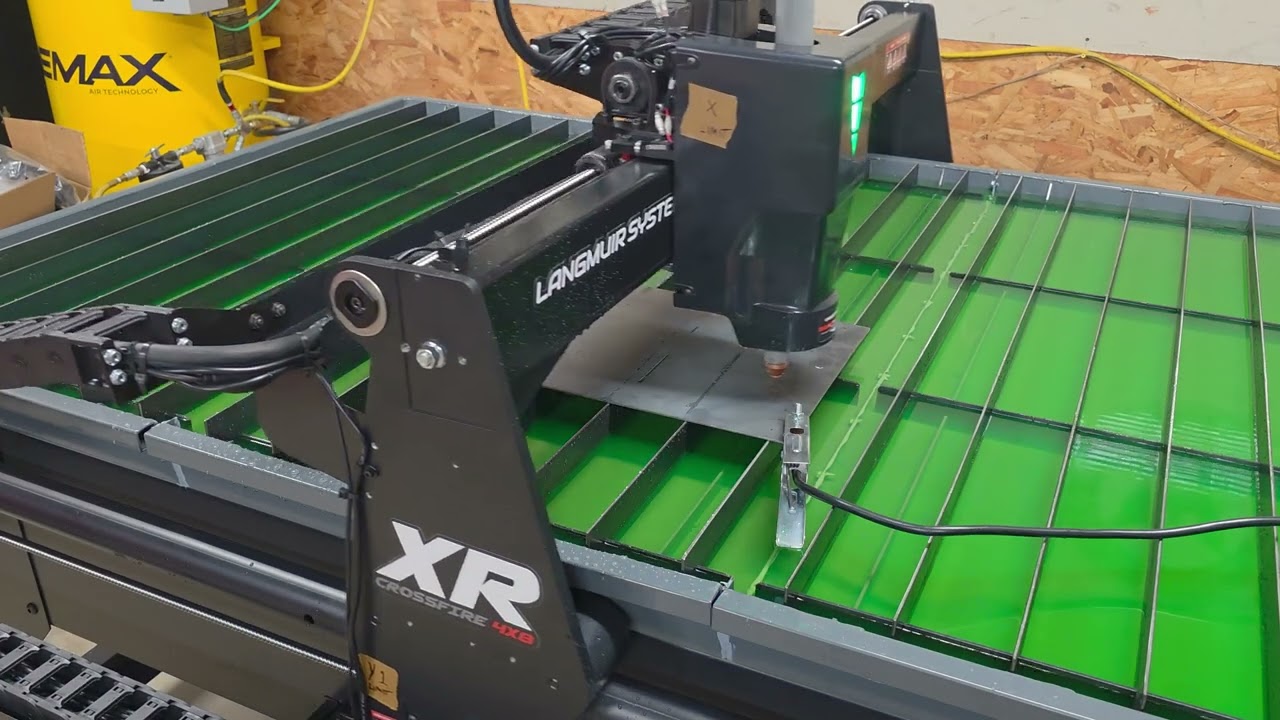
Here is a 30 second video showing the 4 failed attempts, well one kind of succeeded but only in spite of itself.
I’ll assume you tried a new set of consumables?
2 Likes
Not the table. The torch, or plasma cutter, is the issue.
1 Like
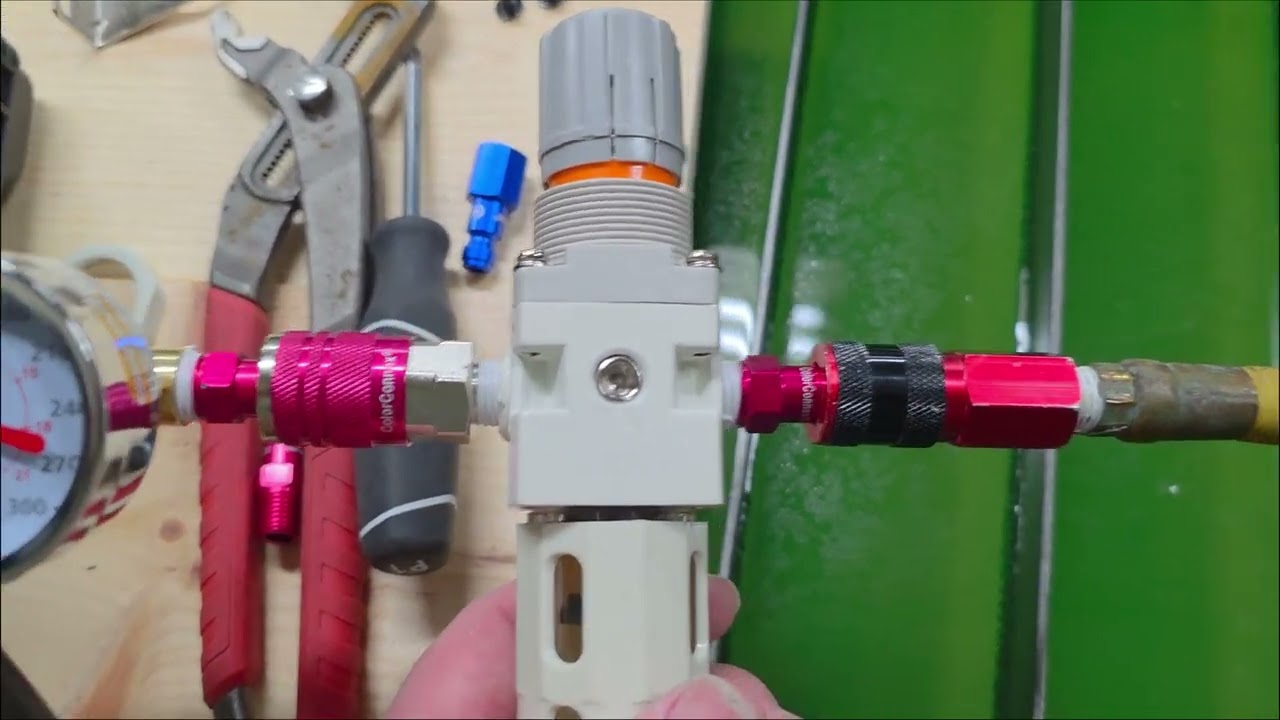
I put new consumables in this morning but I haven’t run it yet. The plasma cutter is brand new and the consumables I pulled out were definitely brand new. Here is a link to another one minute video where I think I figured out the problem. Looks like the internal pressure sensor on the new plasma cutter is bad. I’m going to reach out to Gene over at PrimeWeld, I’m 100% certain he will sort this out. He’s got the best customer service of any company I’ve ever done business with, Langmuir customer service is pretty damn good too. Just a bummer that I dropped so much cash on all new equipment and I’ve run into so many problems. I know in a week or two it will all be sorted out and I’m not really running a business here so it’s not the end of the world but it still sucks. This is the first time I’ve used the new machine torch from PrimeWeld that runs Hypertherm consumables, pretty excited to see how long the consumables last.
1 Like
E04 could be a consumable Issue. I would bump up the inlet pressure to 75 psi.
I bumped it up to 80 and the error persists. The consumables currently are brand new and have zero pierces on them.
1 Like
Get with George on this. It really looks to be a torch issue. @mechanic416
What mode of operation is the plasma cutter in. And what is your current consumable stack?
1 Like