does anyone continuously have fusion 360 going into a not responding state after you get more then 50 points plotted can get an answer out of them even after they confirmed my system is more then capable of running the program they still say its on my end but no suggestions
If you have an artsy piece in the sketch environment and it’s trying to add constraint geometry behind the scenes this can happen.
Do you have an example of the kind of project it locks up on for you?
I might be able to show you some workflow too help that situation out.
Some tips would be
don’t try to do everything in one sketch.
Try to convert sketch profiles into bodies as soon as possible and then make your modifications in the design workspace.
2 Likes
i dont have a option to covert mine to a body looked multiple times and had others try and help do that
and because fusion doesn’t have a true nesting tool
I have to put multiple sketches together to maximize a full sheet of steel
Do you have an example?
Post your F3D file if you can.
It’s hard to imagine a project that couldn’t be turned into a body or component.
The arrange tool in Fusion has a lot to be desired. There is a paid version of a more advanced version of the arrange tool with inside Fusion.
This.
I would be curious as to why cannot turn it into a body as well. In fact even when I am editing artsy stuff I am usually making most of the changes (scaling, adding features etc) as “pieces” of a body then combining into one body later. Works far better as bodies as it is parametric, there are more tools available, and fusion runs incredibly well and efficient.
Here is one example as you can see I have many bodies that eventually created the whole.
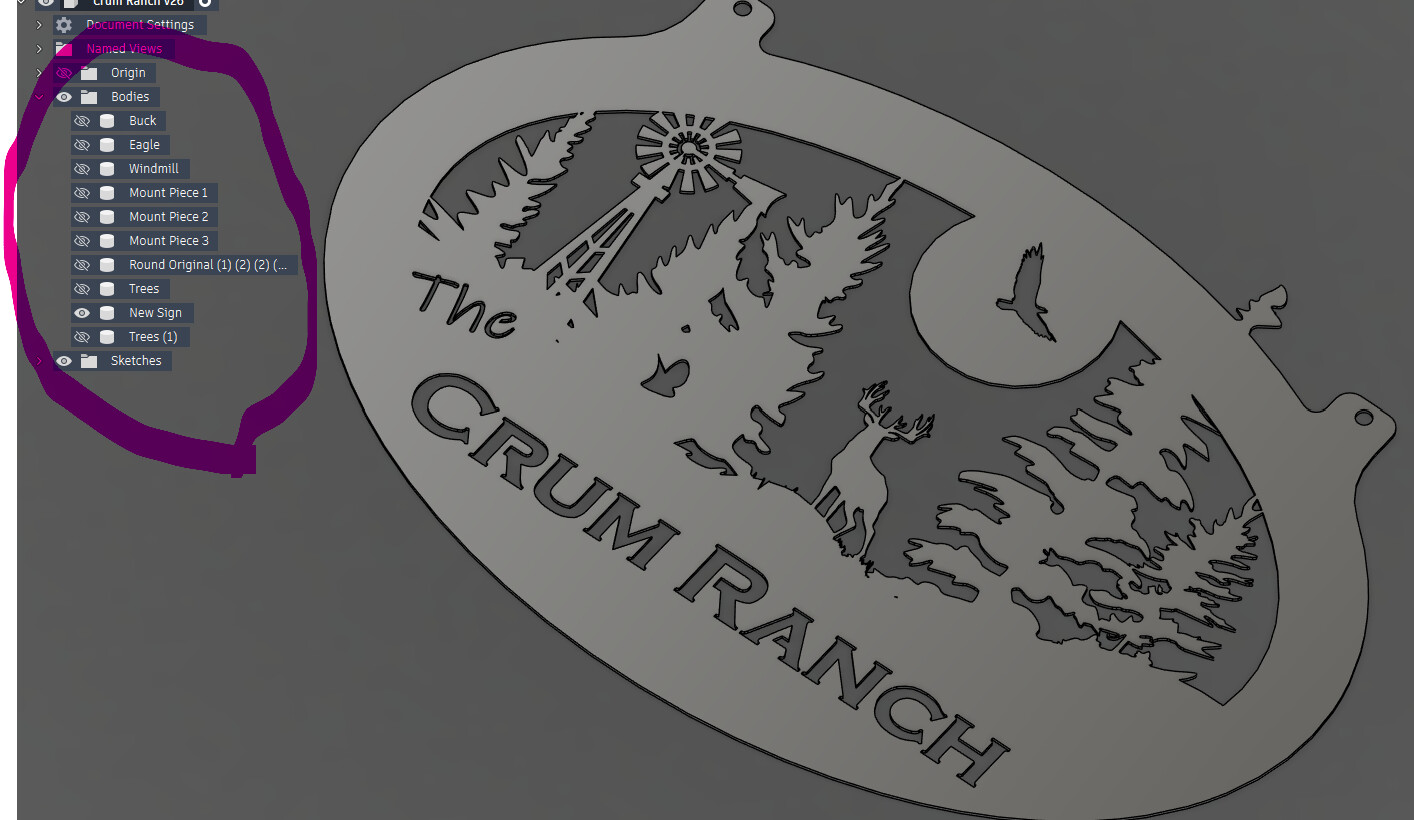
1 Like
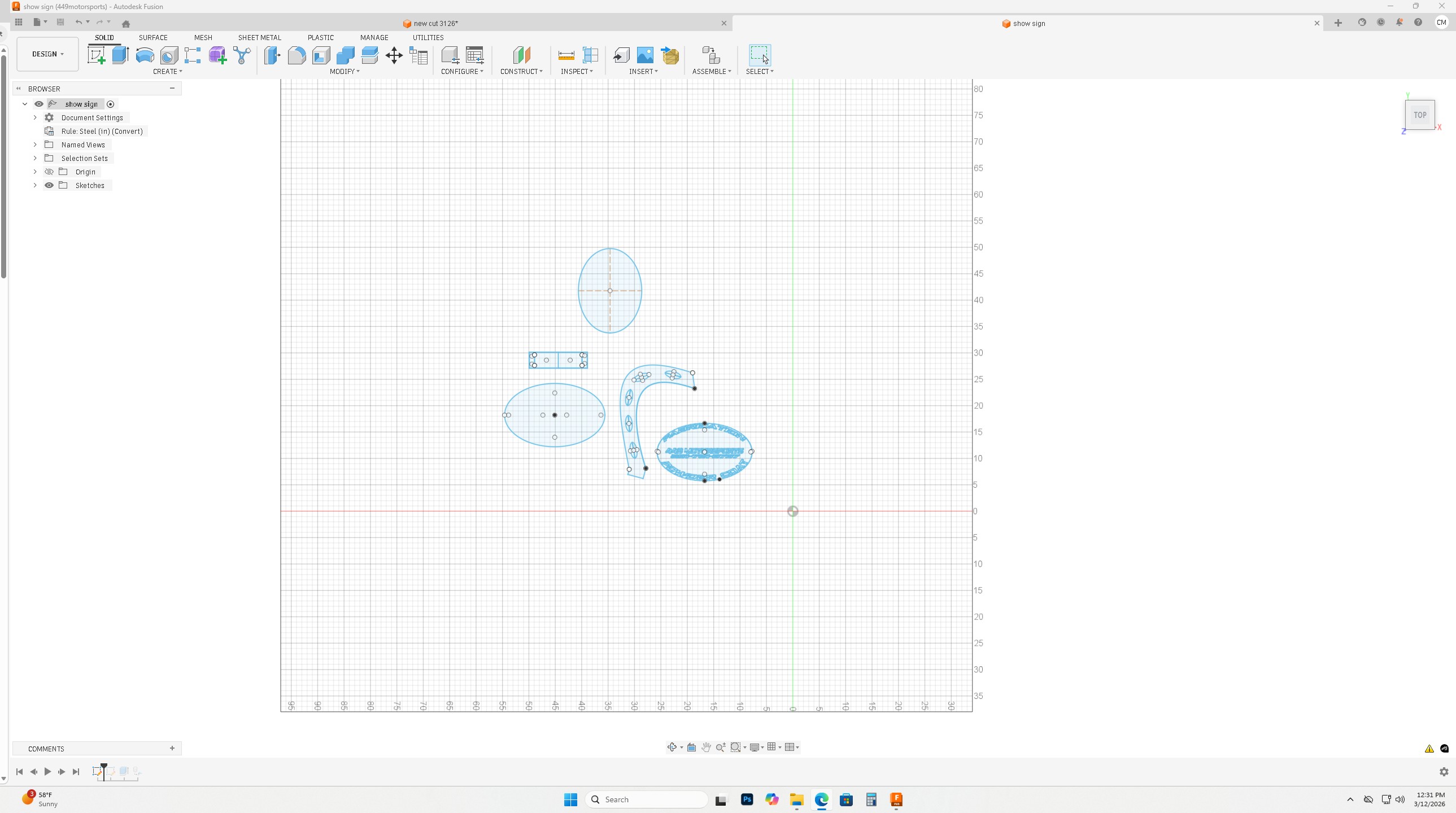
this took almost 4 hours to make because it tool fusion 4 to five mins to come back from not responding for each line made the drawing is only 146 kb leaving it as a sketch should not be an issue with a file that size
There are quite a few nodes in drawing…fusion treats each one them as parametric entity so each change requires the program to work through each one - every time a change happens..
So make your life easier. Extrude them into bodies and you will see a big speed difference as each of the many drawing nodes becomes one entity (a body) for the program to deal with.. Or in your case 4 bodies.
1 Like
If you can export and upload that particular file I’m sure we can help you with some workflow walkthroughs.