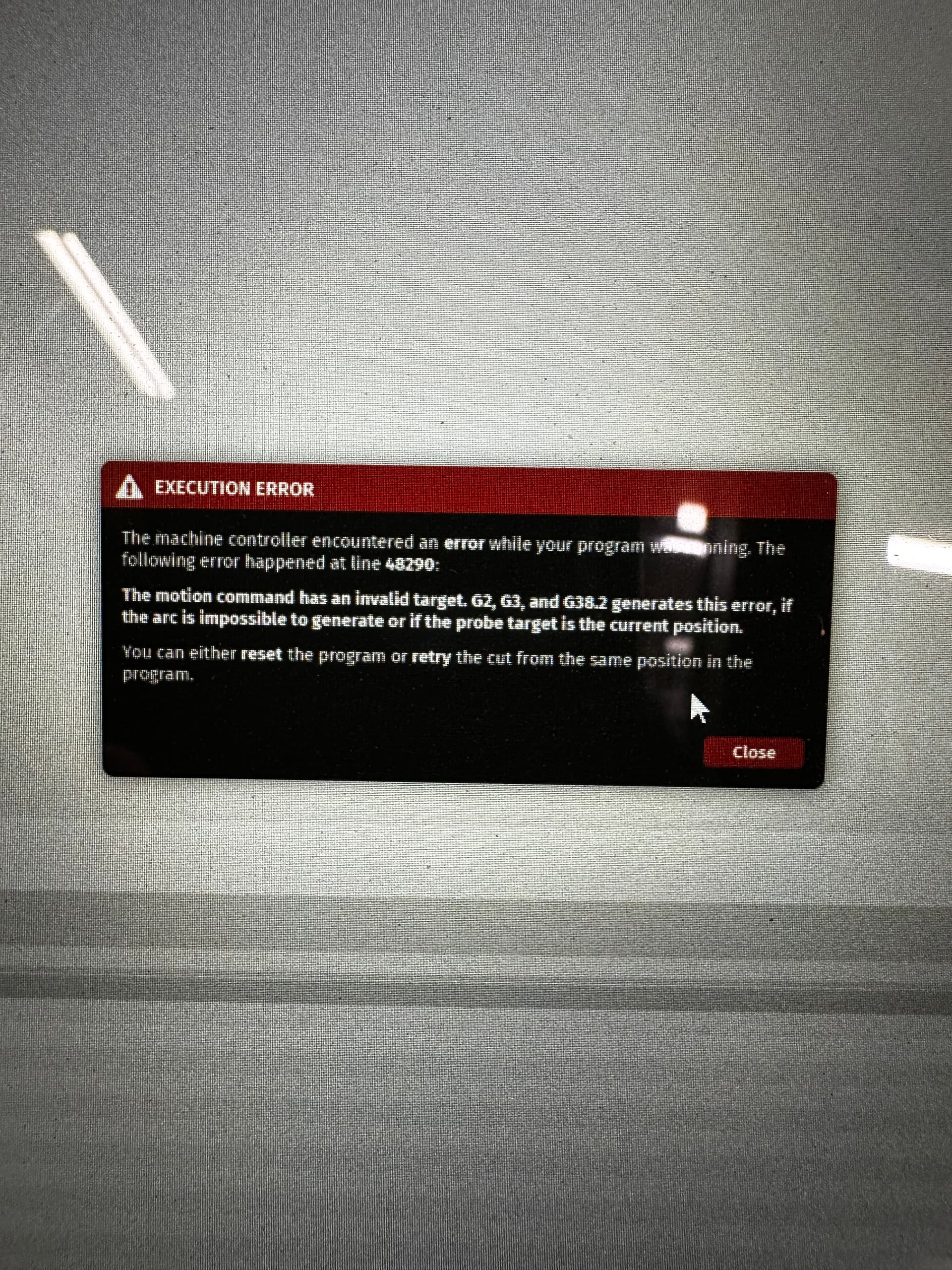
Got an error more than halfway through my first real program. Mill just resets and says it needs to home, and no way to restart there. Tried deleting the first 48000+ lines but then it didn’t go back down to the correct cutting height. This is straight out of fusion 360. Any ideas?
The second half of this part is a much longer program, I don’t want to have it happen there too.
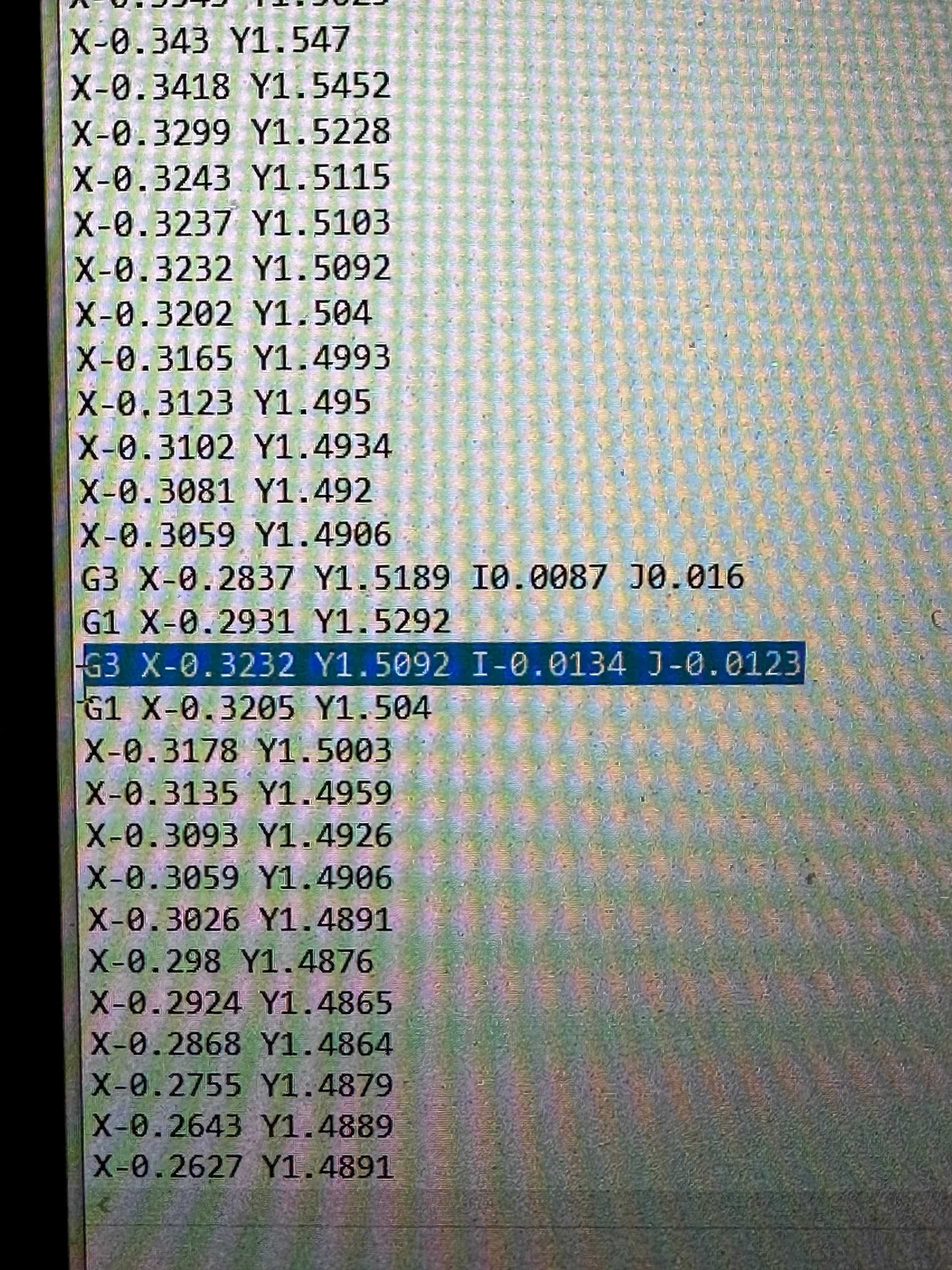
Thanks for sharing your code, I’ll check the start point, end point, and arc tomorrow and let you know if there is an error in the code.
Just want to confirm that you are using the post processor on our website?
Thanks!
Yes this is with the post from the site on fusion 360.
I have seen that same thing a couple times as well
If I remember correctly it was while using an adaptive tool path and l made a small change to the step-over
Ok, tried changing my step over and reposting, and got the same error a while sooner in the program.
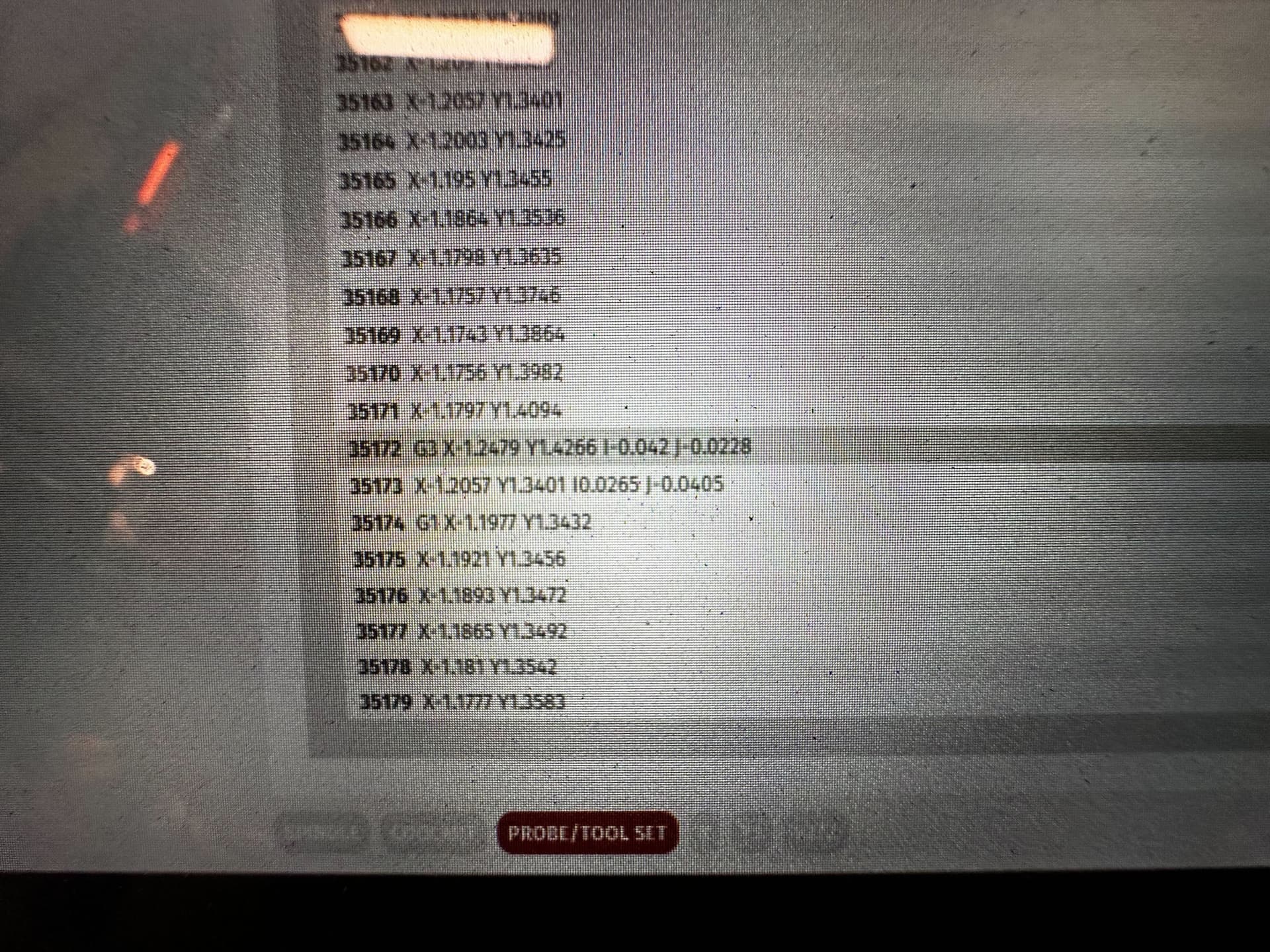
Can you send me your program text file?
Here you are, looks like this will work. This is the original with the error at line 48290.
mountain 375.nc (1.6 MB)
1 Like
Ok, were looking at this. I did the analysis on line 48290 from that program and there is a .0002 error is between what the end point of the arc is and what is should be. I’ve asked software engineering to let me know what the tolerance is that is built into the controller. Will get back to you.
Another observation, there is a LOT of code here. I recommend reducing the count by increasing the smoothing and reducing the tolerance in CAM.
2 Likes
Thank you for looking, was hoping to get my first real project done for a gift this weekend.
Its a terrain map, so it’s pretty complicated. I wouldn’t think it’d be a problem? I ran the same part setup (with different tools and speeds) on my old x-carve that ran grbl with no issue.
1 Like
Any luck? Or a workaround so I can get this project done for the deadline tomorrow?
Tried again, cut 20k lines of code off or so I think. With smoothing and less accuracy. Still got the error.
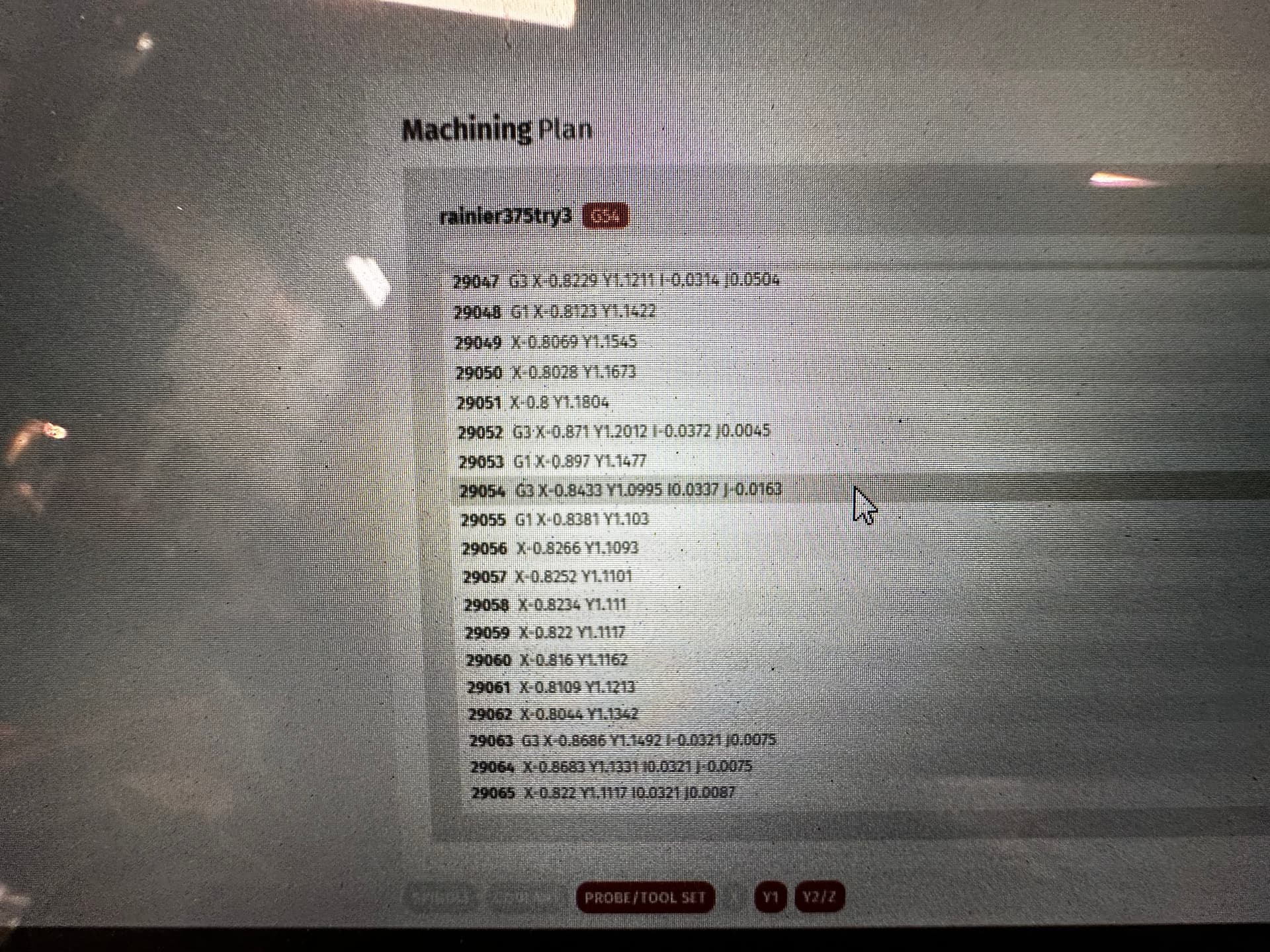
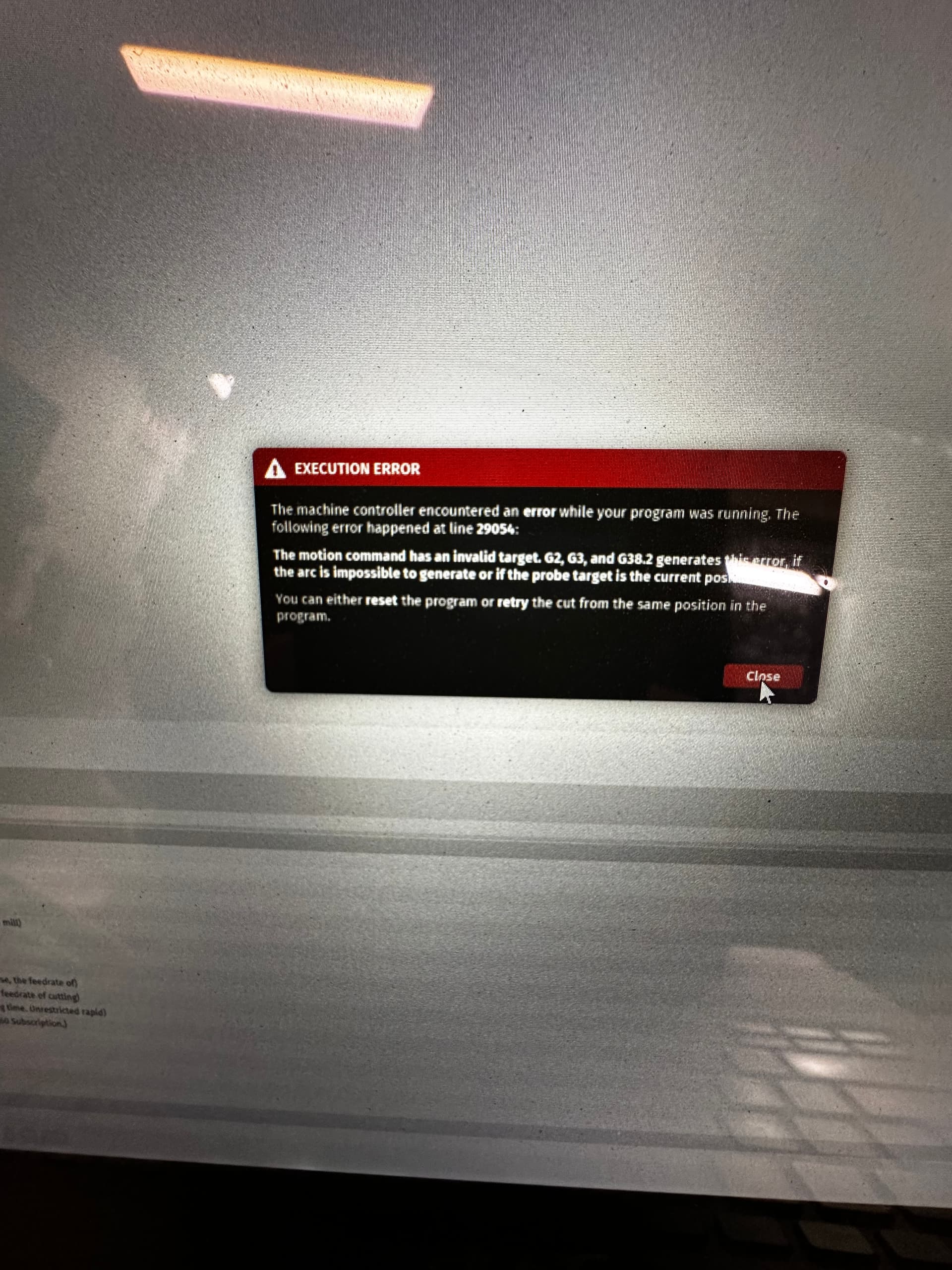
@tacomabuilt @langmuir-daniel
Because I have seen this issue as well I did the same thing with tacomabuilt’s G-code that I did with mine, And that was to run it through NC Viewer (https://ncviewer.com/) in my case, my G-code ran fine in NC Viewer.
I just ran lines 48250 thru 48332 of tacomabuilt’s G-code thru NC Viewer and it ran fine as well.
When I had this issue I also ran a subset of the problematic code of mine on my MASSO controller & it ran fine on the there as well.
Rounding error in cut control?
Hoping this info helps…
1 Like
Thanks for taking a look!
Thanks for the input guys, we’re looking into this.
1 Like
Any news on this? I don’t really want to mess with my setup till I can finish this program.
Yes we found this issue in our firmware- working on the update now. I’ll let you know once its ready.
1 Like
Awesome! Great to hear, thank you!
If anyone else is experiencing this issue, go into Help > Update Machine Firmware. Make sure you have an internet connection first.
2 Likes
So did this get resolved? I updated machine firmware to 1.3MR which is what i already had, and it has the same error code twice now. Same execution error and saying it was a g2 g3 problem.