Hi,
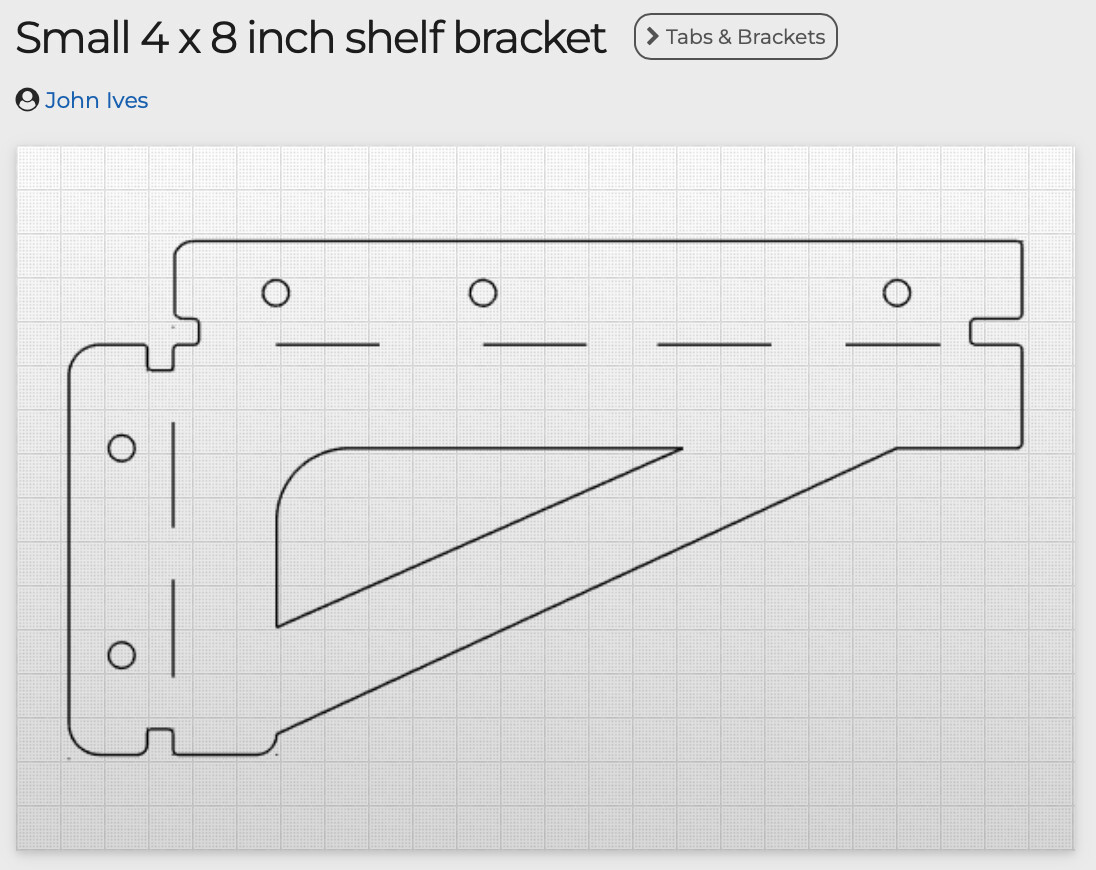
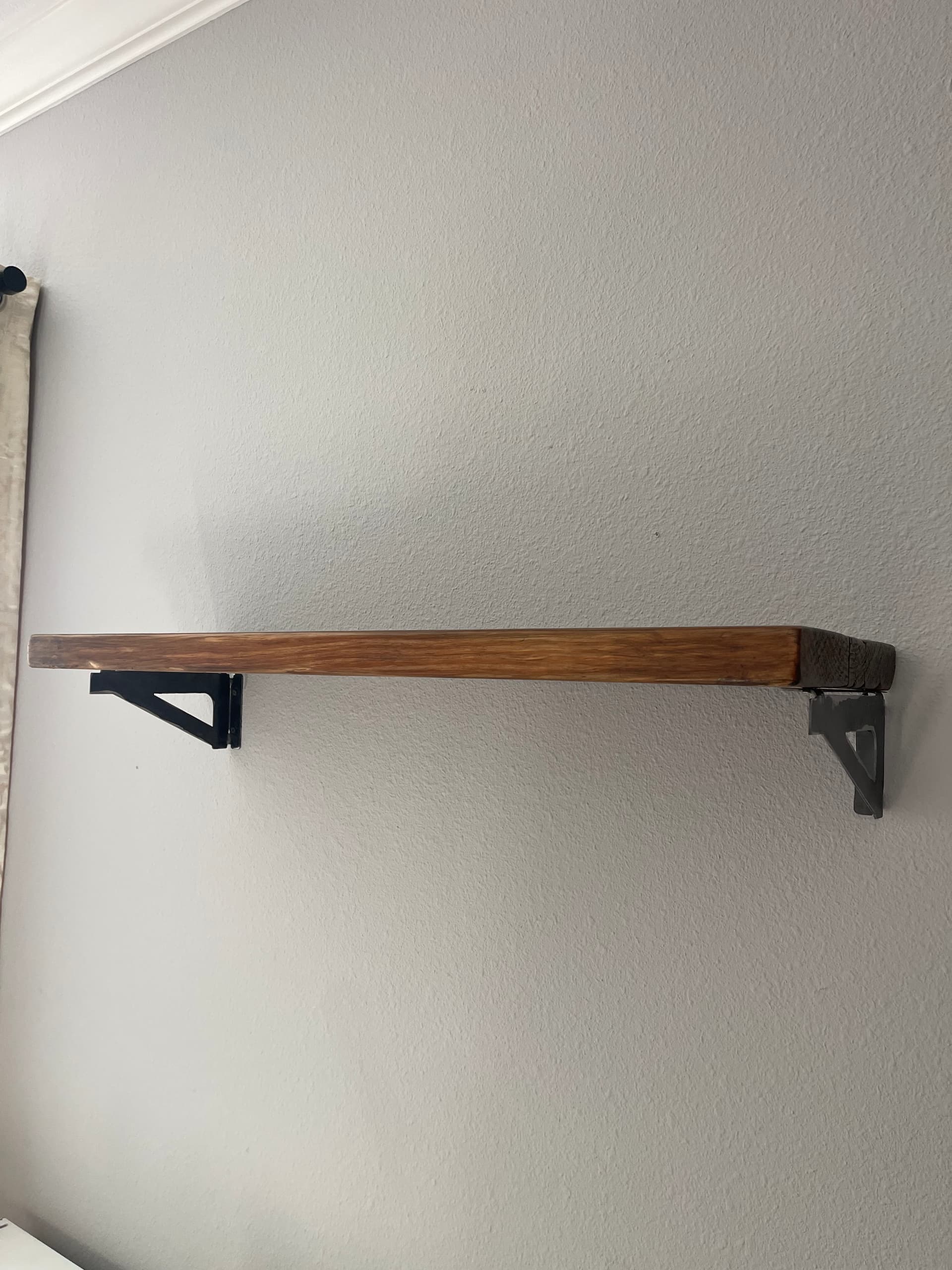
I am making a shelf for my daughter… does anyone have this?
Not sure what your question is, seems that you have file posted here? Download it and extract all then you can import to cad program and modify this bracket the way you want. This file you have posted has extra nodes that you want to delete, they appear as little squares when zoomed on.
I have downloaded many files, edited some, too.
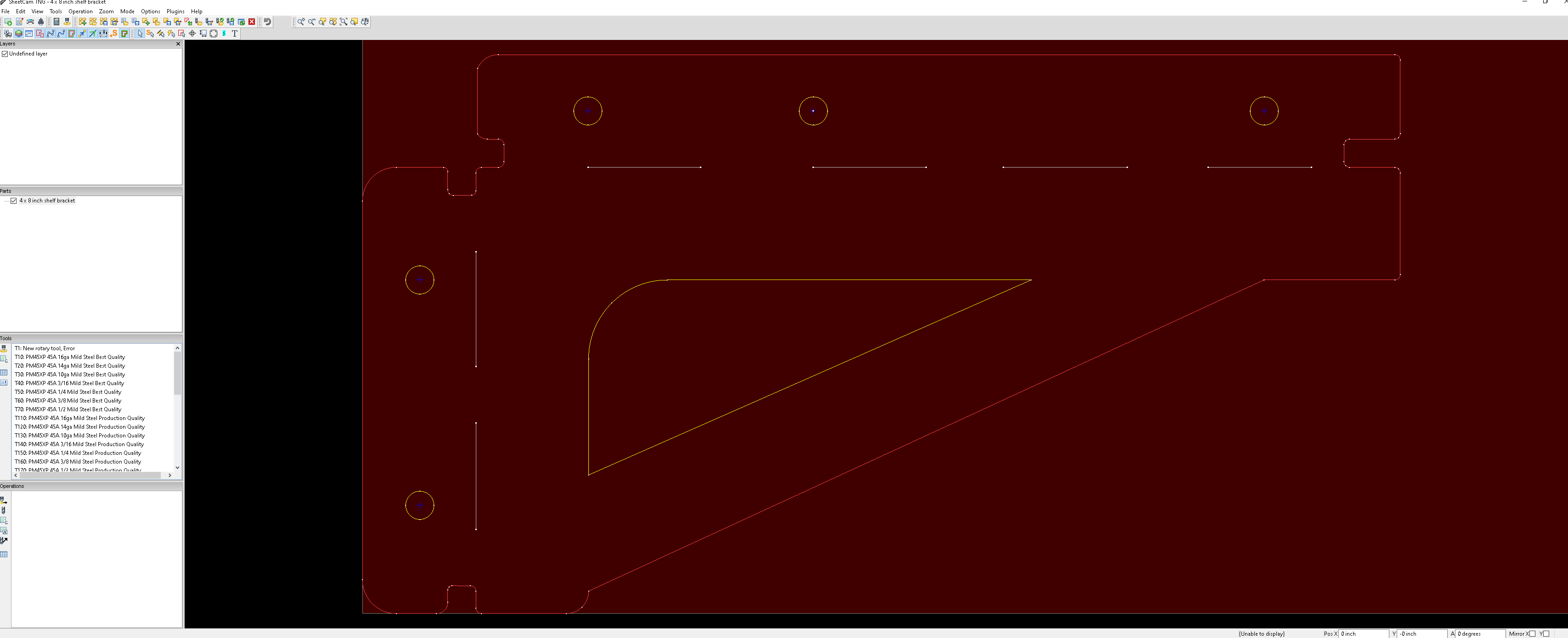
This one, however, will not open in Fusion. I opened it in inkscape and it was blank.
If you can get it to work, upload here…
I suspect the Layer name of ‘Undefined Layer’ may be a clue.
I’d rename the layer to something meaningful and export the SVG.
I’ll try it… Macbook user here.
I can scale it down if I can open it. Thank you
This should work in fusion and be the correct size
Try this one:
4 x 8 Bracket.dxf (26.5 KB)
How did you come up with that one? Were you able to get the original to work or did you redraw it in Fusion? I redrew the example I posted .
@TinWhisperer this worked! I appreciate it.
This one also work, @Wsidr1.
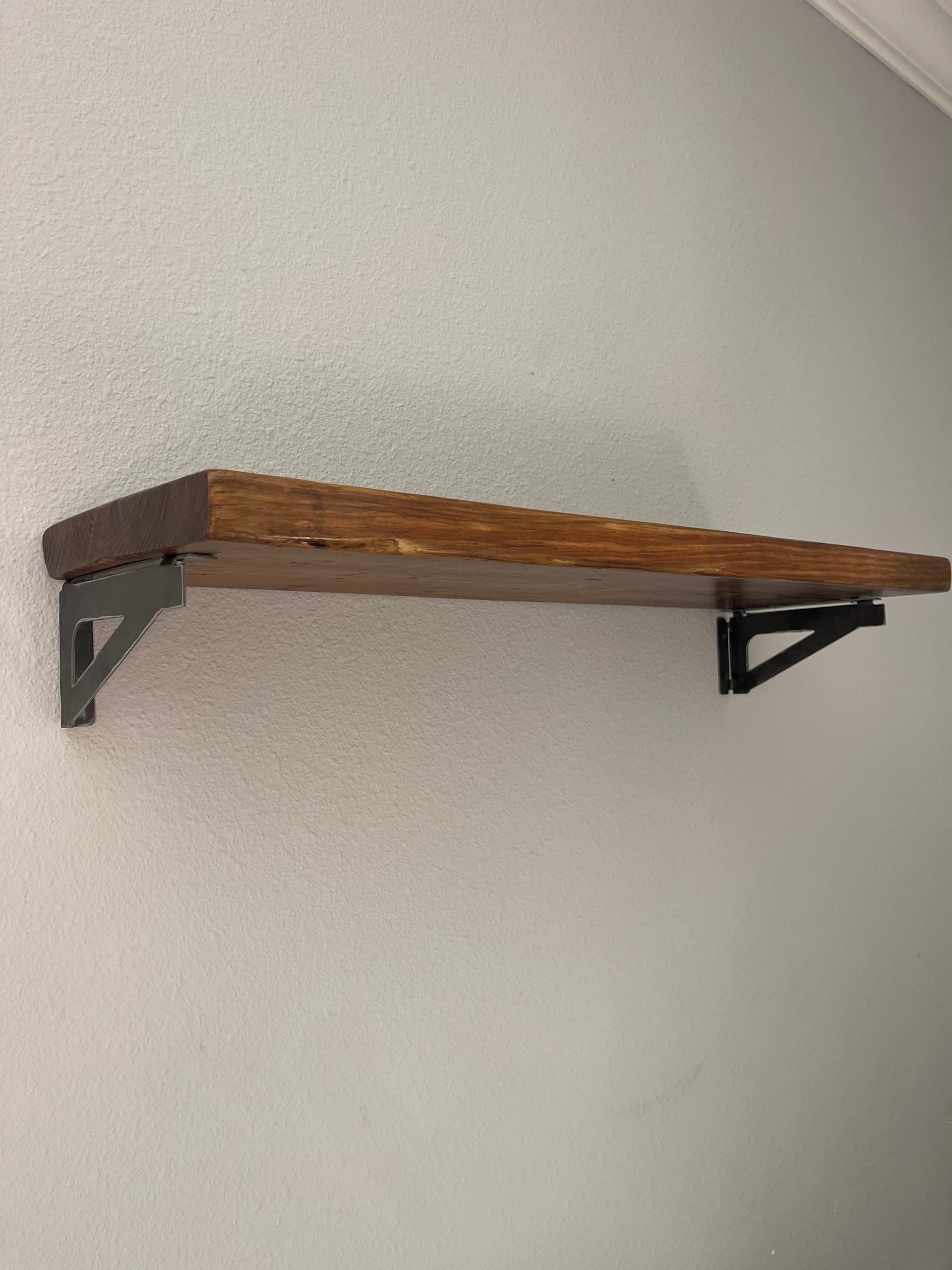
My daughter (and wife) will love it. I have a bit of wood left over, a 2”x12” that I plan to finish today.
Last night, I thought about drawing it. It was pretty late, so I went to bed.
That was fast. I can tell you have been doign this for years.
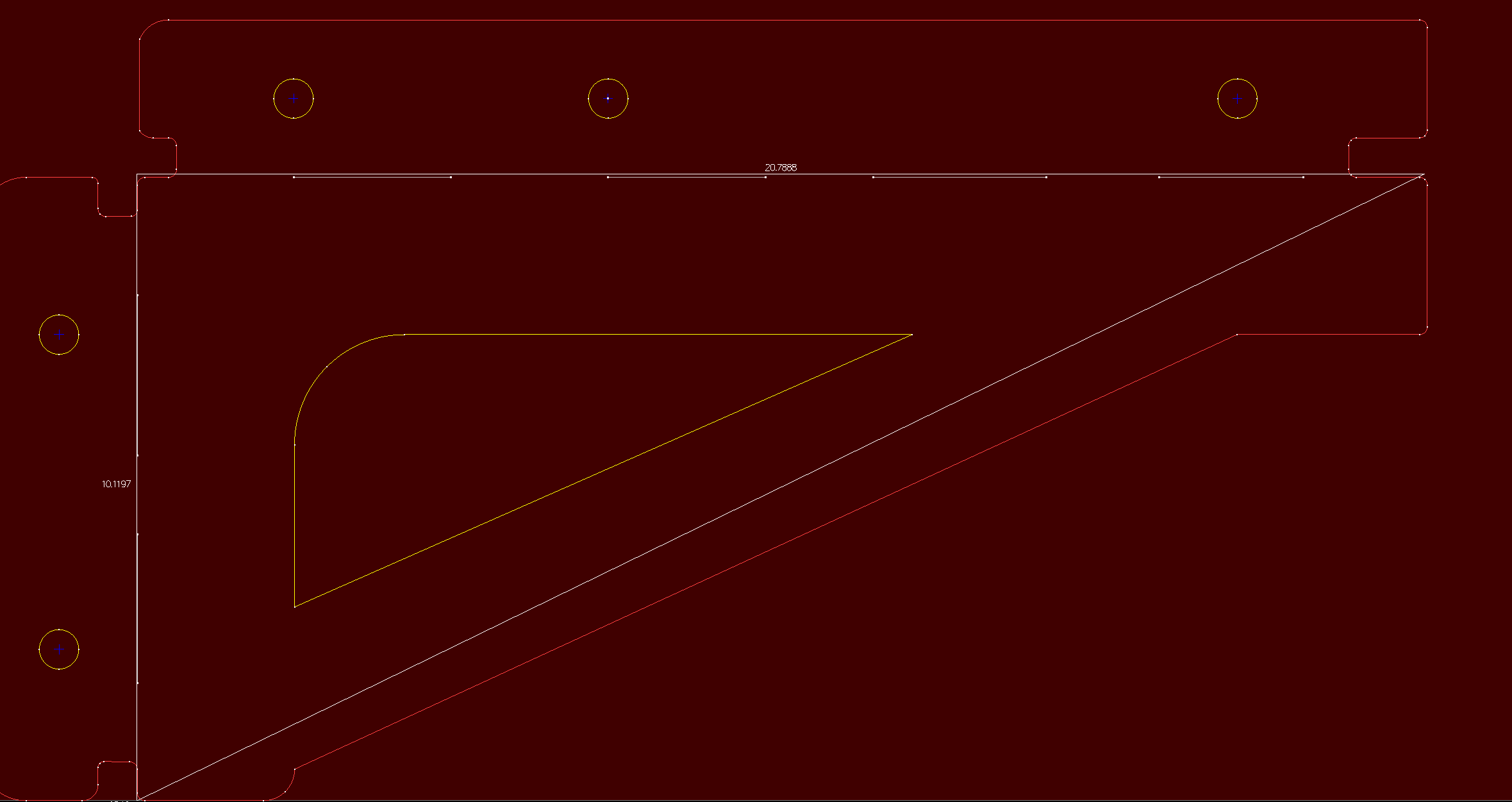
I just converted the original file to SVG, inserted it to Fusion, and re-scaled it.
In what program? I tried to use https://convertio.co/ and it did not work for me
Convertio, just like you taught me. 
It came in really small due to units being in mm, and it had a few stray holes drawn in, but otherwise all I had to do was re-scale it.
I had read his post and downloaded the original before you uploaded yours and didn’t even see you had reposted a corrected copy.
So weird it’s the first thing I tried and it came up all garbled for me but i just tried again and it worked perfectly.

weird weird.
Looks great. The pictures have me thinking that those brackets could also be installed upside down if someone chose to. With the wood plank sitting inside them.