Those appear to be correct.
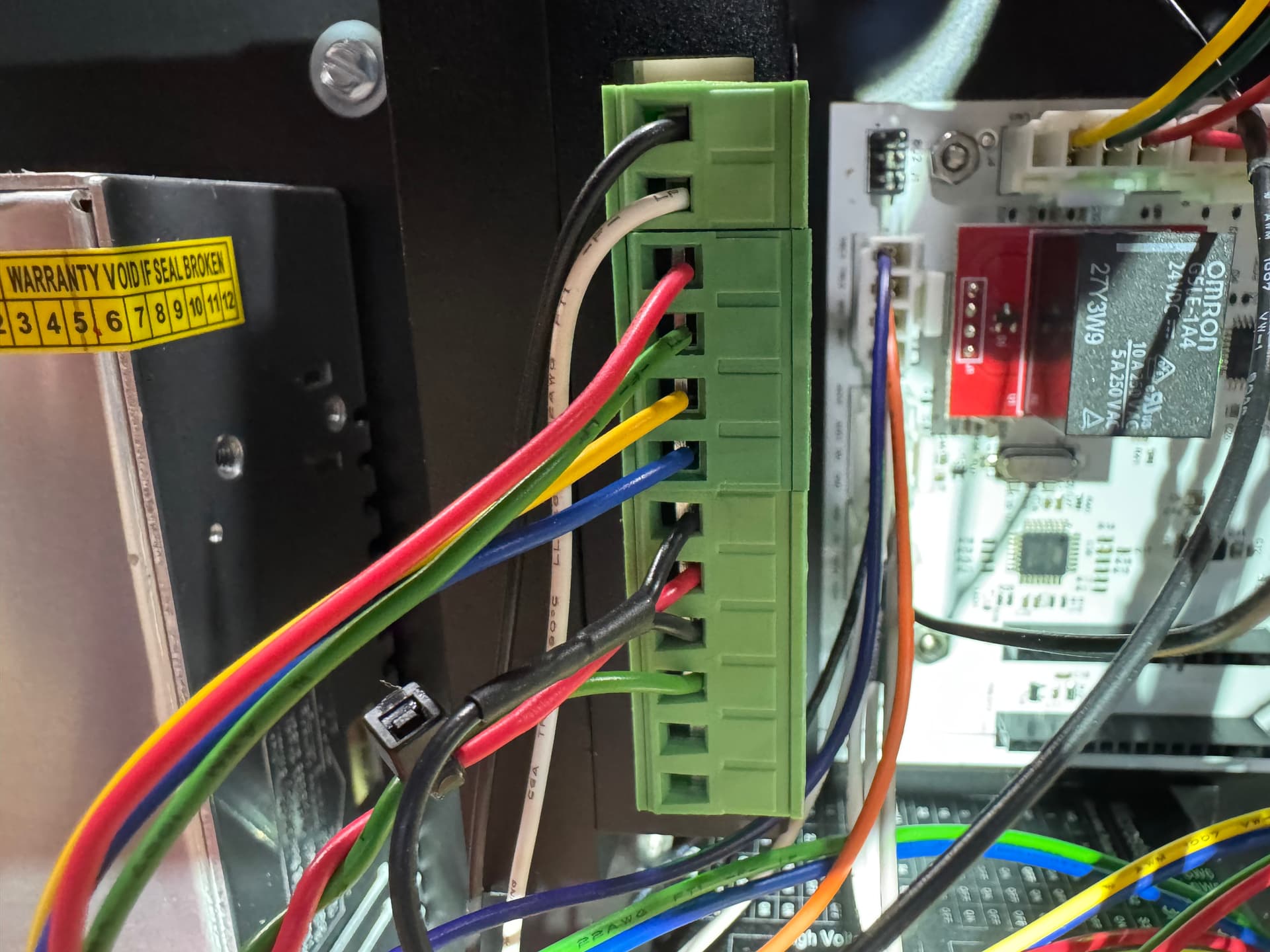
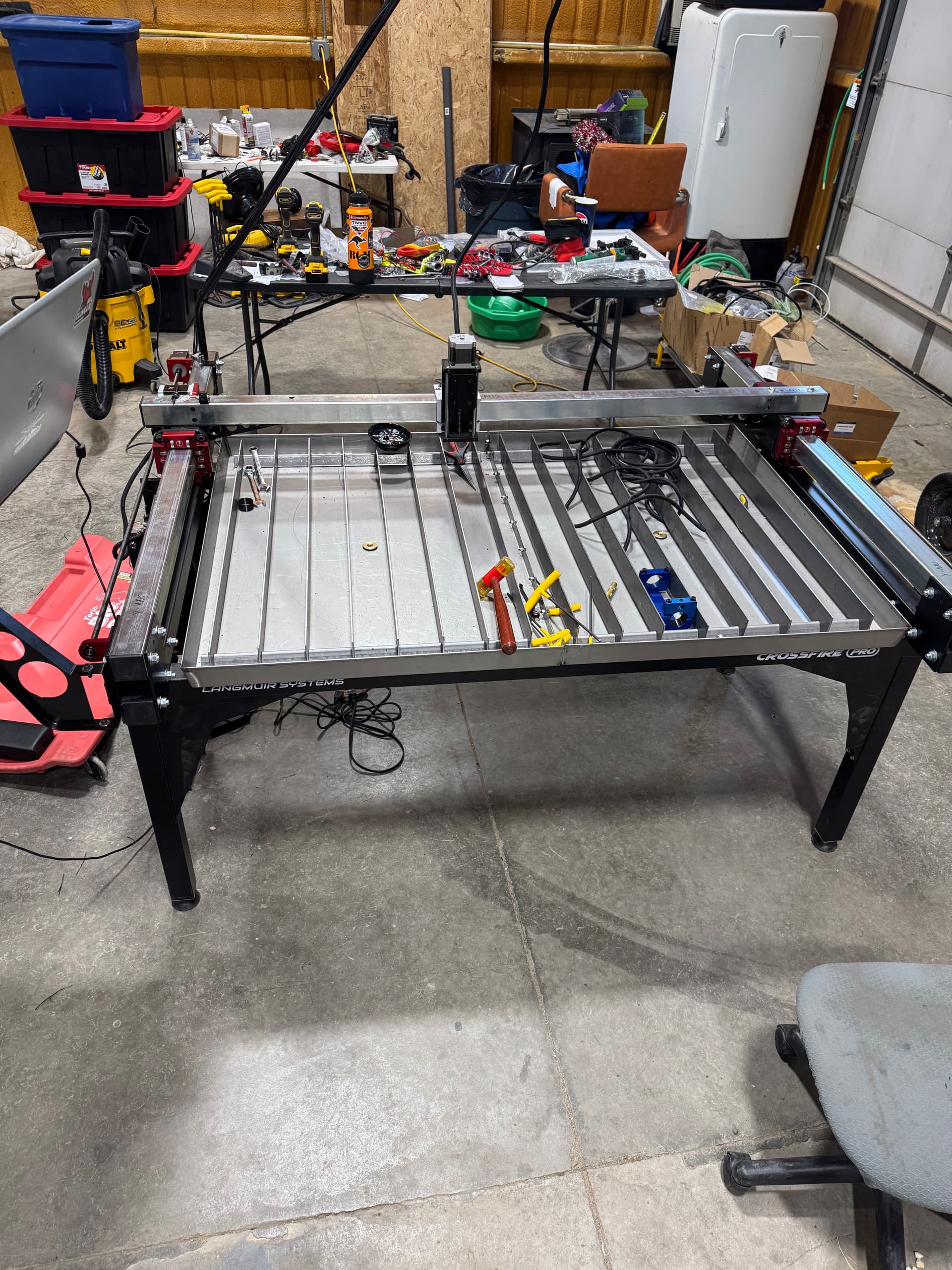
The machine looks correct. Each driver will have one of those green terminal blocks. Is there anything different about the X driver?
Rip them out.
They solve nothing and don’t help such a small table.
1 Like
Nothing different than any of the others.
1 Like
It appears it’s the driver not the limit switches. According the Langmuir tech support.
check the dip switches on the driver. i believe only #2 is down or opposite the other ones.
compare it to one of the other ones. they should all be running the same directions.
2 Likes
Was referring to the limit switches - rip them out.
As for the driver, just like @nicaDd mentioned. Compare it to another one, just a quick visual and you’ll see only the second is flipped in the opposite direction.
1 Like
Langmuir sent me a new microstep driver and my machine still has x+ flipped. Any ideas?
Don’t think anyone suspected a bad driver at all - changing the dip switch orientation changes the pulses IE distance traveled
Did you rip out and disable the limit switches as suggested long ago? Or did you just leave them on the entire time during troubleshooting?
1 Like
Did we ever clarify if this is just when homing or does it jog the wrong direction too?
The suggestion to disable the limit switches is a valid one. This problem never existed until the limit switches were introduced. It has happened a number of times since and disabling them returns the machine to the correct function.
This is a known issue that is related solely to the installation of limit switches. Langmuir even has instructions to reset defaults after installing them to correct this exact issue.
1 Like
The direction is backwards when jogging.
Limit switches have been completely removed. Wiring disconnected inside the electrical enclosure. Computer restarted. Software updated. Limit switches turned off in software. Still backwards when jogging.
Could you switch the motors out with a y axis to see if the motor is the problem or it is in the control box?
1 Like
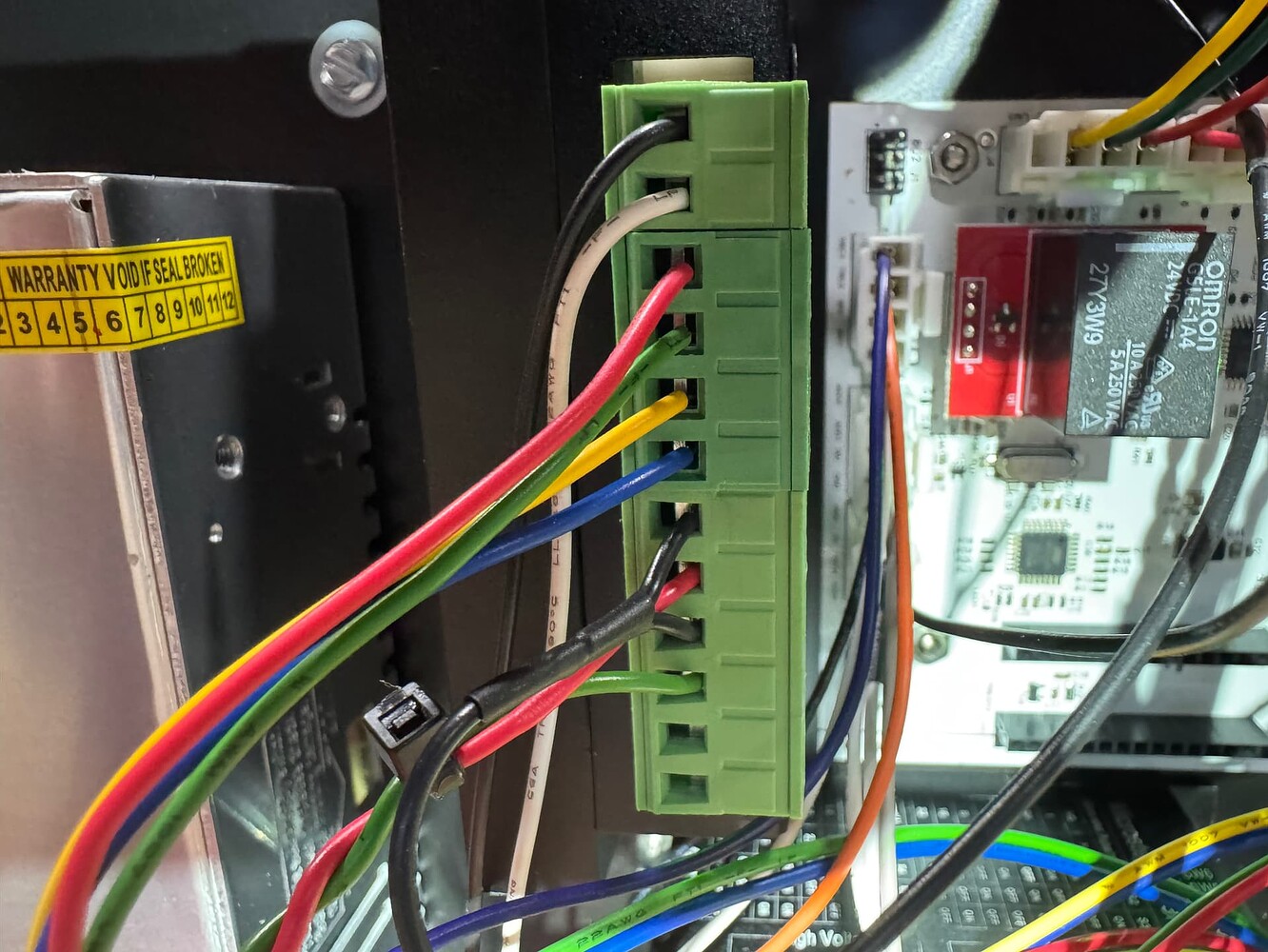
Check the white and black wires that go to the board. It appears that the 36V DC negative is at the positive location. My machine is opposite
The black wire should run to the power negative. The white wire is positive on the power supply.
I’m sitting here as an armchair quarterback. I don’t have my machine in front of me.
1 Like
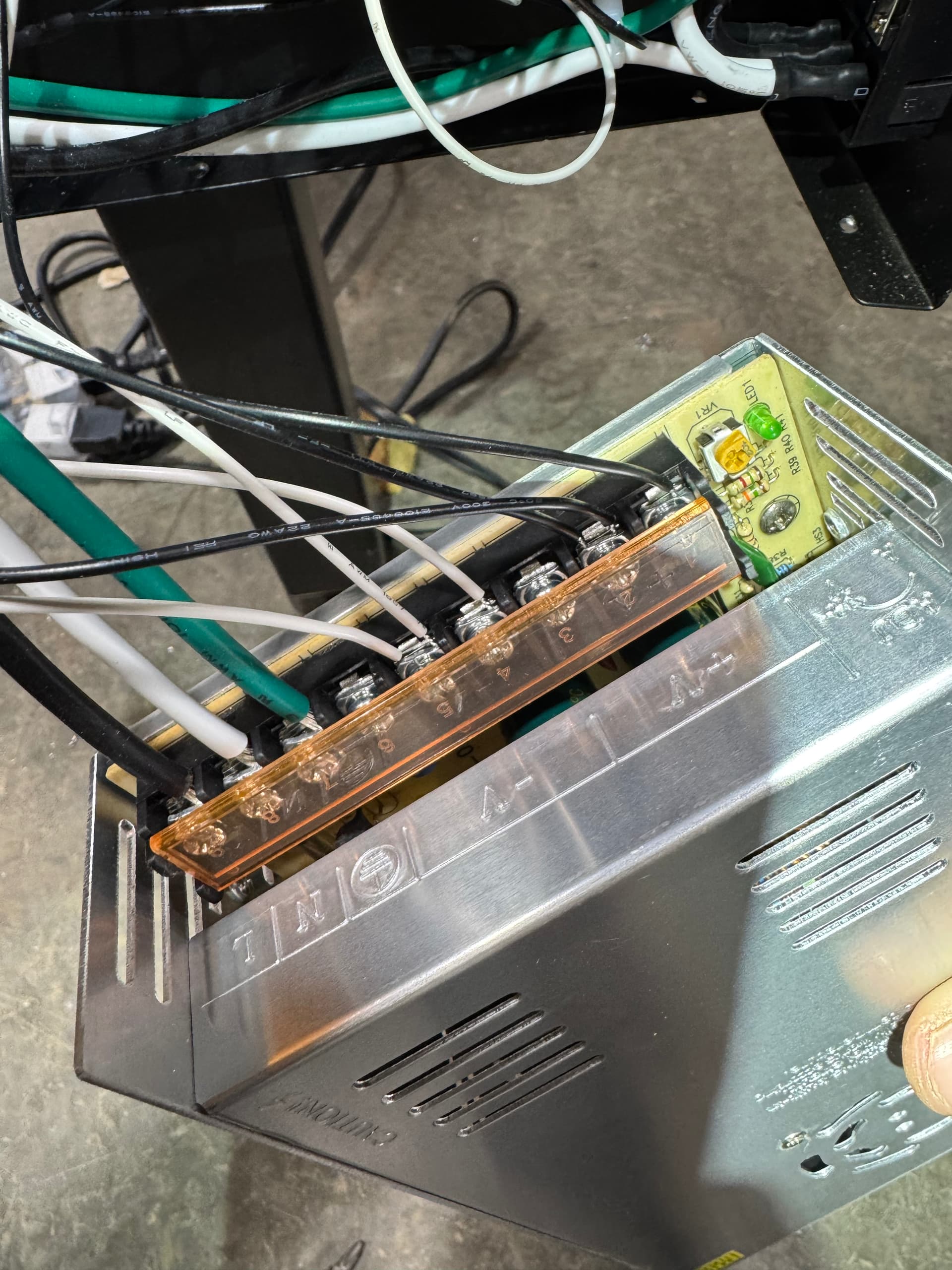
Look at the connections to the drivers. Black is positive on your power supply. It looks like the white and the black are switched
Mine matches the picture you uploaded. Correct? White on power supply is negative. And that goes to ground on the driver.
1 Like
I swapped them and still same problem.
Okay. This is a weird one. Sorry I couldn’t help.
Langmuir has had to dealt with this before.