Hello all, recently purchased the crossfire pro and manually moving X and Y axis works correctly but when trying to find home, x moves in the positive position instead of negative resulting in never finding X limit switch. Any ideas? thank you for the help.
1 Like
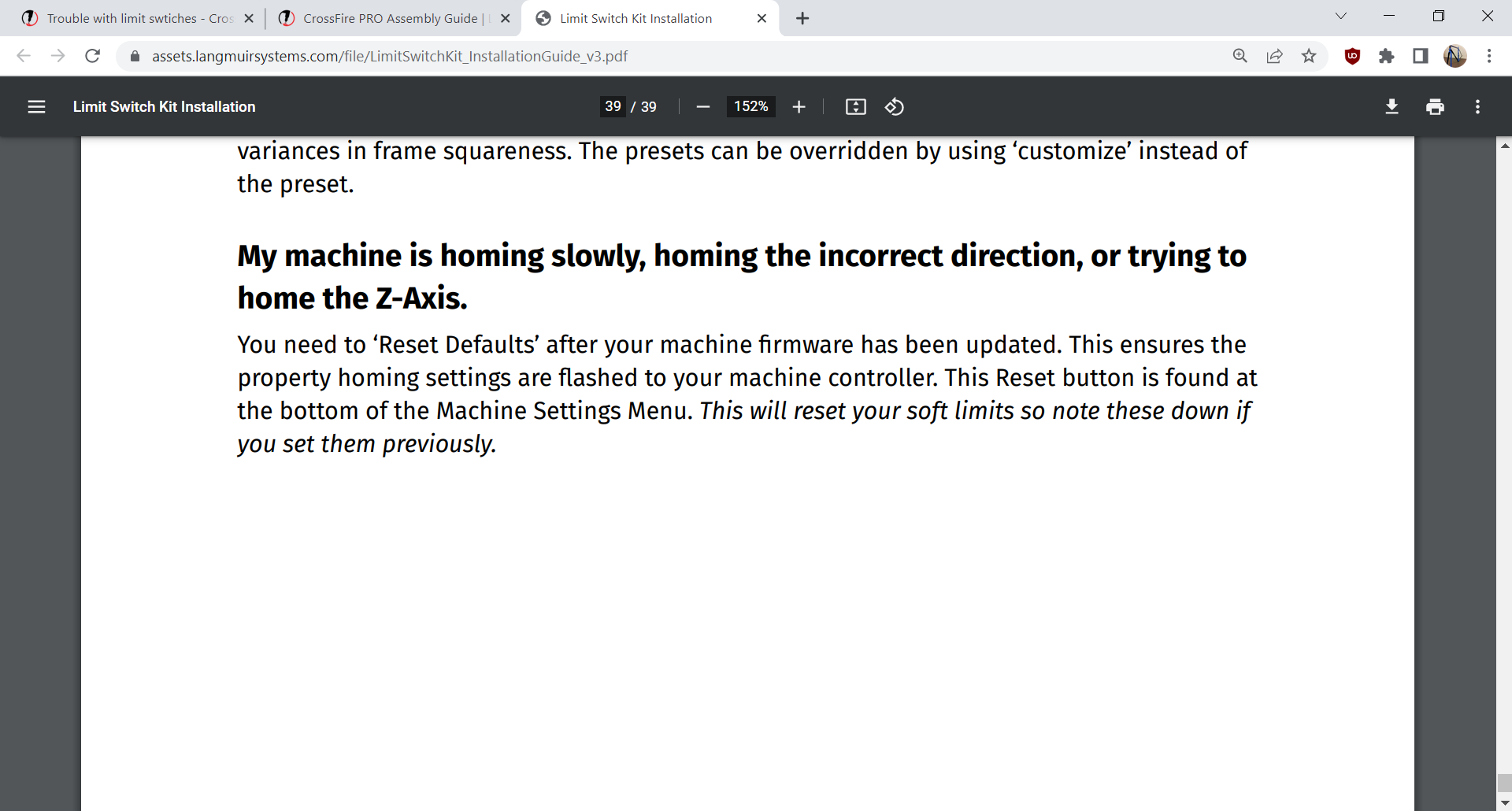
No i have not, i will try that now. Thanks a ton!
1 Like
Thanks for this, I was going by the installation guide V1 which doesn’t have this.
1 Like
Im having the same issue and the reset option does not fix it. any other fixes for this?
Same issue on my Crossfire XL with the Y-axis. Reset is not fixing either…
Anyone ever find resolution? I suppose like IT says, did you restart your machine?
@raw_wyo_wild Welcome to the forum
does your machine move correctly when using the manual controls and fire control?
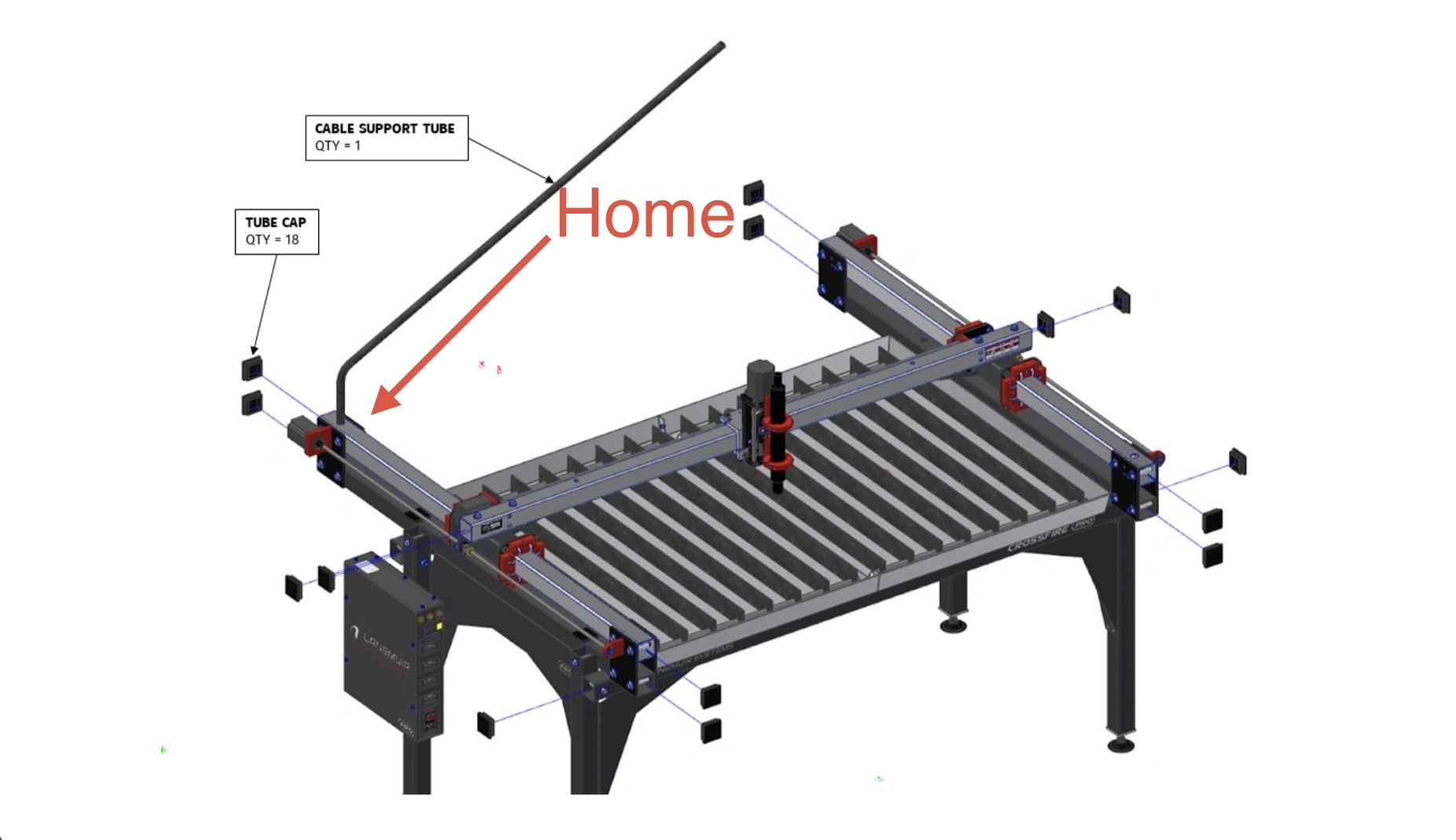
This is the proper direction for the crossfire pro table axis movement.
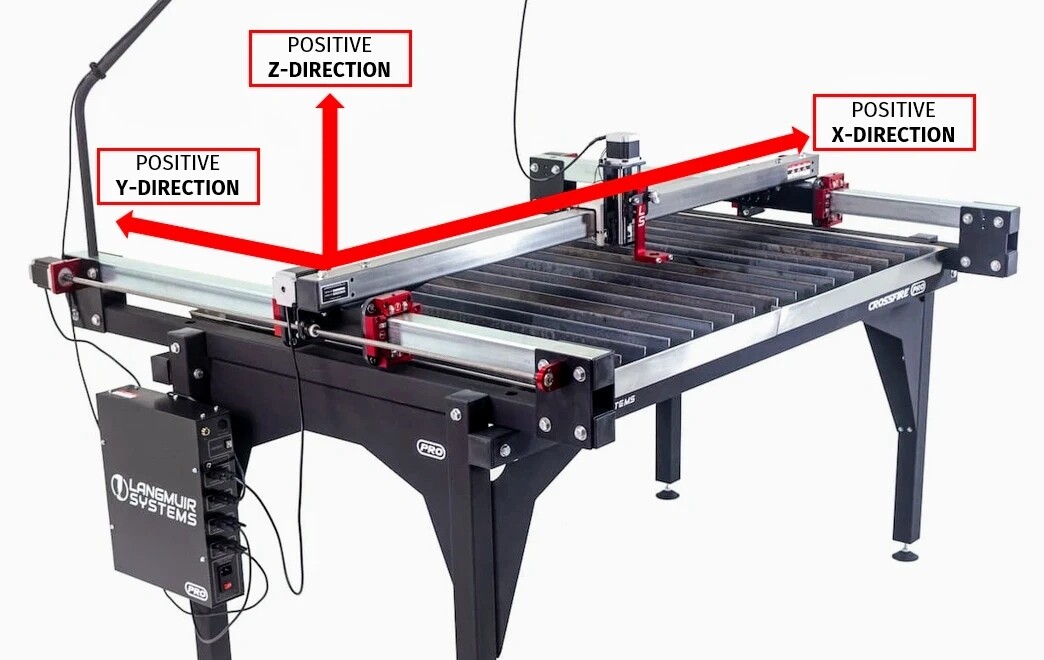
What is your table doing wrong?
when the machine says it’s going to home, x goes to the right. Y goes to top left (like it should).
Did you do the “reset defaults” step of the limit switch install process?
1 Like
Absolutely. Only thing I haven’t done is a full restart on the computer. Doing that this morning. I’ll report back.
Just got back restarted machine, restarted fire control, still no change. X axis is backwards.
Post a picture of your machine.
Either your X axis motor is installed on the wrong end or some wires are in the wrong spots on the X axis stepper driver.
If your x-axis motor has always ran backwards and it’s likely wired wrong from the driver to the port on your machine.
Open the electronics enclosure and compare the wire colors and positions on the Y and Z drivers to the ones on the X driver.
Anyone seen this issue and if he a QC issue straight from Langmuir? Here are pics of my setup
Port 2 green
Port 3 yellow
Port 1 black
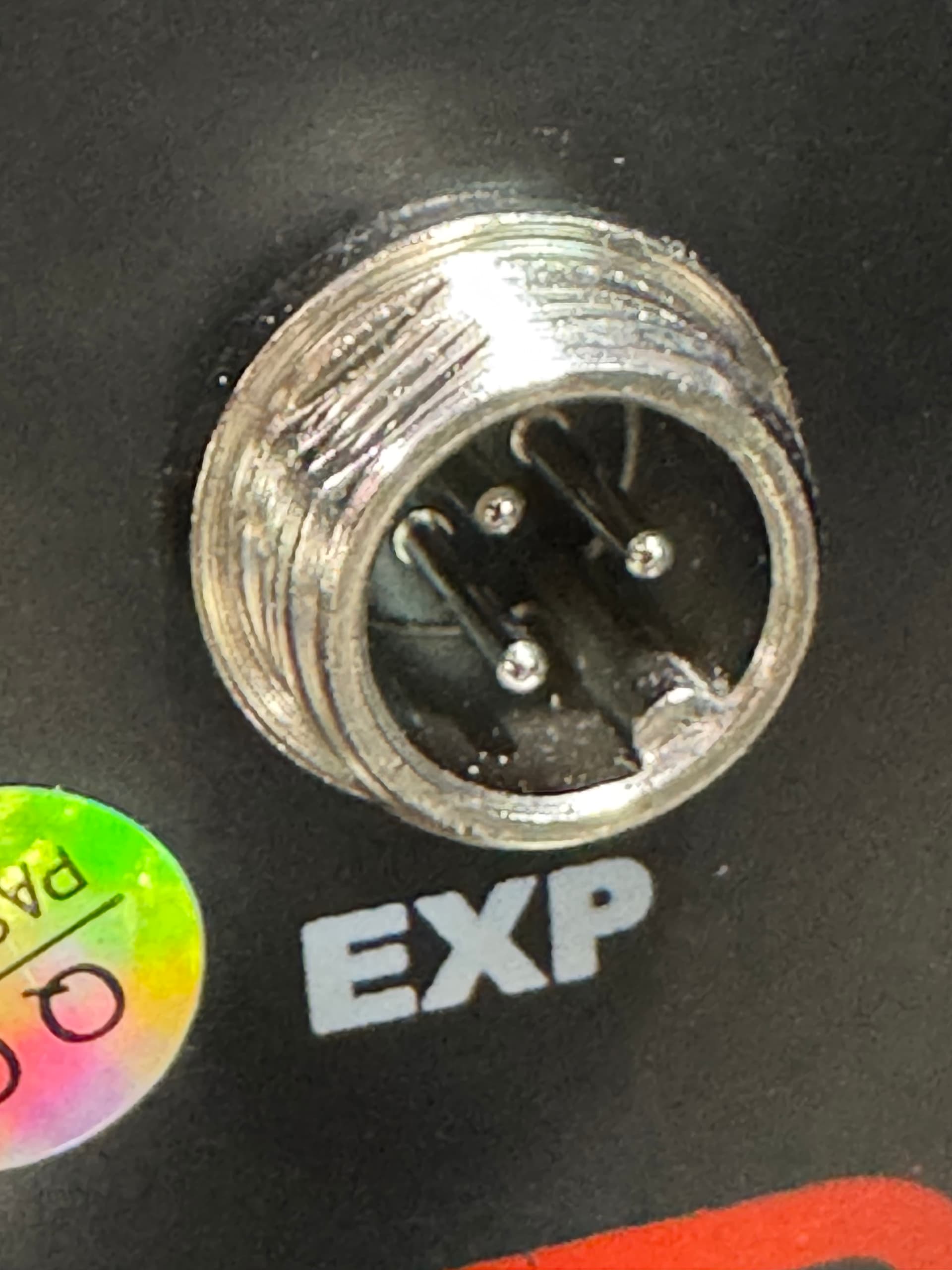
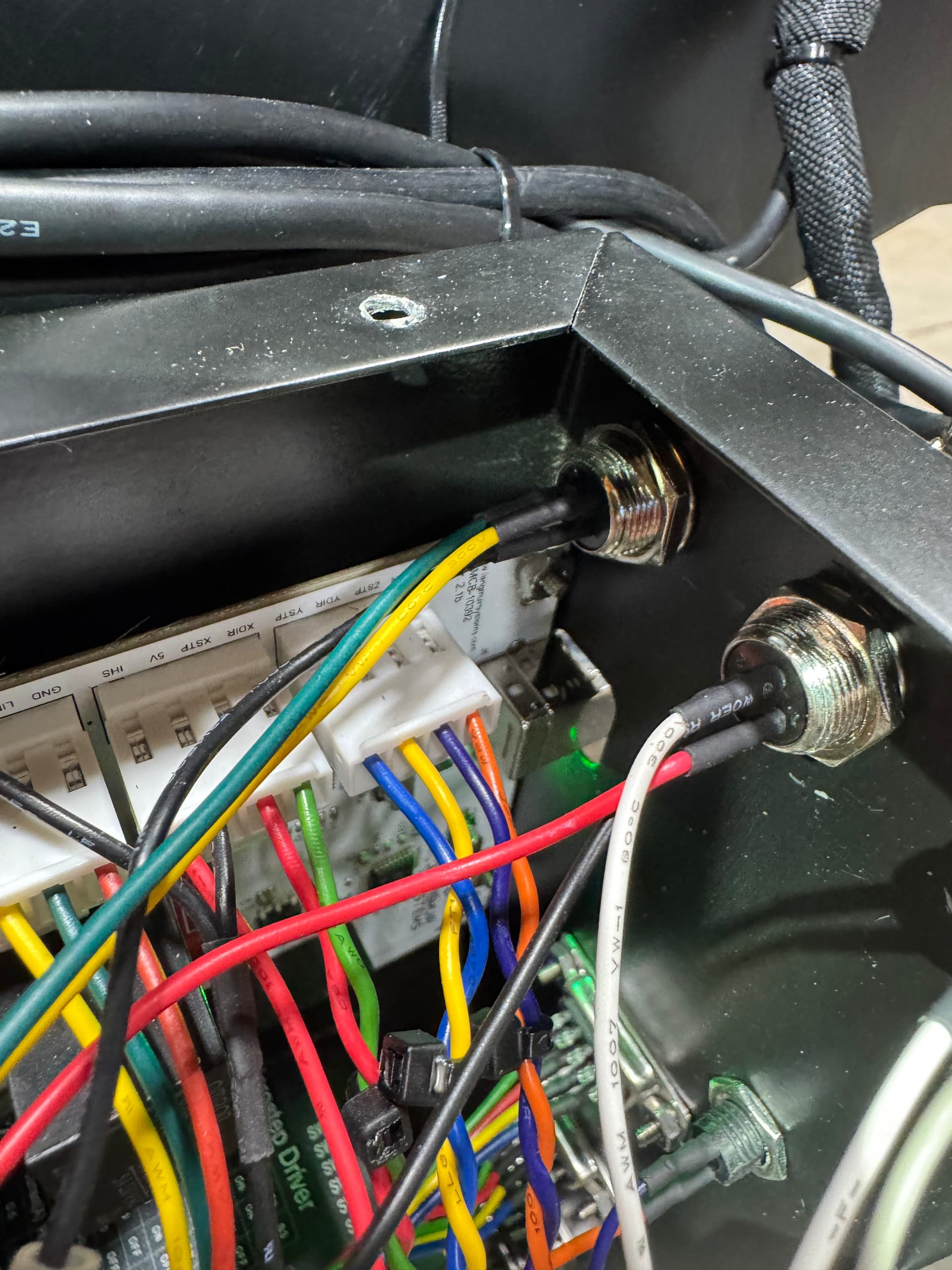
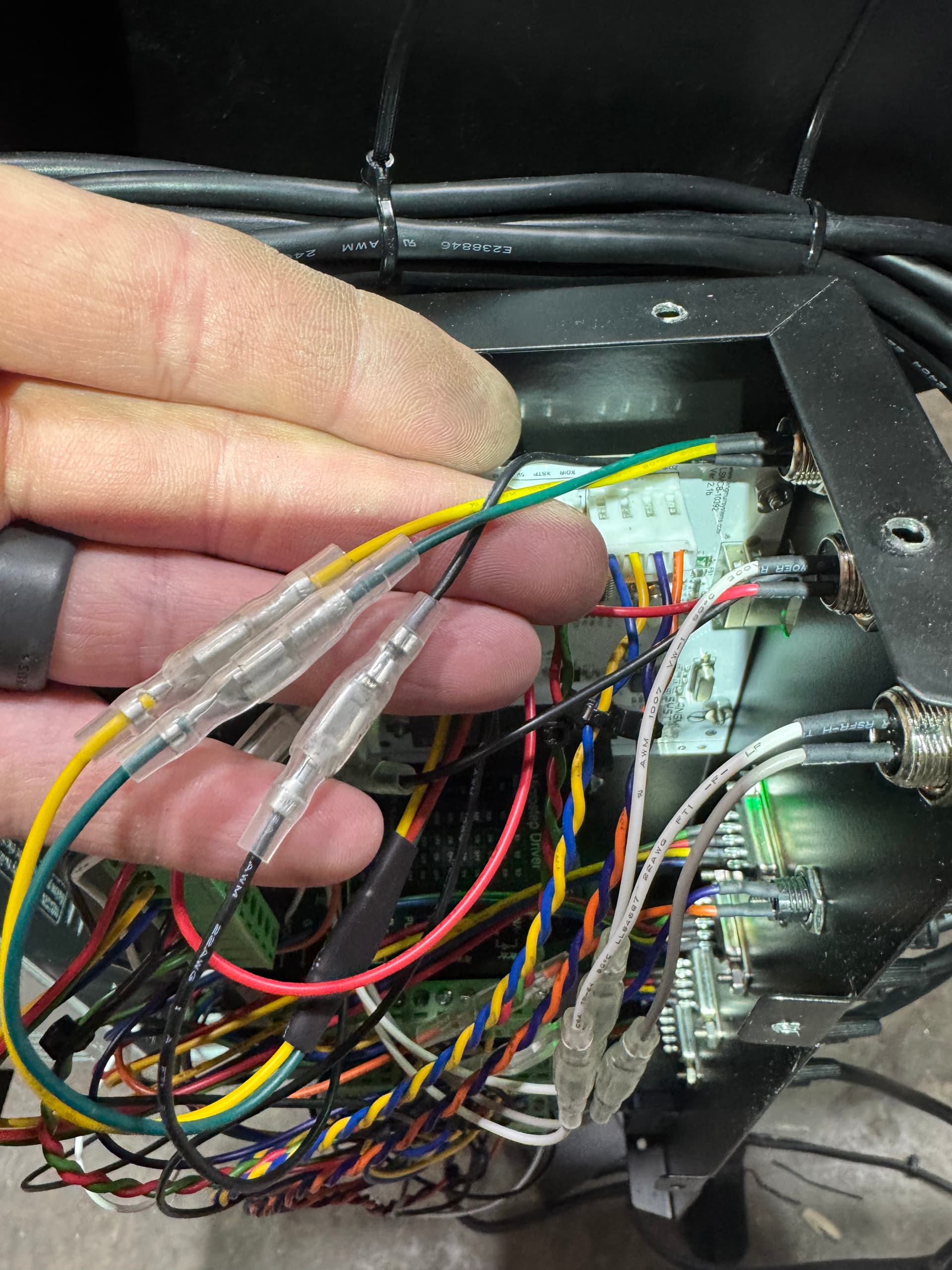
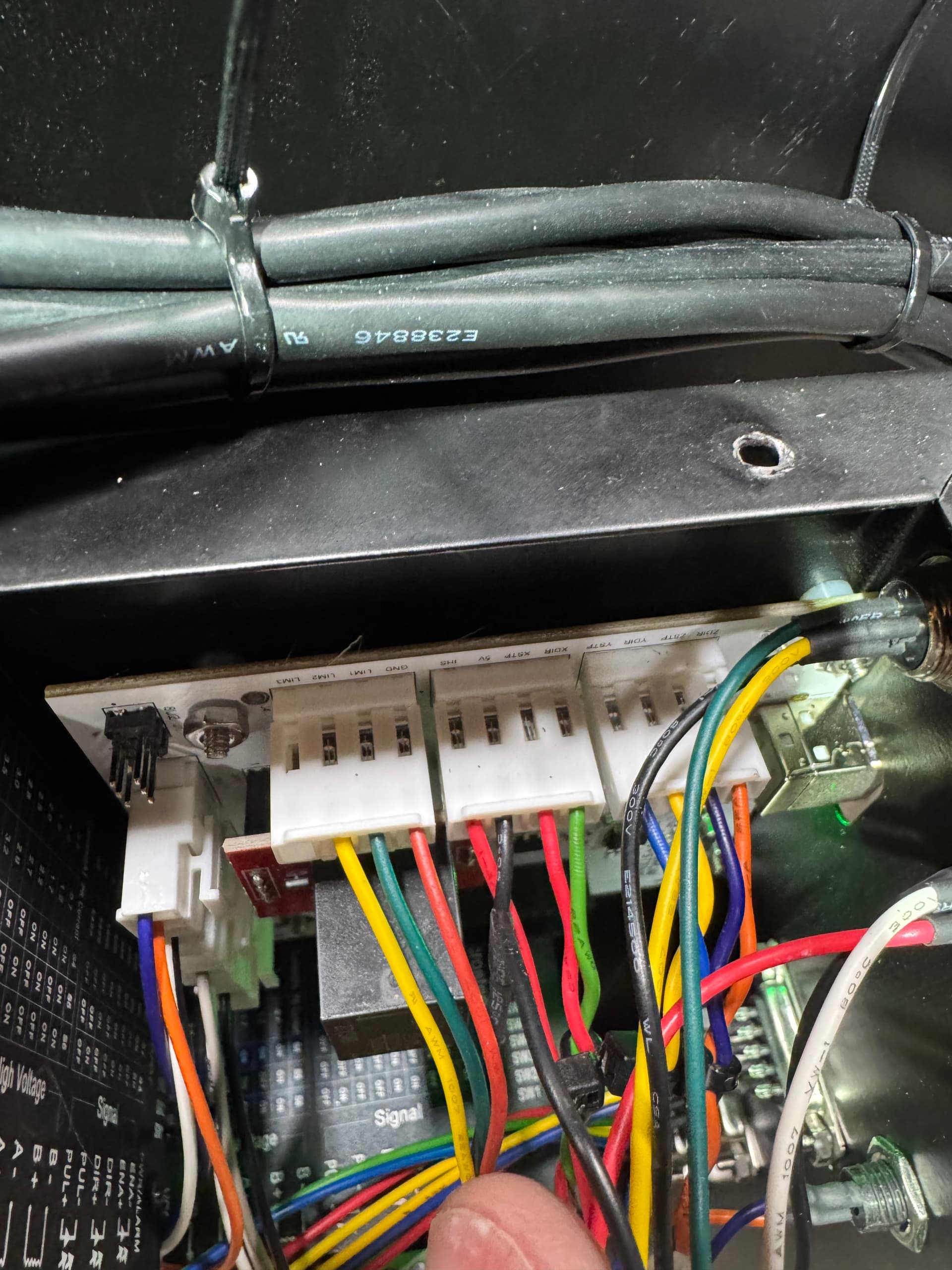
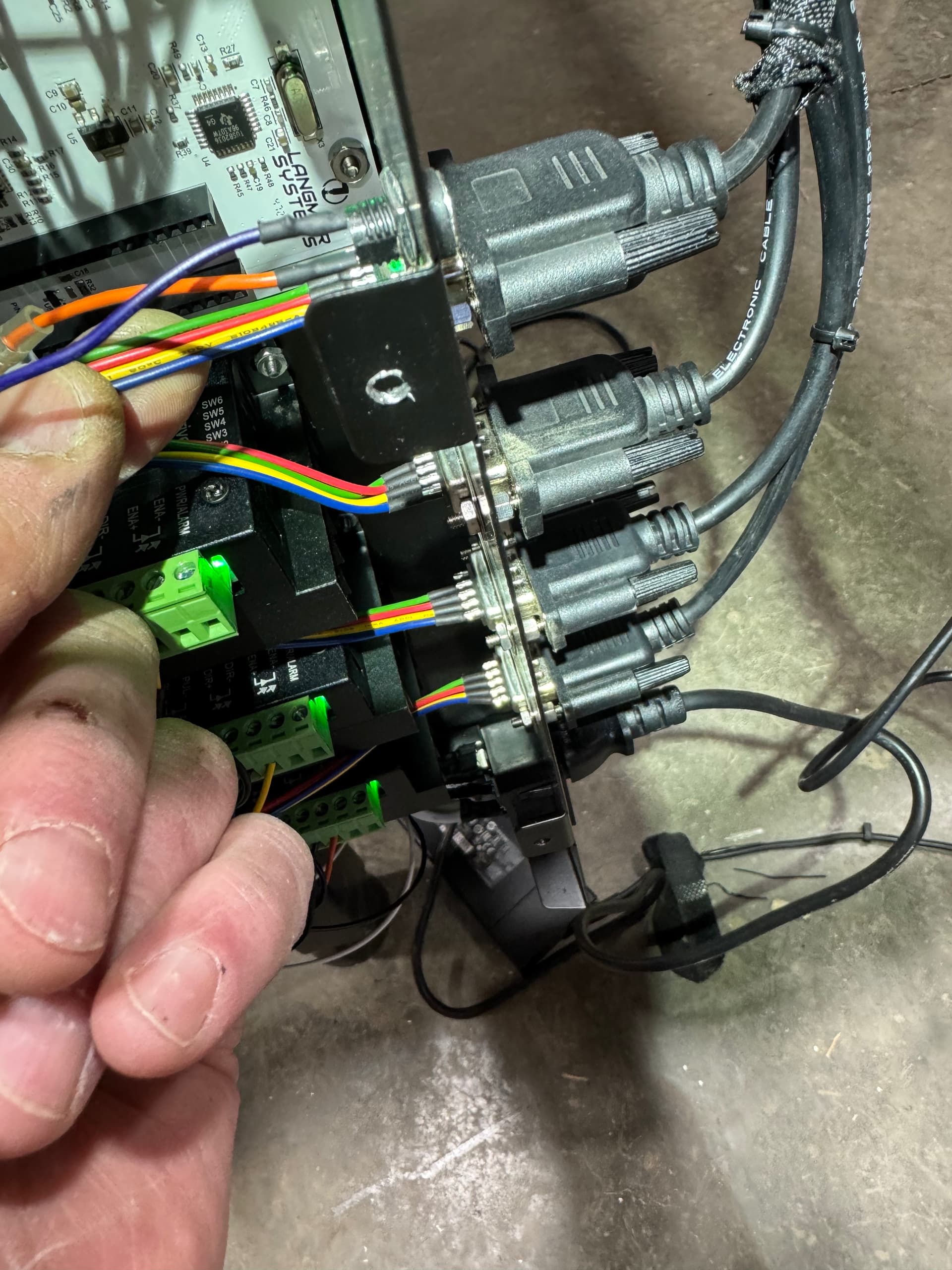
Look at the wires that go to the green blocks on the drivers.