Please, please, please add a check box to allow us to program the angles in as the non-included angle. I’ve been running tube bending equipment for years and having to remember to convert is bound to catch me out again sooner or later. It’s not the end of the world if I want a 110° bend and it gives me an open 110° angle because I can hit it again, but the other way around scraps a part.
4 Likes
LOL I just did that myself today.
1 Like
We love our Titan 254T.
However, we patiently waiting for metric system support and other UI and usage improvements like increased button sizes and ability to NOT CANCELIING the bend when pedal is released during mid bend.
3 Likes
I agree, the safety behind the foot switch operation should be re-worked. I’d like to see
- remove the double-tap start
- foot off switch during bend is a “feed hold” not abort.
5 Likes
Use soft or hard limits on the ram piston travel.
I was shooting a video today and manually jogged the ram down. Exceeded some mechanical limit, hard some disturbing new sounds, motion stopped and got a error screen message. Re-homed and I was back in business. Came back about 10 minutes later only to notice hydraulic oil all over the press base. Oh Joy! Popped the top, one of the hoses, attached to a hose barb (no clamp) popped off spraying oil everywhere. Oil on the tank, down the front, in the base, sprayed on the cabling, etc. You’ve all heard these horror stories before. Double Joy!
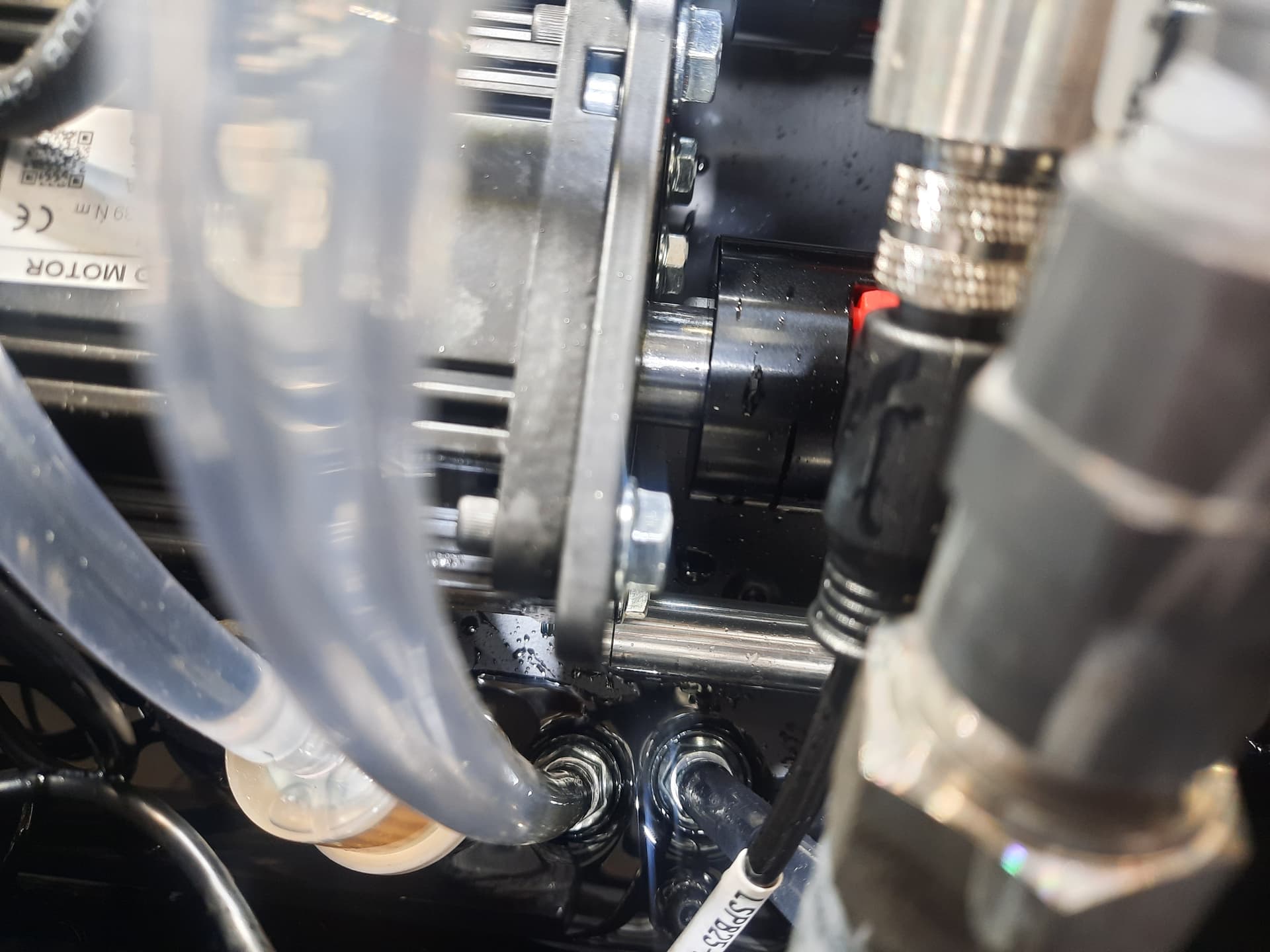
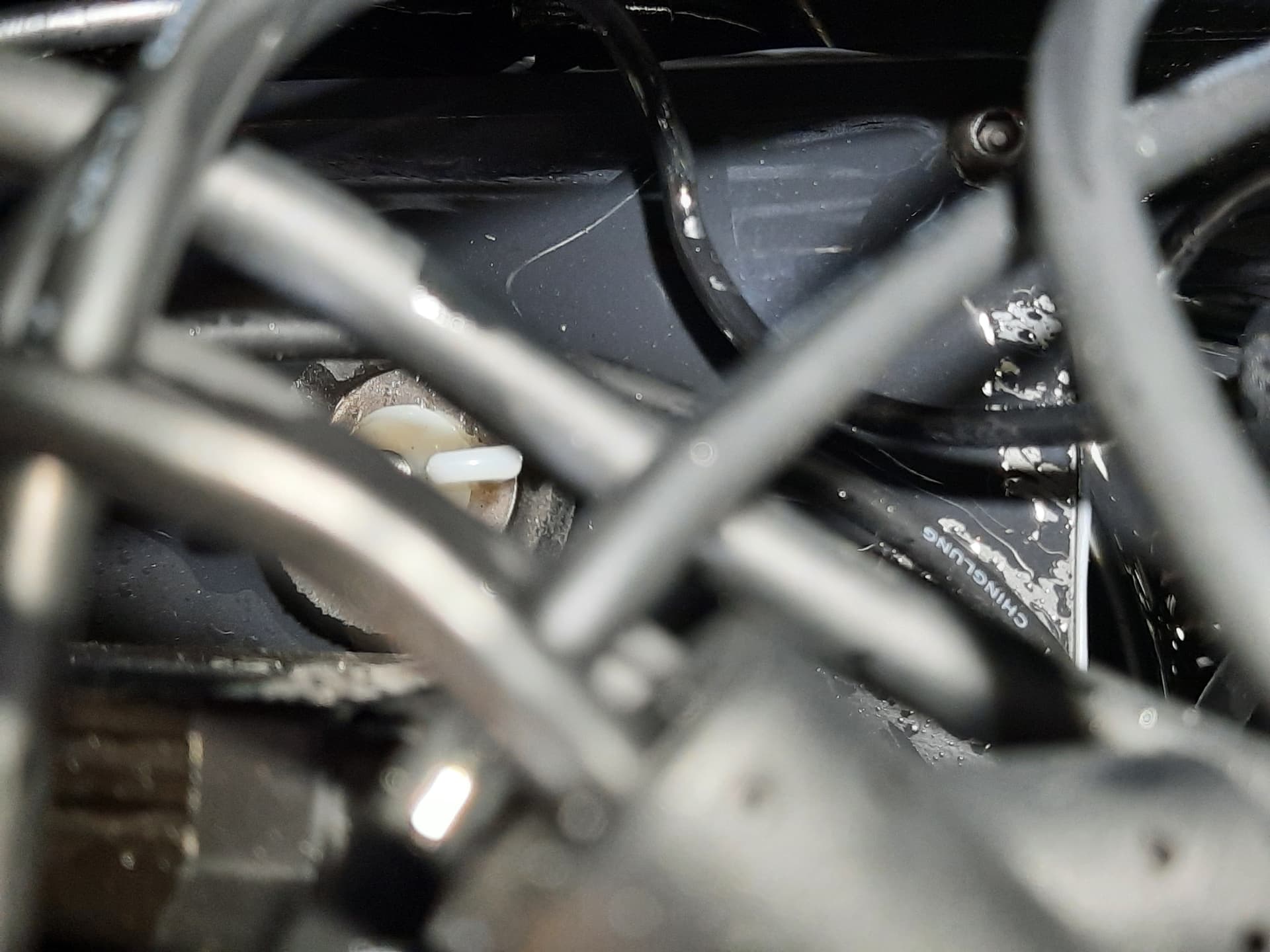
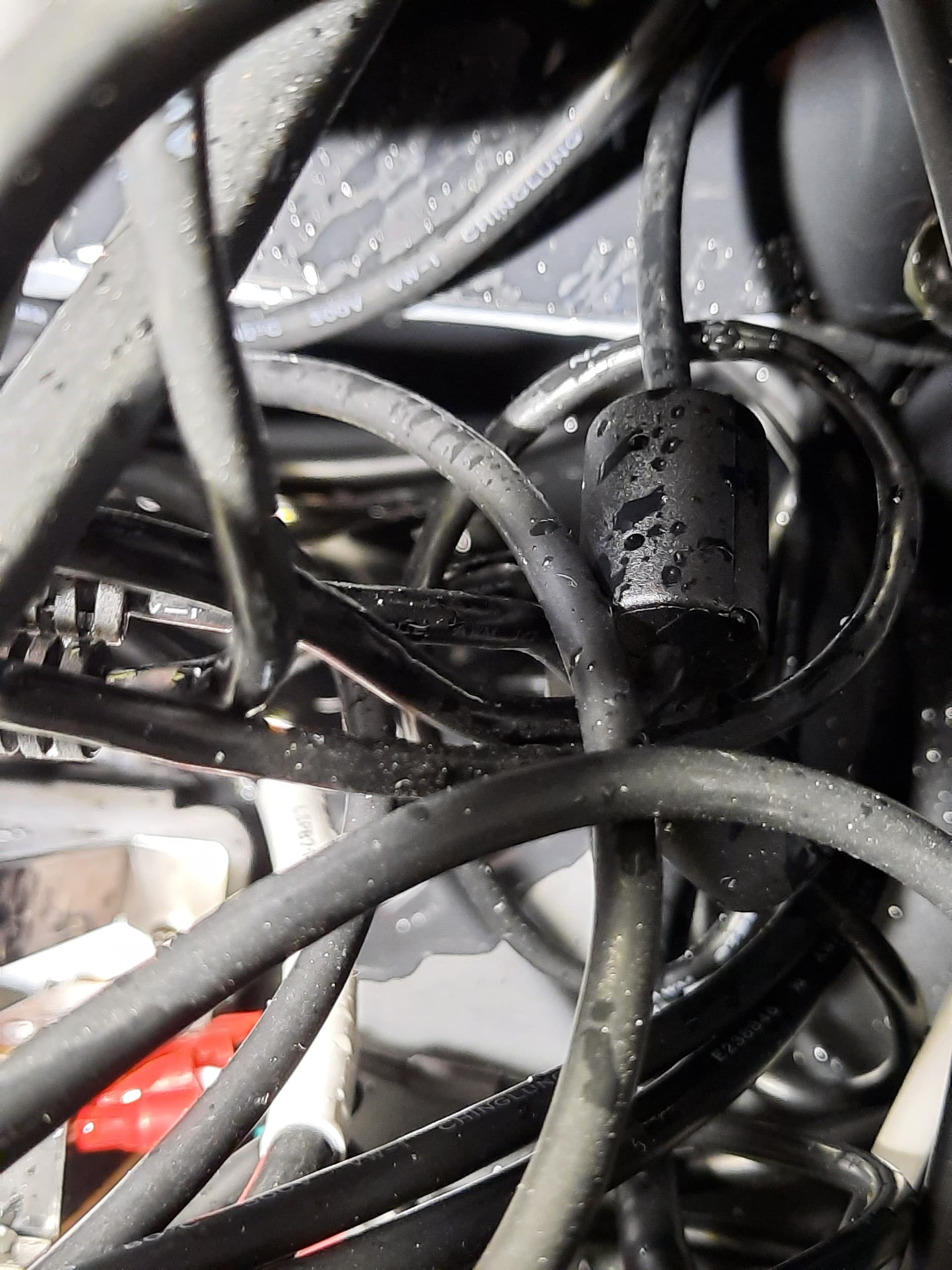
Oil drains through a gap for the electronics mounting plate.
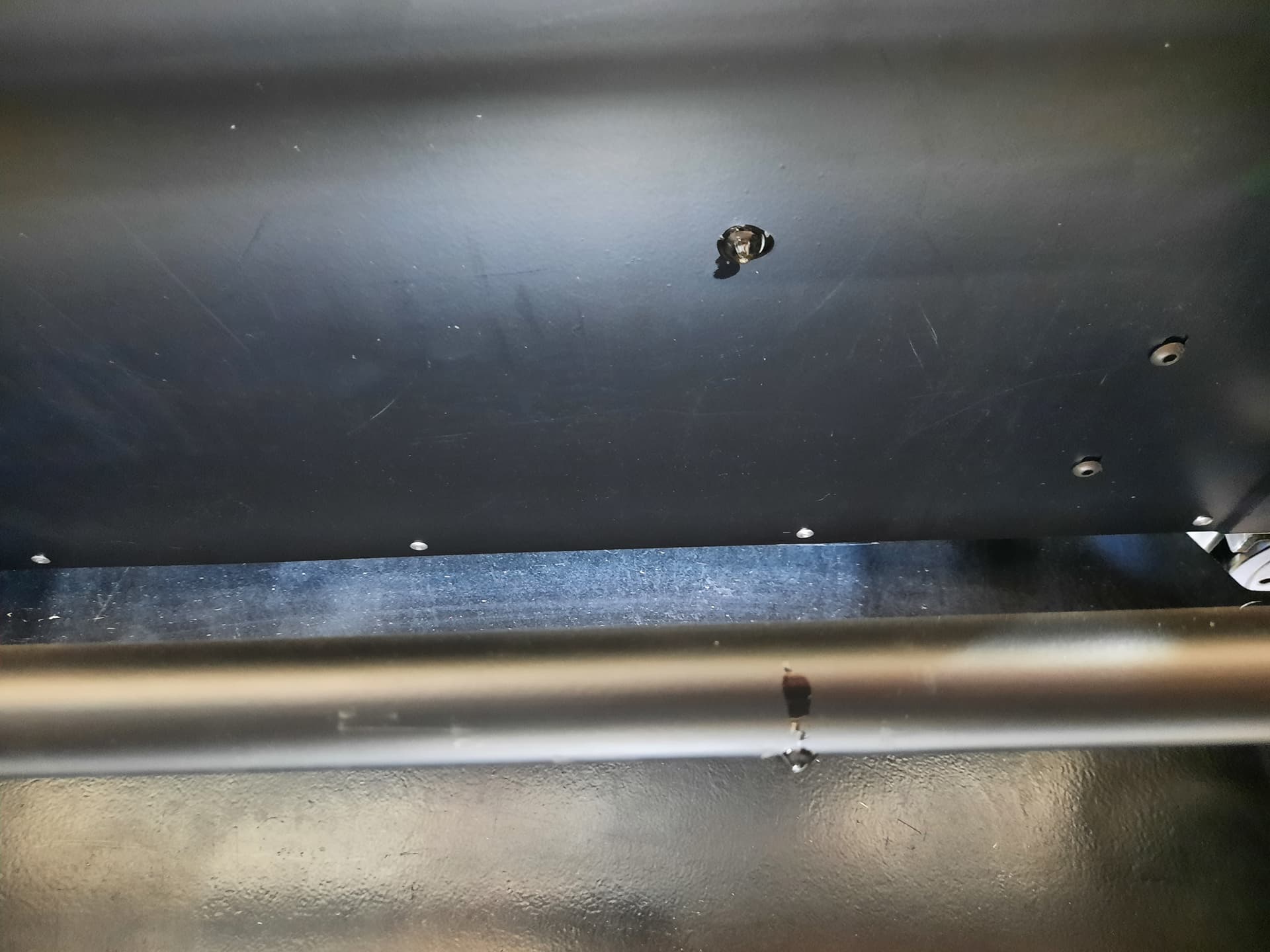
I started cleaning my punches and dies, using acetone and paper towels. Went to clean the base and took off the painted logo. Triple Joy! Needless to say, I was livid at this point.

Next, went to take photos of the enclosure inside. Remember, I’m livid and my hands are slippery with hydraulic oil. Phone slipped out my hand and exactly fell between the hydraulic tank and display. Quadruple Joy! At this point, there’s just so much joy in my heart, You had to laugh, what else can you do?
It’s my fault really. I assumed (from my many years of experience working with CNC equipment) that hard and soft limits are implemented to keep stupid operators like me from damaging my machines. Well, that’s simply not the case here. So let me make a simple request to @langmuir-sam and the rest.
Use soft or hard limits on the ram piston travel.
4 Likes

This is an excellent de-greaser, won’t remove paint or damage ‘most’ plastic. Better than a solvent like acetone or thinner.
2 Likes
Thanks, I’ll pick up some.
I made some bends today - no pop, no hard limits, no problems at all…except for a large puddle of OIL dripping out the bottom screws of the electrical enclosure… haven’t pulled the top off yet, but i’m sure there is going to be OIL EVERYWHERE…
Placing sensitive electronics, drivers, power supplies and all the cable plug connections directly inside an enclosure with high pressure oil …without a divider or separator of any kind…seems like a horrible idea. not looking forward to this at all…5th round of buyer remorse creeping in
Might want to double check, but I think this is a corrosive. That wont be good long term on electronics.
1 Like
Thankfully this is the sort of oil you could dip your electronics into and they would be fine. You will still want to wipe up the worst of it. A bit of paper towel with some alcohol or just some blown air should do the trick.
1 Like
Once you open up the box and find out if anything is wet that is above the hydraulic fluid tank, shoot me a message and let me know and I can get you a solution if there is anything you should do. Hopefully this is just some leftover leakage through a tear in the silicone sealant on the lid.
1 Like
I am not sure how this forum works, I don’t usually post in them. Another feature that would be extremely helpful would be the ability to increase bend speed beyond than 15ipm, it’s just too slow for a production environment where you’re bending 150 of a small part.
2 Likes
I removed the enclosure lid to inspect, and yes, it looks like the lid of the hyd tank is the source of the leak. I see the grey sealant oozed out in some places, especially around the tank bolts. I assume there is no gasket used here? and the seal is expected from the sealant alone ? 
The oil level is approximately 2" from the top through the fill hole. IDK how much the pumps shoot oil around inside the tank, but it’s not over filled.
I see the tank lid top is the attachment point to the enclosure on two sides with 4 bolts. Since you suspected this was the source of the leak, I assume this is a common issue and I’m not the first or the last to deal with this.
Do you have a procedure documented to distribute or a video on how to repair this ?
Is there a drain procedure to get the oil out of the tank- disconnect “X” line and use the pump to bleep out the majority of oil from the tank and lines before taking the hard lines apart?
It looks like the tank and pumps/motors will come out in one unit, then the scraping/removal of the old sealant, cleaning and install a new gasket with sealant.
Please tell me you are using some sort of EPDM or BUNA-N gaskets for all of the machines shipping out now???
If you let the sealant cure 50% before tightening the bolts down, the sealant would have a chance to do it’s job, instead of tightening the bolts down 10 seconds after application and all the sealant oozing out of the joint, leaving a razor thin amount of sealant to do the work of a gasket.
I stuffed a diaper in the bottom of the box for now to soak up the mess and stop it from leaking all over the machine. It’s not just a few drips, it’s a puddle. Thankfully none of the boards or electronics got oil on them.
2 Likes
Now that the unit is stationary, you shouldn’t see anymore of a leak. That was just from the sloshing of the oil during shipping. The pumps do not significantly churn the oil so there is no repair needed unless you plan to ship it again.
We fill the tanks to 2", but they can be as low as .75" and still function. Since we sent out your unit we have changed the type of sealant we use to a more heat-resistant one which has helped.
1 Like
First, I’m blown away by how easy the software is to use and how quickly I was able to program a bend. I did not expect this level of polish at this price point! I have a few suggestions based on my experience using an Amada press brake.
- Let me create and save a program without adding a bend to it first.
- Add conversational programming with bend tables. Example: I would enter a 1” flange with 20ga steel and the machine, based on it’s bend tables (that I can edit), would put the back gauge at .9645 because our bend deduction is .071.
- Get rid of the dialog box confirming the program when I press run.
- Double tap pedal is beyond annoying.
- Maybe I missed where to edit this, but the machine needs to actually pinch the material before the pre bend retract.
- Home everything when pressing the home button.
Thanks for listening. The software really is great, these are just my suggestions.
4 Likes
Great feedback! I’ll add it to the shared feature list requests file.
Can you elaborate on item 5? The machine is supposed to clamp the material before it starts the initial bend. There might be something with your program settup that we can fix.
2 Likes
I have to say- I agree with this one million percent. I don’t know if it’s been updated yet because I haven’t updated the software from factory (if it ain’t broke, don’t fix it) but if they have addressed all of the redundant dialogs I would definitely consider it.
1 Like
Any chance we could get the option to program parts the following way? It makes waay more sense than saving individual bends and then loading them into a program. No offense, but the way it’s implemented now is pretty bad to use it in a small batch production environment where every job may be a new tooling and material combination, but you want to be able to easily remake a part in the future without messing it up by accidentally changing the bend by mucking around in the “Create Bend” tab when making a one off part. As well, sorting through every single bend you’ve ever programmed to add one to a job is bonkers.
This is objectively a better workflow:
-
Create part program
-
Program bend 1
2a) Select tooling for bend (option to set this selection for all bends)
2b) set bend angle and back gauge position
2c) add notes for bend if necessary
- Program bend 2
3a) select tooling for bend if not carried from first bend tooling selection
3b) set bend angle and backgauge position
3c) add notes for bend if necessary
- etc….
?) Save program
The only thing this may require is that materials and their springback are sorted into a different data table and then can be selected to be applied to a bend in a part program, or springback values could be manually applied on a per bend basis (preferred since things like grain direction and part orientation may require different amounts of springback compensation).
3 Likes
Hi Sam,
We urgently need a comprehensive software and firmware update on titan t25 to fix all the lingering bugs and issues with usability and user interface. There is no update since February. Our machine still freezing randomly when bending with backgauge active and sometimes, we lose saved backgauge movements, even with brand new SD card etch from the latest bendcontrol 24.1.3 beta.
What is important for us.
- Fixing the freezing bug during bending step 5 and 6. machine simply froze when backgauge is moving to initial position for the next bend.
- Backgauge positions still not saved properly and sometimes disappears out of blue.
- Top priority for us: Metric unit implementation with millimeters. This is really important for some users, including us!
- UI needs tons of rework. Some buttons are too small, while some elements are unnecessarily too big. There is a good amount of screen area that can be better utilized for saved bend programs (folders and subfolders maybe in a tree view, grouping specific bends to bend programs optionally). Screen resolution is low compared to native resolution that the display can capable (it is a full HDscreen, while the resolution is around 720p)
- Easier foot pedal operation.
- More precise bending width settings. Currently we can only adjust bend width within .0 decimal precision. it should be at least .00 for better tonnage control for inch.
- I got an Err1 on one of the servo drivers. Not sure why it happened. I was simply homing the machine. There is no visible oil leak and everything looks normal. It only happened once so far. I do plan to add a exhaust cooling fan inside the electronics bay since it gets really hot during operation and i suspect it might contribute the issue.
- Upgrading the orange pi to more powerful version (Perhaps to orange pi 5 pro or better.) UI is sluggish due to orange pi 3. Or optionally provide img file for Orange pi 5 pro so we can replace that?
Hardware wise machine is capable and well designed. Of course there has been a few issues when we first got it but solved all of them. Only thing that makes this machine perfect is to fixing the issues with the software and user interface.
Looking forward to see a early new year gift before 2025 ends!
3 Likes
Great feedback and general feature list. I agree with most of it. Unfortunately I don’t see any updates on the Titan coming out until next year.
There are a few things in that list that are somewhat addressable now on your end in the meantime.
- The freezing up on bends between steps 5 and 6 is caused by a low “Backgauge Retract” value in the settings tab. Generally caused by values below 0.25”. Increase that to 0.5” and you should not have anymore problems.
- If you are finding some of the buttons too small, you can plug a mouse to help select them.
- You can edit the “final bend position” manually with the “override final bend position” if you want more precise adjustment than the angle compensation input. Like if you want a 0.05 degree change, you can make a .1 degree change, see how much it changes the final bend position, and then adjust the final bend position by half that amount.
- Err 1 on the servo driver is extremely rare and usually a sign of bad hardware. If you see it happen again, let me know and we can troubleshoot that. If one side is moving up far faster than the other during the homing process or the rams are not operating in unison, it could be due to a bad ram position encoder or motor position encoder, or just a bad driver.
I hope everything else is going well with you and if you need any help from me, shoot me a message at support@langmuirsystems.com and I will be happy to help.