Hello again, I’m about to order the Beeline with N150 per your recommendation. Since I’m new to this, please let me know how to hook this up and use it with my new XR system, any extra cables I need to order, and what exactly it is doing. A brief tutorial if you please. Thanks.
1 Like
I mounted mine to the back of the touch screen. Although I don’t use the touchscreen, it will connect via cables just like any other computer.
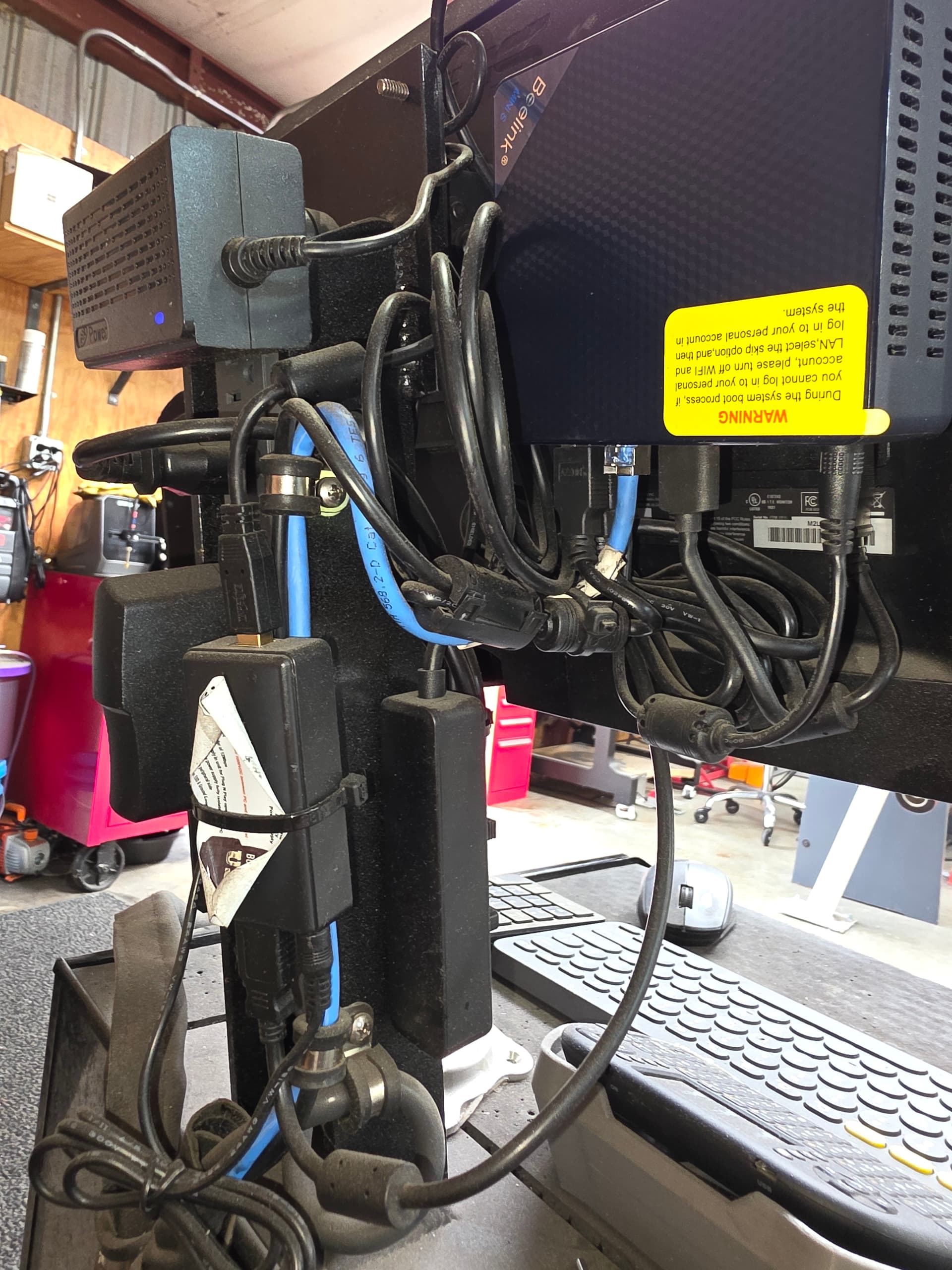
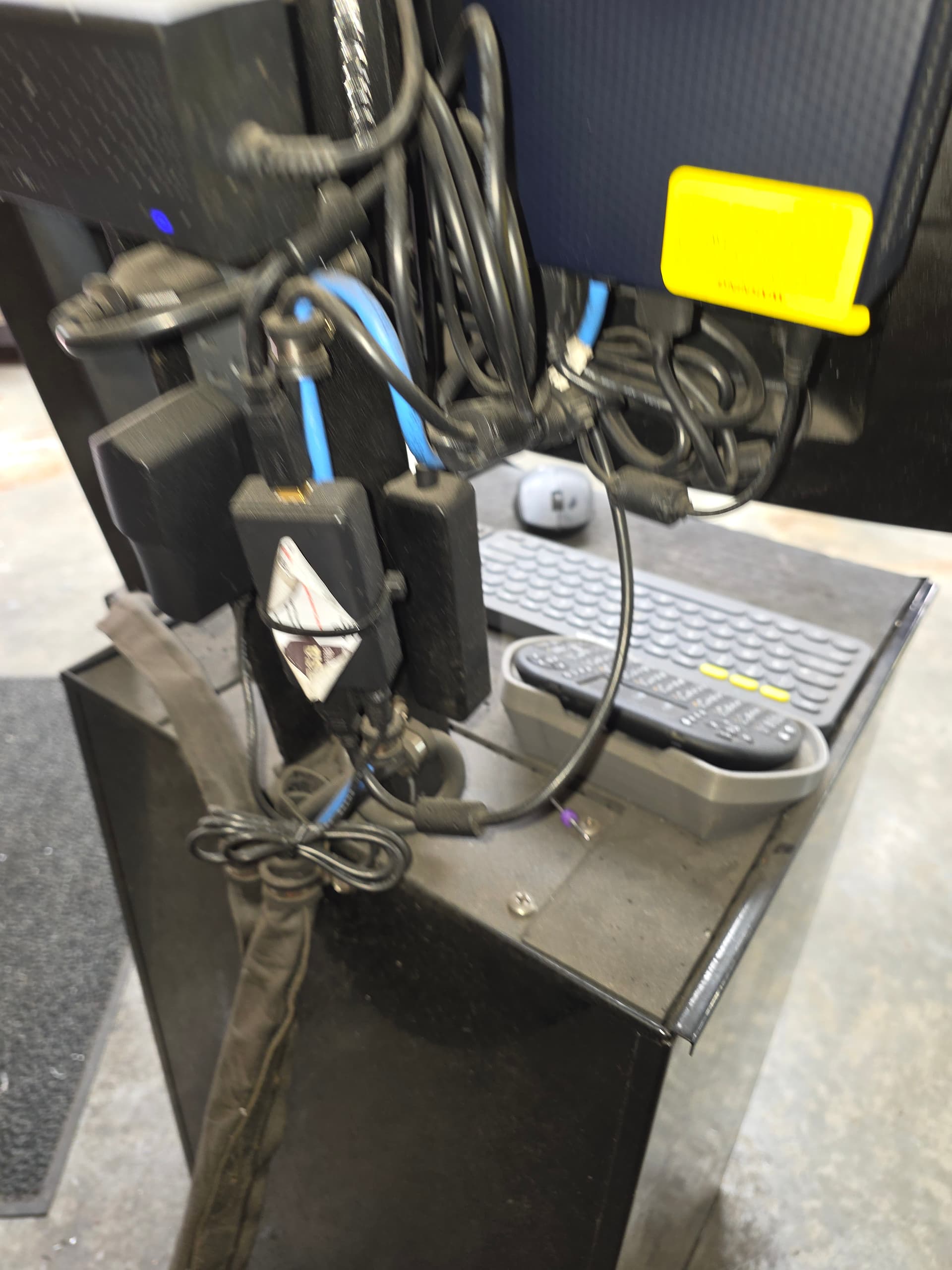
Here is a picture of my setup. Now, I have a Pro, but nothing will change.
With the Beeline, are you then able to use your touch screen like a windows based computer? I’m still not clear on the Beeline purpose. I still need to know about what I need to run, or convert DXF files, and what I need to buy to use F360 - separate computer, or what? Thanks again, and for your patience. I feel like a kindergartener trying to keep up with college students who already have learned this stuff. But I do want to learn it.
1 Like
I would run a separate computer for fusion—a good one. Put the two computers on the same network. There are 100 videos on how to do that. When you finish a fusion file, send it to the Beelink, and you’re ready to cut the file in FireControl. The Beelink runs the table. Your Fusion computer can be anywhere that uses the same router, or you can load your Fusion files onto a USB stick. Some guys use Google Drive to send files.
1 Like
Didn’t the table come with a computer? Now, if it did, which I think it did, you don’t need the Beelink.
2 Likes
Yes, the table comes with that MC 4000. Jake was telling me the Beeline would be a higher end swap out, more storage, and so on.
Do you have a recommendation for a computer to run the Fusion 360? It’s been 28 years since I looked into PC laptops (my preference) and desk tops for our company.
Post a picture of the XR’s computer.
I’m not familiar with it as I don’t own one, but unless things were soldered there’s no reason why one couldn’t upgrade the storage and memory on it.
Even soldered memory chips can be removed and replaced as long as the motherboard can support the new modules.
I’m impressed, but also confused. What is the electronics box on top, and what are the ones you tie wrapped down below to the post? I am not familiar with the Pro model. Last, did you build this work station to operate remotely away from your Pro, away from the plasma table itself? Hope I’m not asking too many dumb questions, my background is machine shop and welding, and other than my MacBook Pro computer gadgets are new to me.
Yes, I built that toolbox with the computer mounted to it. The wires on the back are a power strip mounted to the back of the monitor mount. The other box is a USB isolator. The small item on the side is a USB extension with several additional ports.