Guys, im trying to get my table up and running after my original laptop crapped out, i bought a dell with windows 11 pro and when i plug in the c.f. Box my laptop doesn’t recognize the control box i have the latest version of c.f. Loaded on the laptop an have the icon on the home page but when i click on the icon the app will not connect any advice would be helpful thnx.
Is it grayed out?
2 Likes
This.
Basic troubleshooting to begin with.
Assuming the new computer is also a laptop, could also be something simple like the laptop’s power profile being on efficiency/low power mode or something where it’s putting the USB ports to sleep or something (no power).
1 Like
@5589 Welcome to The forum.
Not sure if you’re saying that it’s not connecting the machine or fire control app itself is not loading up?
Assuming that fire control is opening up and it’s grayed out in the area where it says it’s connected to the machine or not instead of being green like @Bigdaddy2166 mentioned been there could be a couple reasons for this.
Depending on whether this is an XR or a PRO you’ll need to make sure that the machine is powered on for the electronics enclosure on the XR to connect, If it’s the PRO it will connect without the actual power of the electronics enclosure being turned on.
Confirm that your USB is firmly plugged into both your computer and your electronics enclosure.
Try a different USB port in your computer.
Try a different USB cable.
Try to have Windows look for a newly connected device
“Open Device Manager, go to Universal Serial Bus controllers, click Action > Scan for hardware changes.”
Make sure you don’t have a power saving mode enabled which limit the use of the USB ports as @Kwikfab mentioned.
Try to manually updating your USB driver
It’s located near the bottom of the page under
“General CNC Machine Downloads
Manual Driver Installation (if required)”
Try some of these suggestions and let us know how it works out.
4 Likes
Also updated drivers on the laptop and it says the drivers are the correct ones for this device 
No dice so far i have exhausted everything thing me and son know other that trying a dif. Laptop which i dont have the f.c. software is saying no connection but the green light turns on, on the control box when i power up the laptop so i know that board is getting power i also went into power settings on the laptop and set them to max but windows 11 is a bit diff. And i cant find the settings for usb. Im gonna do some youtubing a go from there tnx. Guys ill keep pluggin.
I have done most of the things mentioned accept the manual driver install , ill try that next. Im not much on this computer stuff, my son is helping me who is substantially better than me, so thnx ill let yall know what i find out.
Also have swapped the cord, says usb device not recognized
Yes the screen is there but no controls an its saying its not connected to the box, every was fine till i changed the laptop
K, i have switched the usb cables from my mouse and f.c. box w no luck the mouse works fine im gonna keep digging everything was fine till i swapped the laptop so im sure its in the laptop some where thnx.
Try another computer It does sound like a problem with the laptop itself if all these other remedies are failing.
Can’t tell what you mean here. You tried another laptop without Firecontrol installed?
1 Like
Send us a picture of the screen. The control board inside the Langmuir box requires 5 volts from the laptop’s USB port. If you have power-saving options on the computer, this will happen. The details are too vague to figure out what is actually going on. Send pictures. Borrow another laptop at this point. Email Langmuir for another control board if the issue persists on a different laptop. They have been known to fail.
1 Like
All my Firecontrol problems were solved when I abandoned a Dell laptop and went to the Beelink mini PC. The Dell was pre-Win 11 though, so maybe a different root cause than what you are facing.
I would still try a different PC.
1 Like
Yea im beginning to think that myself probably gonna do the same
Pretty sure it’s my laptop, gonna get another one an go from there
1 Like
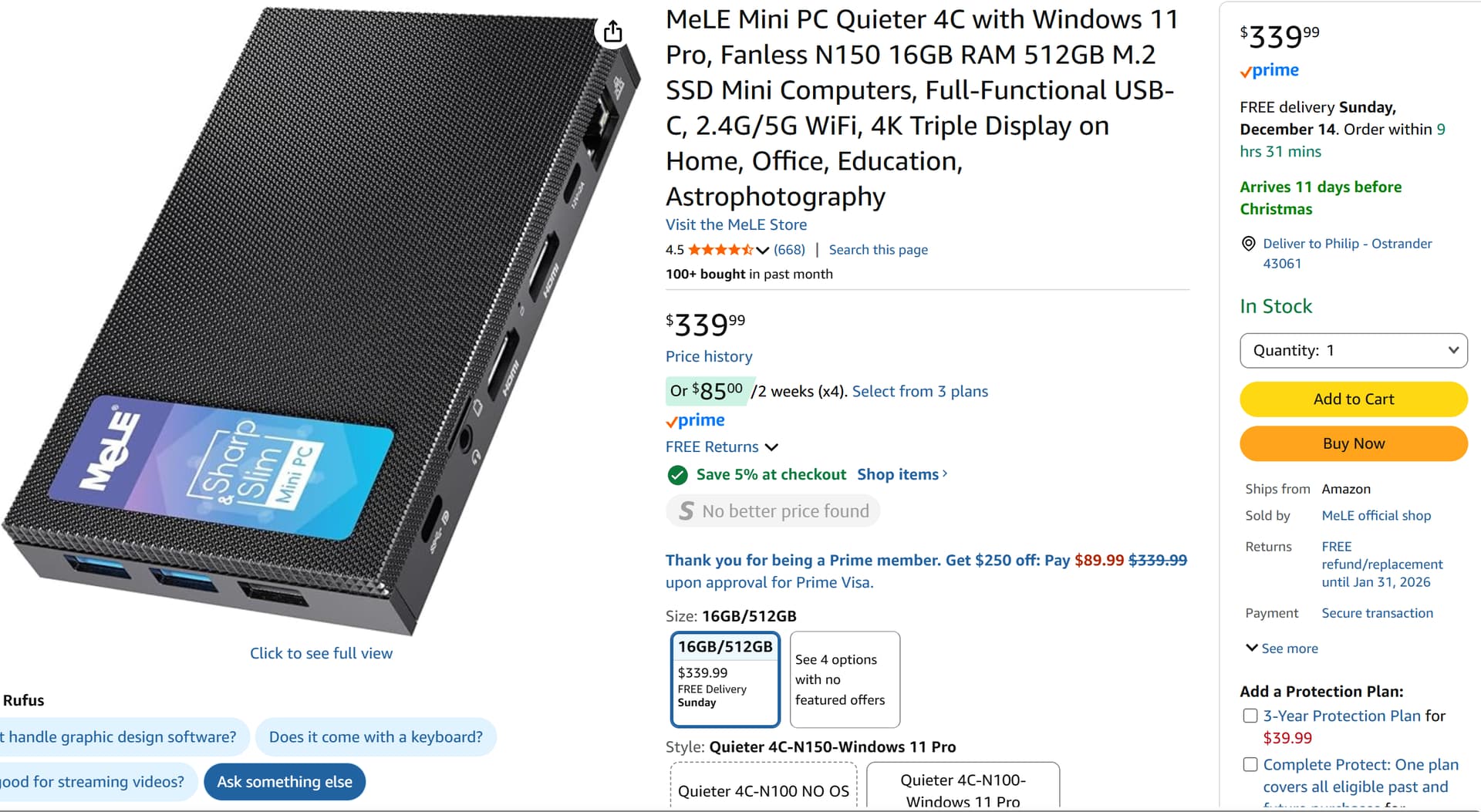
If you decide on the Beelink Mini. Only buy the version with the Intel N100 or 150 chip. No Ryzen or higher price version. The N150 chip has no power-saving features.Beelink mini PC with 12th Gen Intel, 16GB RAM, 500GB SSD for enhanced productivity and entertainment. It’s a popular product! Amazon.com
3 Likes
gotcha thnx.