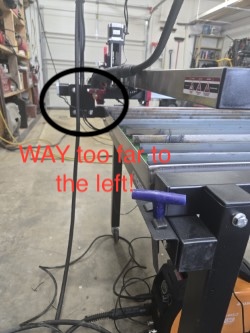
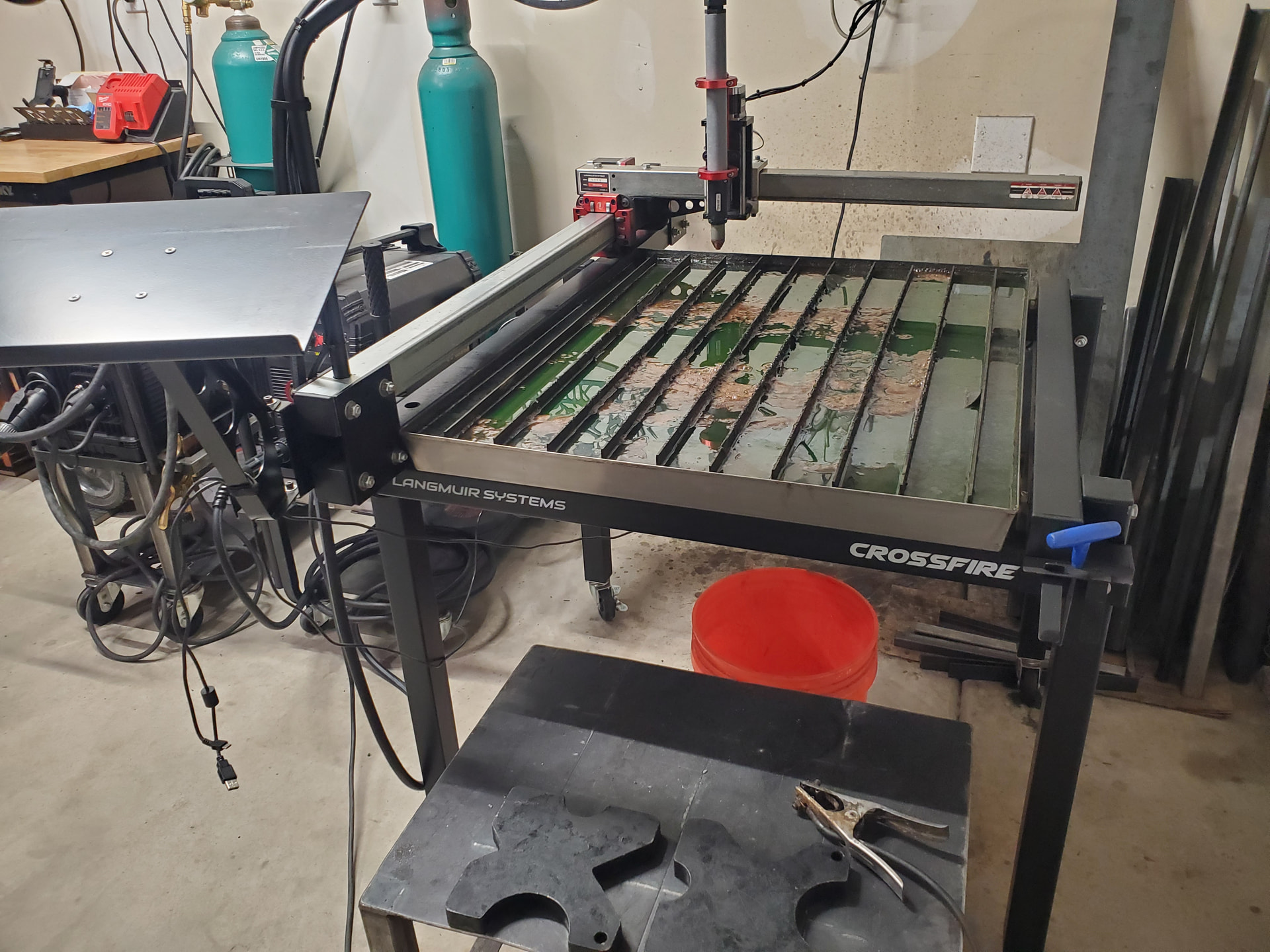
new here and just trying to get my crossfire table operational. I think my water table is to small. i have the 2 x 2 crossfire table with the XL kit. I have the water table centered on the frame. when I home my machine it sticks out past my water table by 2 inches. When i take my machine the other direction it stops 4 inches inside the water table. The water table measures 28. 5” x 34”. I also have the z axis kit. Help
You’ve positioned the water table incorrectly. When in the low end of the Y range the torch should be inside the pan rim. The pan should overhang the front cross bar by about 1/4”.
well the motor itself isn’t gonna give you more clearance because of the standoff plates. I’m thinking the actual rails are mounted wrong, if they can actually be mounted either way. there seems to be more travel towards the front end than the back.
Your pictures are crazy small for some reason, so my comments are based off the slat/table orientation shown by the controller and overhang for the torch cables.
Everything looks mounted correctly so far.
What exactly is “too small” when you say your water table is too small? In relation to what? The XL kit allows one to utilize the 25” x 33” advertised cutting area, and the water table’s size does not take away from that.
Please share full-sized pictures and described better what issue(s) you’re having cause I don’t see it. The issue could be that you assembled your table incorrectly like @nicaDd suggested.
So. Finally got my table working right. It was the motor that was on the wrong end. Now it cuts with in the water table. Now I just have to figure out how to down load from fireshare. Thanks for the help guys
You can use the CAM side of Fusion 360 (Langmuir has videos on the Software Workflow as well as many on Youtube), or you can buy and use Sheetcam.
Thing about Sheetcam is, it is a very powerful CAM software with many functions. That and you get your cut paths created right when you import a vector file.
I always used Fusion 360 myself and found it easy, but others find it a bit intimidating (at first).
I had the same issue with mine.
Langmuir neglected to change the mounting instructions with the XL.
I just unscrewed the water table, move it a bit and reattached it to the frame using the same holes in the pan.
The pan should really be held to the frame with some sort of clip in that the little rubble washers drip a bit.