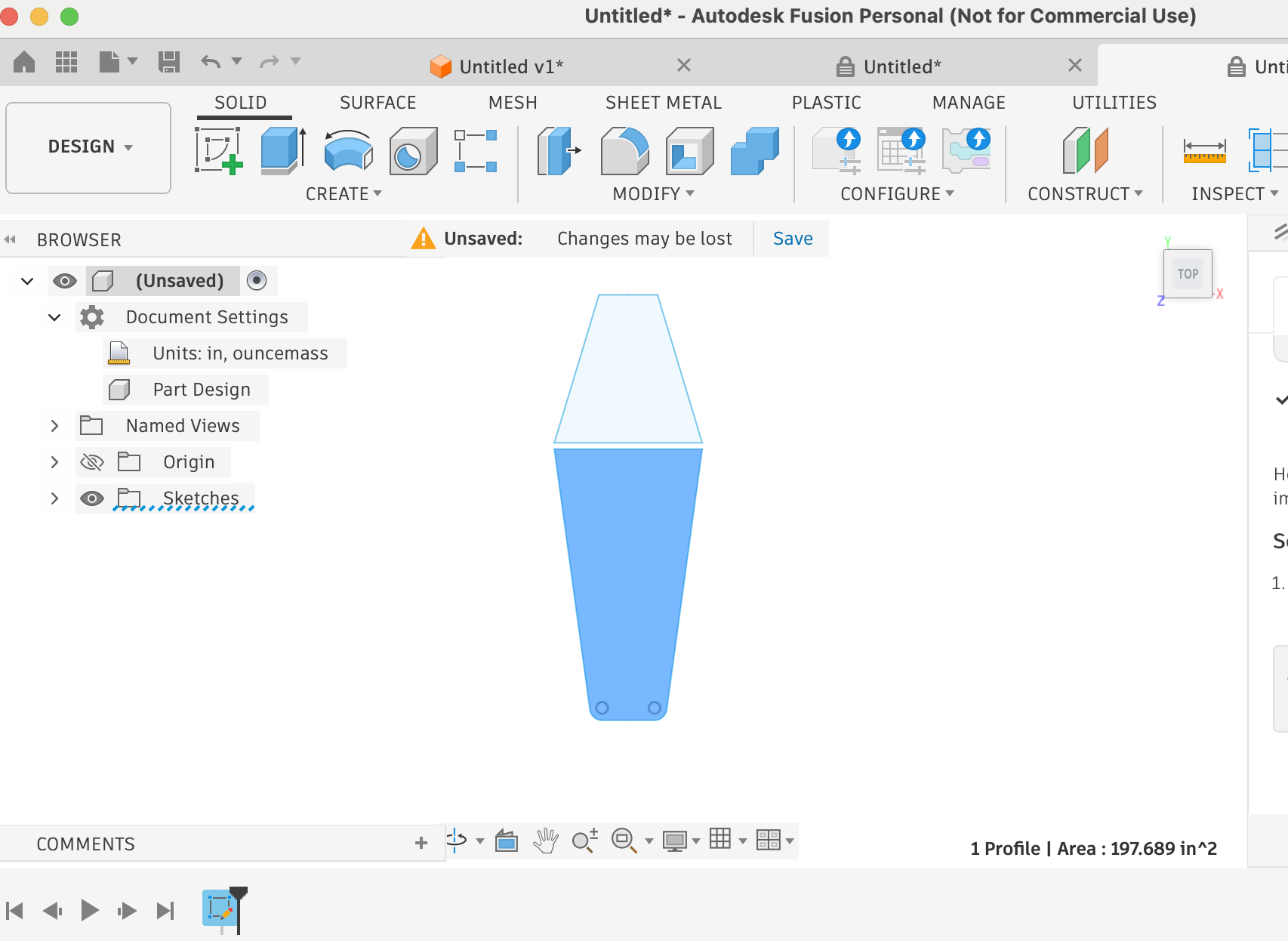
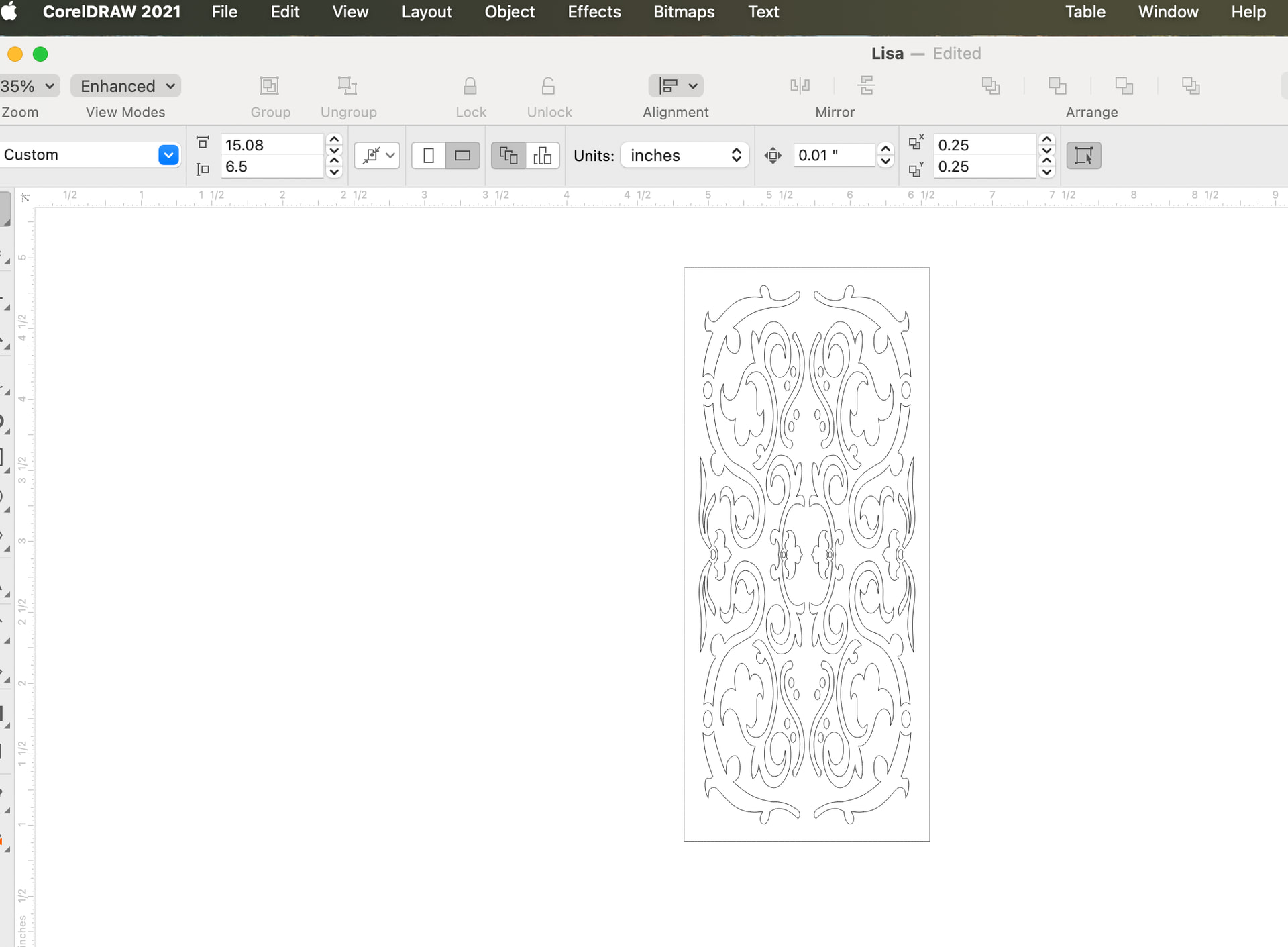
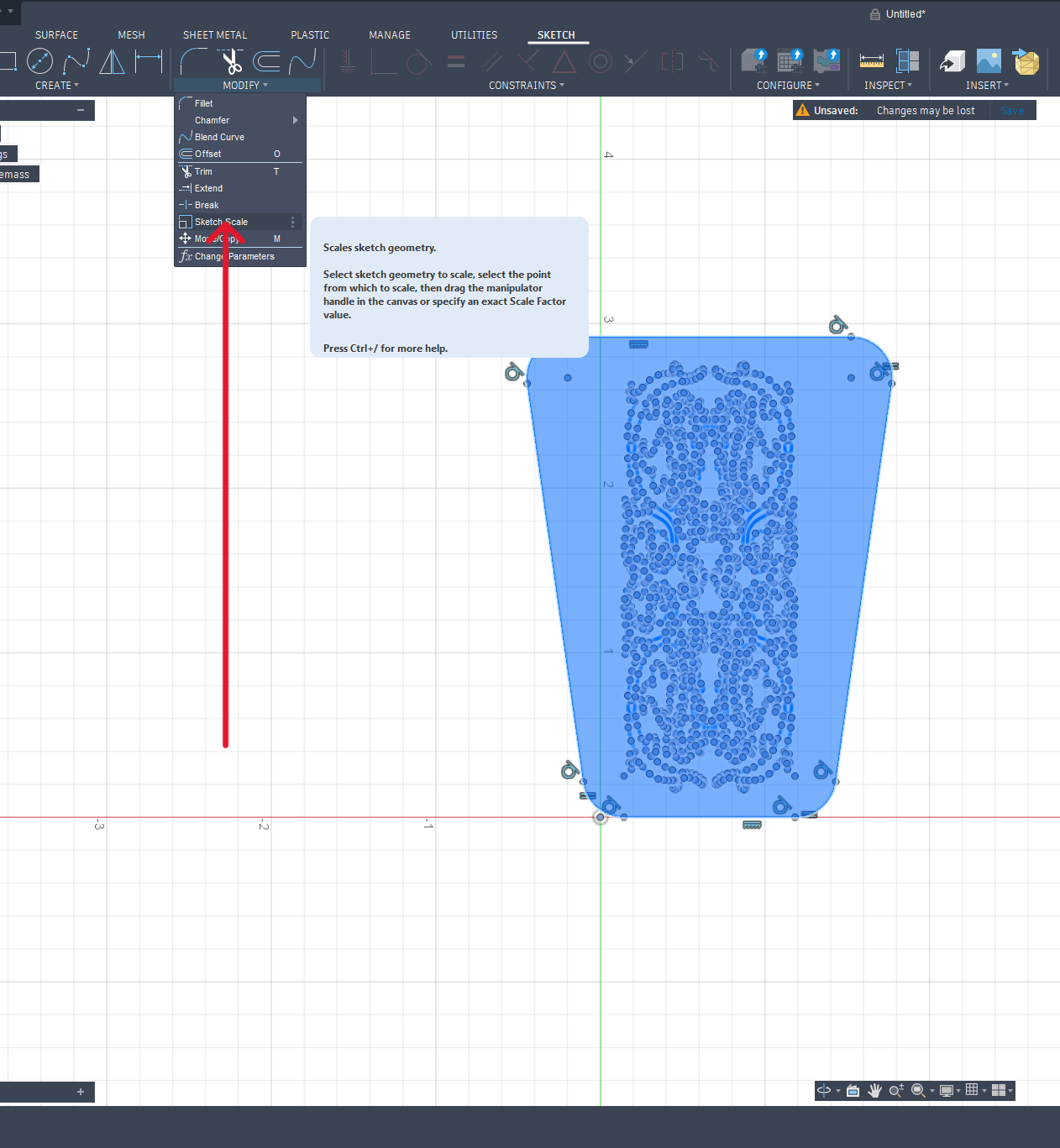
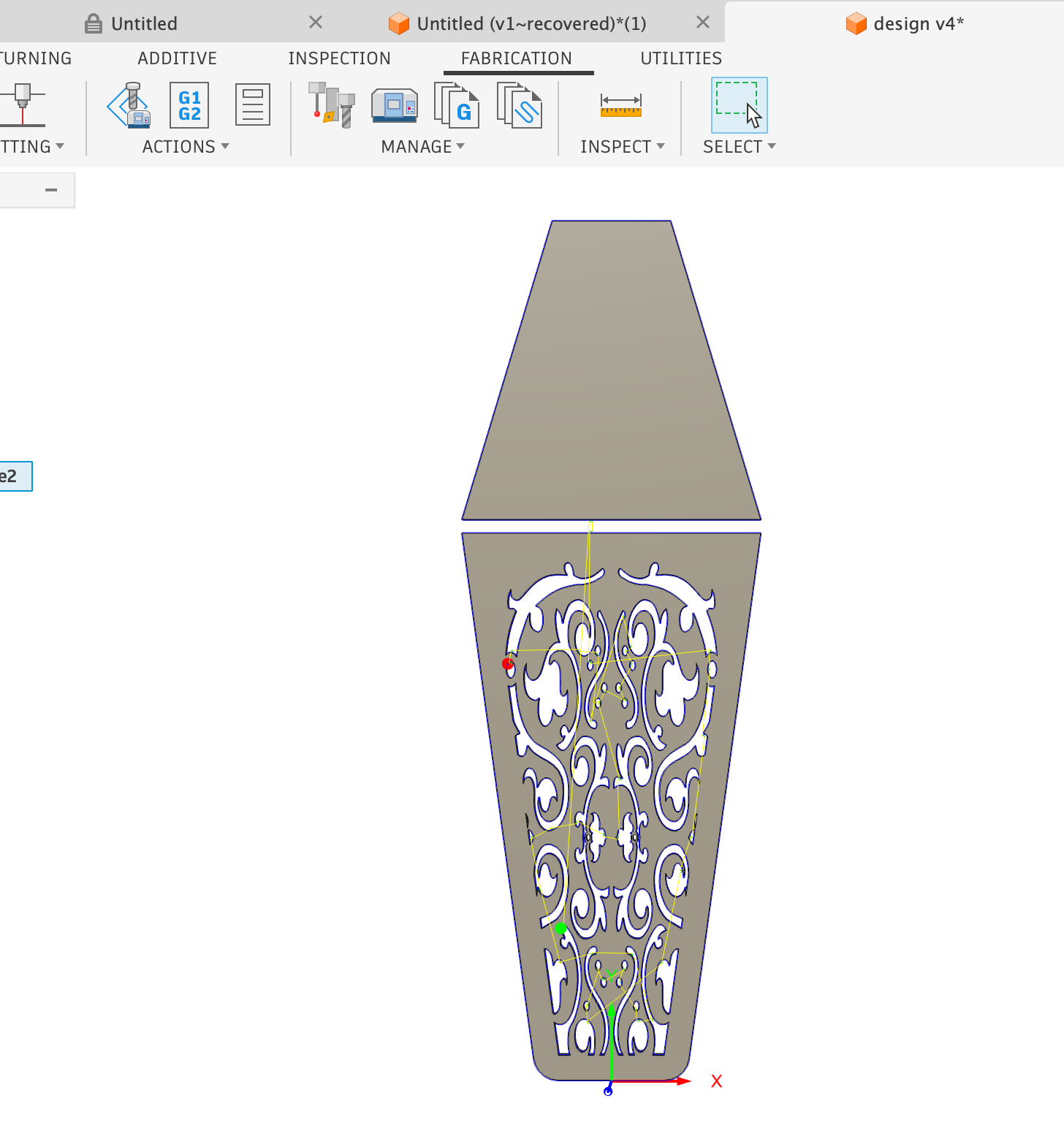
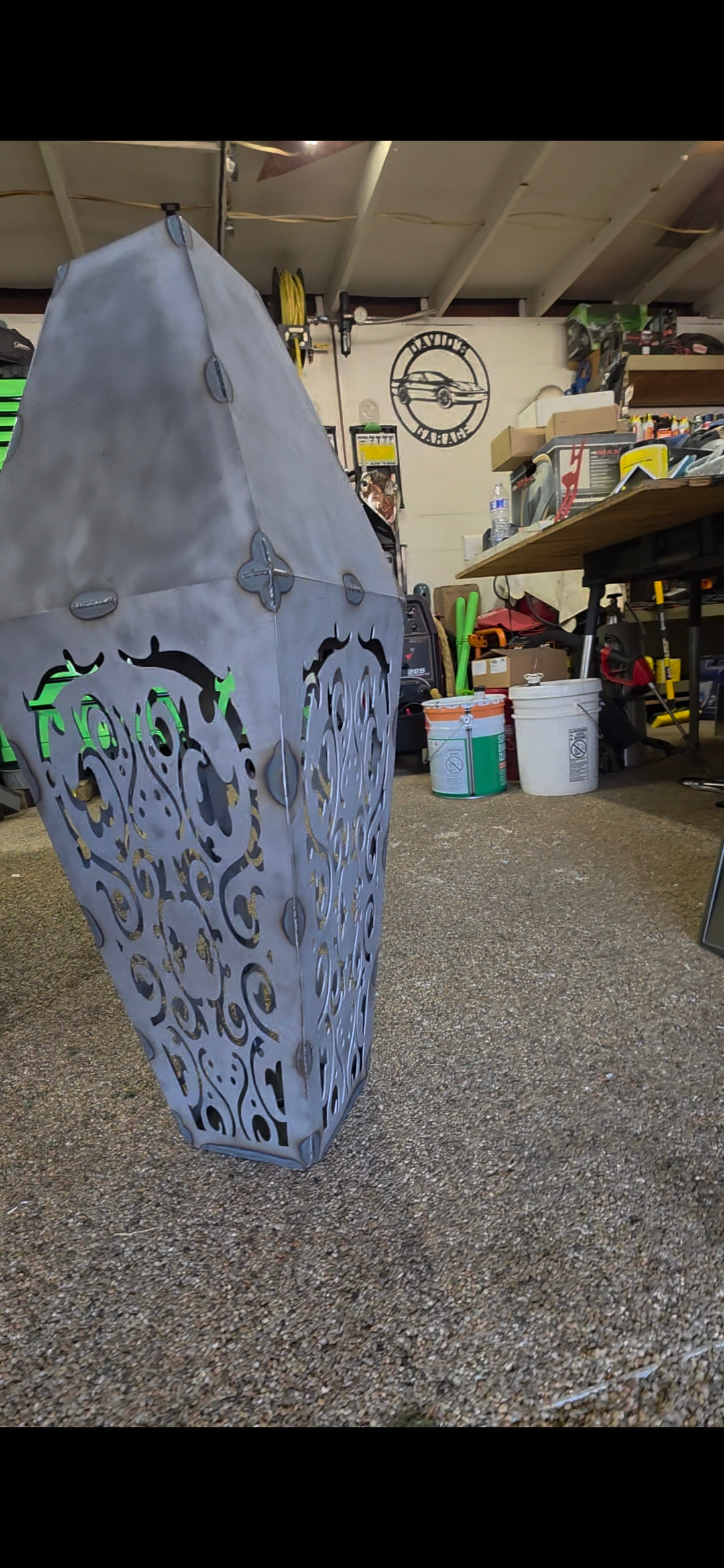
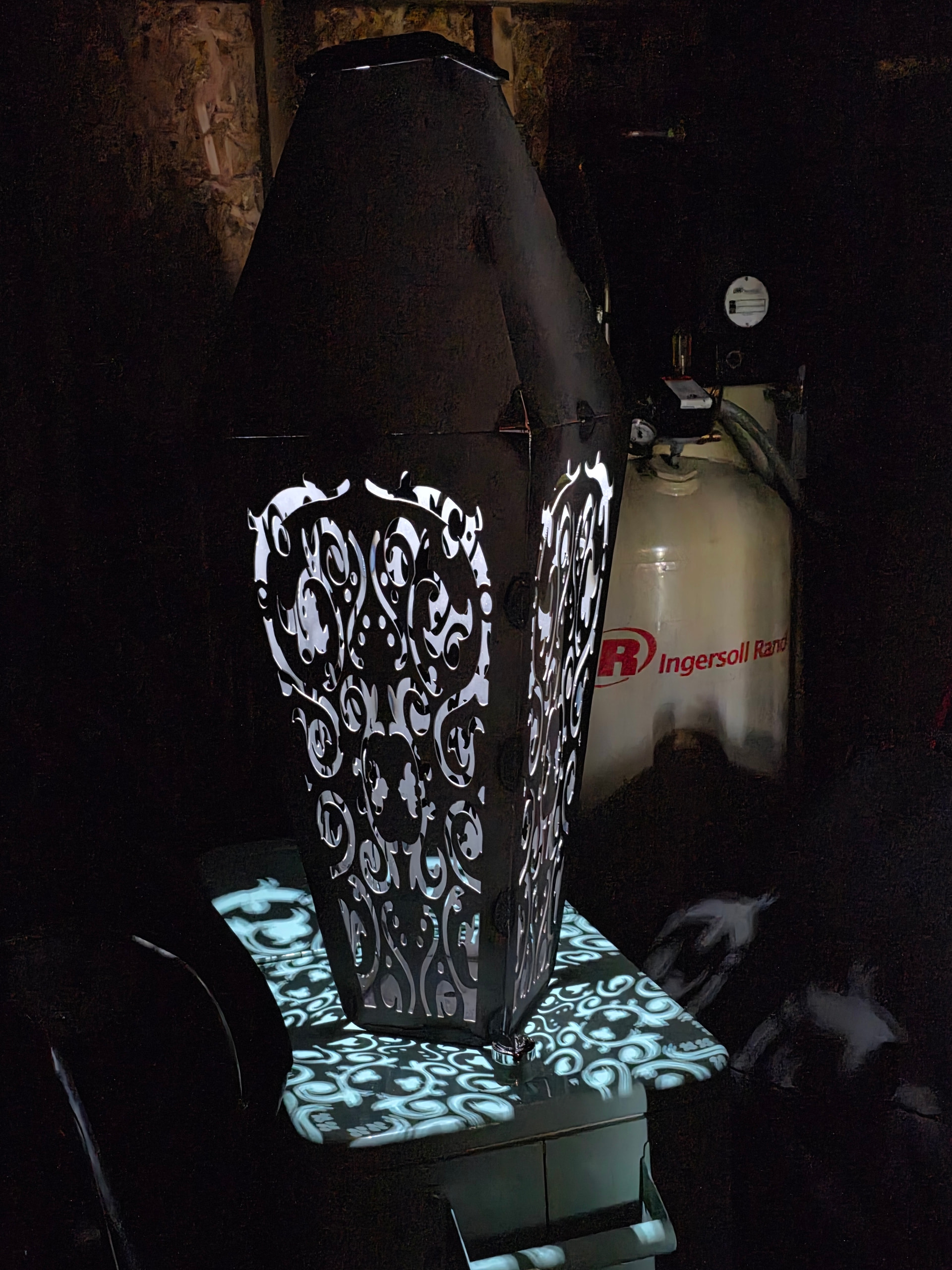
So I need to put a paisley design (That I bought) that is a rectangle into a different shape. Using fusion for my shape..and thought Corel draw would manipulate the shape. I have been messing with this for hours now. I’m ready to walk into traffic. Id post a picture but I don’t know how. Boy as I put this in words I’m really sucking at the moment,
So, without pictures it’s hard to figure out what you need help with.
Are you simply taking a design that’s inside a rectangle and placing it elsewhere? Sounds like you just need to delete the rectangle and draw a different shape over it.
Thank you! Here are the two images attached. Need to get the design into the bottom (there will be 4 sides and a light on the top) . Ive also attached the DXF
I’m sure it does, Im NOT a super user by any stretch of the imagination. lol. Thank you I was able to resize with your guidance. I appreciate the help!
I’m only aware of CorelDRAW as my business partner uses it but he used to make shirts and decals and all that jazz. I’m unaware of what it can do though.
Users also really like to use Inkscape but I don’t know the first thing about it myself. Just know a lot of people like it for design work, plus it’s free.
If I’m not filling at least a few minutes every other day helping someone, I’ll forget things as well (traumatic brain injury) so while I am younger, my memory can be shit.
Good advice so far…I don’t do a lot of work like you are doing but I have done some significant changes to the pieces I have done. What I like to do is pull in the svg or dxf and extrude it into a body right away. Fusion is quite powerful but it sucks at manipulating svgs mostly.
But once I have it as I body, I can scale, chop it up and glue it back together. One time I needed one tree a little bigger than the others so I chopped it as a seperate body, scaled it and combined it back in. Hope that makes sense.
Salt, vinegar and peroxide in a spray bottle will speed up the process. Then you can clear coat it when it reaches the point you want. I recommend removing the mill scale first.