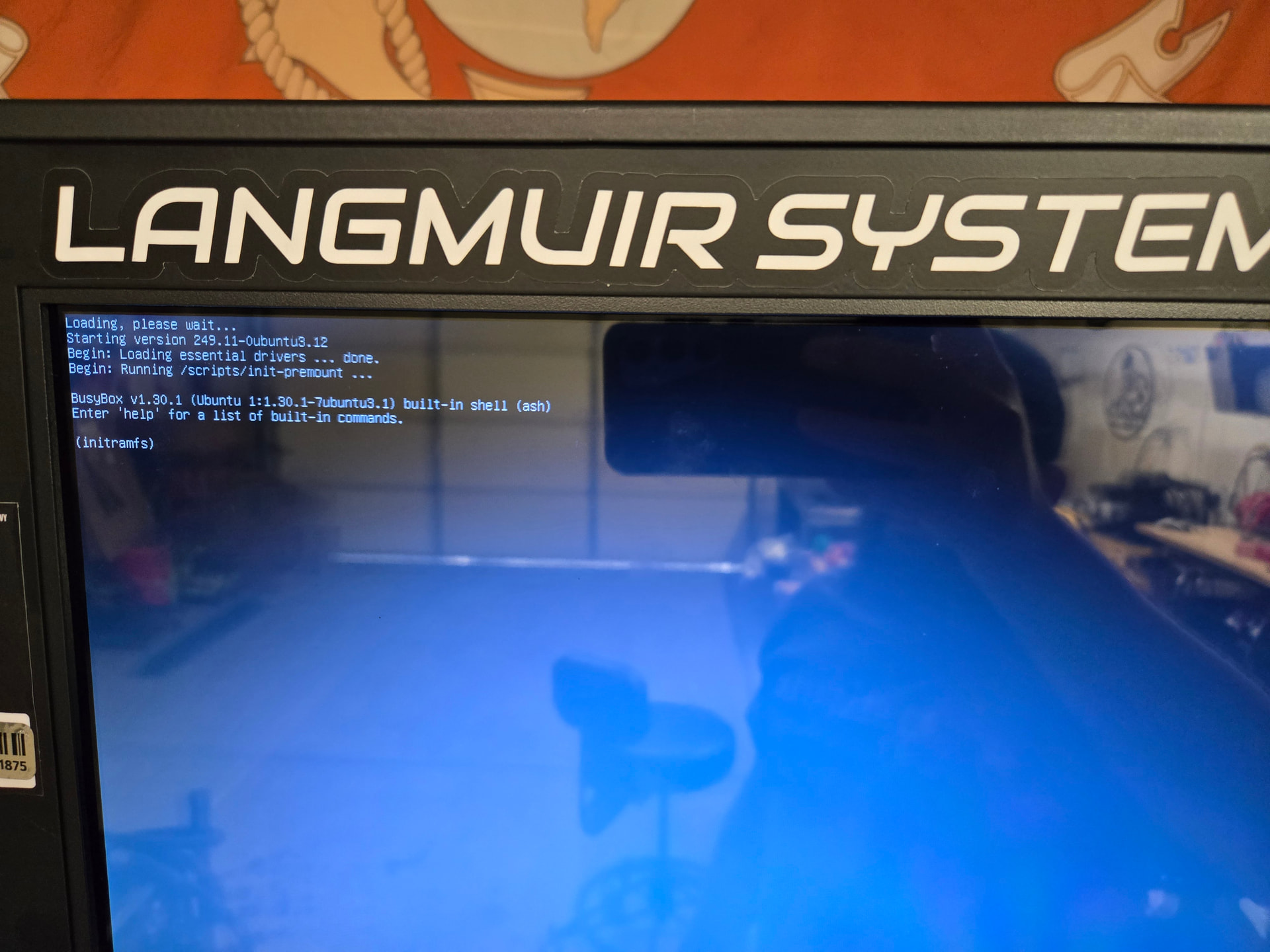
So I booted up my Titan yesterday only to be presented with a black screen.
Just a simple failure to boot.
Turned it off, turned it back on and it fired up.
Today, same thing.
Seems there might be a file corruption somewhere and it’s odd that it would occur on such a new machine with minimal use. Is my SD card becoming corrupt?
Just wondering if this is what some of you saw before it failed to boot altogether.
I’ll bet that if you open up the wiring rat’s nest, you’ll see whether the OrangePi is powered by the same harness that powers the touch screen. Now, I have never had an issue with my Titan25. But the Vulcan wiring to the PI is an issue, in my opinion.
Just a theory now, but the touch screen is robbing power from the Orange PI on startup. I don’t have a schematic of the Titan, but a quick look might remedy your issue. Maybe check the power supply’s output as well.
2 Likes
Interesting sounds good.
I’ll check first thing tomorrow. The brake itself has been absolutely accurate and consistent so zero complaints there.
It was just odd for the start up and I recall reading about SD card failures. Was unsure if this was a symtpom of early SD card failure or not.
Thanks
1 Like
I believe the touchscreen start-up is robbing the Orange Pi of voltage. It fixed my issues with the Vulcan16. I’ll bet they use the same USB-C harness. Like I said before. I have never had an issue with the Titan 25. I also use a 50-amp dedicated circuit for it, 240V. I thought that I saw a voltage buck transformer in one of your pics. Most 10-inch touch screens run on 3.3 to 5 volts. The power supply may be supplying less than the 5V required by the Orange Pi.
4 Likes
Seems like SD card corruption to me. Bigdaddy’s theory is interesting.
I do think an SD card re-etch or replacement will also serve as a fix.
1 Like
Backup File Advanced Guide.pdf (7.4 MB)
Here is an instruction doc for how you can backup your existing files.
1 Like
As always, thanks for the help on that.
I’m fortunate that my brake still fires up so I can easily retrieve my programs/bends/etc. I mean it worked perfect just yesterday for some parts I had to knock out for an installation video I’m making.
4 Likes
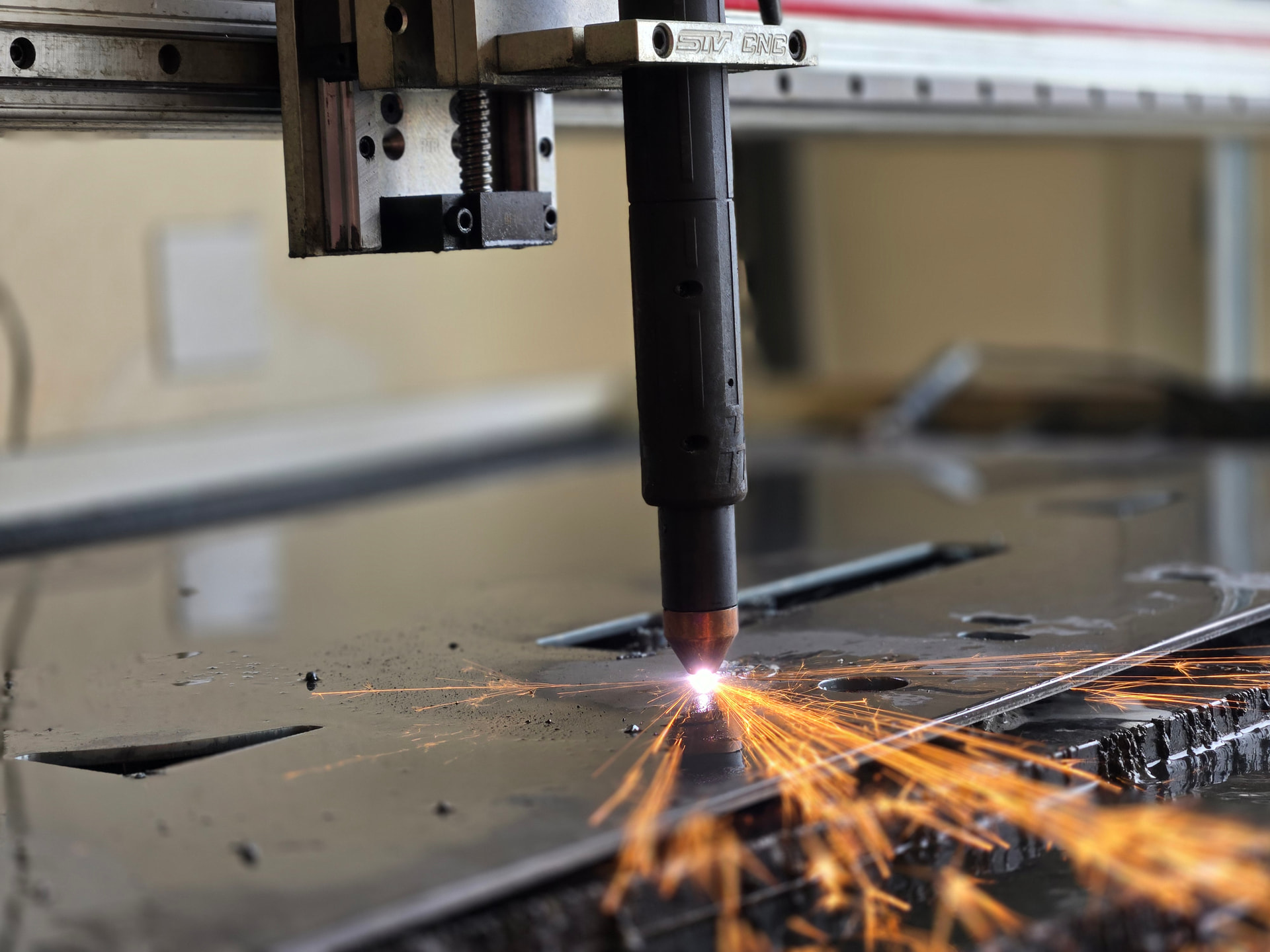
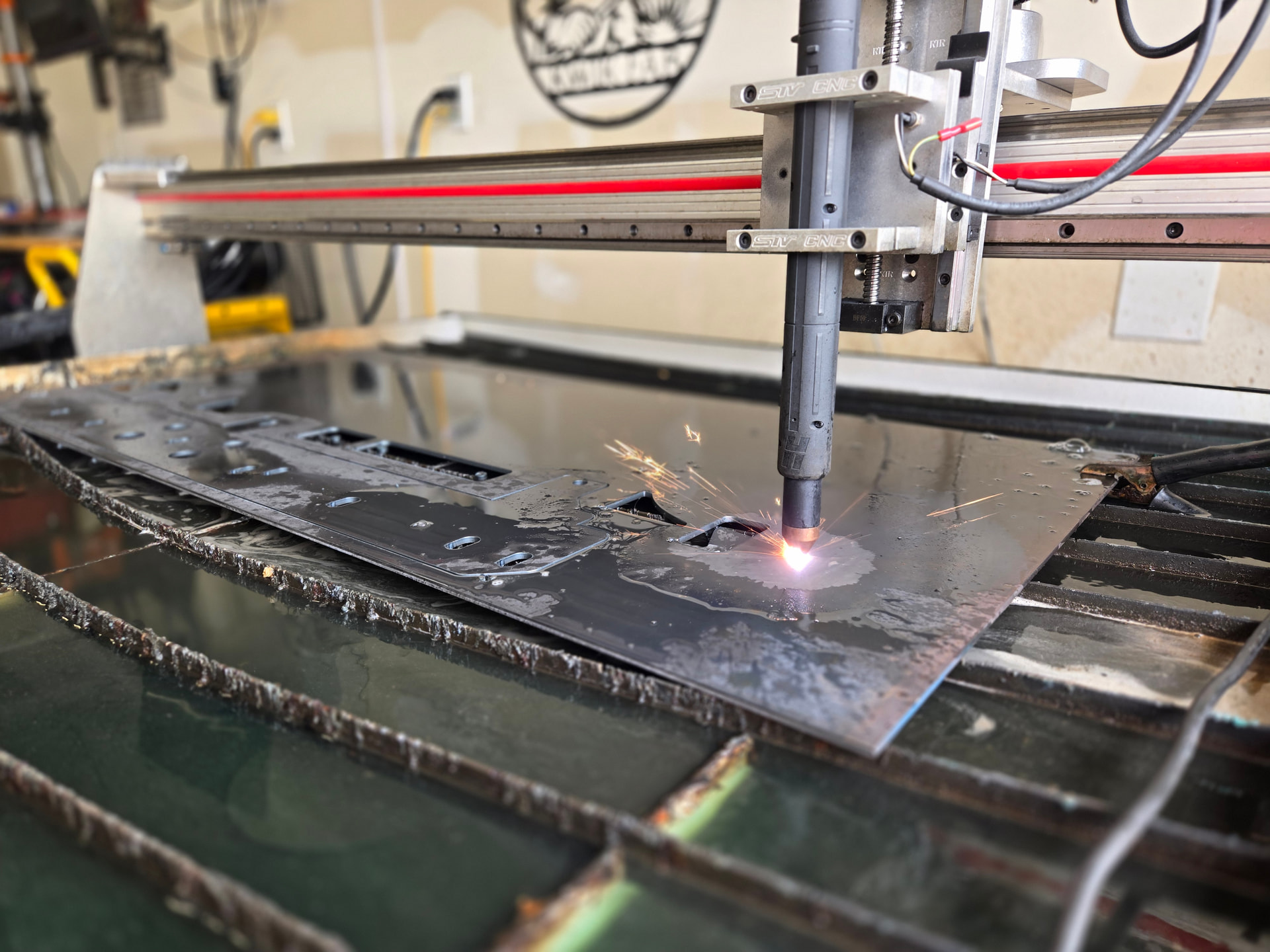
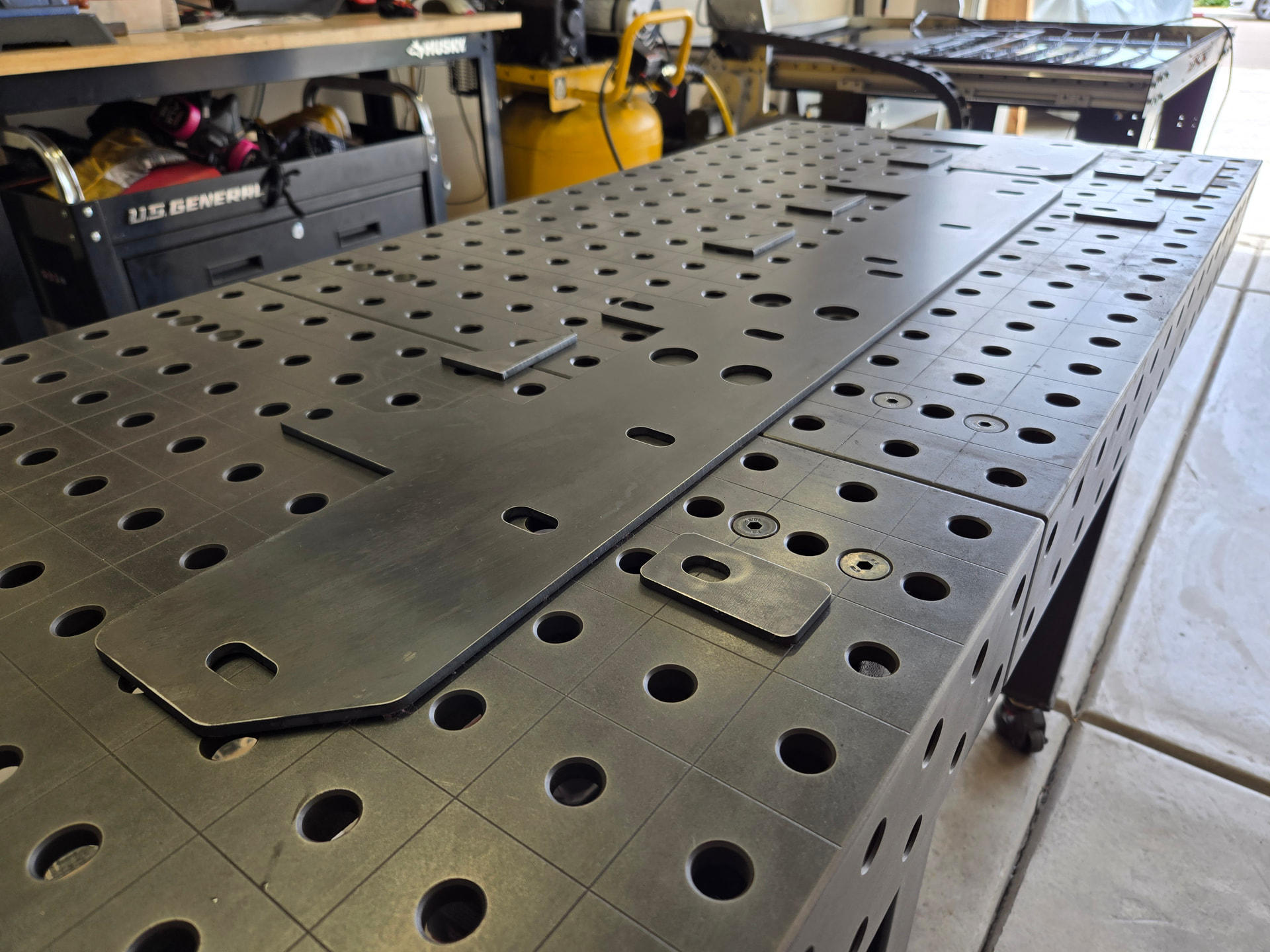
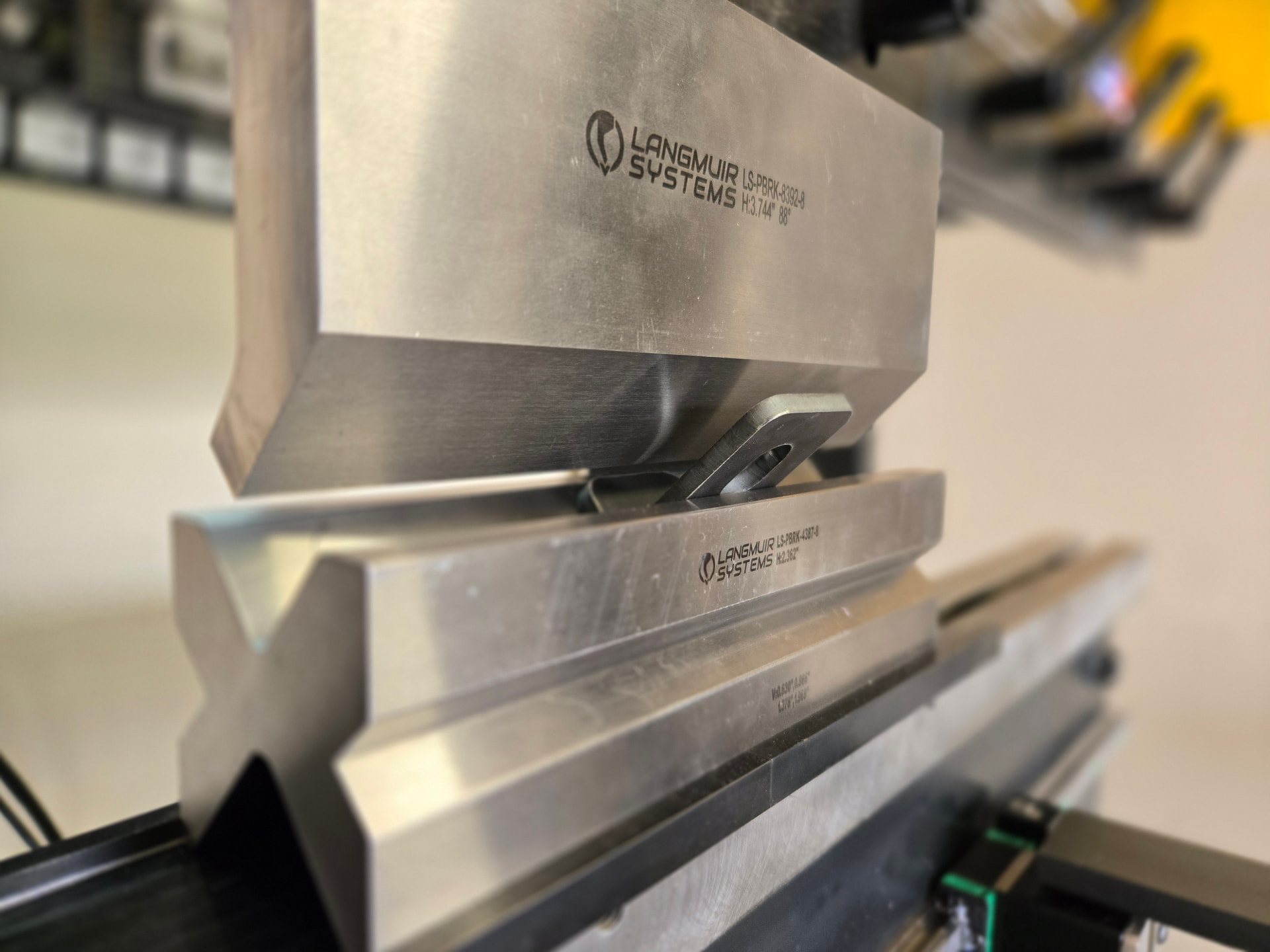
The camera work on those pictures is really good!
3 Likes
Mine does this every now and then. Looks the same but I’ve never bothered to read it. I just turn it off and back on. This is after a new card that had the update on it sent from Langmuir.
2 Likes
Cool so it’s nothing to worry about then.
I had spoken to Sam anyway and he is sending me one anyway along with how-to on etching my own. So if my card ever does become corrupt, I’ll have a back up to pop in and I’ll etch the ‘bad one’ afterward.
Also backed up my current programs so that’ll be handy.
1 Like