I’m not the author, I don’t even own Sheetcam. But good to know!
I’m hoping the videos posted above cover that?
I’m not the author, I don’t even own Sheetcam. But good to know!
I’m hoping the videos posted above cover that?
Yes. The issue is a have zero clue what I’m doing but @Kwikfab got me on the right path. Thank you!
@tobyjsands if you can’t get it figured out with the videos.
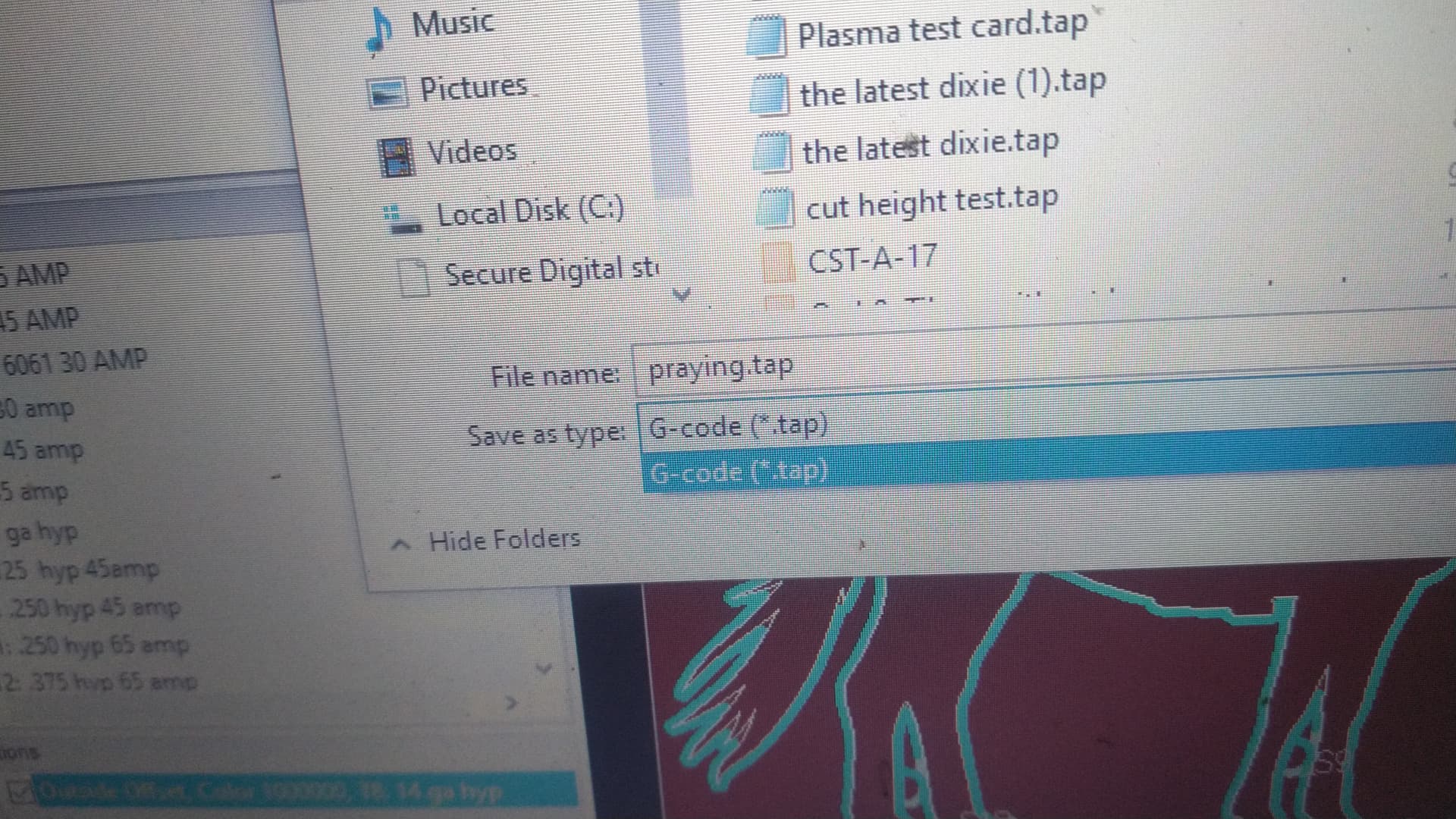
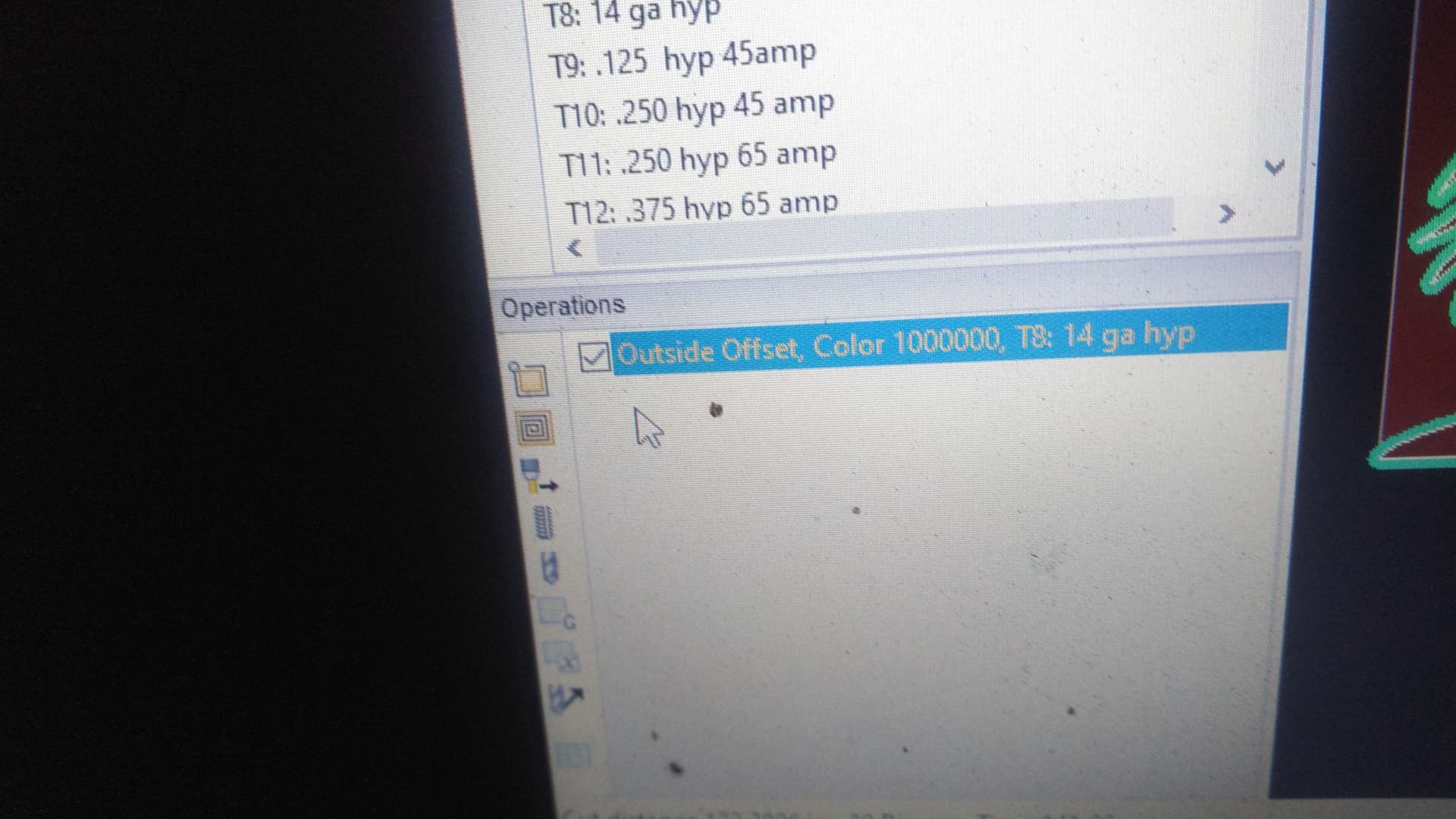
You may try a screenshot at each step . One of us may catch yours mistake. I do see neither operation has a check in the box. Then my sheetcam only give the option to save as a .tap
See these pictures
I posted a short walkthrough of the process of importing a drawing and creating a cut file in this thread. It’s just a screen recording, so no audio.
Y’all are awesome. I’ll get on this tonight and keep y’all posted.
Just out of curiosity sake. You are saving gcodes as a .ngc. I am not sure fire control uses them …
Can you open file manager and see if the files are there where you saved them? If fire control doesn’t use the it won’t show them when you attempt to open a file. You issue may be as simple as saving as the wrong file type.
The videos will be beneficial either way.