I think what might’ve happened is when it was running it ran off material for just a split second close to the edge and the automated torch height controller sunk it into the water and then it moved back into the material and as soon as I saw that I stopped it, but I think it might’ve been too late..
Also, not sure if there’s a setting on the THC so that it doesn’t just sink it into the water thinking it needs to compensate that much to follow material if it goes off material from running close to edges.
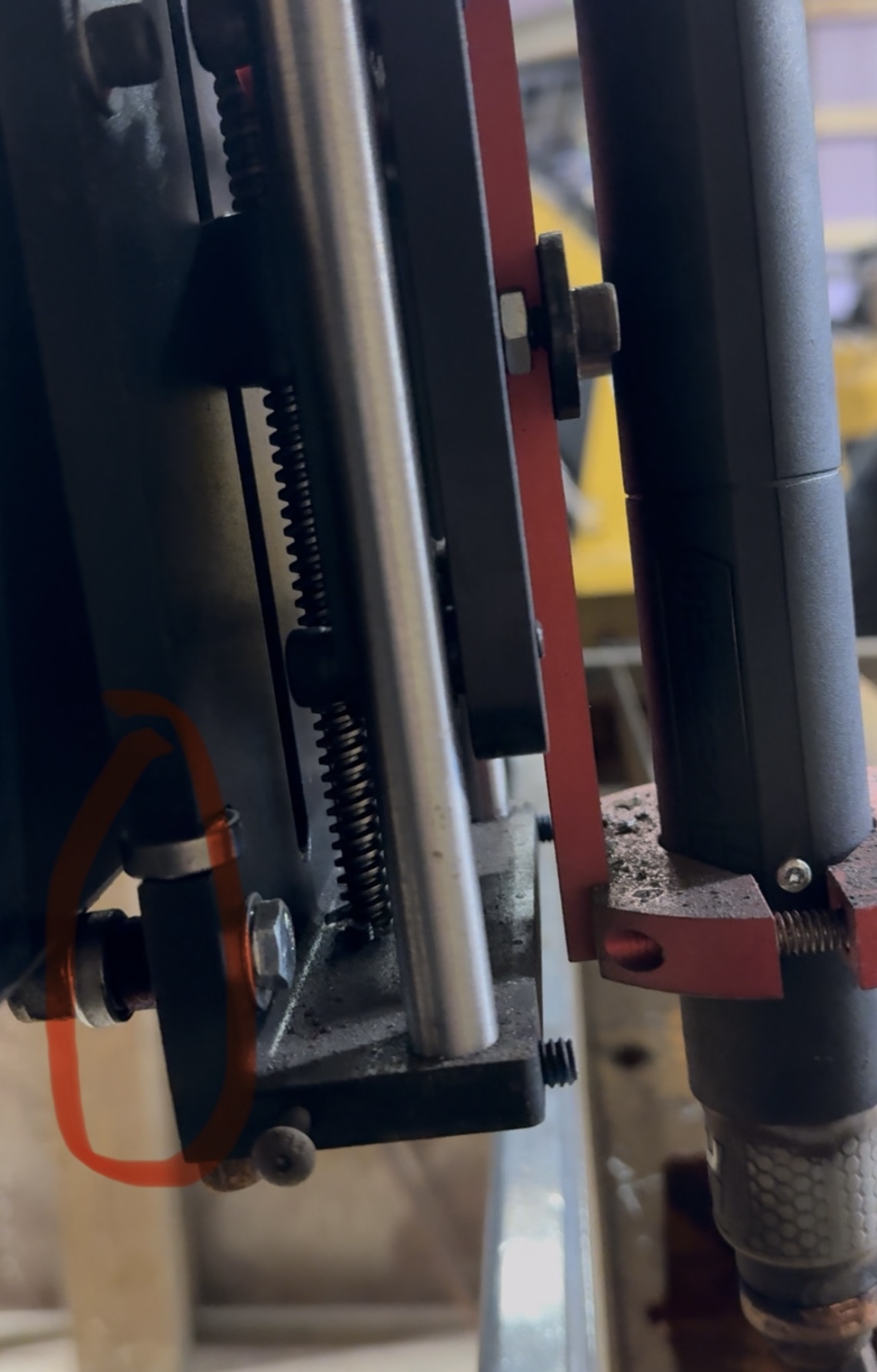
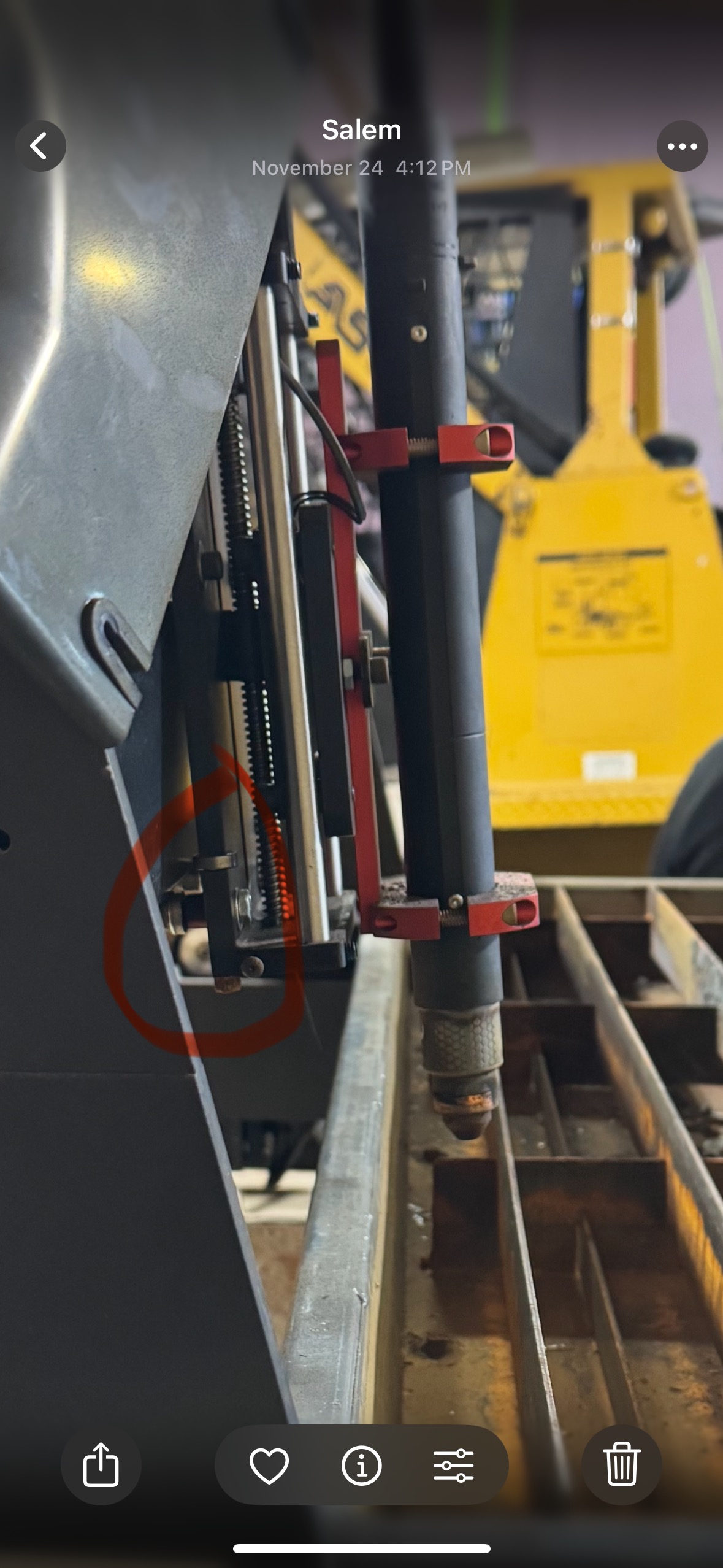
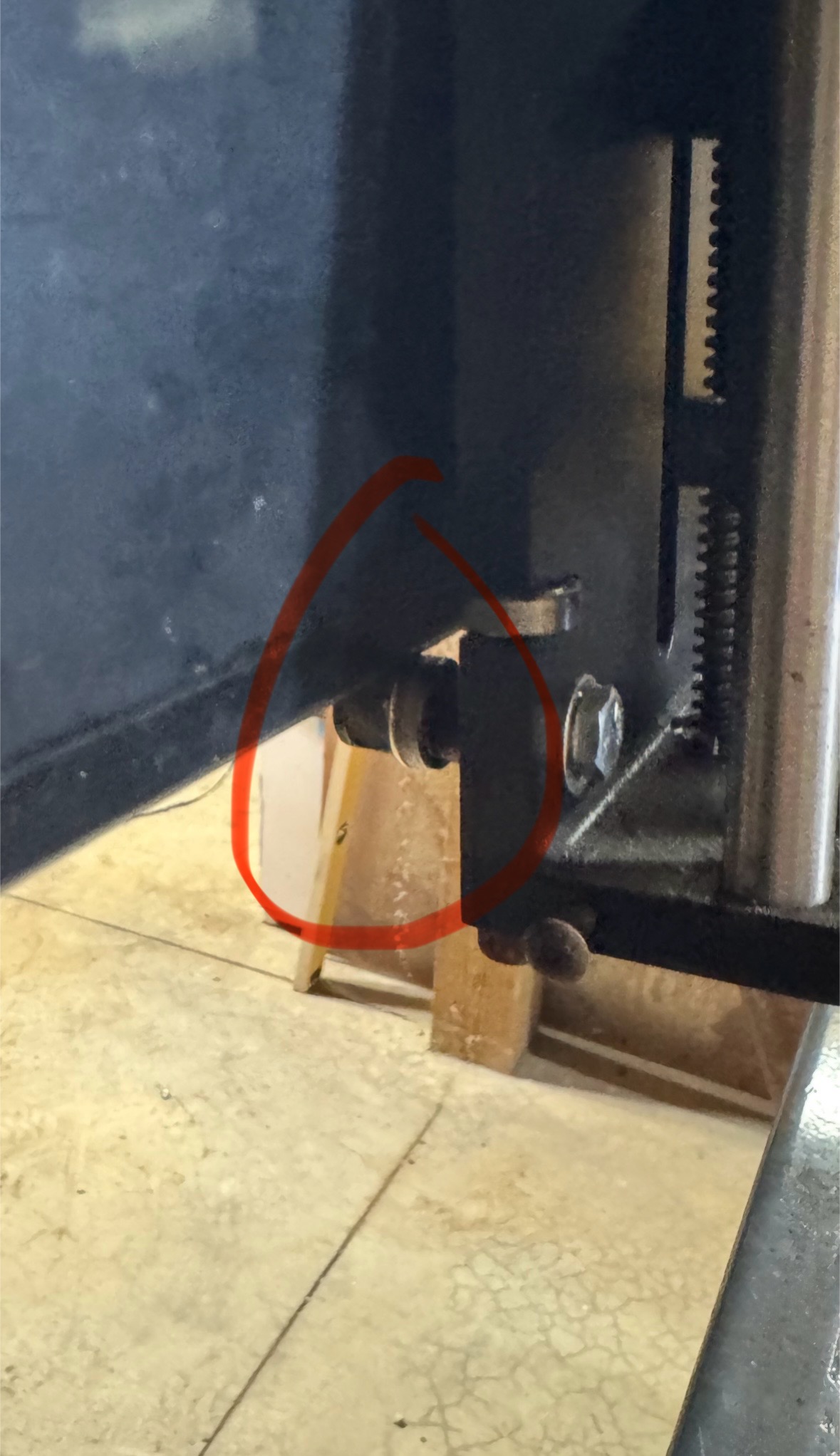
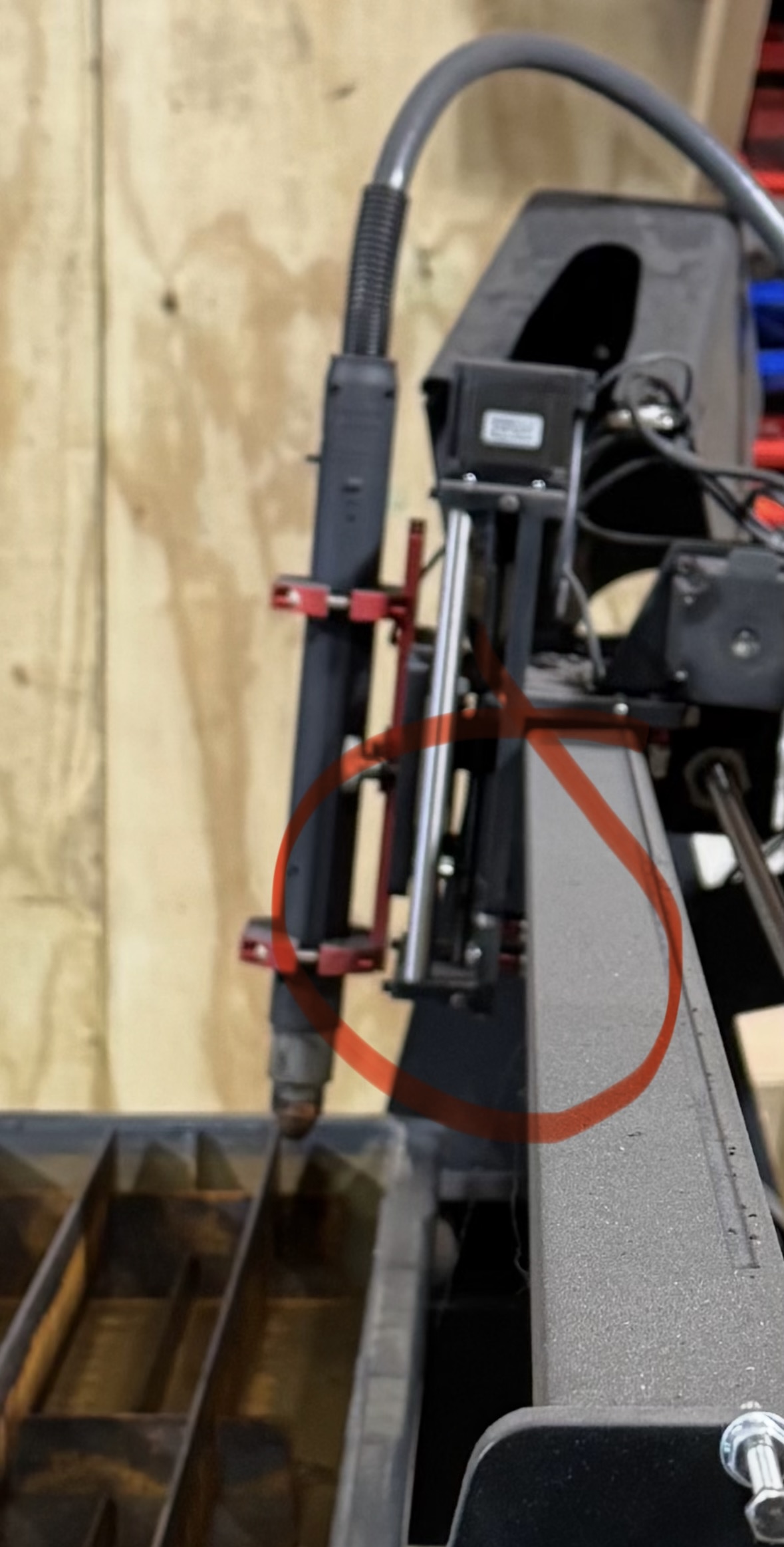
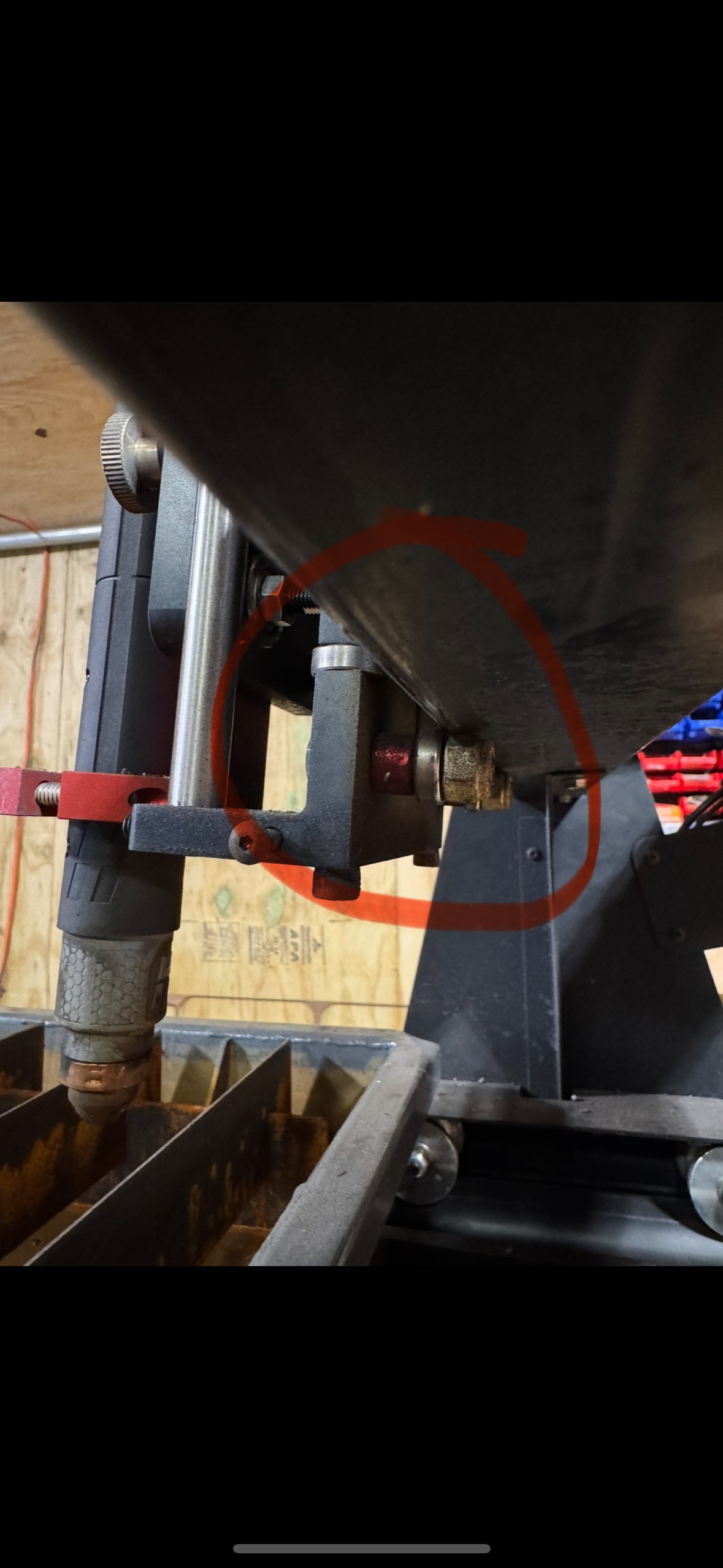
I’ve done this before by hitting a “tip up” you’re gonna have to back off the Allen screws to loosen off the adjustments to give yourself enough room to push the carriage back on. It’s a little bit of a pain in the a but doable.
There are two Allen grub screws at the top of the carriage at the back and two at the bottom of the carriage at the back. They push on the keepers for the bearings
Yeah, mine runs right into the water and keeps following the tool path .
So in order to idiot proof this, with me being the main idiot… I should try to verify that it faults when it runs off? It didn’t before
If I could get it to just fault out and stop if it goes off the edge, I’d be fine! Lmaoo I just don’t want it to keep following the tool path submerged in the water.
When I set home and start point for the cut I always run the torch to the farthest edges of the cut with the jog buttons following the cut outline on the screen and make sure I have an eighth to a quarter inch before the edge of the material at all points of the cut. This keeps it from running off the edge, only way you can run off the edge then is if you hit a tip up and it moves your material or if there is a hardware failure in the table driveline.
 .
.