@ds690 Did you notice on his screen picture there is a small red outlined square on the bottom left of the crosshair? I turned my machine on and loaded a program I do not have a red outlined square like that. Although I just looked at the picture again and it has a proper travel line going from the (x0,y0) coordinate intersection.
@patz83 can you take a picture of your entire screen? When you set this up did you update the firmware after you bought it from your friend?
609mm = 23.97” x 374mm = 14.72”
I wonder if the 23.97 inches is just to close to the 24” of the total table travel?
One is that the file is way too big, due to a metric/inches issue. He seems to have fixed that.
I don’t have limit switches, but I assume that red box is the table work area. It may only show up when there is a table limits error.
99% of the time, when new users have table limits issues, it’s from loading a program with a lower left origin while the table is zeroed at the home position.
He wasn’t, he was someone who worked with my wife and died and the original crossfire was still in the boxes. I ordered the xl kit, limit switch kit and the z control upgrade. I don’t know how old it was but it was the old system so I ordered the new electronics box to use fire control.
I’’m in the house going to take the cutter apart. Too cold in the shop here in northern Wisconsin. I’ve got everything I need to get it done and hopefully try a cut tomorrow
I’m heading to work so I can’t look for it. But somewhere on this forum/Langmuirs website are directions how to install the THC on that version of the RzrCut45
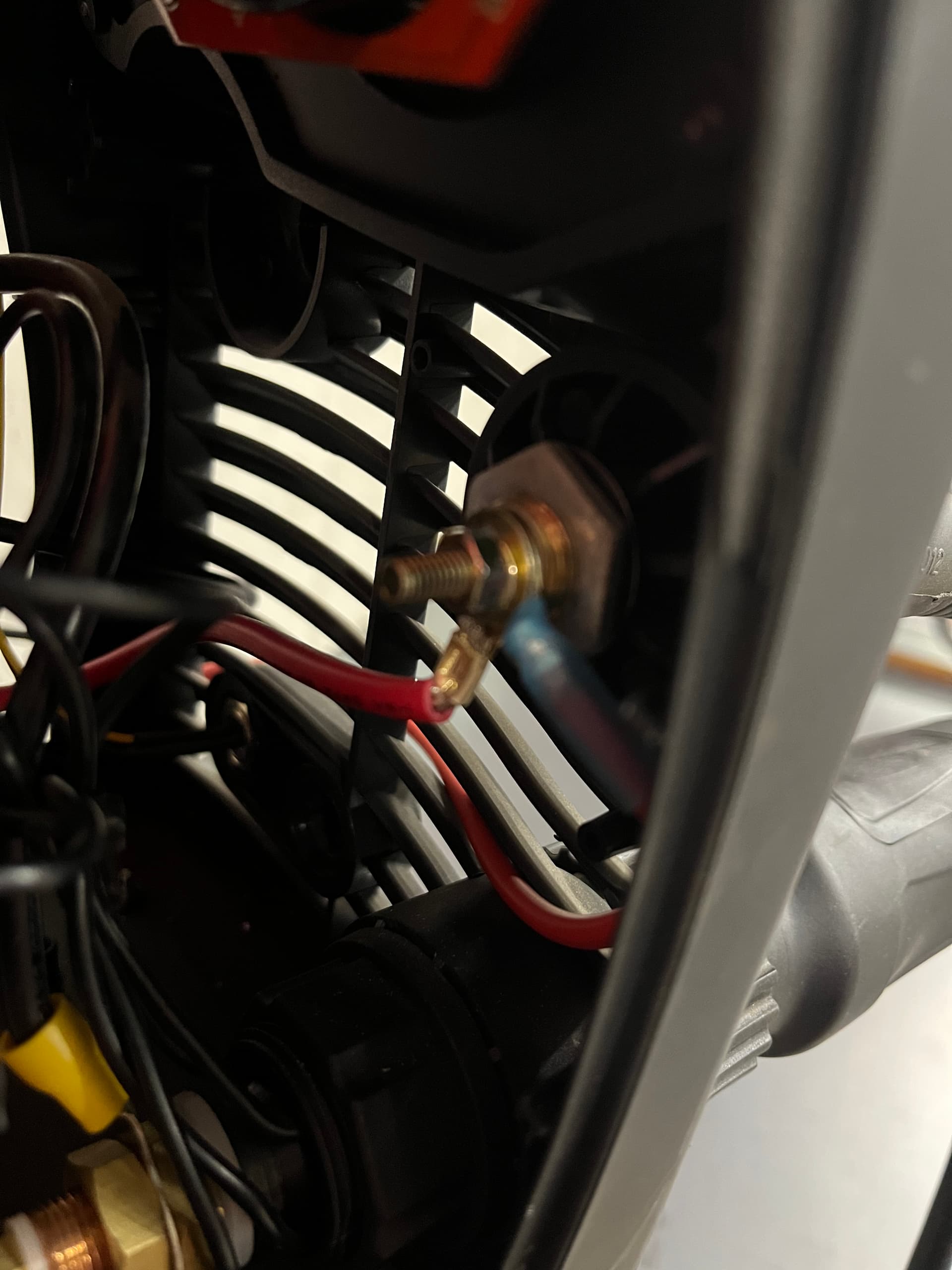
The 2 pin plug is the torch fire/ trigger plug. To hook up the THC you need to take the cover off the plasma cutter and hook the wires to the work cable/positive/red and black negative/torch.
Ok my new best friends!!! I wired the torch fire from the 2 pin on the front of cutter to the plug in on the electronics box on the table. I then used the 2 banana plugs and red went behind where the ground/pos plugs in and the black to the big black wire off of the torch plug in. It does nothing but it does fire manually? So again I did something wrong?
I believe I found the problem!! They had sent me a new white board which I thought was complete but I needed to take some pieces off my old one and add to the new one. {Didn’t know that). But I can’t remove it because it’s the black relay and it’s hard soldered to the old white board. So I think I’m screwed again. Don’t know why they don’t send the whole thing when the old one can’t be removed. It’s been a month of headaches and still have not fired it once.