I opened up Fusion today for the first time in a couple weeks. When I move to the manufacture tab to create a setup I noticed that my design appeared to have gained a height dimension which I’ve never ran into before. I continued on as normal and when I ran a cut simulation it cut at a huge offset. I haven’t changed any settings other than downloading the new Fusion update. I’ll add a picture of the simulated cut. any advice on what could be causing this and how to fix it?
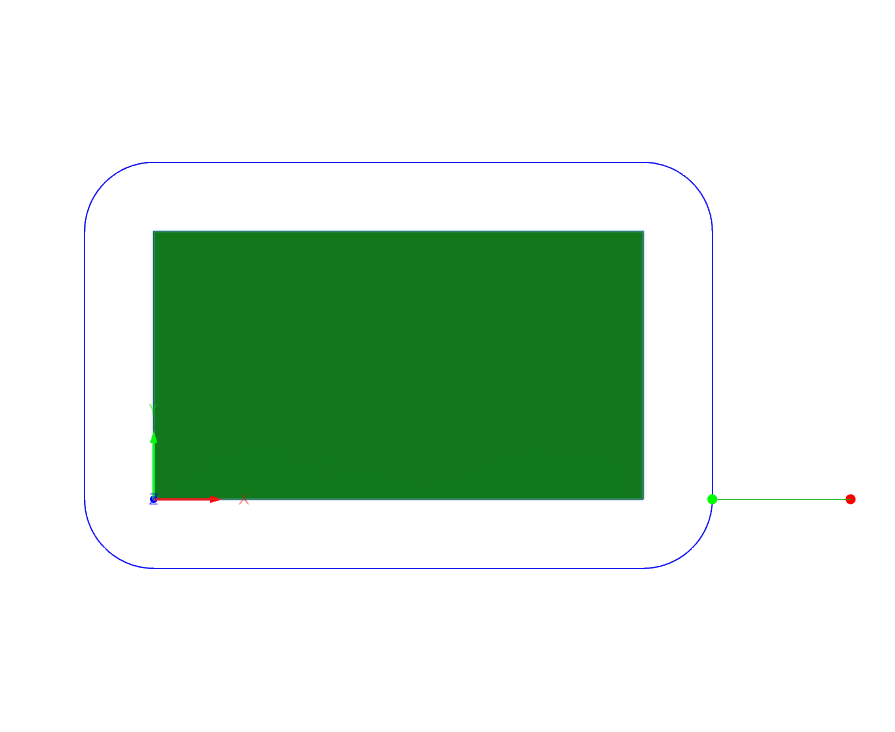
Your tool kerf with is too big.
Maybe a decimal point in the wrong place or just entirely incorrect.
Go take a look at the tool you selected and check what the kerf width is should be around .055 plus minus
3 Likes
Looks like I switched around kerf width and nozzle diameter when I set up the new tool library. Thank you very much for the quick help.
4 Likes