The path my crossfire takes makes multiple cut passes over the same lines while following a pattern.
The workflow I use is FreeCad to Sheetfire to the Crossfire software. There are no duplicate lines in the drawing. Any idea on how to fix this issue?
Are you creating more than one operation? Can you do a few screenshots of sheetcam?
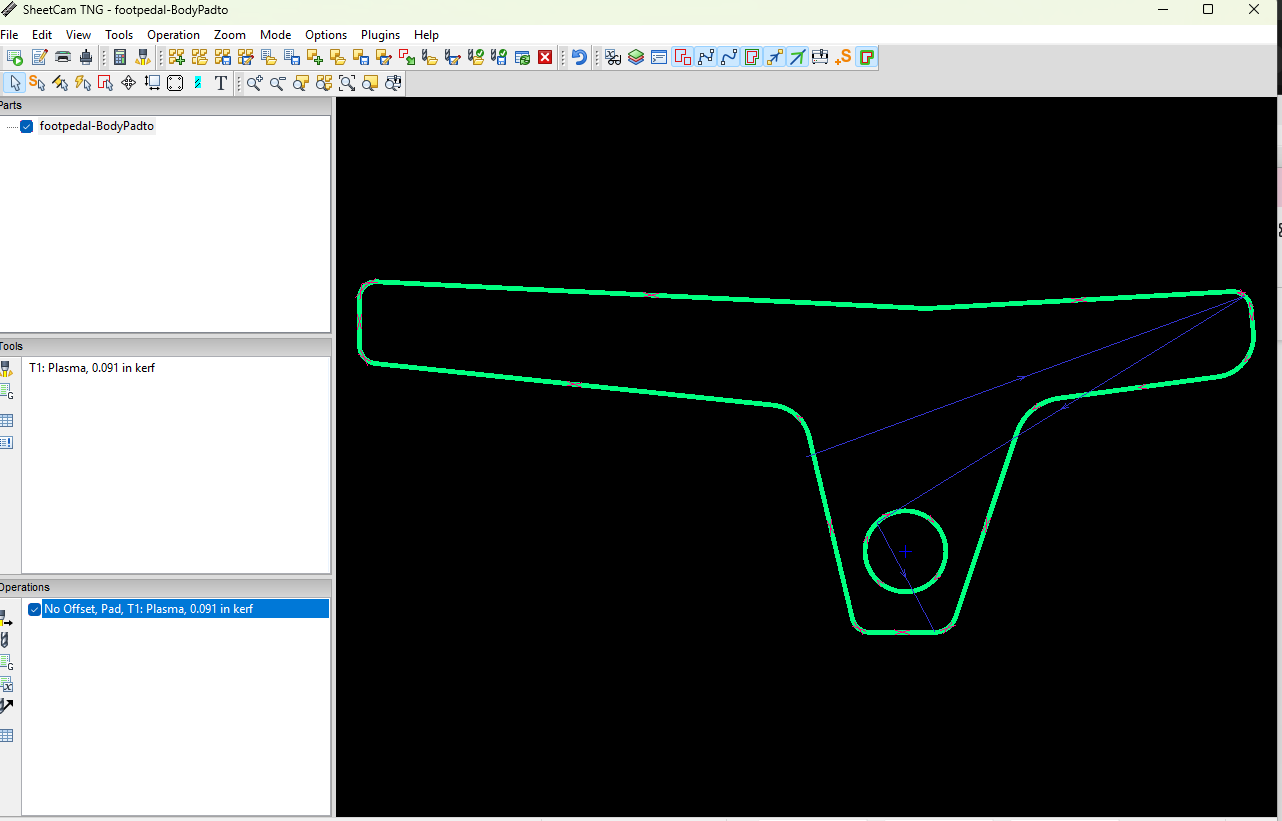

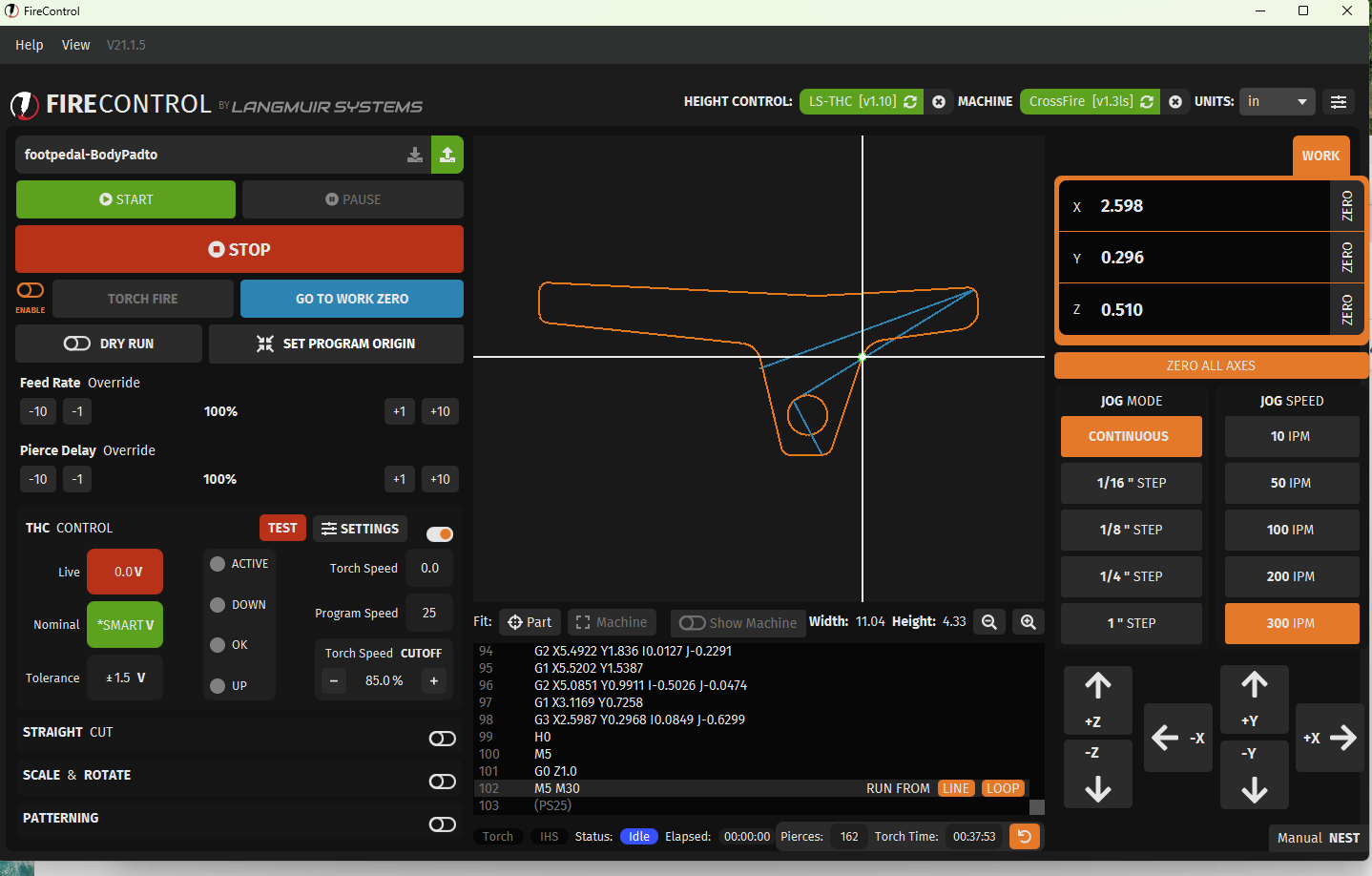
I do notice you have no offset selected. That may make your part slightly undersized.
You say it is recutting the same tool paths?
Can you share the .tap file and save the job file in sheetcam? I am away from my computer for a while. Someone else may be able to look at it too .
If it won’t let you upload a file being new I can share a email.
2 Likes
If it’s cutting over the same path twice, there are definitely multiple lines stacked on top of each other.
How did you export the file from Freecad?
You need to export the sketch. If you export a solid model or body, you will get multiple lines from the top and bottom face.
3 Likes
That is interesting I have no experience with freecad. Sheetcam won’t remove duplicates like that?
It usually does and has a warning that says “duplicate lines were removed”. They could be on different layers and not being detected as duplicate lines.
3 Likes
In separate layers you would have to create individual tool paths. So it just must be a hiccup and not removing the duplicate lines.
When I see overlaying lines it usually shows as a open white line.
I am curious now as to the cause.
1 Like
I just looked at the file name and he definitely exported a solid body. I’ll have to experiment with doing that and see how Sheetcam handles it.
EDIT: I tested exporting a solid body and got the duplicate lines removed message in Sheetcam. However, it didn’t remove all of them and removed some lines that left open paths. The simulation showed it cutting several lines twice, mostly on the outer perimeter.
2 Likes
I selected the top layer of the solid body. I’ll go back and export the sketch.
I’m a Freecad user and my experience has showed that exporting the sketch is the only thing that works correctly for 2d cutting.
For most things, I don’t even bother to pad the sketch. I just sketch, select the sketch in the tree and export as DXF.
Changing to importing the sketch solved the problem. Thanks everyone!
3 Likes
Being strictly a Fusion user, what does Freecad offer or do that’s better?
Nothing. It’s just a free and open source CAD package. It’s been improving over the years, but Fusion still has some automated constraints that make it easier to perform some functions.
I use it, because I learned it for 3d printing and I’m comfortable with using it. I just didn’t want to take the time necessary to learn the Fusion work flow.
2 Likes
Can you send me the source file? I can take a look and see if there are any anomalies in that.
I have had the same issue with files comming from Solidworks. One error I made that was causing some of my problems was that I had used some construction lines that I assumed would not be followed by the sheetcam software to generate the path, but they did.
Hoverign over the lines in sheetcam can show up duplicates when it has them as you output the post processor file and youncan delete them there.
Exporting the sketch was the simplest solution. Great forum. Everyone is helpful and not rude!
1 Like