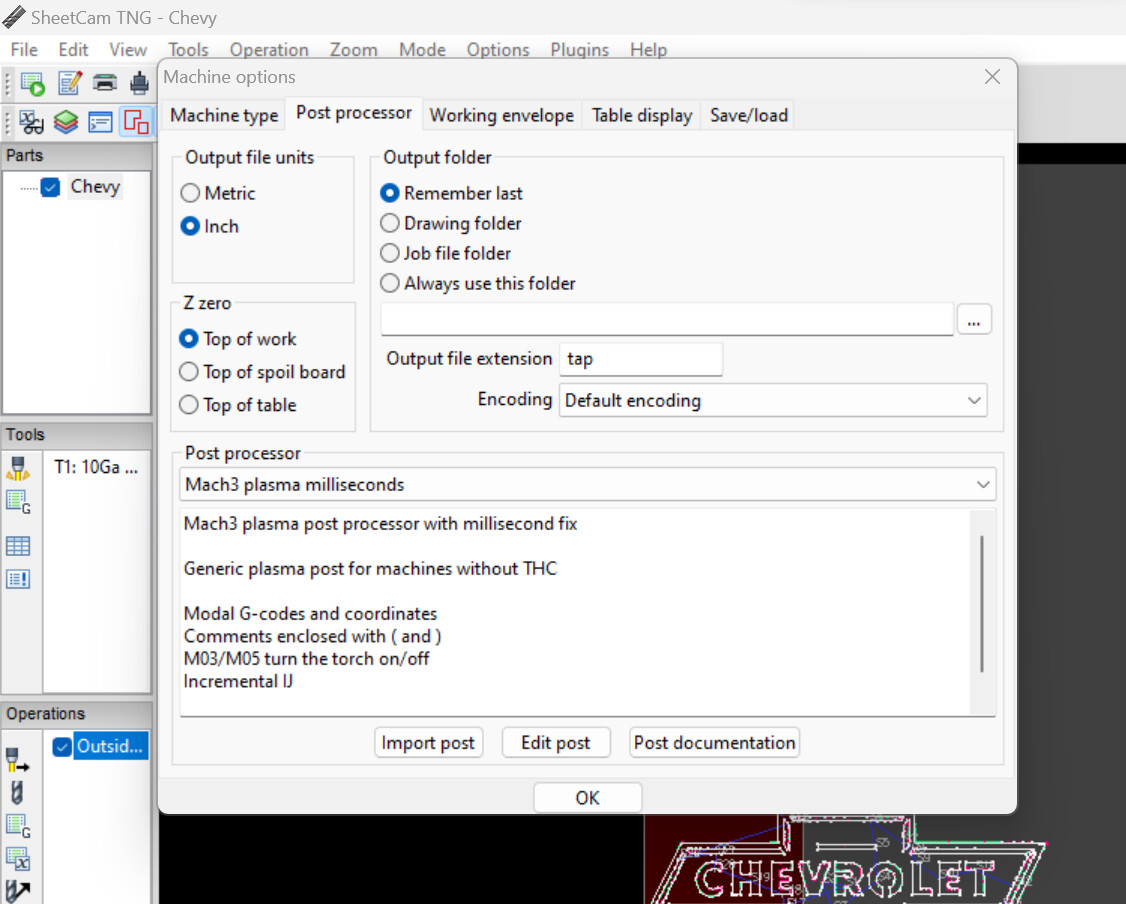
Hello, Today I was helping out a friend set up an older model crossfire that he had got a couple years ago but was never able to successfully use. I got a lot of problems sorted out and was able to cut out some simple shapes just fine. The softwares that I set him up with are Inkscape for cad, Sheetcam for cam, and obviously Mach 3 for the controller. When I attempted to do a more complex design, a Chevy logo, Mach 3 would not properly load the .Tap file. I have attached photos of what I got on Mach 3. The g code is different and loads some of the design, but not all. When the program is run with the faulty design, The machine will finish to the last shape to be cut, then stop and do nothing. The program is still technically running and the program time continues to tick up until I manually stop it. In Sheetcam, the shown toolpath looks exactly how it should. The post processor I am using is mach 3 with no z axis, However I also tried out one posted to the forums by @jamesdhatch that was modified to fix a pierce delay bug. Neither provided the correct result and had identical outcomes. I changed the size of the object in inkscape to make it larger, and this did affect the final results in Mach 3, but the design was still missing parts. Any Help is greatly appreciated!
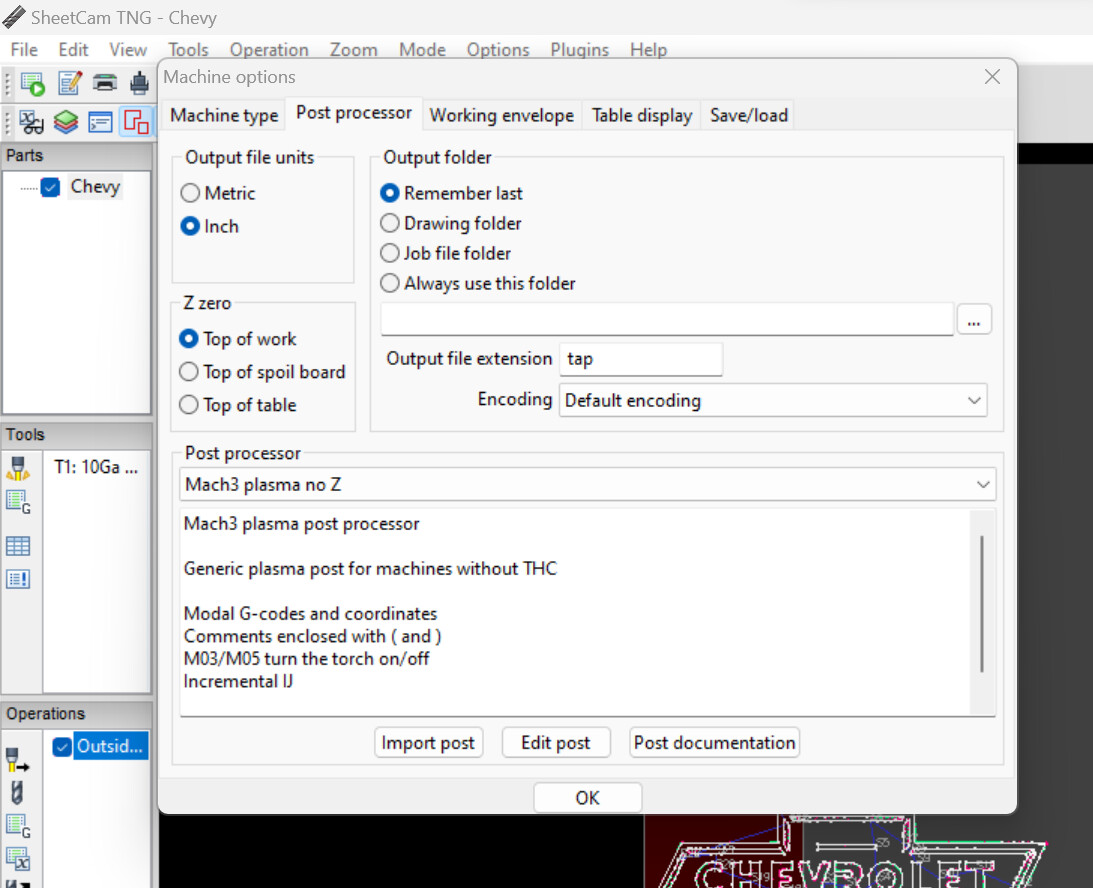
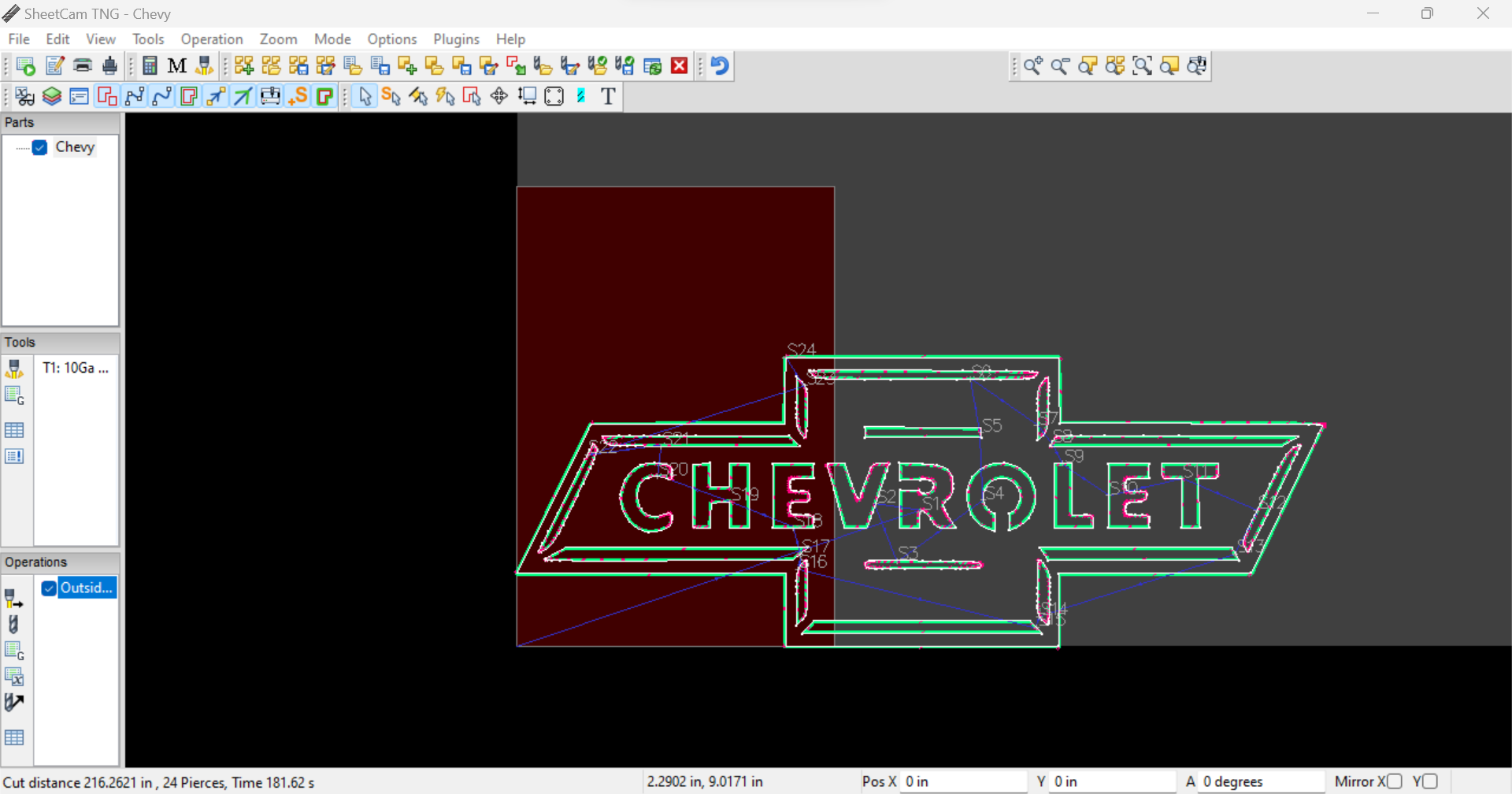
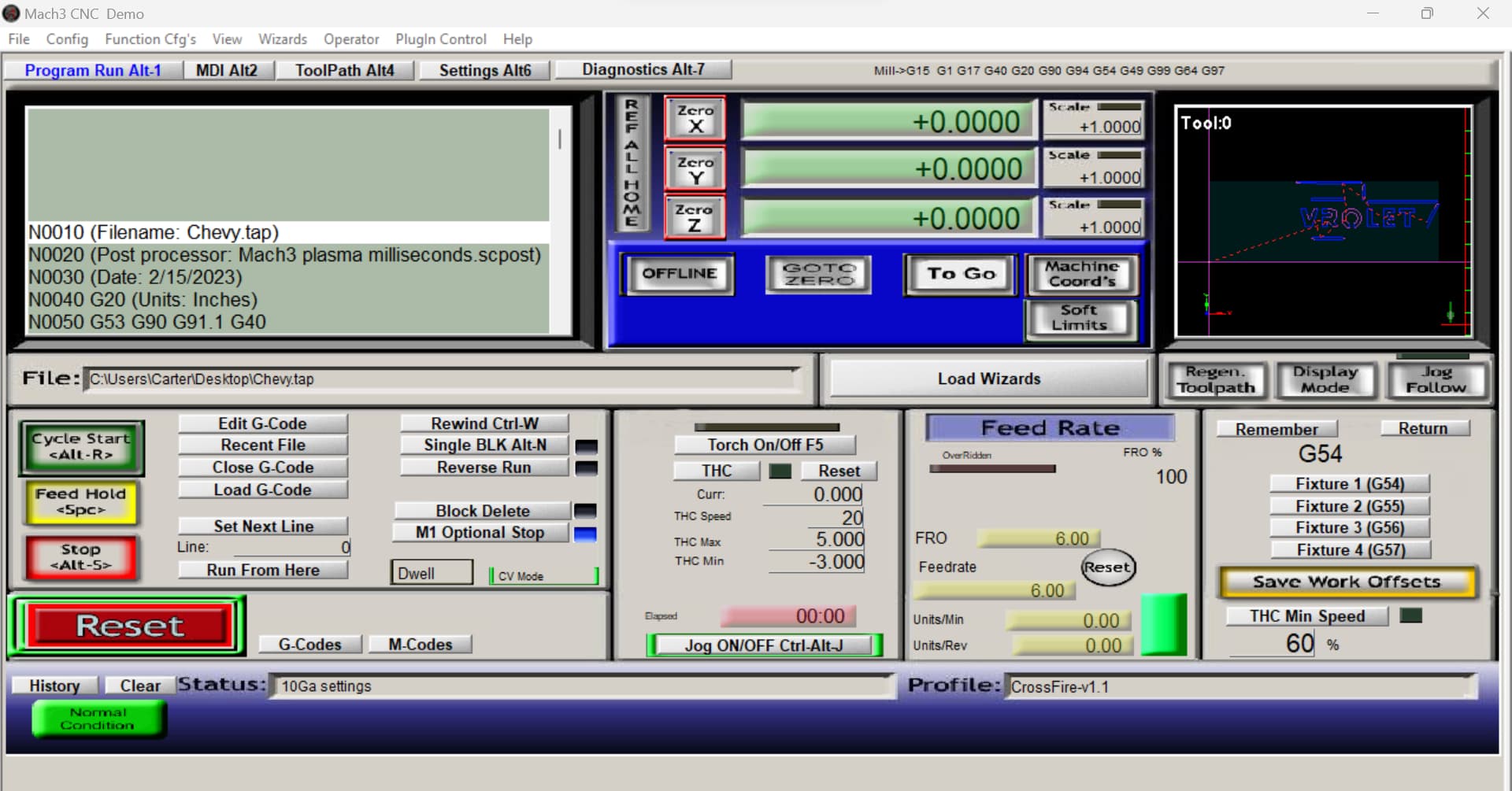
The preview in seen in the Mach 3 screenshot is what I get with the G code from the toolpath shown in sheetcam
Did he purchase the full version of sheetcam AND mach3? They both have limitations on how much gcode they produce or display if using the demo versions of either.
1 Like
There’s your problem.
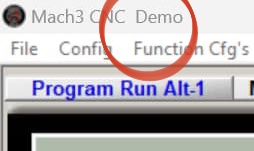
3 Likes
Oh, DUH! Thank you, I didnt even realize at the time. Mach 3 was completely new to me tonight and that slipped right by me. Appricieate the help!
1 Like