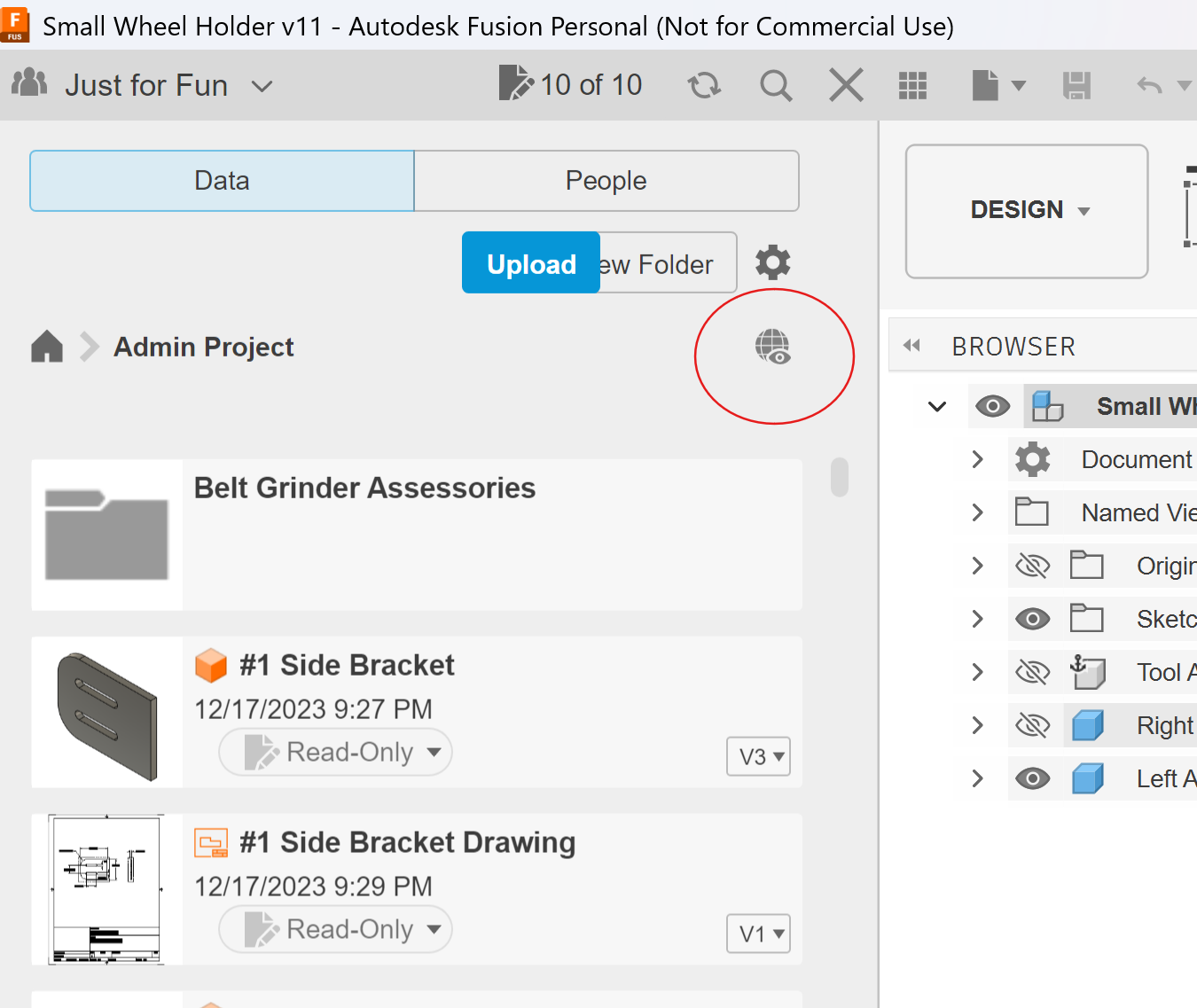
I am a little like a squirrel when it comes to projects I have quite a few that I have marked uneditable and have lost interest in doing them or I have just been hording them in my Admin Projects folder. Is there a way to delete them directly from that folder or do I have to always make them editable then delete? Will Autodesk let you have endless amount of files in that folder? Just doing some fall cleaning.
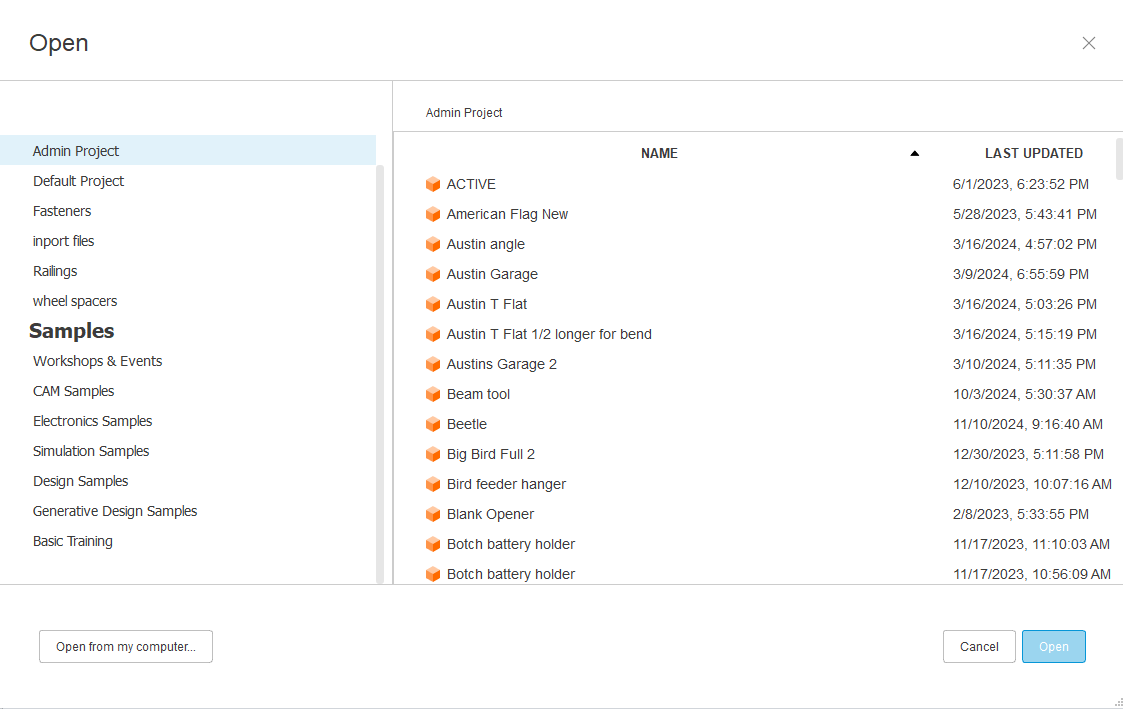
You’re posting a part of your screen, not a screenshot so I’m going to take a guess that the image you posted is you opening your files directly from Fusion 360?
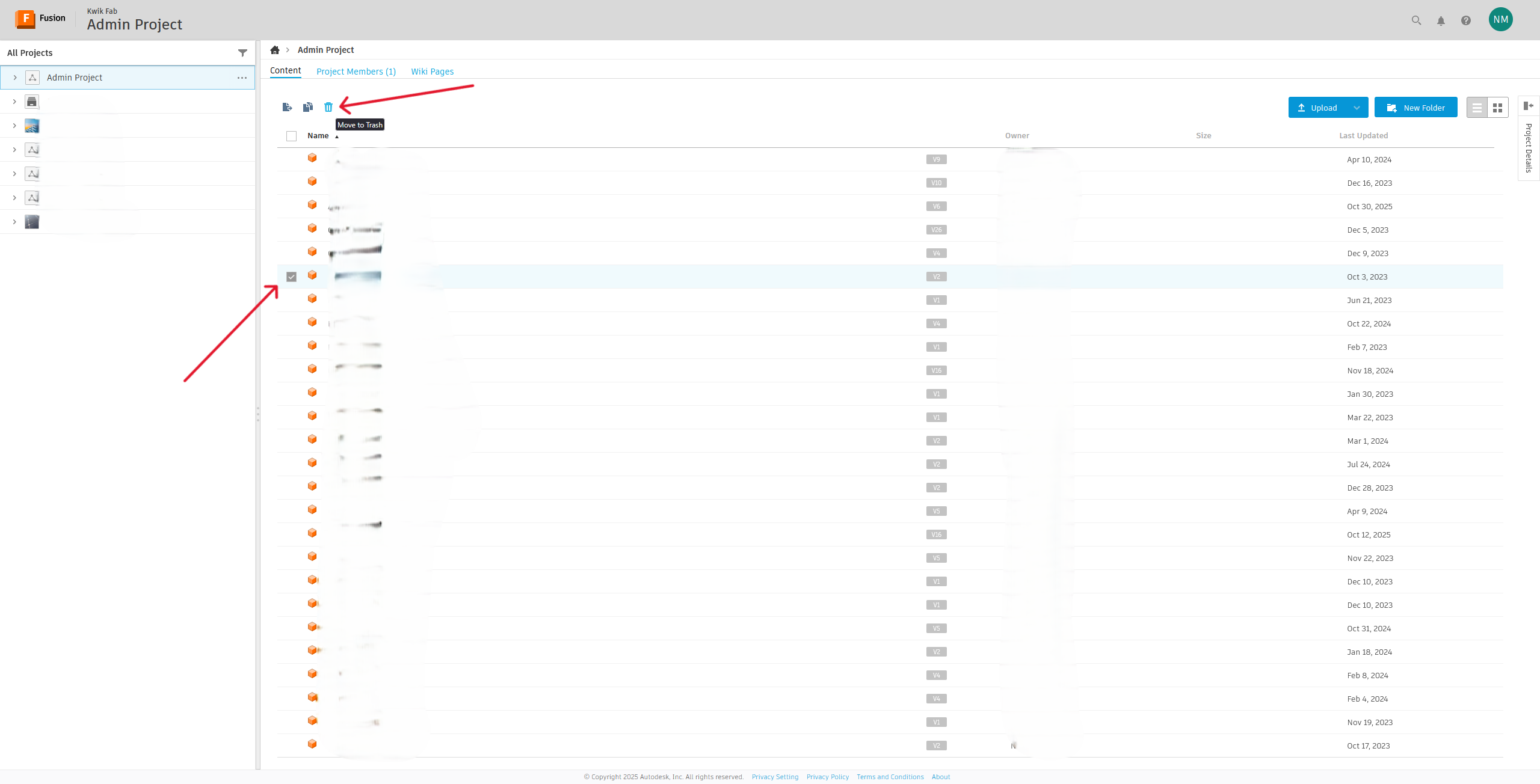
You delete stuff by accessing the cloud (browser). I have never seen a way to delete a project file from the software itself in the +3 years of doing this (unless I’m completely blind and missed it lol).
GOT IT NOW Yes directly from Fusion. Well I have been using Fusion for a few years now and never had to go into Little House (browser) Thanks for the help. I am a slow learner. I feel a little silly
With the recent update of Fusion 360, that is another thing that has changed: Delete has been removed.
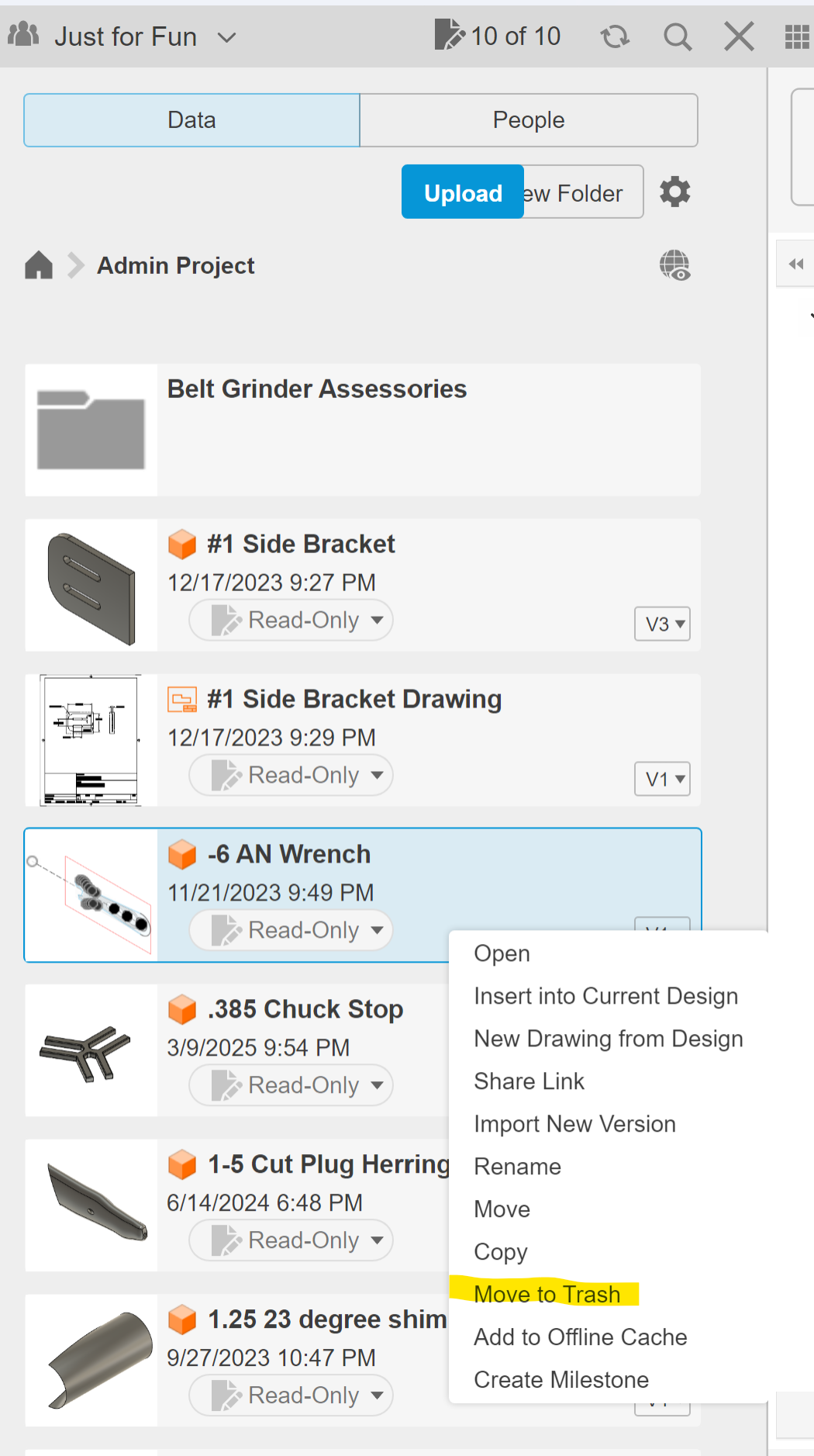
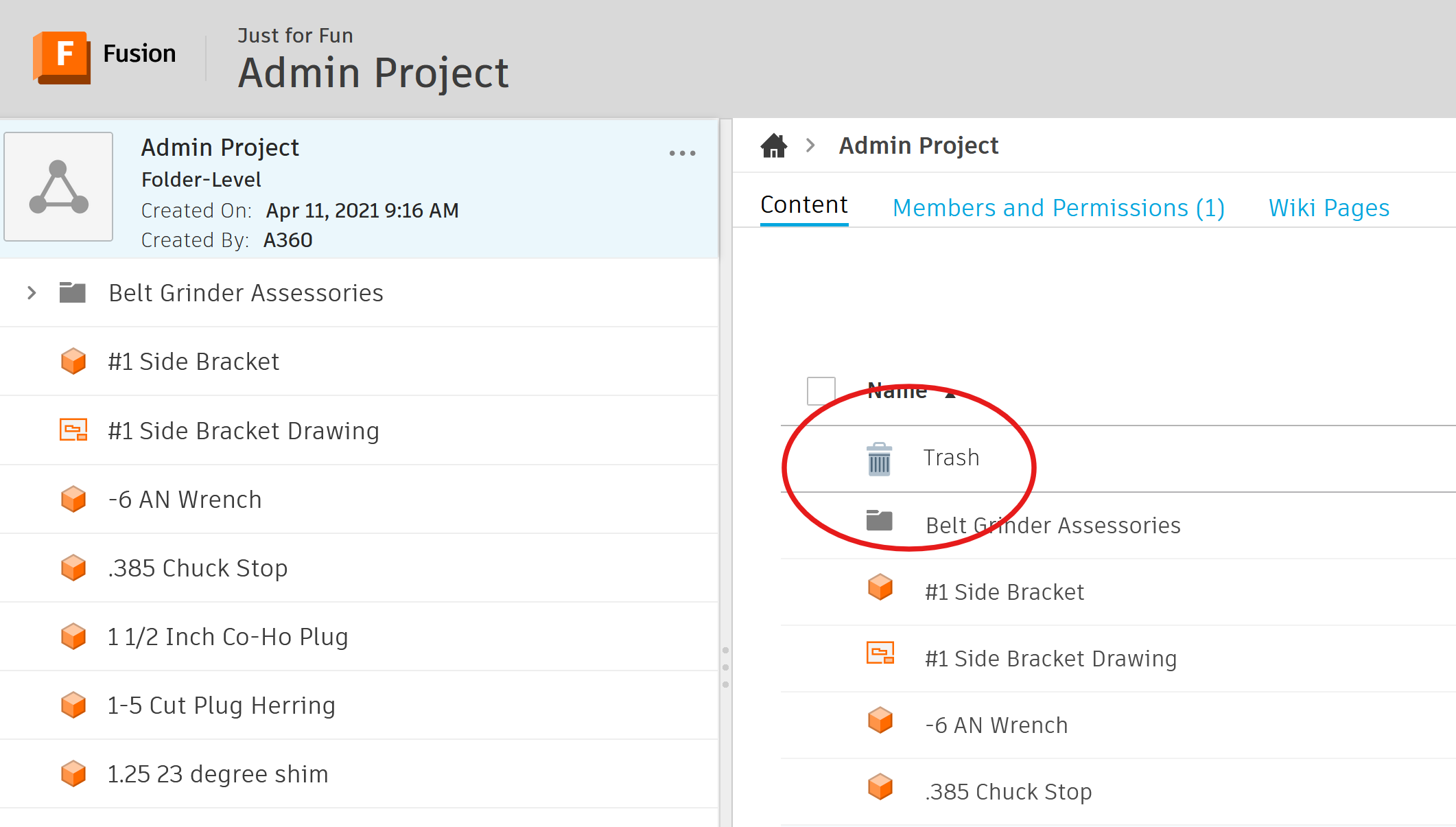
It used to be you could right click on a design and “delete” would be an option. They have replaced it with “Move to trashcan”. I don’t know where the “trashcan” lives but I know it is suppose to be available to the “administrator” of your account.
I delete projects from the program itself. Click on the house, Admin projects, then Right click on the version number. Now as Jim said there is no Delete but Move to Trash.
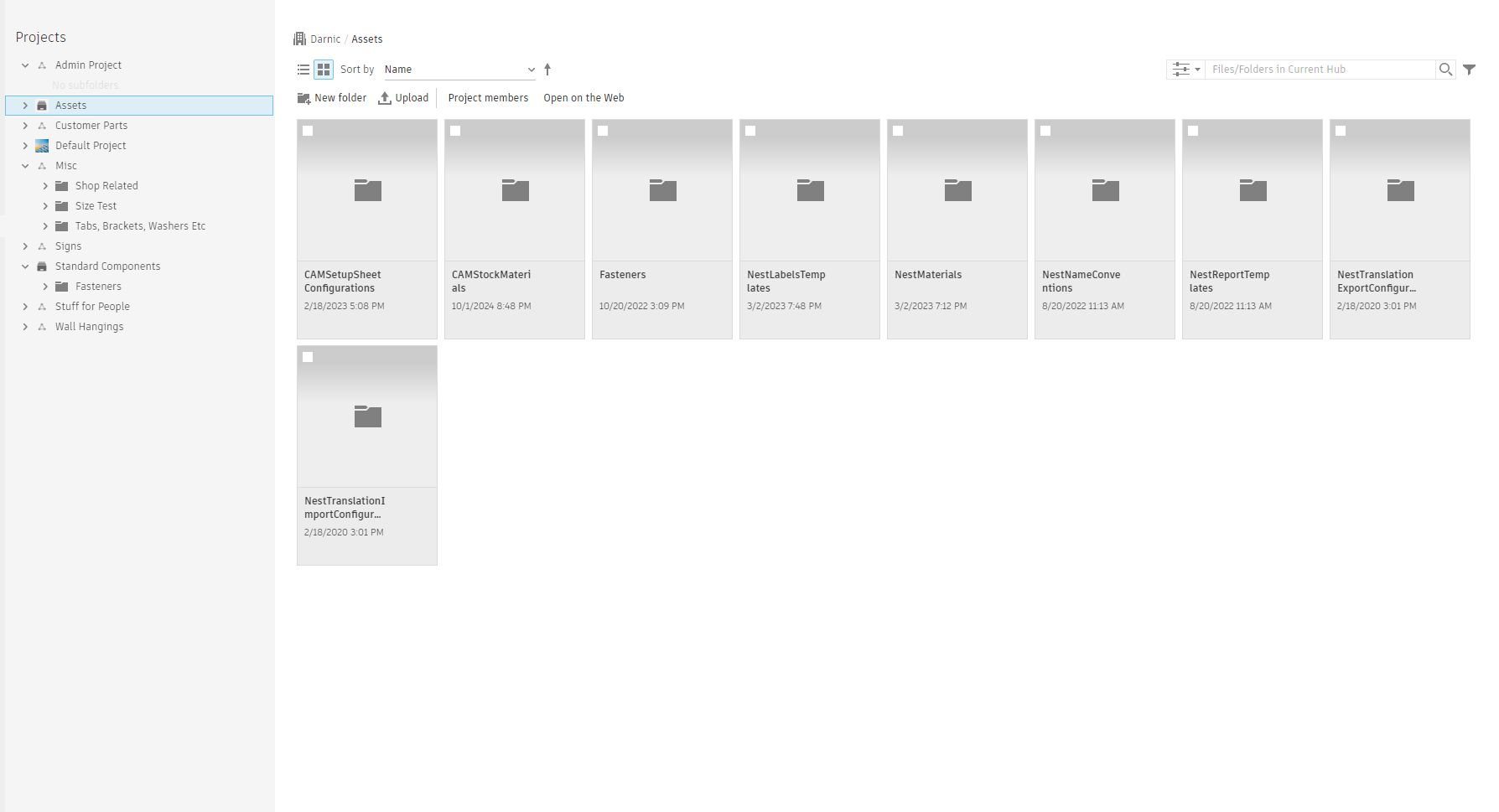
I just checked the web account and I have a Trash Can and I have everything I have deleted since I started learning Fusion back in 2021. I went the the Admin Folder and clicked on the little world icon. And this is what comes up, the second screen shot.