Now to cut the bending line slot, I should have planned ahead. I have now redone the extrusion and this time extruded in a negative value so the body will be below the plane of the sketch. This allow the sketch to be visible. Everything will act the same as the demonstrations above but to get the slot, you need to make a separate cutting action with a separate tool path and have the sketch visible.
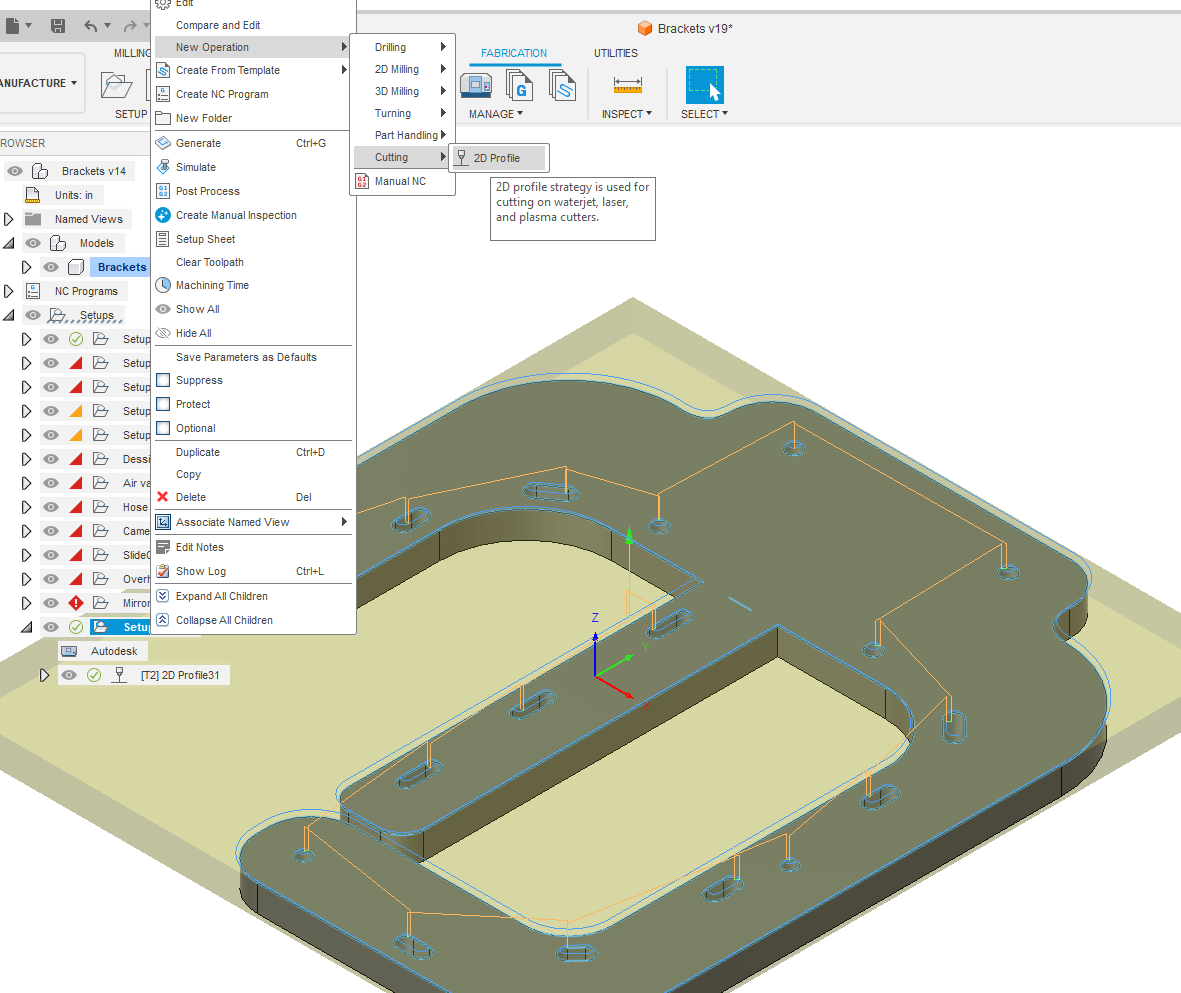
Once you open up this next cutting operation, my first goal is to set the cut compensation to be “center” meaning that you want it right on the line.
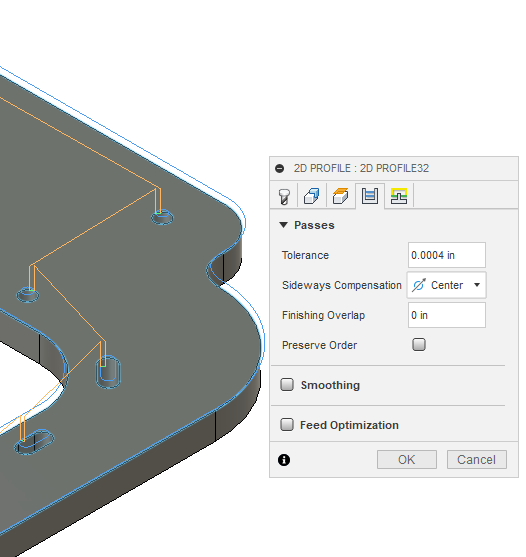
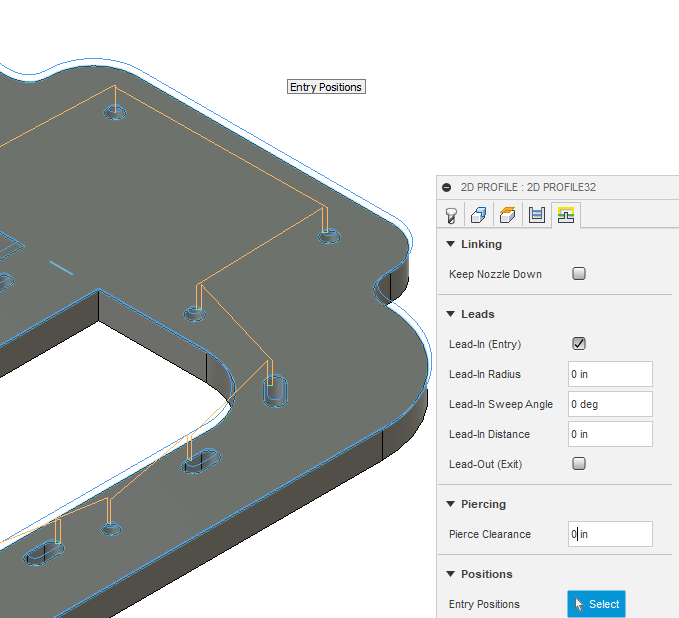
Now you change the cutting parameters. Notice I make sure to set the sweep angle to 0:
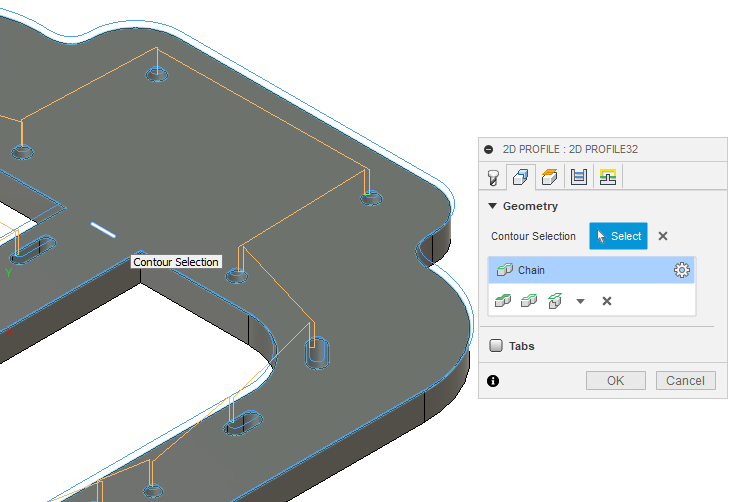
Now you have selected the line to cut:
Now for this to work right, that tool path needs to be moved into first position with the cutting action.
Here is the final full operation:
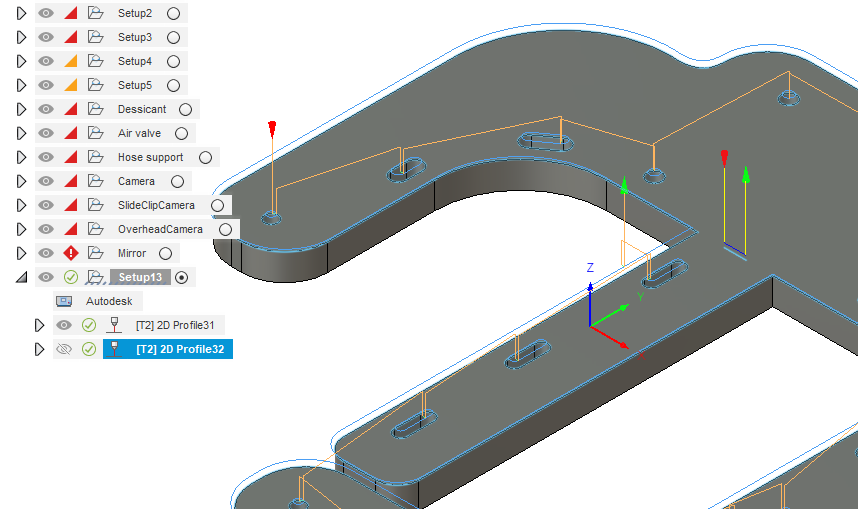
Move the relief line cut operation into the “first” position under this setup (you will see I have numerous “setups” - ignore everything except the last one). To move it you simply highlight with left click and hold, now slide up and the mouse will move the operation ahead of the other cuts. The reason it needs to be one of the first things is that your piece will have been completely severed from you sheet of metal and there would be no telling if it would have cut and if the metal shifted on the table.