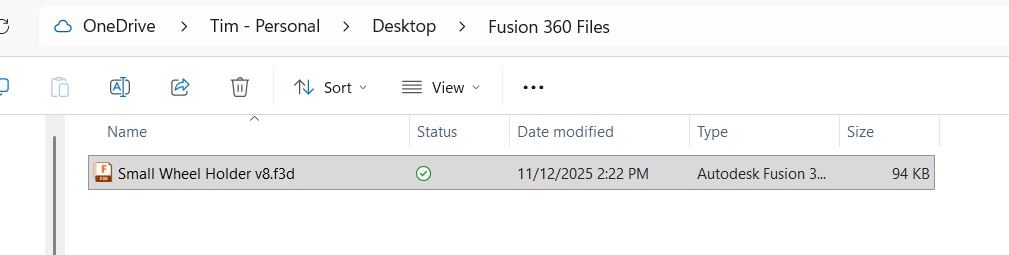
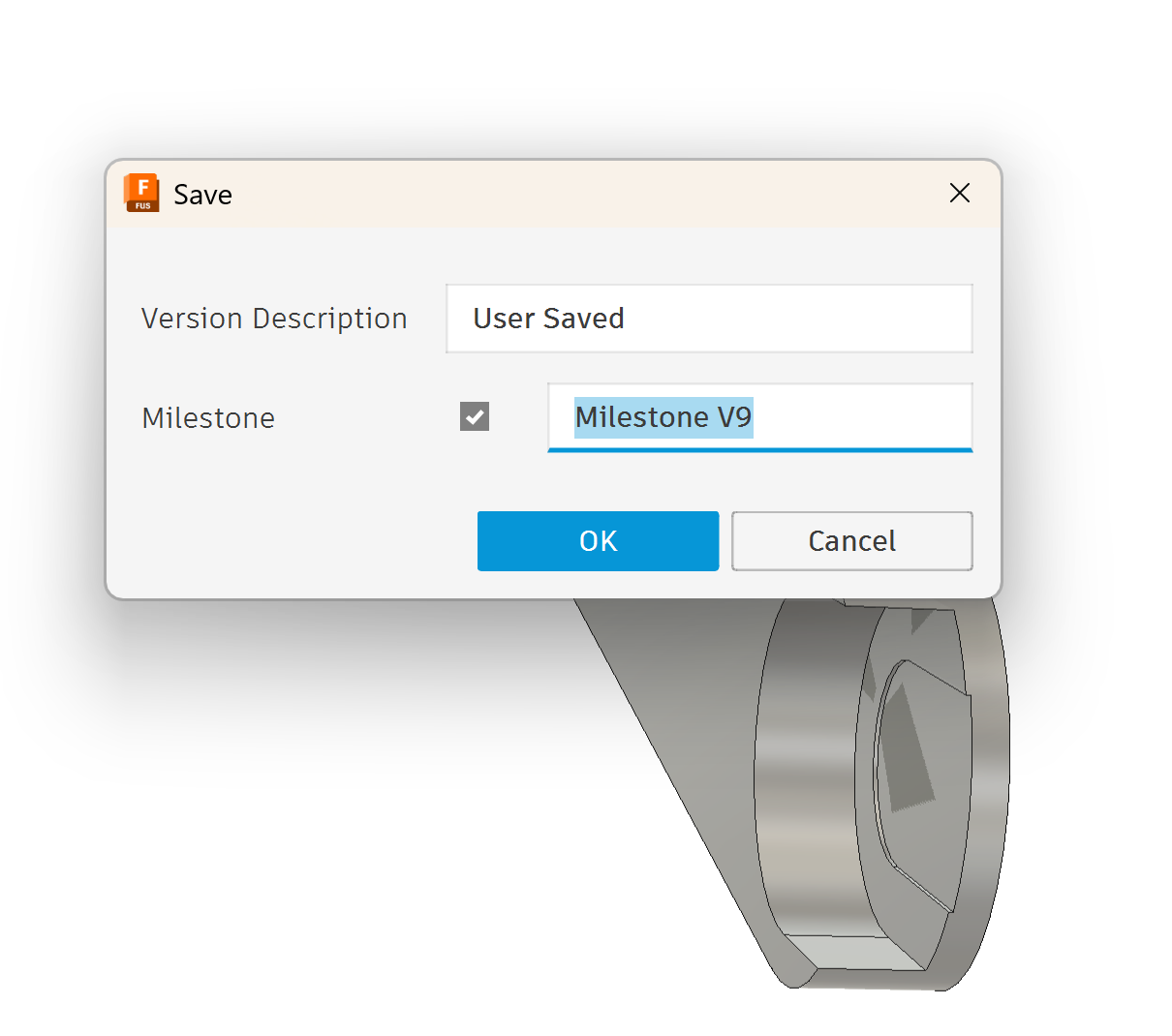
I just updated Fusion 360 today. With the new update the exported files are no longer adding the version number to the file so you need to be aware if you are looking for your most recent file. You will notice that it is now asking if you want to replace a previous file if saving a subsequent file.
Apparently, their reasoning for this is that sometimes when you are exporting a file, if the mothership does not get the new copy and correct the version on the file on your current design, before the export is accomplished, it might have/put the wrong version on the file. So this is their correction for that.
I haven’t been back to my computer today. When you open up the drop-down of all your projects and click right on it does it show you the list of version numbers saved in there?
You used to be able to go backwards and forwards through every instance.
I looked it up online and apparently Autodesk has been planning this change for awhile. So it was definitely planned. I looked in preferences and could not find anywhere to change it. AND, options in the preference list is really scaled back.
One suggestions was to right click on the body and SAVE AS MESH. That doesn’t give you a STEP file choice and even worse than leaving off the version, it uses the name of the body that it saves as the file name. Bogus work-around.
Having said that, what is your use case for exporting files? I don’t know if I have ever done it, so I am just trying to understand so I might help with a workaround.
I guess I don’t follow here. I just updated Fusion last night, I just exported a file and I see the version number. The one thing I see different as when I am saving a drawing I have to check a box, and that adds the version number.
I have been sending massive numbers of Step files to my computer that is married to my printers. I like the version so I can verify that if it’s the newest one.
I also did some designing for a friend and we were making changes and I told him “make sure you are looking at version 8, it won’t be on version 7.”
oh, you know what, I’m a Fusion Insider so my version is different from production. I’m always running ahead with a bunch of beta features. Sorry for the confusion.