Running new Crossfire XR using Inkscape for design, then sending to SheetCAM for post. I designed a custom sign for a business, but I am getting an error message when trying to run post processor. Any advice? I’ve never run into this. I am running separate operations for the screw HOLES and the SMALL letters so the lead-in/lead-outs can be dialed in. I’ve uploaded my license but I think I may have the wrong Post Processor (FireControl V1.6?)
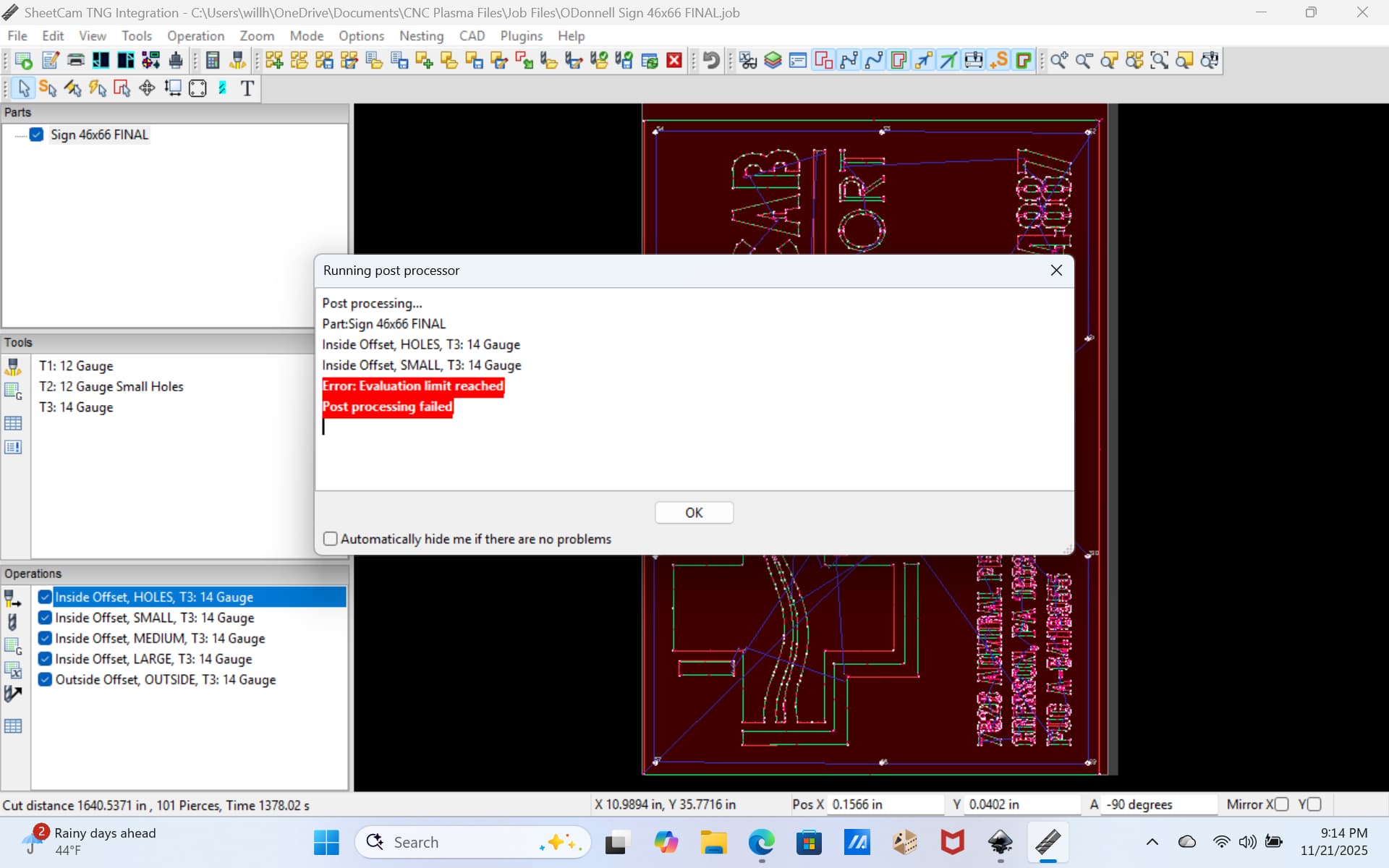
You must be running the trial version of Sheetcam - you need to buy a license if you wish to run more than a specific number lines of code.
Paid version has no limit, but the trial version does.
I don’t use Sheetcam but my observation is based on the “limit reached” part.
If you had the wrong post processor, I’d guess you would’ve received another error.
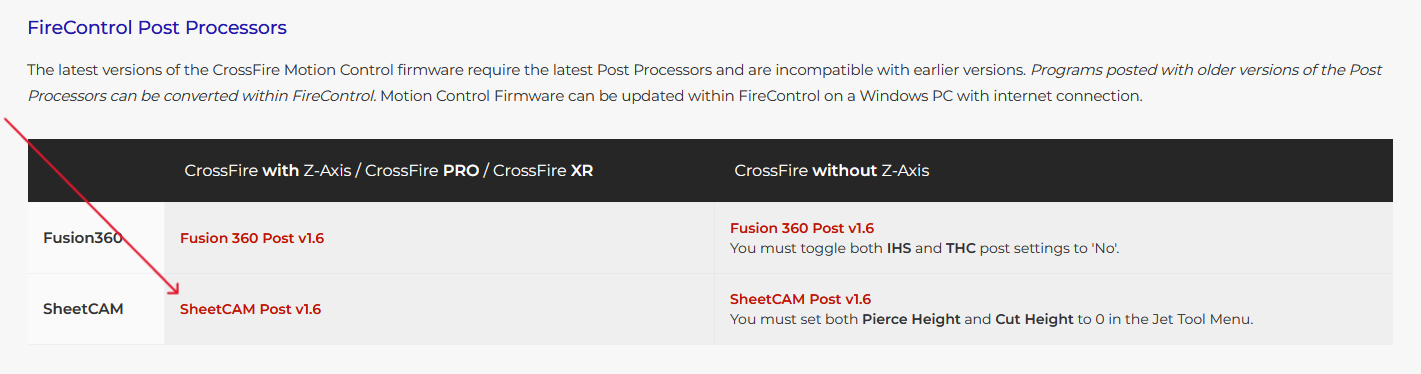
Here’s the correct post processor for Sheetcam -
Thanks, but I did buy a license…on Sept 15th. I don’t know when the newest version (8) came out, but if was just after that, then it will not work until I buy ANOTHER license. I better not be out that amount of money for literally two months of use. My new laptop crashed a day ago and I had to re-load all my programs. Now this.
You defintely don’t have the license installed on that computer. If you bought a license for one of the versions prior to version 8, you can install that license and continue to use the older version 7 variants for as long as you like.
Version 8 is a whole new program that requires the purchase of a new license. There are some posts from the new owner on the forum that indicate that recent license purchases may be eligible for a discounted license for version 8.
I don’t really need the new features of version 8 (2d CAD and Nesting), so I’ll be sticking with the older program.
1 Like
Just a quick update, i did not realize you could download version seven. I Did so and uploaded my license, all is good in the world again…. At least my world.
Thank you All for the replies though.
2 Likes