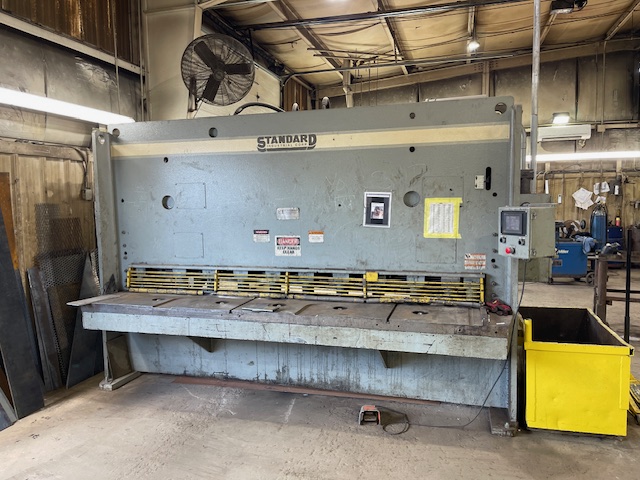
I would like to buy full-size sheets (4’ x 8’) and cut them down to 4’ x 2’ for most of my cutting, but going with 48" x 32" when needed.
Is there a way to just load the large sheet into the machine and have the machine itself cut all the way across the 4’ dimension? I just cannot figure out how to have the torch start off the edge and finish off the other edge.
Slide the sheet onto the machine. Measure out where you want to cut the 48" off. Manually jog the machine to that point all the way to either the left or right. make sure the edge of the sheet is at the torch tip, not past or short. Zero out all the axis.
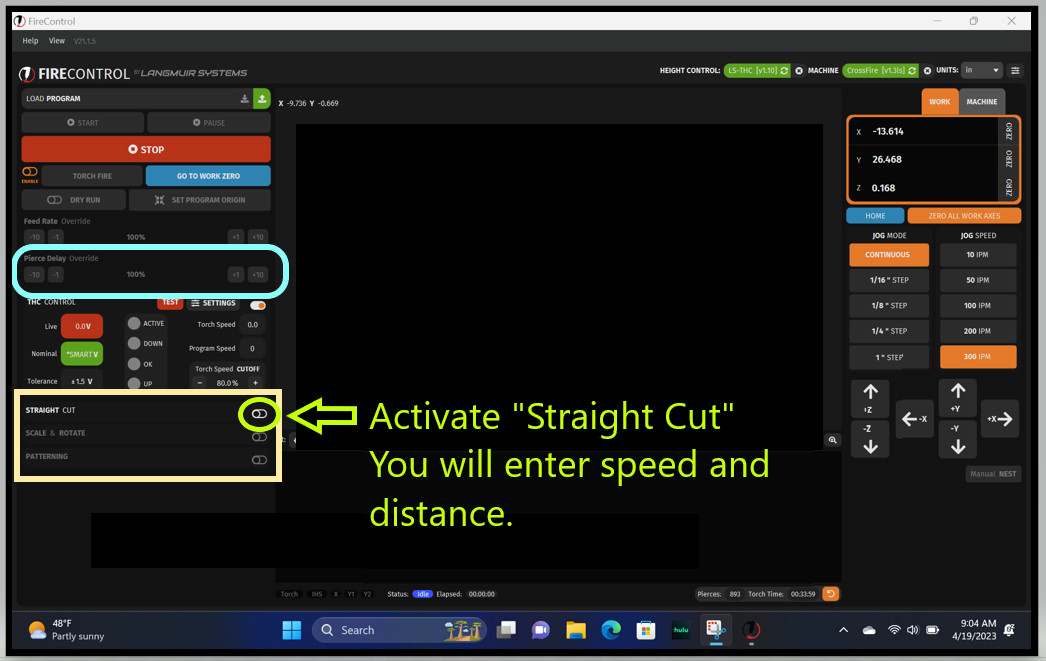
Click on straight cut in Fire Control. Enter in your info, 48" for the distance in (I think it’s X) → or ← direction as it applies. Click generate and start.
Being the travel is only 4 ft and a quarter-ish Max and some sheet metal comes 4 ft quarter inch to 4 ft 3/4 inch wide you’re going to be stuck with a little piece holding on unless you somehow widen in the x axis of your machine.
I do have a hand torch, so that and a straight edge might be the simplest answer. But I cannot reach 4’, so I would have to find some way to climb on top of the sheet.
I just ordered some cut to 4’ x 2’, which will be good for what I’m planning on starting with. I’m thinking about the future when I might want the flexibility of the max size of the bed or maybe material 18" wide will suit the project better.
I have my metal cut to 48 x 33 to fit the table. If I buy the 10’ stuff, I get the remaining drop too.
Most metal suppliers will do it for free if you buy from them regularly.
Not for me, if I add a operation to my order the price jumps way up. Now maybe if I ordered 20 sheets cut it might be more reasonable but most times its very pricey.
I deal mostly in tube and most times if I have odd size that I don’t stock, and need a piece cut to 8’ I can buy the full stick for a few dollars more then what the 8’ cost
I guess I have a good supplier. He is big enough, but not I don’t give a shit big. You probably buy more than I do. He won’t cut stainless steel plate because it screws up his shear.
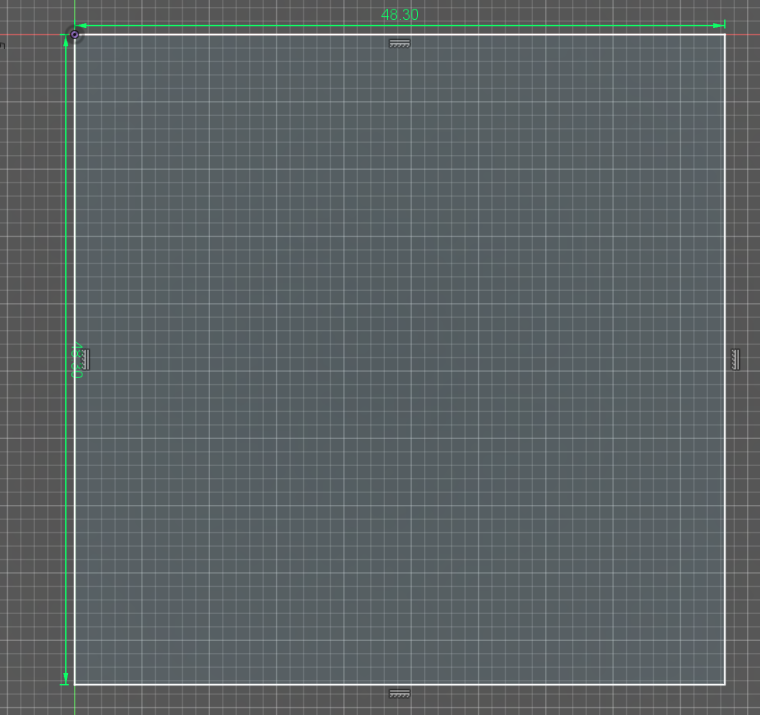
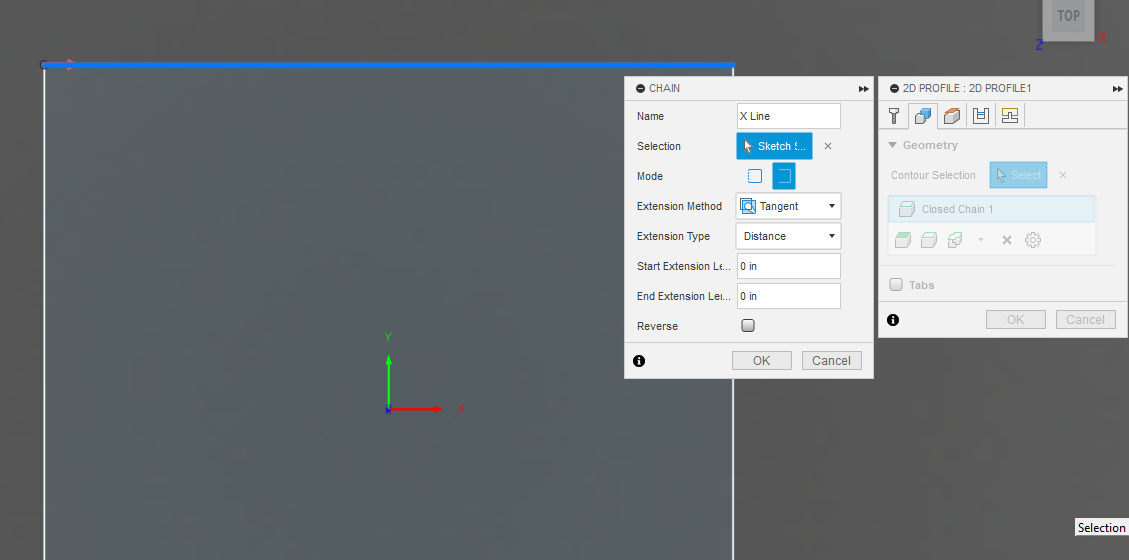
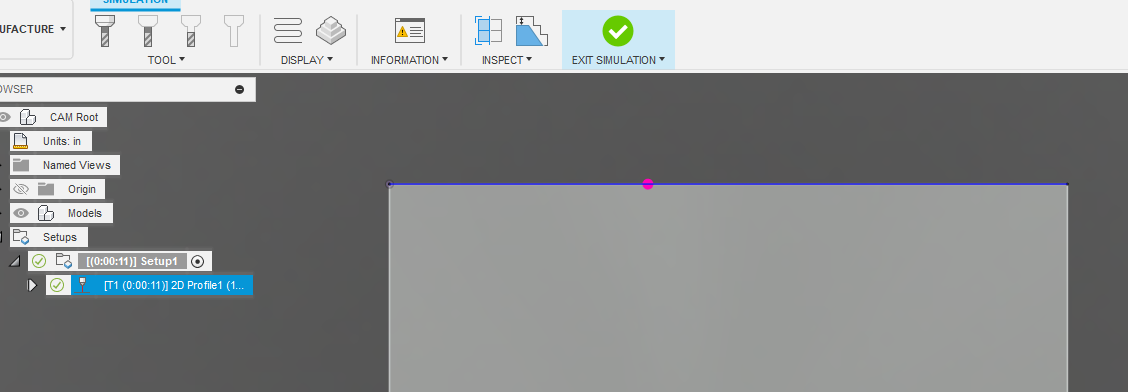
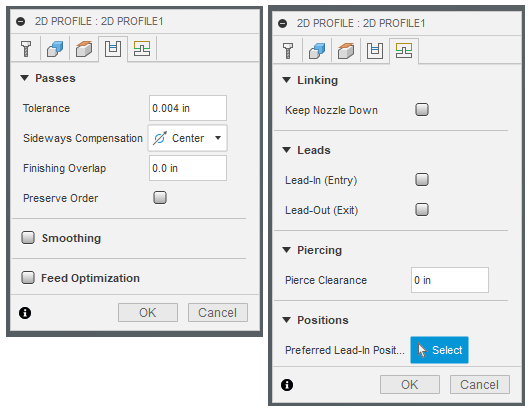
I am not familiar with Mach 3 but you could make a G-code file that is for a full cut and run the file. Here I made a square that is 48.3 inches x 48.3 inches (you should measure your available travel and have it within your table specs, otherwise you will collide with the limits of the table).
I was thinking something along these lines. I have not had a need yet but was going to get the XL kit and setup a index jig so I can cut down a sheet if or when needed.
 I have never heard that, I like it