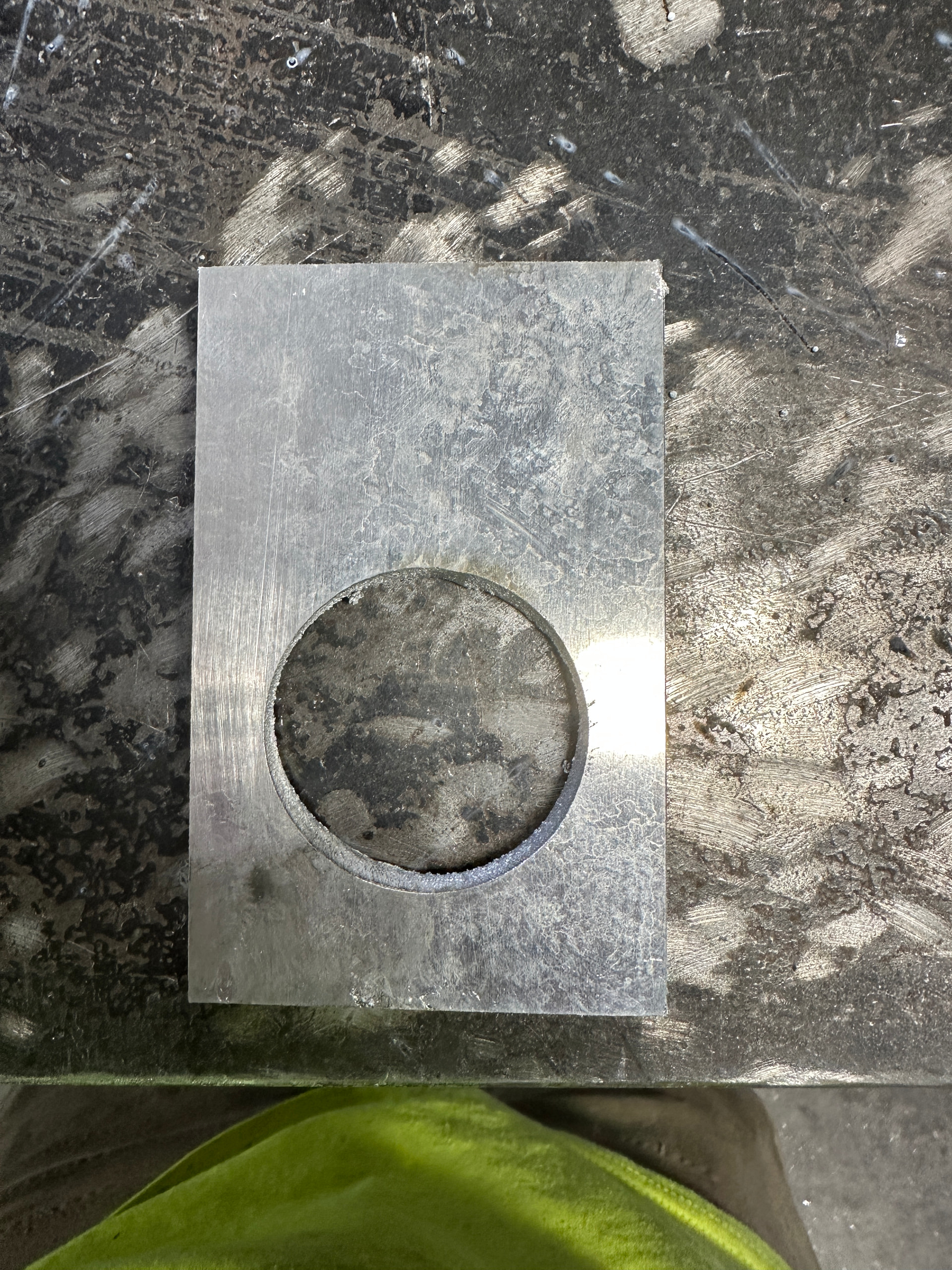
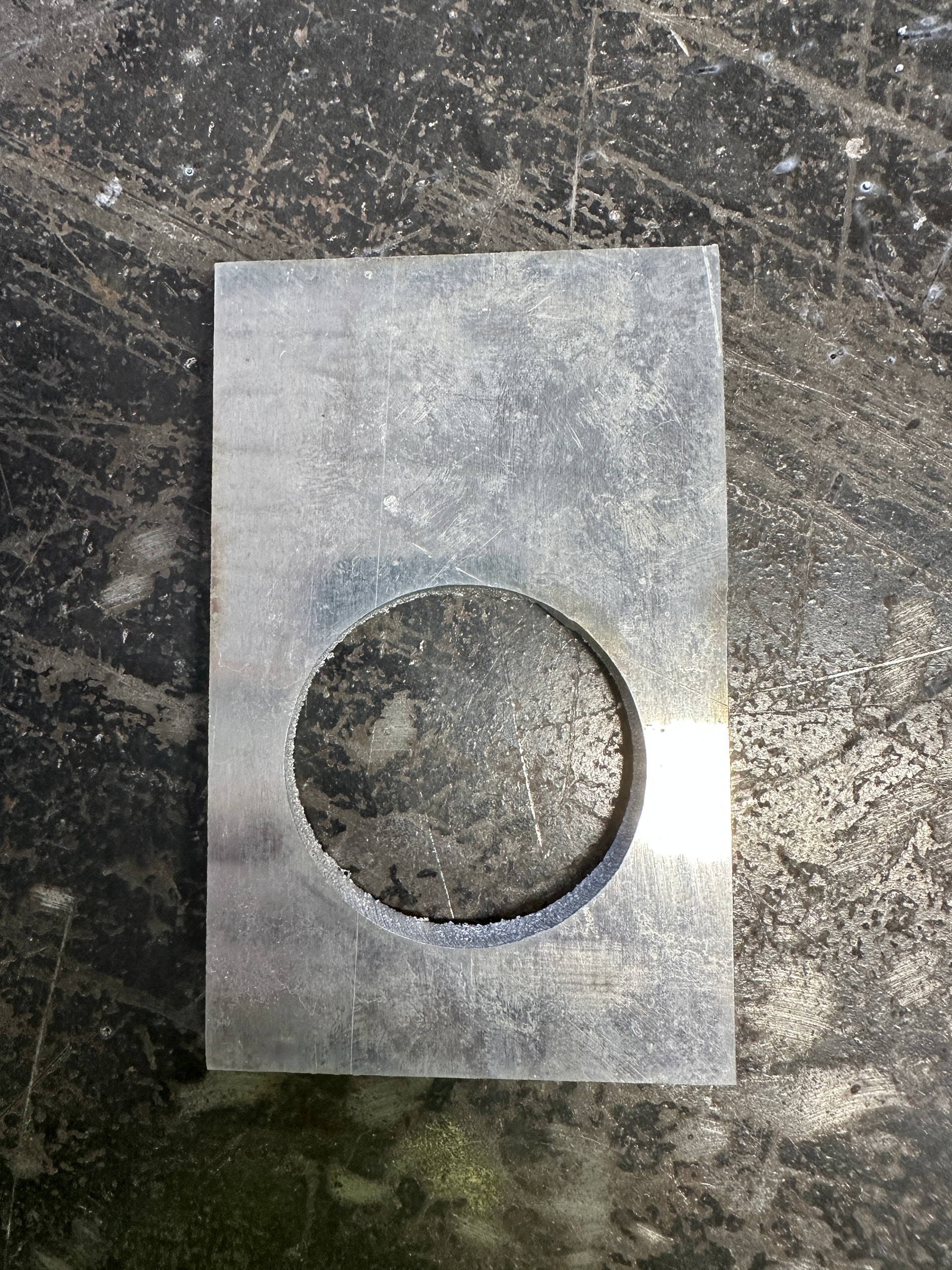
Hey guys! I’m having a bit of trouble cutting straight holes on my Crossfire XR.
The material I’m running is 1/4” aluminum with some 2” holes.
I’m using the Hypertherm 65 SYNC at the recommended settings for the “best cut” according to the chart. I’m not quite sure why it’s cutting like that. I’ve made sure the torch is square to the work in every direction known to man.
I’m really lost on what to do now and would appreciate any help. Thanks
For all your straight line cutting I would start with about 95% of IPM what the charts are telling you. And for any of your inside radii more holes I would do about less 50% then that.
Example if it 100ipm in the book start at 95ipm and for the inside corners and hole 47.5ipm
In fusion the setting is called feed optimization
And sheet cam it will be a rule
Also double check your actual cut height.
4 Likes
Yeah, the pierce height is 0.15” and the cut height is 0.125”.
This may sound kind of dumb but how do I make Fusion only do the feed optimization on the inside holes only?
Also, will that help make the edge cuts straighter too?
There’s a check box for inside holes only in the feed optimization settings in the 2D profile menu
Correct cut height ,verified is number one. And slower can definitely affect the bevel straight cuts. Feed optimization will have no effect on the straight cuts. Aluminum is a little bit fickle.
I’ve double checked the cut height in the program to be 0.125 inches. Any idea on what will get the edges straight too?
You could try lowering your cut height. And or slow down the feed rate
Is your bevel uniform all the way around a square when you cut a square out?
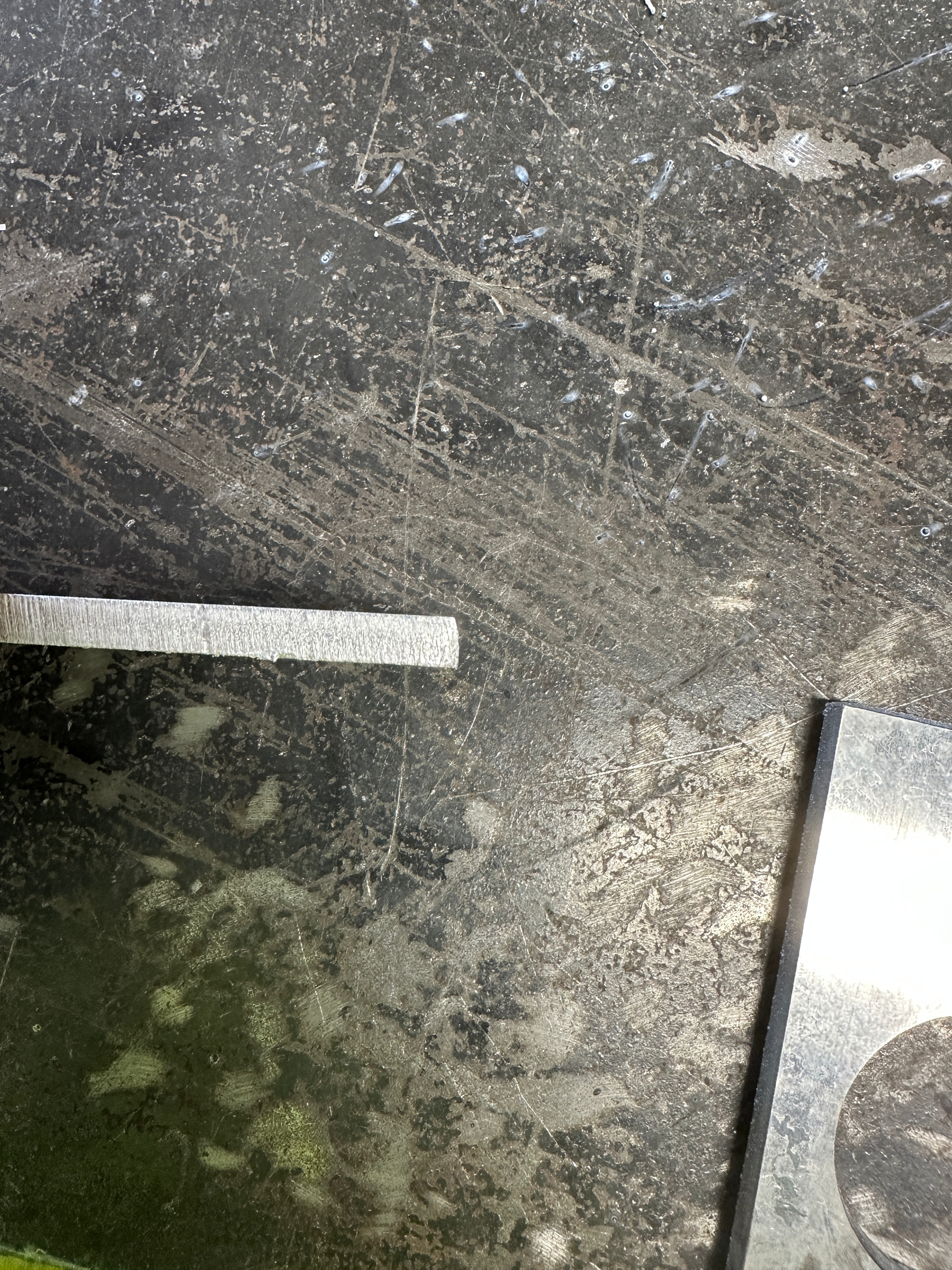
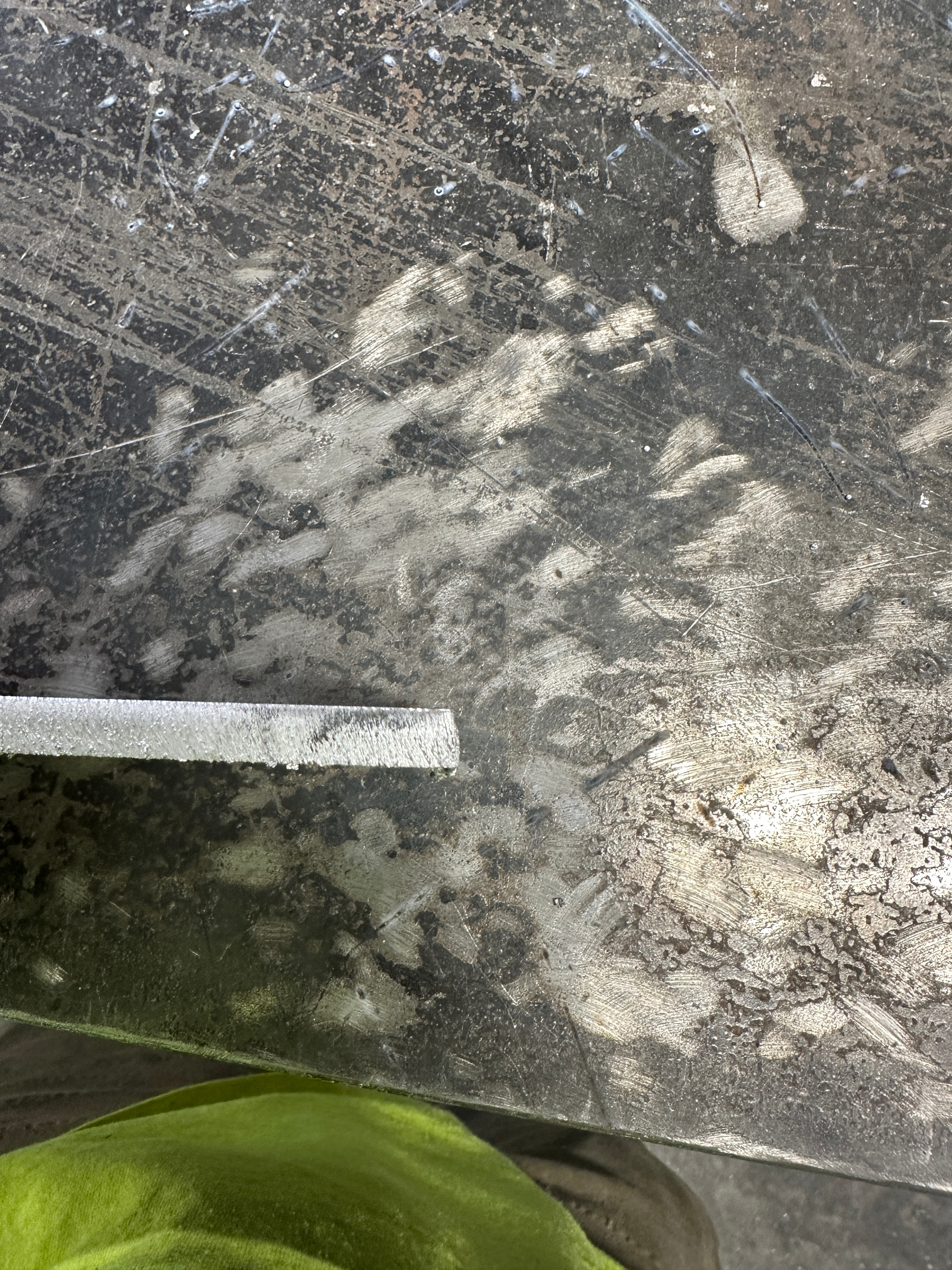
Yeah, it’s always beveled out toward the edge on the top and bottom but on the sides it’s straight.
So three out of four sides are good? I would rotate your torch 90° in the holder , try cutting a square again and see if the bevel follows it Feels like we’re getting into alignment territory
2/4 sides are straight. The picture of the edge is how 2/4 edges are.
I would rotate the torch and try again this feels like a torch alignment issue
I’ll try that and get back to you!
1 Like
I rotated the torch and slowed the parameters like you suggested but I did it manually. What setting do I pick in Fusion to reduce the speed for inside cuts?
It’s in the 2D profile menu. Then go to the passes tab and feed optimization should be at the bottom. When you select that option it’ll give you the further option to select inside only corners further down the list.
Make sure your nozzle still has a round hole. Mine will cut like that if my amperage is to low and or cut speed is to high
1 Like
have you noticed any issues when using ‘feed optimization’ ? I started using it on some files and I kept having issues where the machine would just jog completely out of position halfway through the file and just keep cutting way out of registration. I can’t be certain it has something to do with ‘feed opt’ but stopped doing it and no more issues.
I have never had this issue you have described with Firecontrol.
1 Like
It’s only a hunch that is what was causing my issues. It’s possible it may only be messing things up on a Mac. But who knows, could have been other things at play.
1 Like
You should post one of these files you have the issue with and we could see if we can find the issue in the code.
1 Like