That’s generally what was happening.
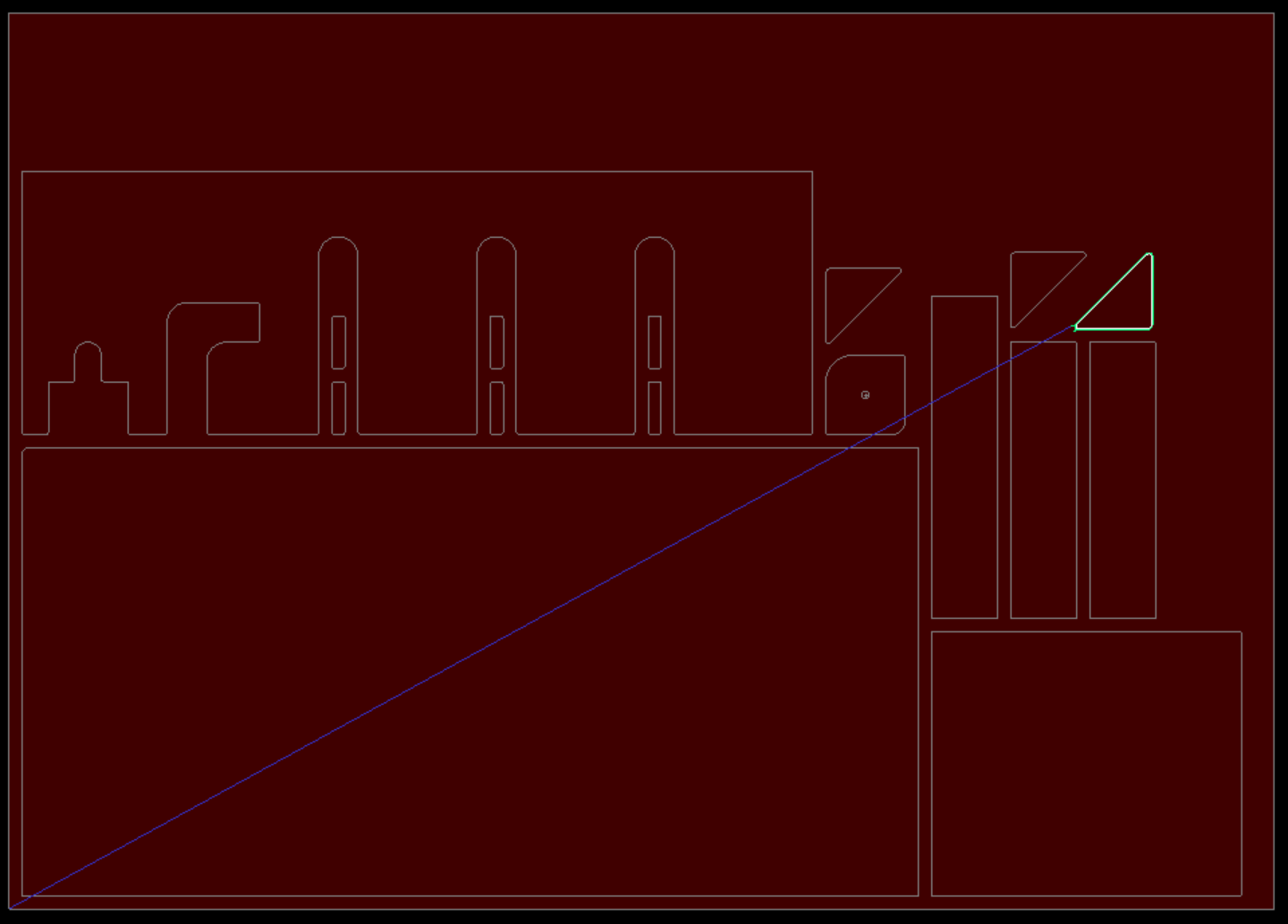
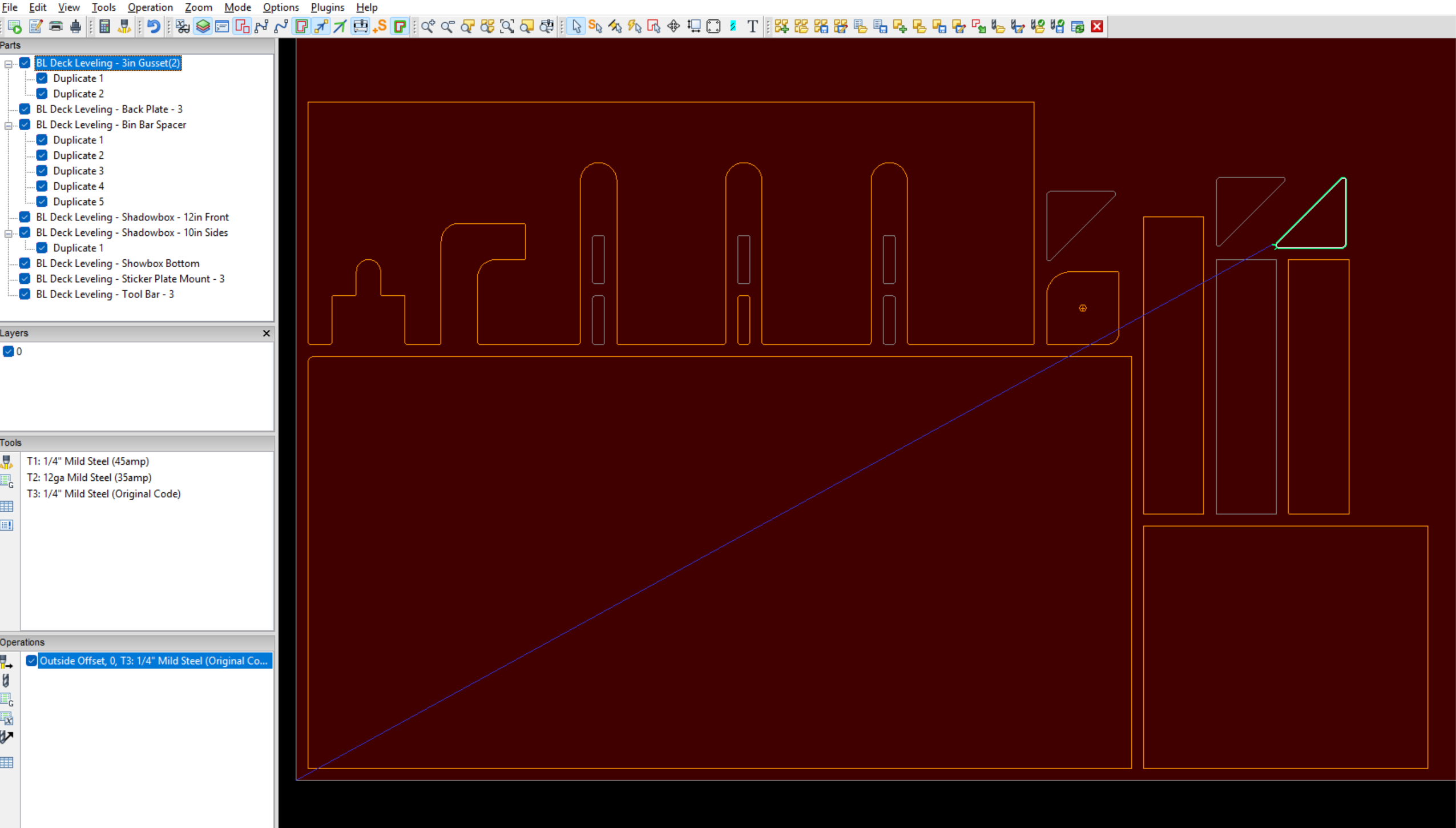
What I was doing was bringing in all my parts, making duplicates (not copies) of some parts, and then trying to create a single cut path for the entire job. But, what was happening was, it would only create a cut path for a single part, even though they were all on the same Layer(0).
(I did verify, no other parts had cut paths.)
Then, I figured I’d probably have to create cut paths for each one as the only solution, so I started doing it that way. But, what I was finding was that it was creating a cut path for Part 1, then going back to 0,0. Then going to Part 2, cutting that, then going back to 0,0 again. Then Part 3, back to 0,0…You get the picture.
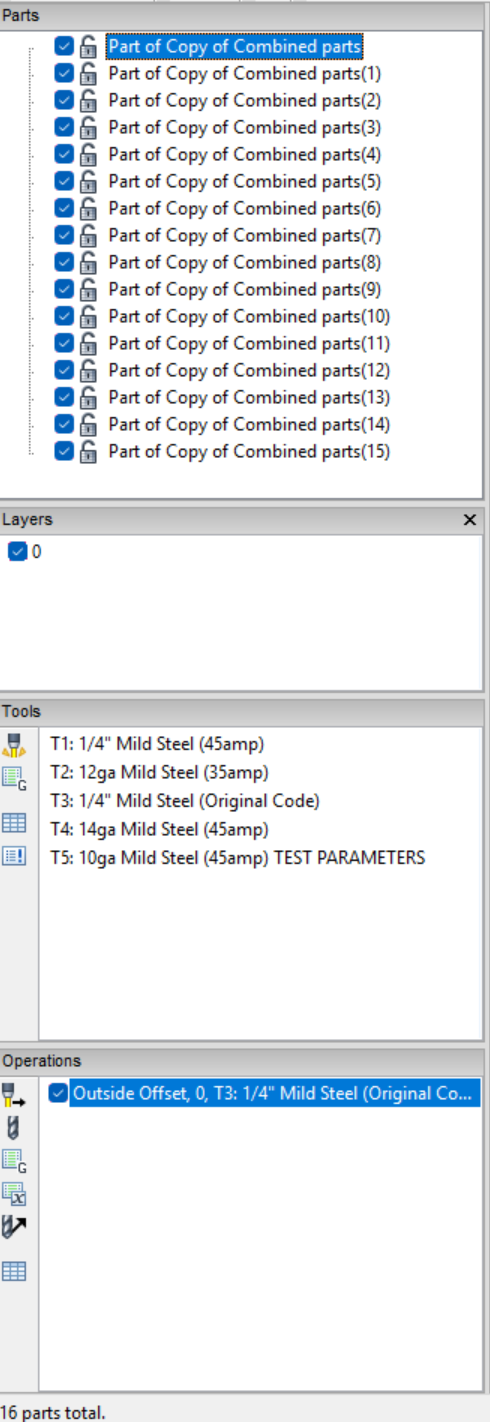
So, my next “great idea” was to combine all the parts as one. Logically, I figured if they were all as one part that it would create a cut path for the now “one part.” Well, that didn’t work out as planned. What it did was create a cut path for just one single part of the entire grouping. So, I ended up having to break them up as individual parts. That’s when it changed all the part names to “Copy of…” (The parts, again, were not “copies.” They were duplicates.)
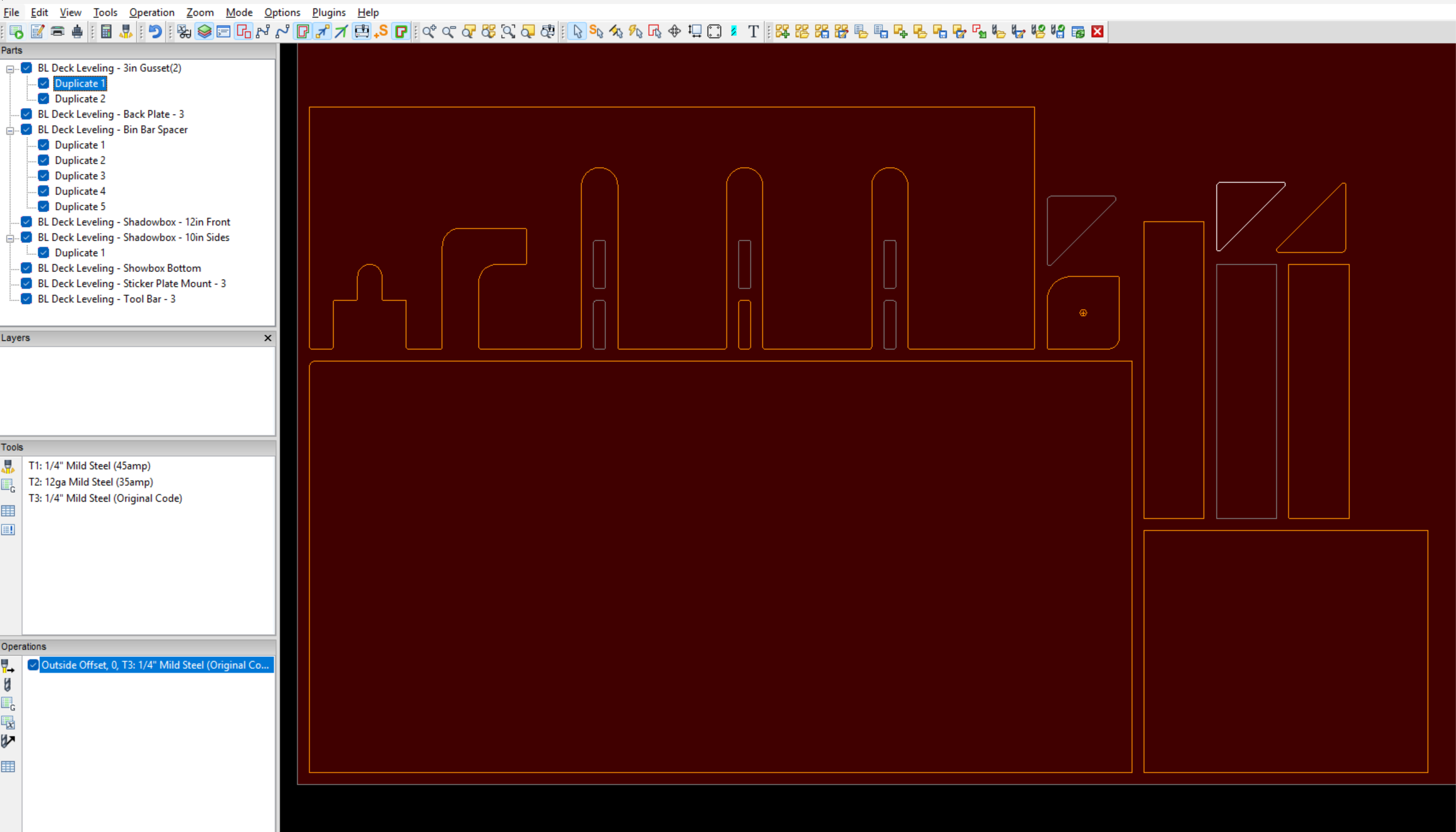
At this point, I tried to click on individual parts, but I couldn’t click on anything. It was as if it wasn’t recognizing the part being there, though it clearly was. I tried clicking on the part in the parts list, but it wasn’t highlighting any parts on the job screen. It was as if it broke and suddenly didn’t recognize any of the parts anymore. I did verify that I was using the Nesting tool to select parts.
We replicated the problem on another guy’s laptop, too, but at this point, he was only able to click on parts in the parts list, but not from the job screen. (Progress! Right?) I compared notes and everything, including settings, all matched up 100%.
**In the pictures below, the parts are highlighted so I could select the part to show you the situation. When I created the cut path, I was not selecting any single part.
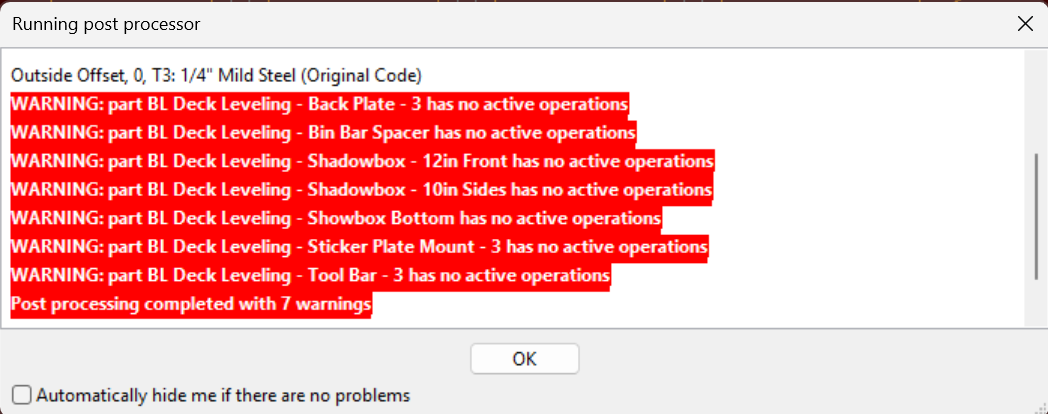
**Yes, I am aware these errors popped up because parts don’t have a cut path.
But, the reason they don’t have a cut path is what I’m trying to figure out.
So, why can I not create a cut path for all the parts at once?
-Mike