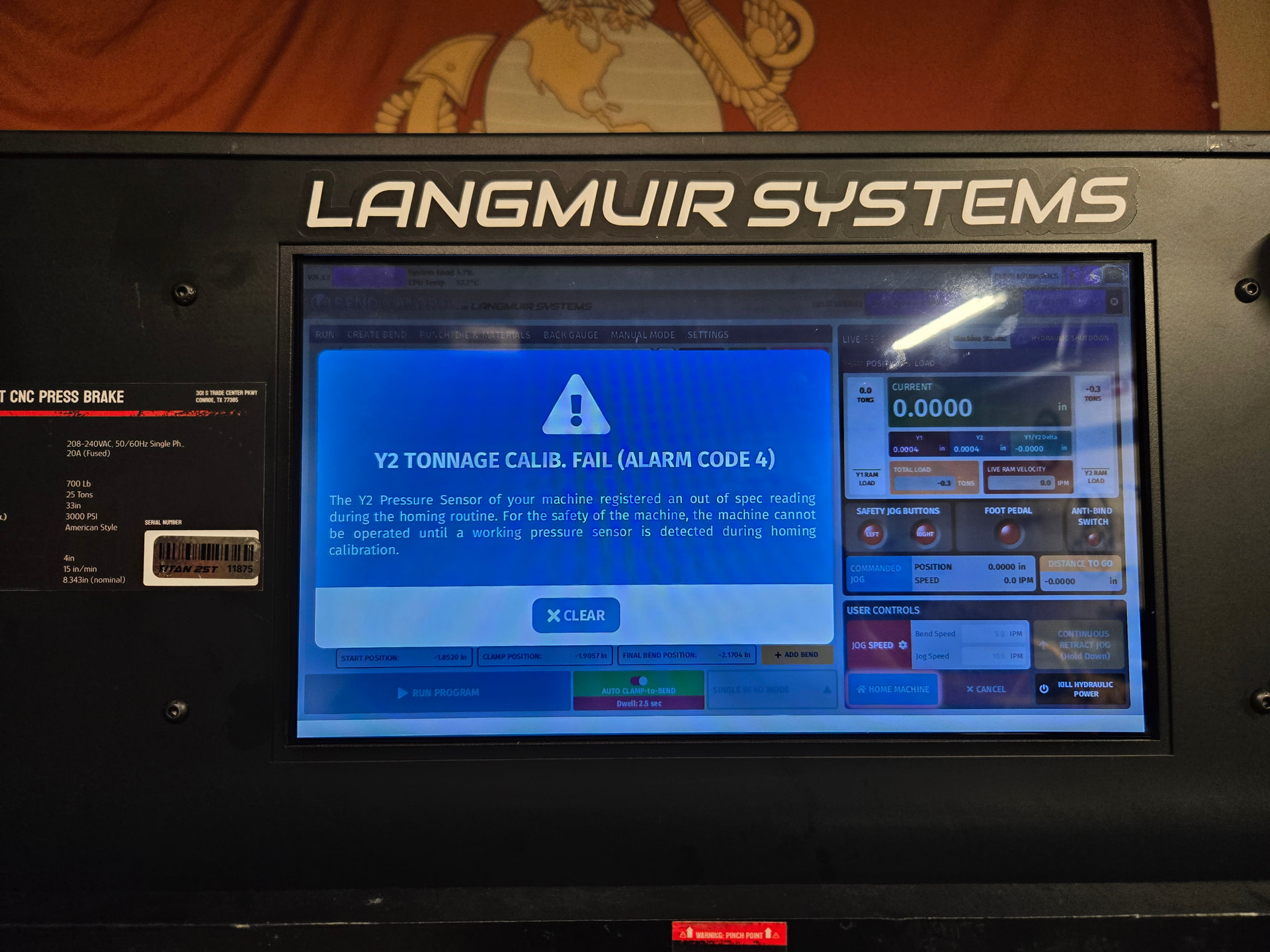
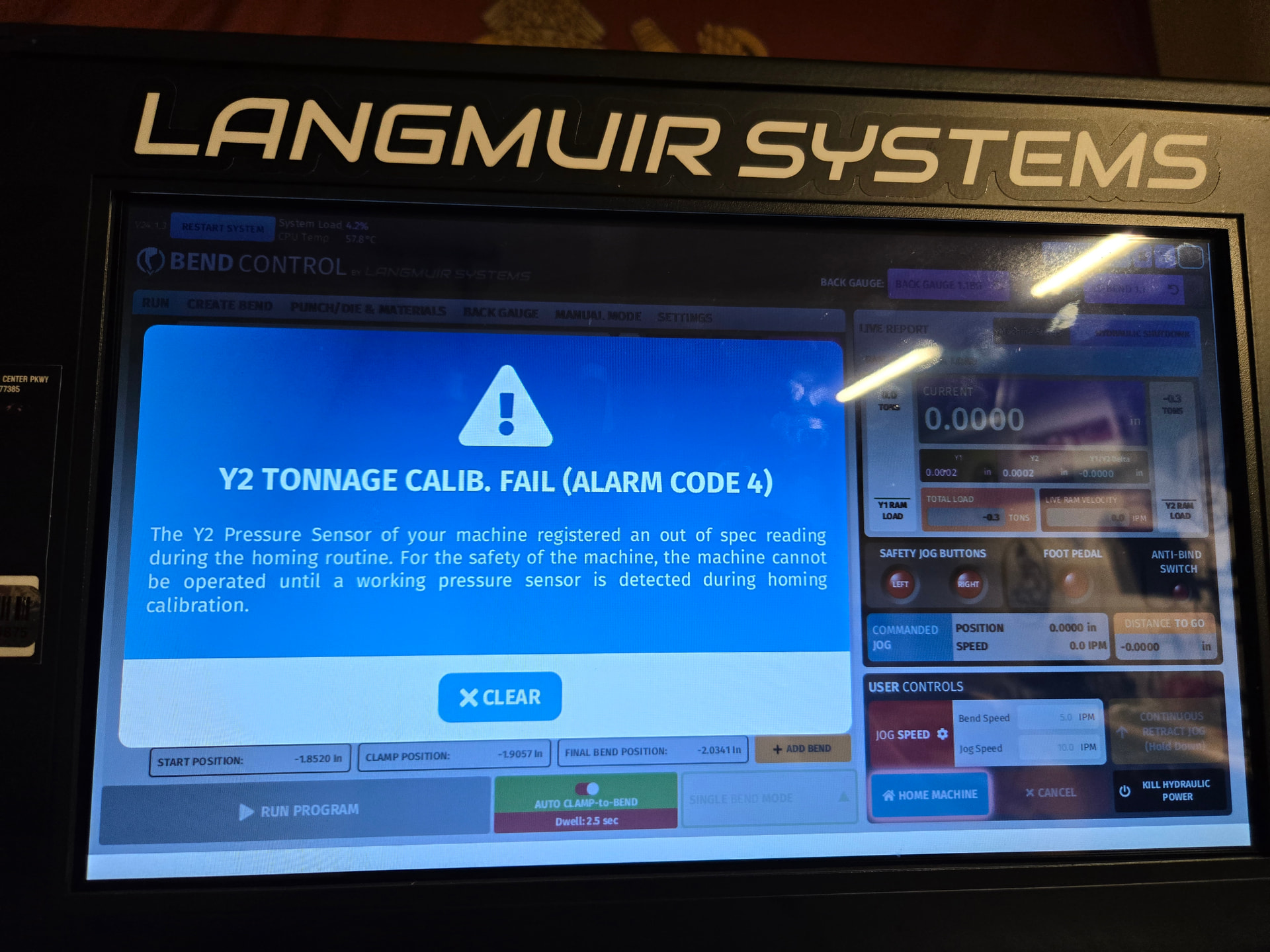
Homed my machine and received this code for the first time ever.
Cleared it, and it homed the second time.
Bent some parts, precisely might I add.
Decided to home it again just for the heck of it before the next bend and got the same warning.
Cleared it and it homed the second time.
Am I seeing a failing item here?
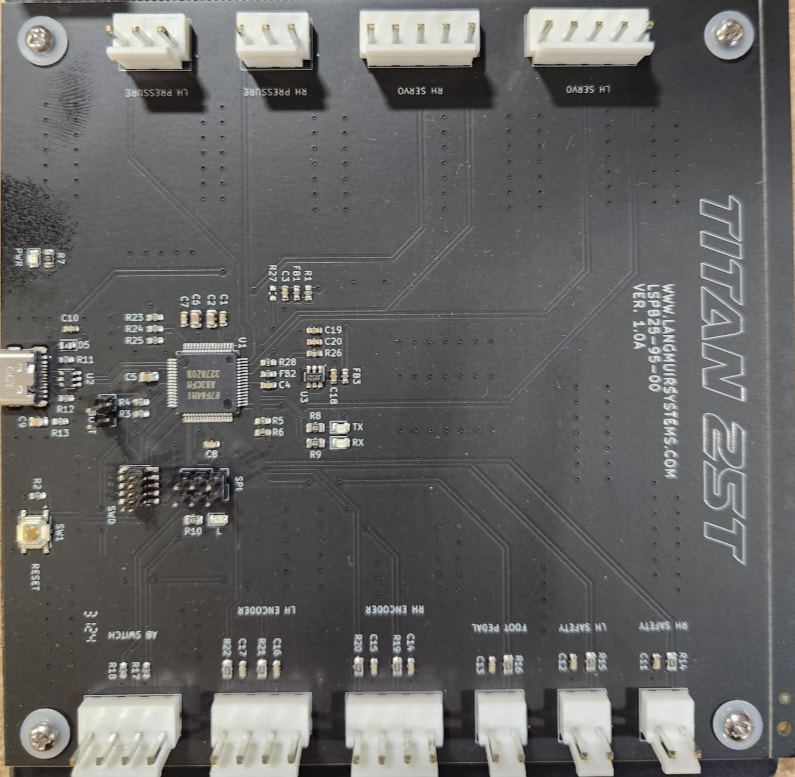
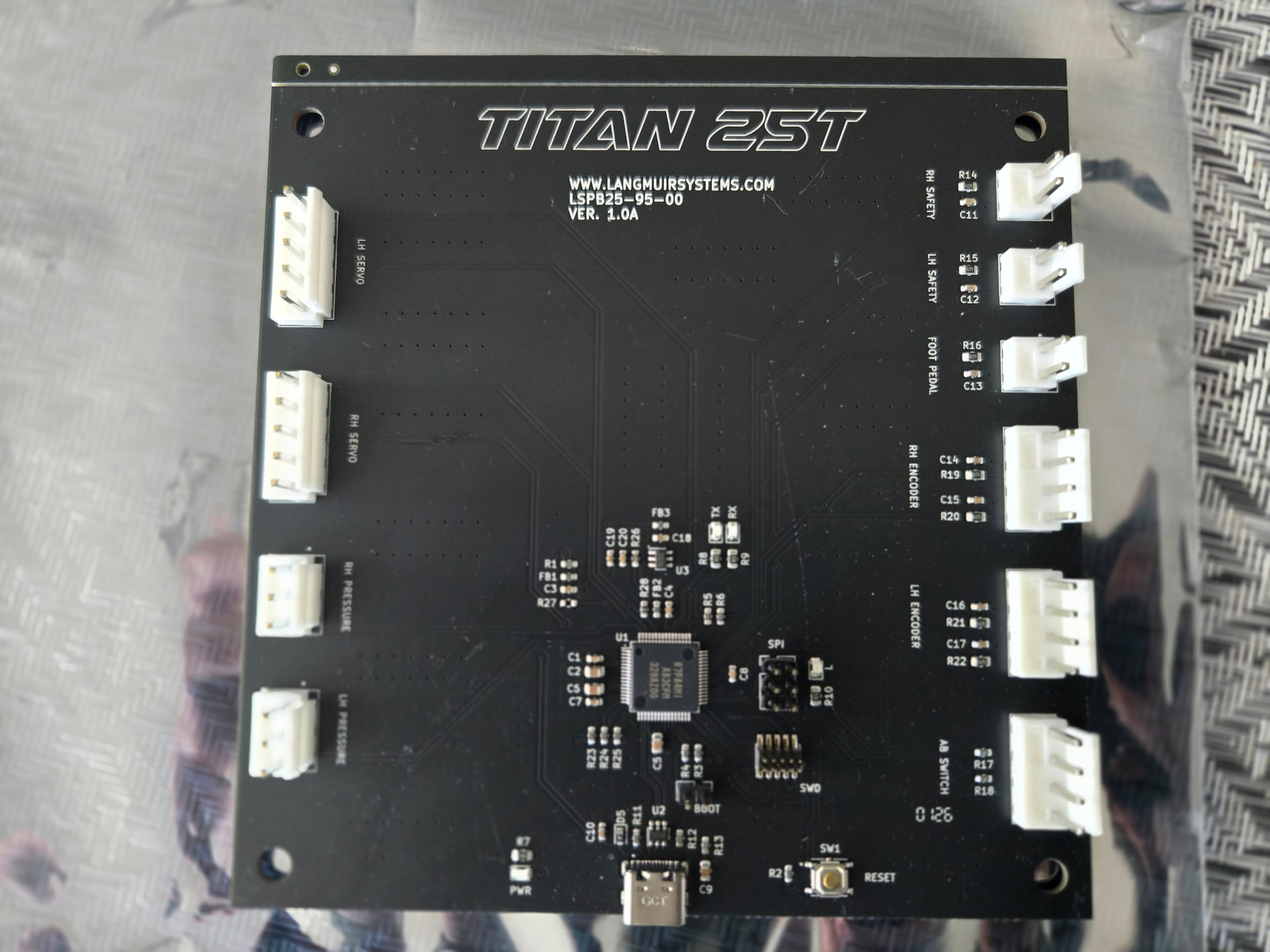
The -0.3T looks like of like a -0.4T reading, so I am thinking this is a faulty motion control board.
To install it, I recommend:
-
Remove the bolts on the underside of the enclosure that hold the electronics assembly in place
-
Remove the Backgauge Electronics Assembly. Remove the bolts that hold it to the enclosure, and unplug it from the USB.
-
Test the new base machine control board by swapping out the cables on the old control board and plugging them into the new control board, and running the machine.
-
For the full replacement: remove the touchscreen so you can work on the machine through the front window.
You will want to save your ram-to-table opening distance before swapping out the control board.
-
To save your Ram-to-Table Opening Distance calibration
-
Go to the Settings tab and write down the current calibrated value so you can type it into the machine after you replace the motion control board.
-
Alternatively, you can just measure your own calibrated value and input it after replacing the control board. Bring the ram down to “Y =-3.000” using the MOVE TO (Safety Button Operated) command in the Manual Mode tab. Measure the opening distance with a caliper and add your machine position (+3.000”) to get your total ram to table opening distance. This value can be fixed in the settings tab.
I will send you an invoice for one. It is $90 to replace.
1 Like
I had this warning screen several times. I had inadvertently changed the RAM-to-table setting. When the ram came down to hold the metal, it would start to bend it a little due to the setting, and the alarm would pop up. Sam walked me through it and has never done it again.
1 Like
Wait, before I go through the steps here to remove and save my settings and everything…I need to pay for a new one?
I ordered it less than 3 months ago (March 23), and have only owned it when it arrived April 4th.
1 Like
Sam has been super helpful when I did my ram to table adjustment and everything, and I don’t mind getting my hands dirty to replace something if needed.
But, I’m genuinely surprised that I’d have to pay to replace what could be a faulty item (board potentially) if I’ve owned it for 2 months and 2 weeks exactly.
I’m sure he did not know that. I have faith in them. Stay calm.
1 Like
I’ll call them tomorrow. I’m in no rush plus I believe they’re closed as it’s 3:40pm my time and they’re in TX.
I’ve never had an issue actually reaching someone so that’s no concern.
1 Like
Thanks for the call Kwikfab! Yeah my bad. I was looking at the wrong account/email since your user email is different. It was the end of the day and I had too many tabs open haha. This is completely under warranty and I will send that out right away.
2 Likes
I forget I’ve bought a lot of stuff over the years on two email accounts.
Honest mistake, it happens!
2 Likes
I mean who’d be silly enough to use more than one email 
Oh wait…
1 Like
I should update the thread to add that I unexpectedly received the new board yesterday from FedEx.
Like Sam mentioned, it was a simple oversight and that I was indeed covered.
Wasn’t joking when I said I was in no rush as I really didn’t a replacement sent right away - was more of a “am I covered or not” thing. Anyway, the board is here and I’ll look into replacing the current one once we’re back from being out of town.
I’m still curious as to how it would fail although I’m sure everyone is that’s had this happen (including Langmuir).
1 Like
Have fun installing it. A documentary of it would be great. There is a whole lot of stuff in that box.