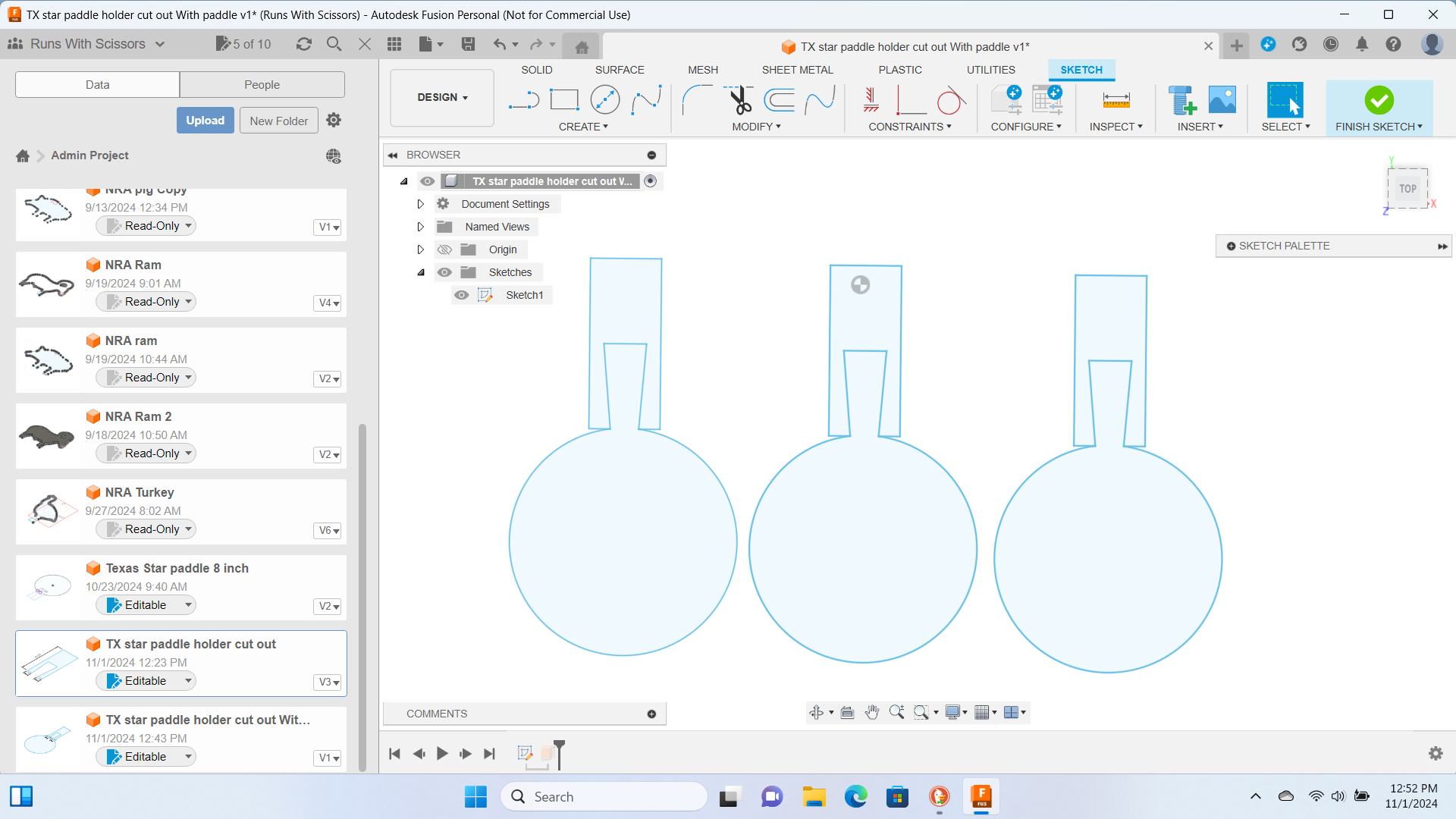
Sharing cut lines is a bad idea in plasma cutting.
You would probably be better off importing a single one into Sheetcam and then duplicating it.
Then you can arrange them in a way that uses less metal. The nesting tool (looks like a cross with arrows on each end) allows you to duplicate parts and move them. You can use the keyboard arrows to move the part and the > and < keys to rotate the part.
It’s possible, but you have to draw it in a way that you can run a no offset cut and maintain your parts accuracy. Otherwise your torch is going to duplicate that cut path and try to run over basically open air.
As Brownfox said, you have to design your parts so there is no offset in the cut path and the torch only cuts that line once.
If you just nest parts next to each other, the torch will cut the shared line twice. The second time is likely to cause the torch to shut off, because there is no metal to complete the circuit.
If you really want to get into it, you can Google “common line cutting” that’s the term for this. I explored this when I was new to the hobby, thinking the savings on torch time and material would be worth it. I even ran a trial of hypertherm’s pronest software. It’s ideal only for long cuts square cuts essentially. Which you could duplicate with open paths anyway.
Not worth it. Of course I don’t use fusion, so nesting for me is as easy and dragging and dropping my svg and hitting copy and paste. I could duplicate those parts flip them and put them .125 away from each other in 15 seconds. Maybe it’s harder with fusion, I wouldn’t know.
You can do you but i wouldn’t try to share a cut line. If there’s no material there for the next pass the cut will stop. I would open a new fusion tab. select and copy one of your plates from the old tab. Then paste it to new tab, move it to where you want then paste an move one after the other till you get the amount and space the way you want. I would leave about 1/4" in between to be sure everything cuts ok.