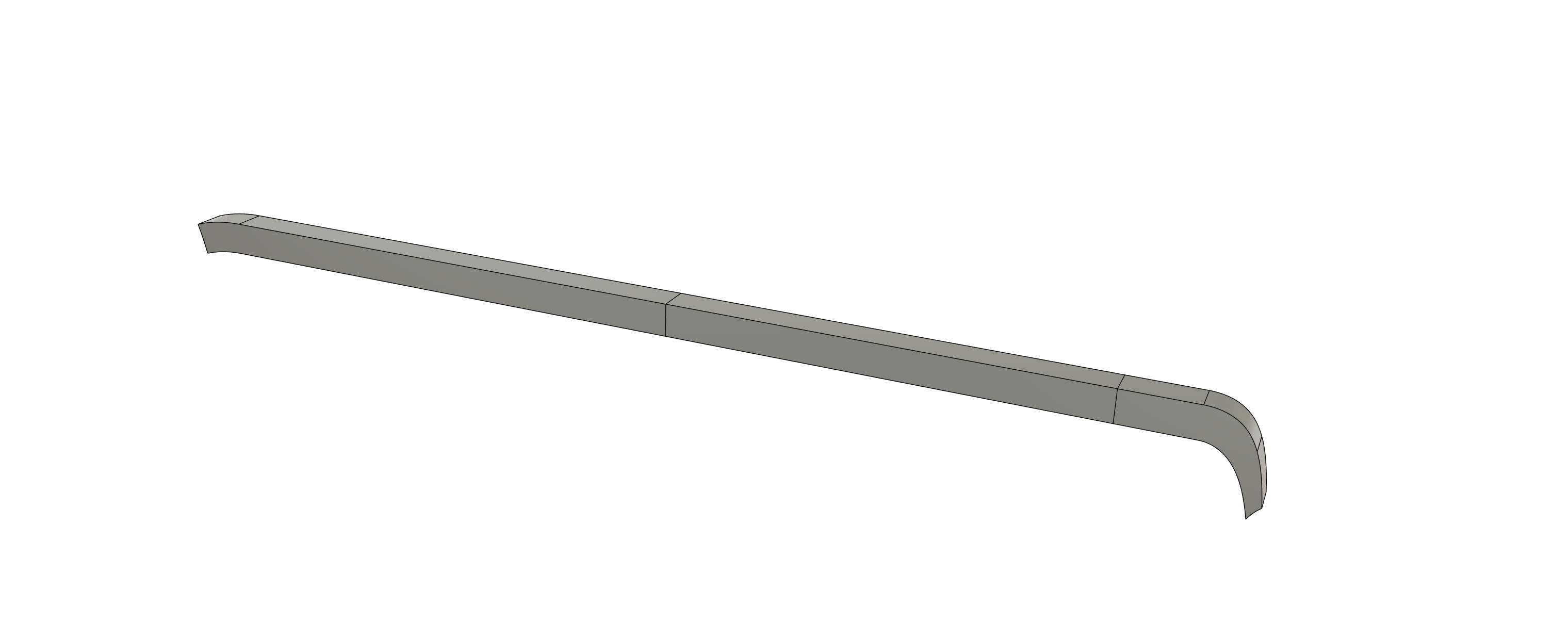
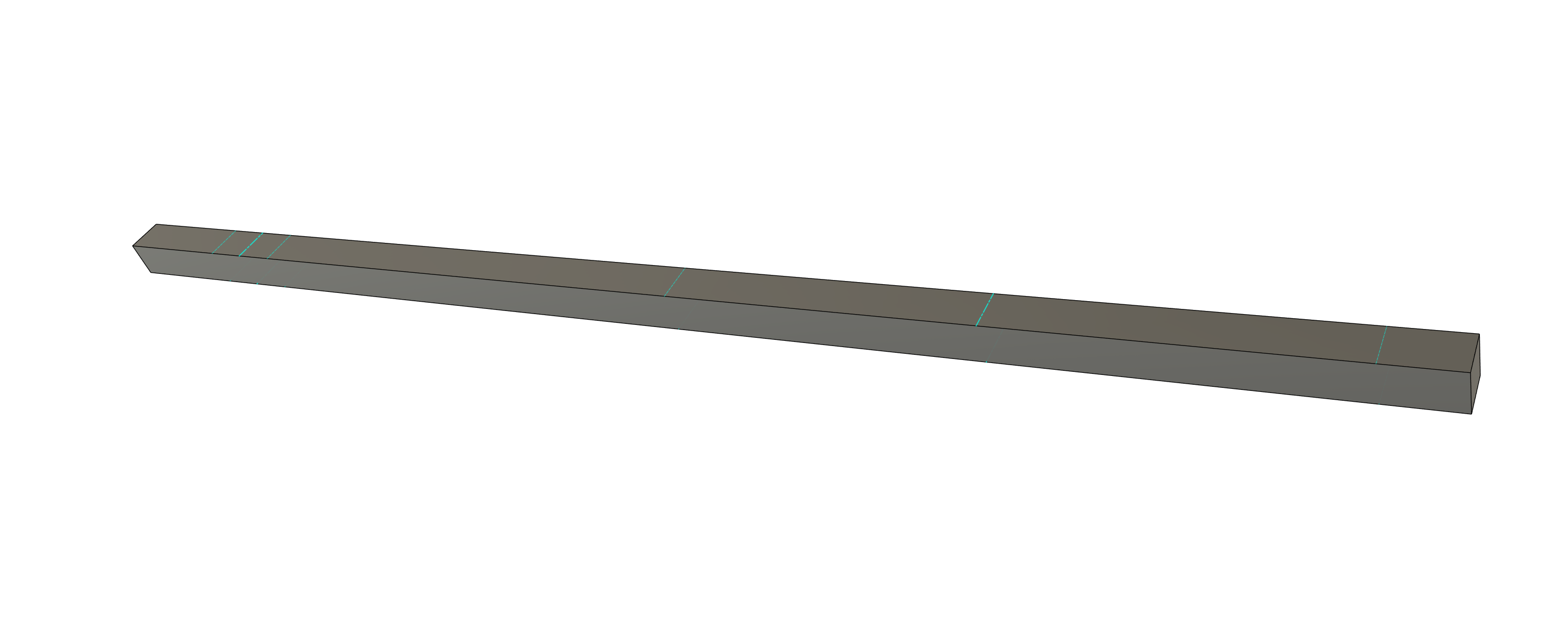
So I can create a flat pattern but its not completely flat. What am I doing wrong?
CMS banana tree tower hook.f3d (64.1 KB)
So I can create a flat pattern but its not completely flat. What am I doing wrong?
CMS banana tree tower hook.f3d (64.1 KB)
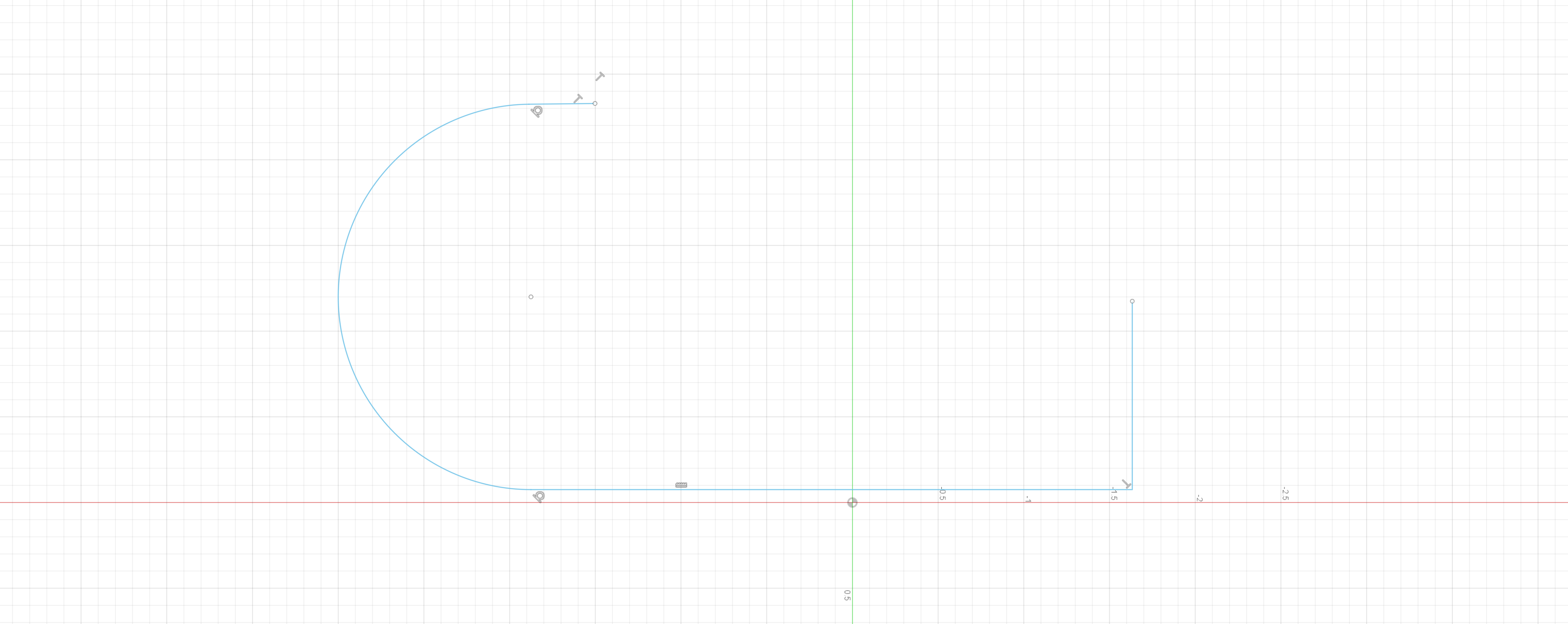
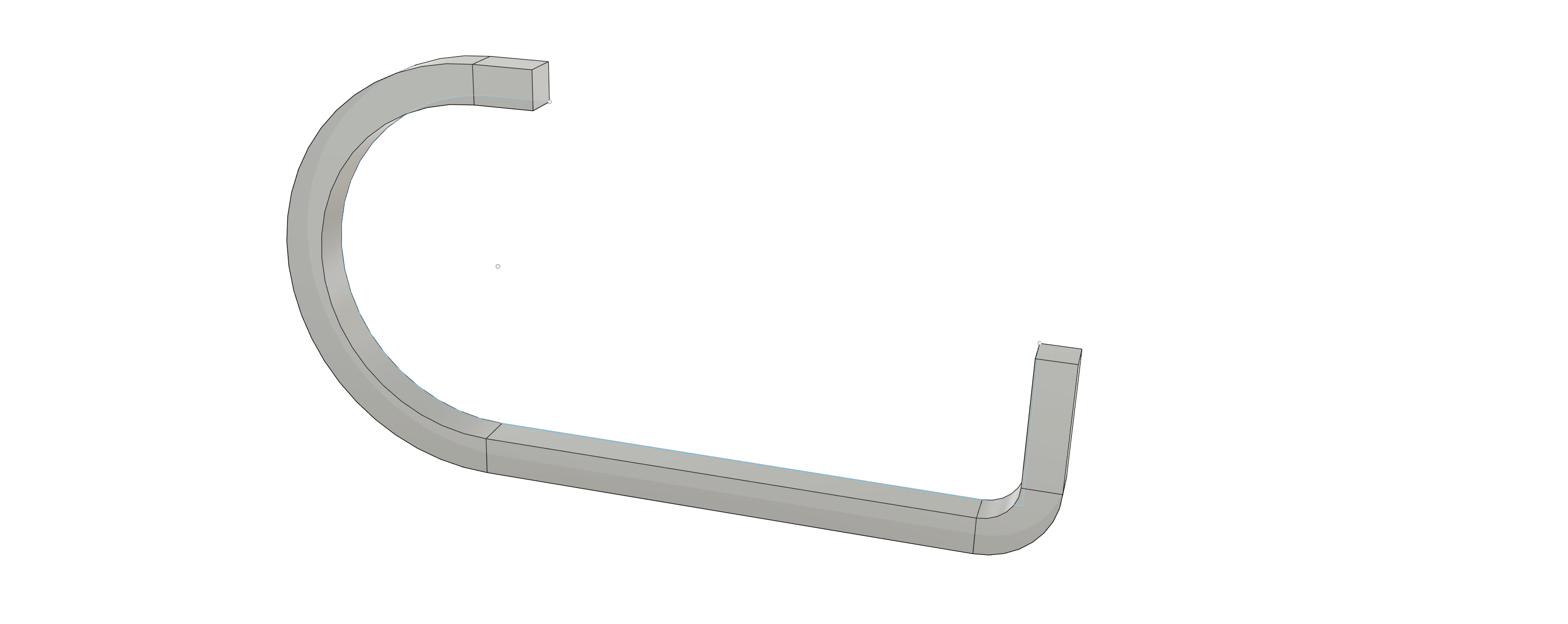
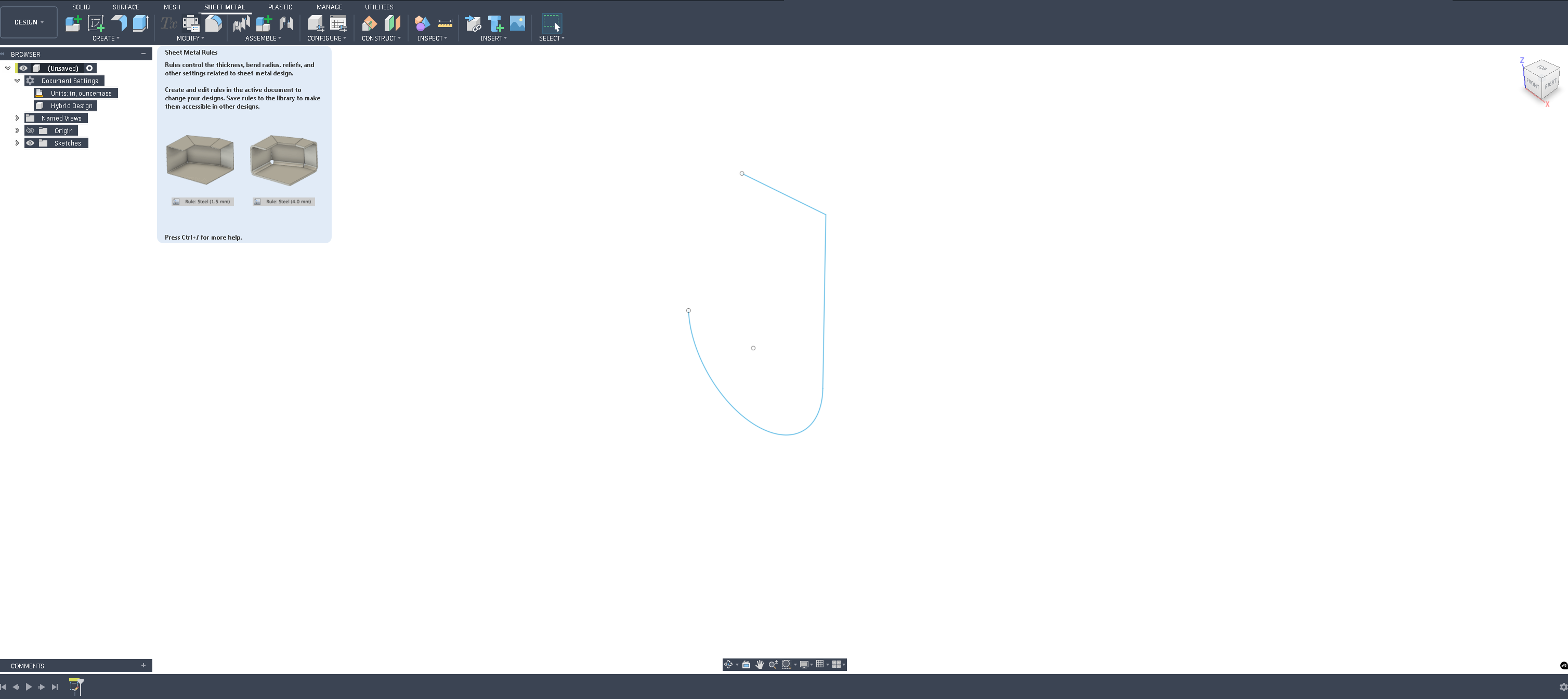
Fusion can be finicky about the profile used to construct a sheet metal part. If the thickness deviates at all or single lines are broken up into multiple lines it doesn’t like that. On your drawing I can see that you extruded a profile that you constructed.
If you use a profile and there’s any deviation from the overall quarter inch thickness along it and in the radii fusion will start having a fit.
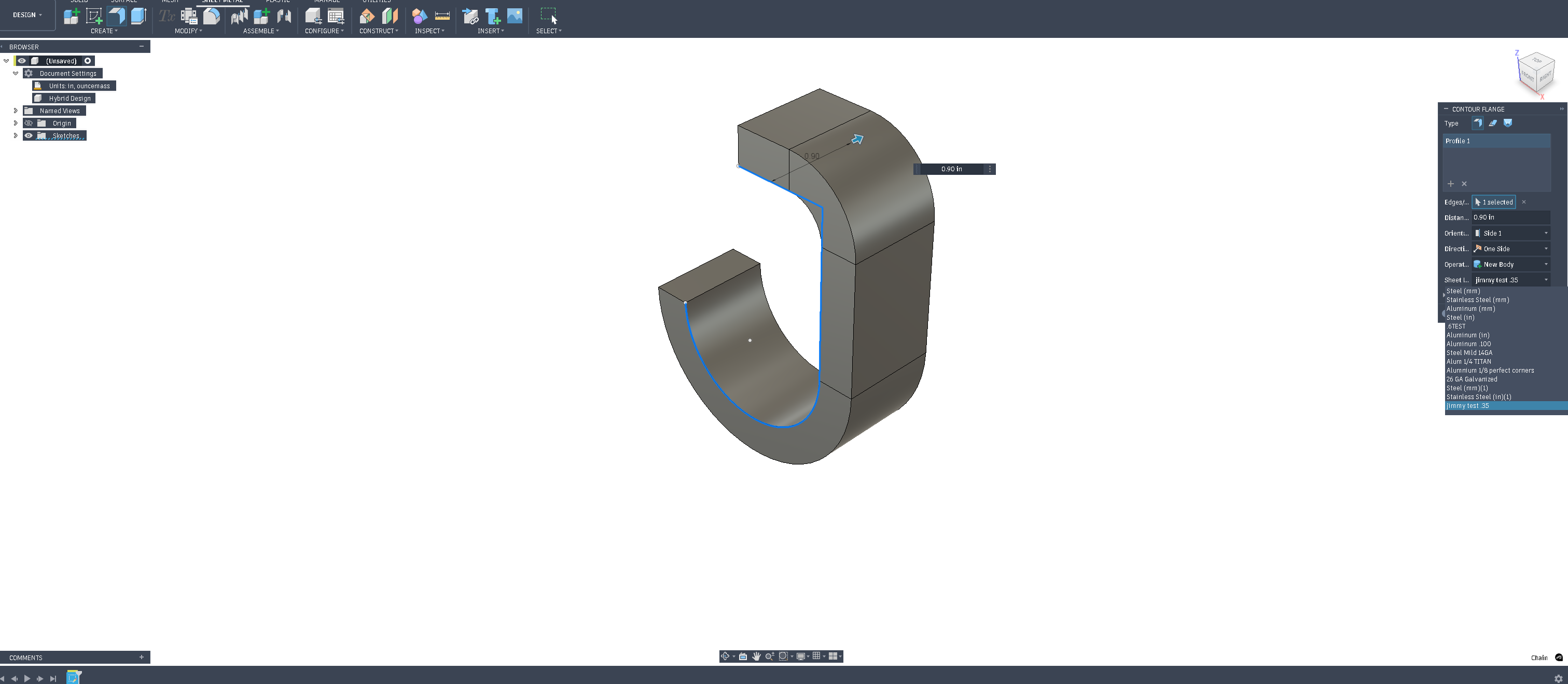
instead use the flange tool on just a line drawing of the profile you wanted.
Doing it in this order will allow you to create a proper flat pattern
I modified your F3D it’s attached below
CMS banana tree tower hook tin mod.f3d (142.6 KB)
Thank you for the explanation. I guess when it came time draw this my approach seemed like the easier way to get it done. Which I almost always find is the completely wrong approach.
I appreciate you doing this!
And if anyone wonders why I always take the wrong approach, I have no Idea. But having a group of guys here to always bail me out is priceless!
I appreciate everyone of you
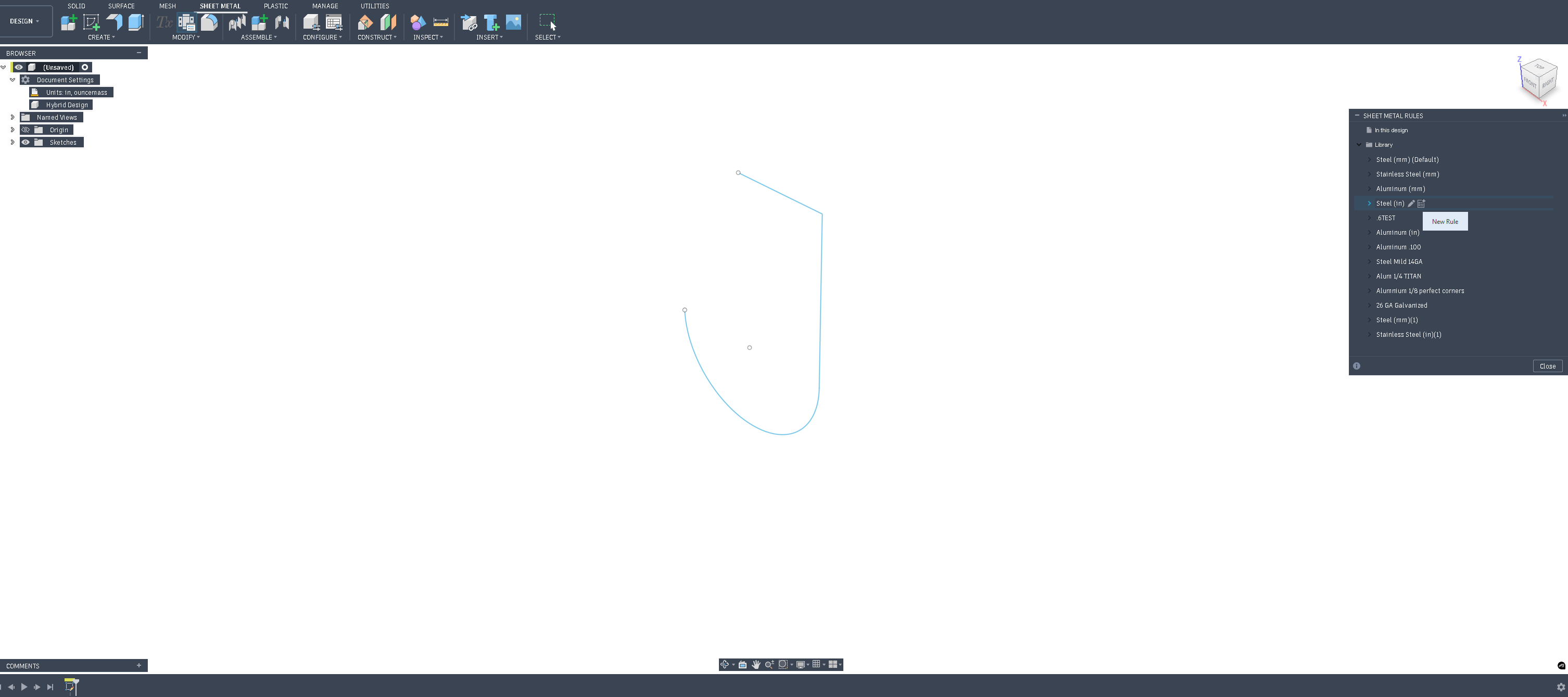
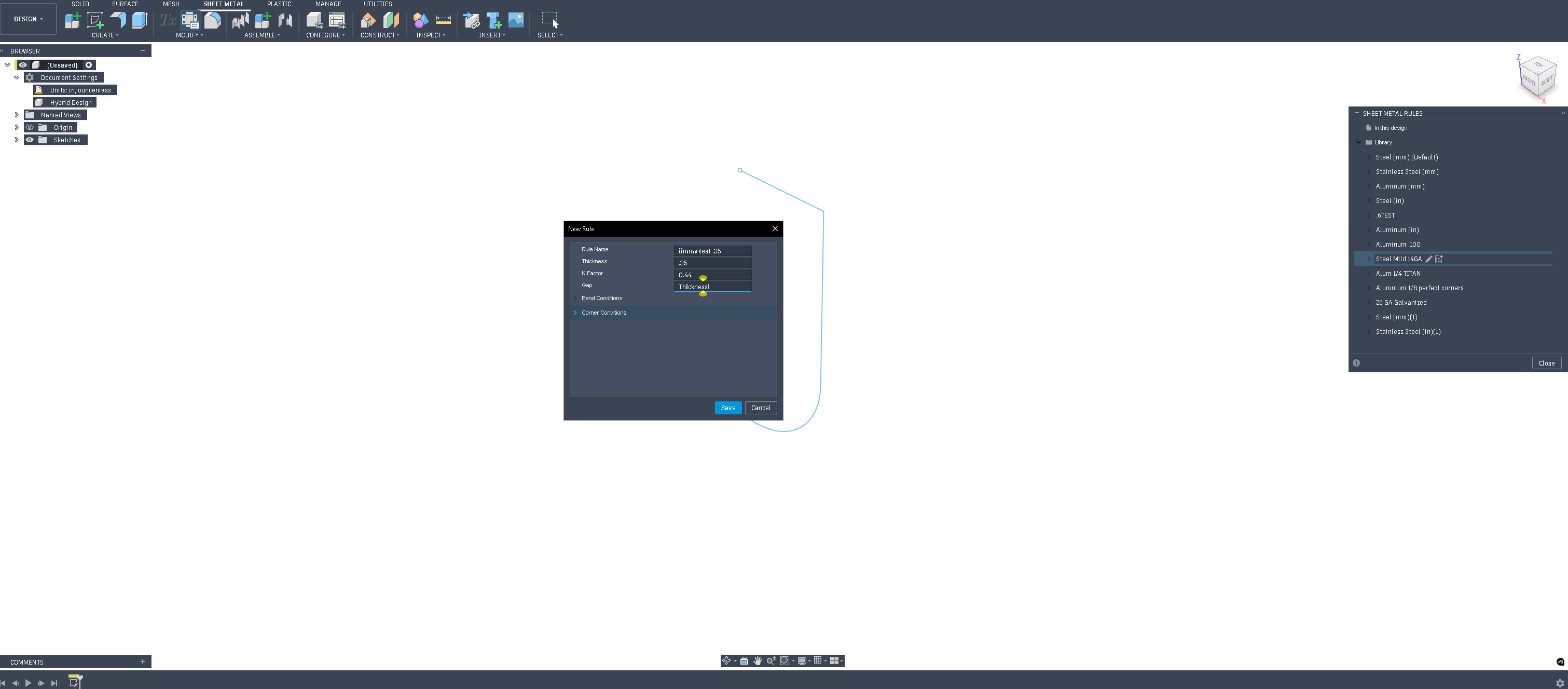
How do you change the thickness of the metal with the flange tool. It seems when I try it (inches) I get either a default of 0.08 inches or 3/16 of an inch with the drop down menu with the Sheet metal rule.
If I try to edit the sheet metal tool, it then makes me decide what the k-factor is. (I guess this is getting me too far into the weeds and over my head. )
)
create a sheet metal rule of your desired thickness before you “pull” the flange with the sheet metal tool. Then when you start your flange select that in the pop up box.
I saw this the other day and thought of you. You probably already know all of what he shows but maybe someone else viewing this thread might find this useful.
I appreciate the video link. Brad Tallis is the man. I have watched that video in the past. It is a good one. Thanks again.
In the video link below at about 31 mins he talks about setting thickness and the impact of his metal library. Also, then he adds some flanges to his design and he has a good trick for checking his flange angles starting about 34 mins.